
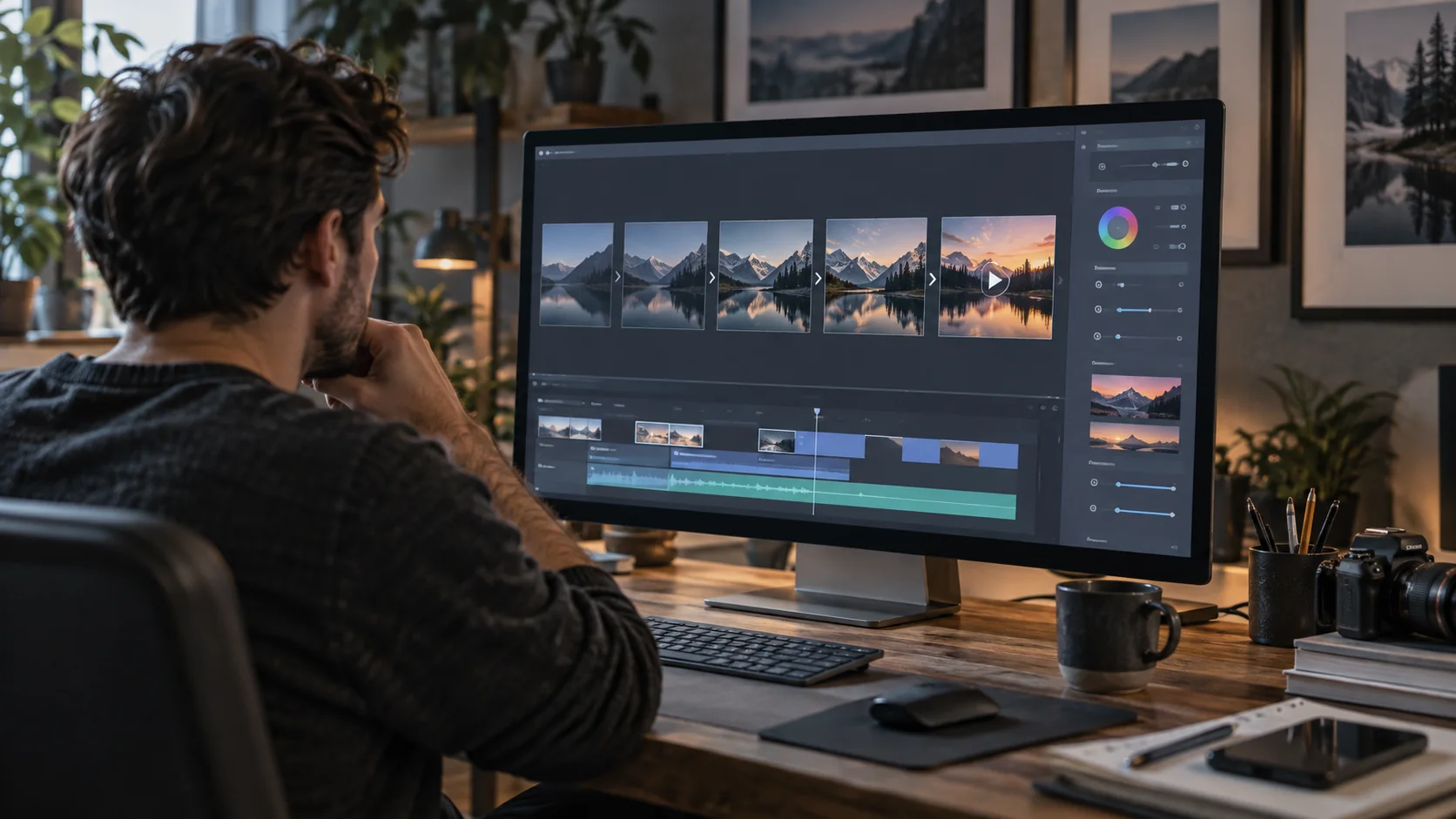
This Domer AI review looks beyond promotional clips to assess how accessible AI video creation really is. Creators need to understand which generation models are available, how much control they have over the output, and how quickly their credits may be consumed.
Domer AI is an online creative platform that brings AI video and image generation tools into a single environment. It supports text-based video creation, image-to-video workflows, and access to multiple AI models for different creative requirements.
The platform may appeal to creators producing short-form social content, marketing visuals, concept videos, and other projects that benefit from AI-generated imagery or motion.
However, access to multiple models does not automatically mean that every model is available on every subscription plan. Generation settings, credit requirements, and supported capabilities can vary.
We examine Domer AI’s documented features, creation workflows, pricing structure, and practical considerations to help readers evaluate whether it matches their production requirements. For another approach to narrated video, see our Fliki AI review.
Disclosure: Moon Picke may earn a commission if you purchase through some links on this page, at no additional cost to you.
What Is Domer AI?
Domer AI is a browser-based AI content creation platform offering tools for generating videos and images.
Its website presents text-to-video and image-to-video creation as central workflows. Users can describe a scene in writing or provide a source image, then use an available generation model to produce a visual result.
The platform also provides access to different AI model families, allowing users to explore more than one generation approach without necessarily working through a separate interface for every model.
This structure can be useful for creators whose projects require different visual styles, generation methods, or output formats.
For example, a creator developing a social media campaign might need an original still image for one post and a short animated sequence for another. These are related tasks, but they require different inputs and generation settings.
Domer combines multiple creative tools within one platform, although the exact models and features available depend on the selected plan and current product offering.
Domer AI Review: Key Features
Text-to-video generation
Text-to-video generation allows users to describe a scene and request an AI-generated video based on that description.
A prompt may specify the subject, setting, movement, visual style, and intended composition.
For example, a creator preparing a short promotional concept could describe a product on a tabletop, the surrounding environment, and the desired camera movement.
The resulting video is generated from the supplied instructions rather than recorded using a physical camera.
This workflow is relevant when a project requires an original visual concept and the creator does not already have suitable source footage.
However, text-to-video generation is not equivalent to precise manual animation. The final result can differ from the intended composition, particularly when a prompt includes several subjects, complicated movements, or detailed interactions.
Creators should review each output and allow for revisions when planning their production budget.
Image-to-video generation
Image-to-video generation begins with an existing still image.
Instead of describing an entire scene from scratch, the creator supplies a visual reference and uses the selected generation tool to introduce motion.
This can be useful when the initial composition already exists.
A product photograph, landscape image, illustrated character, or original digital artwork may provide the visual starting point for a short animated sequence.
For example, a creator could prepare an original image of a workspace and use image-to-video generation to explore subtle camera movement.
The suitability of this approach depends on the available model, supported input formats, motion controls, and the rights associated with the source image.
It is also important to distinguish between generating motion from an image and reproducing a specific real-world movement. An AI-generated result may interpret the requested action differently from a manually animated sequence.
Access to multiple AI models
One of Domer’s notable characteristics is its selection of AI generation models.
Its product pages list models from multiple providers, including options associated with video and image creation.
This gives users a way to explore different generation approaches within the same platform.
However, the availability of a model is not the same as unrestricted access.
Domer’s current pricing information distinguishes between plans partly through the number of models available to subscribers. Some models may therefore require a higher subscription tier.
The platform’s model selection can also change as new versions become available or existing options are updated.
Before subscribing for a specific model, confirm that it is currently available on the intended plan and supports the required creation mode.
A creator who needs image generation and occasional short video clips may have different requirements from someone producing video regularly with a particular premium model.
AI image generation
Domer also provides image-generation tools.
These can support workflows such as preparing concept artwork, creating visual references, developing social media graphics, or producing source images for subsequent video generation.
The relationship between image generation and video generation is particularly relevant.
A creator can begin by developing a still composition, review its subject and framing, and then use an appropriate image-to-video workflow to explore motion.
This approach may offer more control over the initial visual direction than starting every video from a text prompt alone.
Nevertheless, an image-generation tool should not be treated as a substitute for professional image editing in every situation.
Creators may still need to correct details, adjust layouts, or refine the generated image before using it in a commercial project.
Prompt-based creative control
Prompts play an important role in AI video generation.
A useful prompt typically identifies the main subject, environment, intended action, and visual direction.
For image-to-video projects, the source image already establishes much of the composition. The accompanying prompt can focus more directly on the desired motion or changes within the scene.
For text-to-video projects, the prompt must communicate both the visual environment and the intended action.
Creators should avoid assuming that longer prompts always produce more accurate results.
A concise description with clear priorities may be easier to evaluate and revise than a prompt containing many competing instructions.
The amount of control available also depends on the selected model and the settings exposed through Domer’s interface.
Creative templates and examples
Domer’s website presents a collection of video examples and prompt-based creative concepts.
These examples can help users understand the types of scenes that the platform promotes, including cinematic sequences, short-form visual concepts, and social media-oriented content.
For someone new to AI video creation, studying a relevant example can provide a useful starting point for writing a prompt.
However, an example shown on a product website should not be interpreted as a guarantee that every user will obtain an identical result.
The selected model, source material, prompt, generation settings, and available credits may all affect the production workflow.
How to Create an AI Video With Domer
The following workflow describes the general process for preparing an AI-generated video. The exact interface and available controls depend on the selected tool and model.
Step 1: Choose the creation method
Start by identifying whether the project requires text-to-video or image-to-video generation.
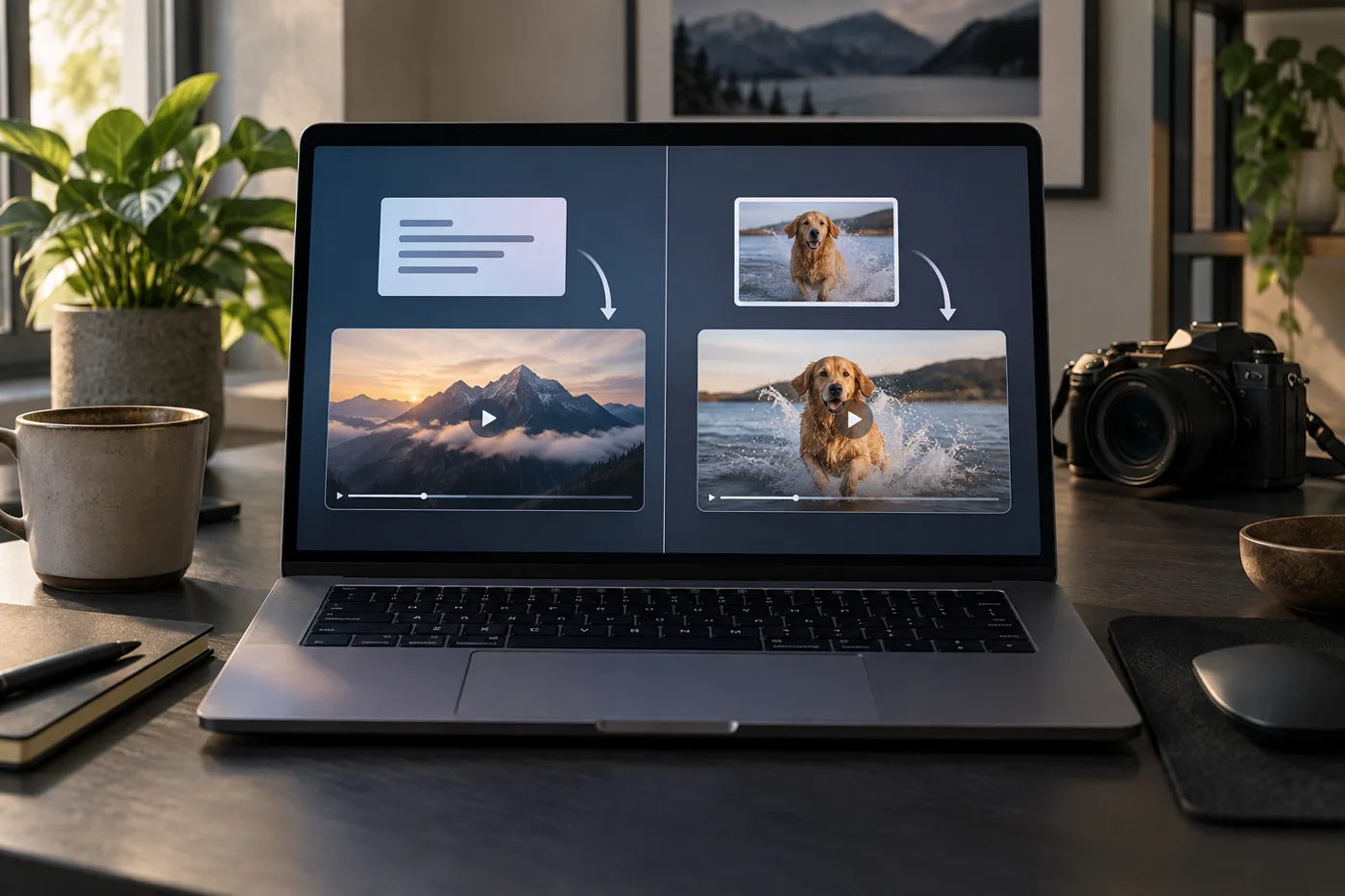
Text-to-video is relevant when the scene needs to be developed primarily from written instructions.
Image-to-video is more appropriate when the creator already has a suitable visual reference and wants to introduce motion.
Choosing the creation method before writing the prompt can make the production process more focused.
Step 2: Prepare the source material
For text-to-video generation, prepare a description of the scene.
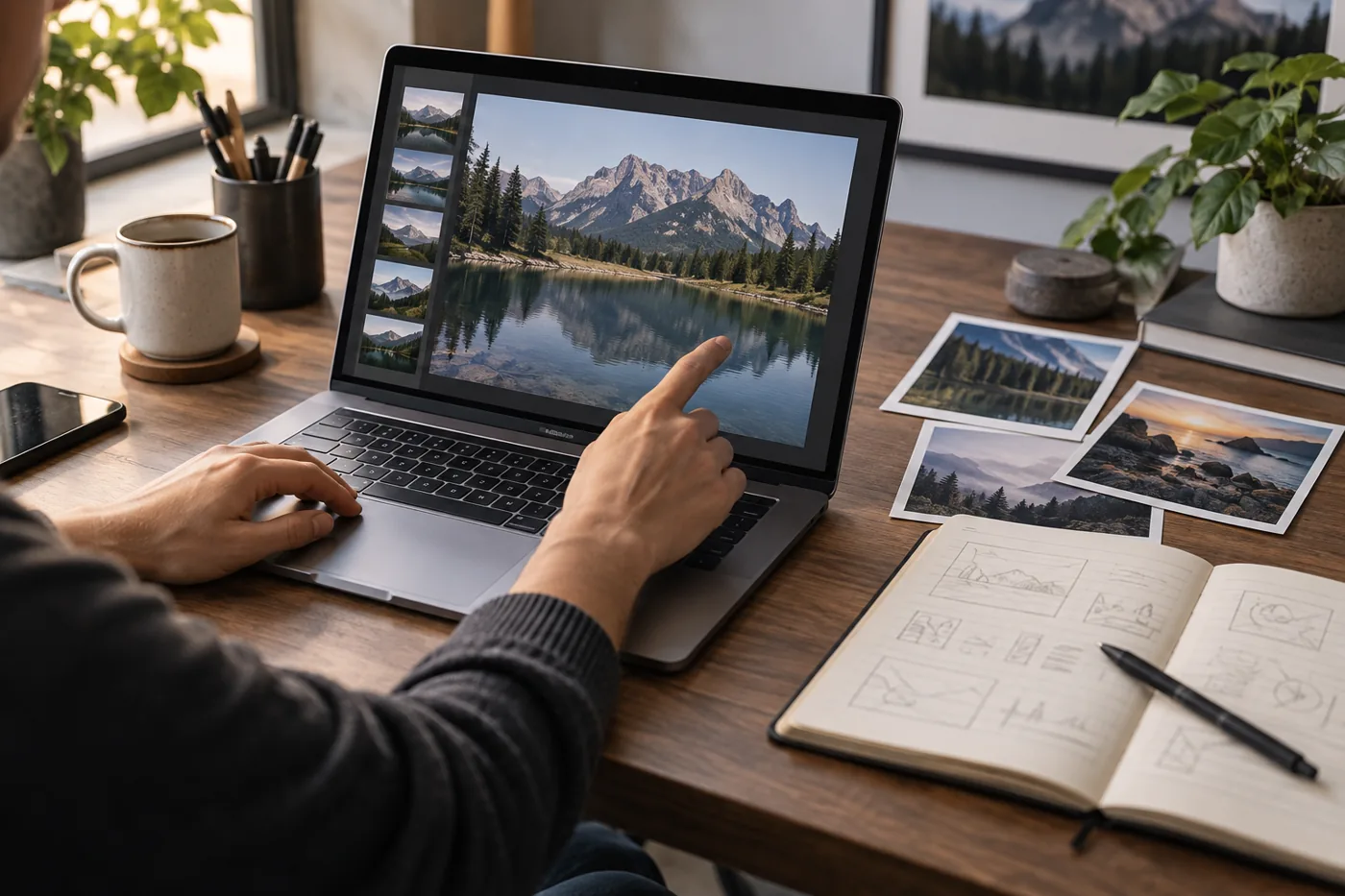
Identify the subject, environment, intended action, and visual style.
For image-to-video generation, prepare a suitable source image.
Use an image that clearly communicates the intended subject and composition. If the project is commercial, confirm that you have the necessary rights to use the source material.
Step 3: Select an available model
Choose a model that supports the intended creation method.
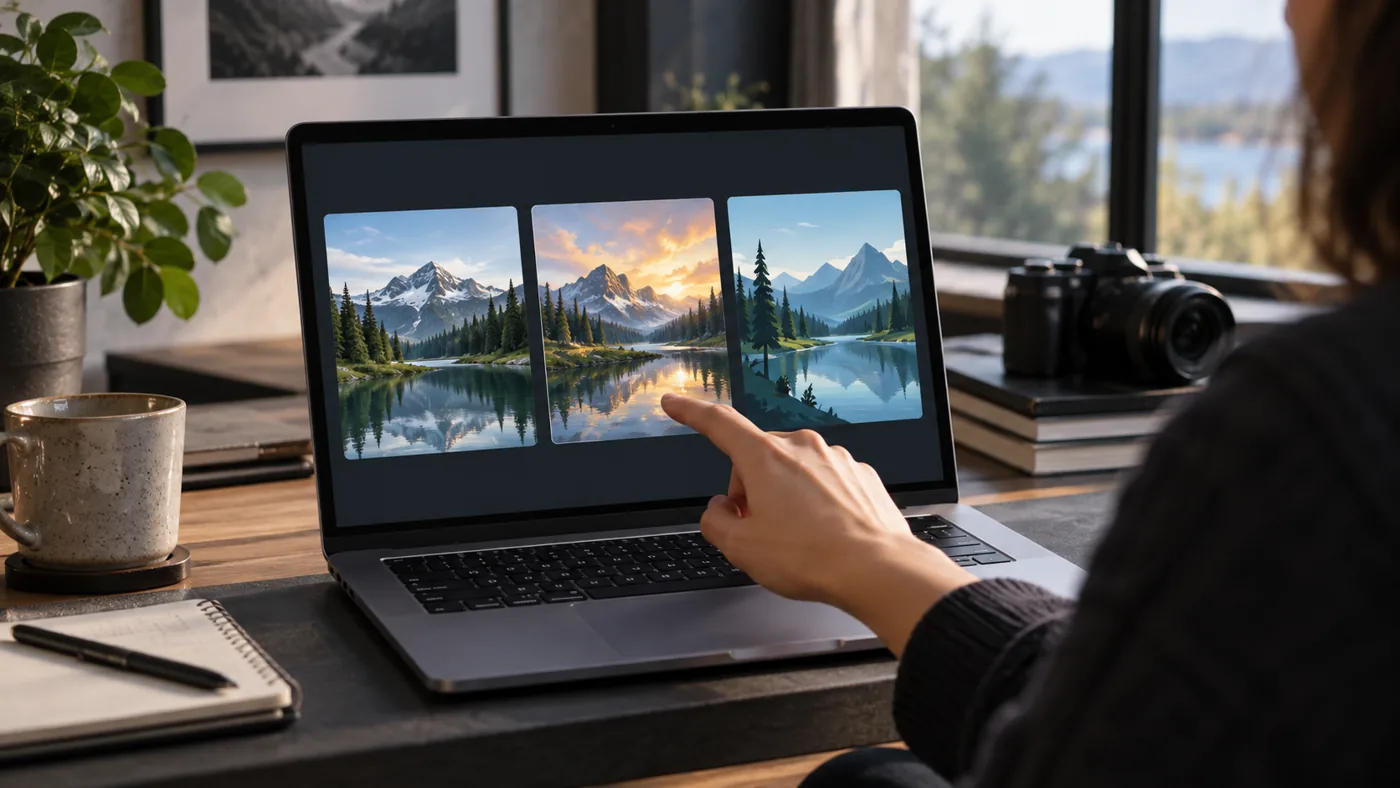
Different models may offer different settings, output capabilities, and credit requirements.
Do not assume that every model supports both text-to-video and image-to-video generation.
If a particular model is essential to the project, verify its availability on the intended subscription plan before purchasing.
Step 4: Configure the generation
Review the settings available for the selected model.
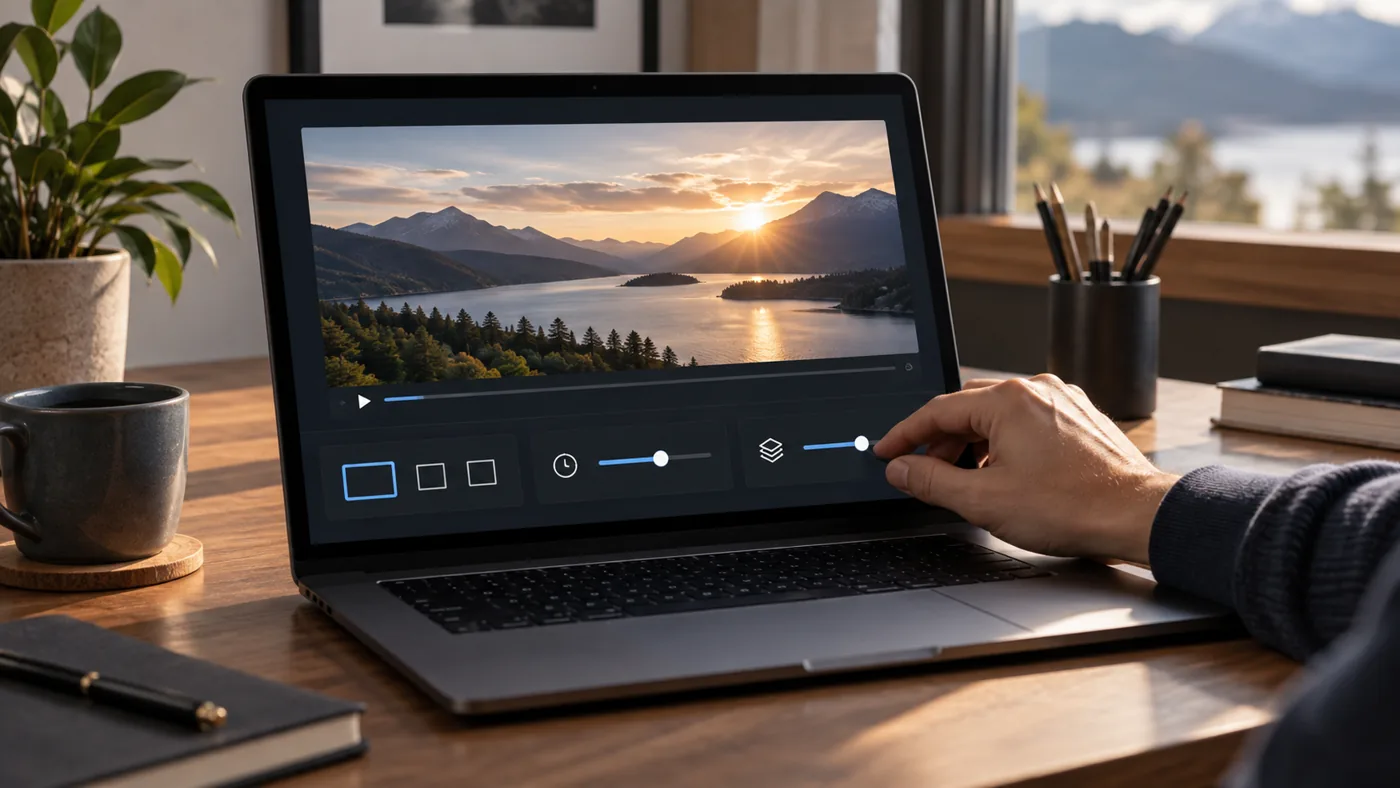
Depending on the tool, these may include video duration, aspect ratio, output quality, or other generation controls.
Use only settings actually supported by the current interface.
Before generating, review any displayed credit requirement.
Step 5: Generate and inspect the result
Submit the generation request and review the completed output.
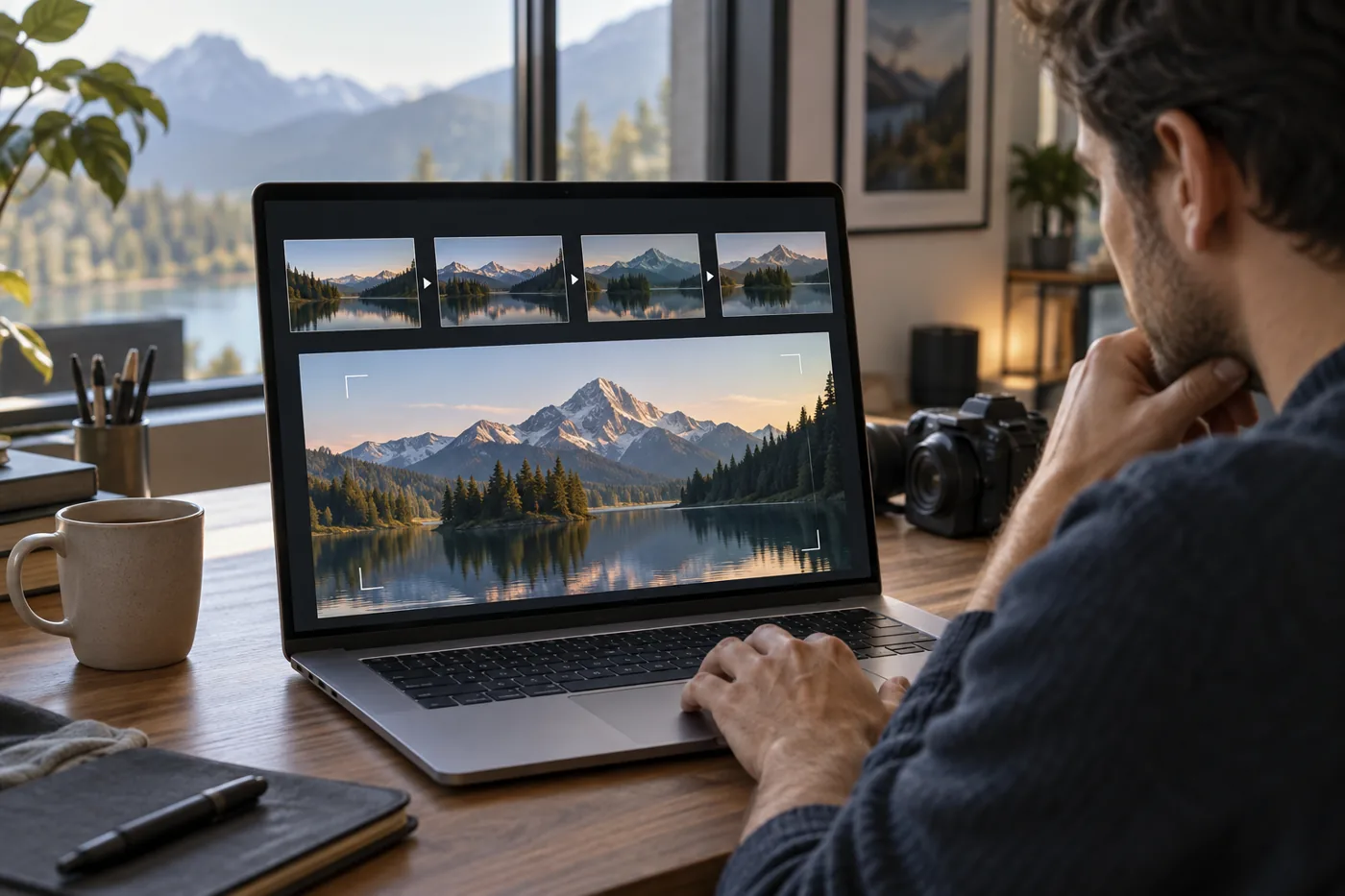
Check whether the subject, motion, framing, and overall visual direction match the intended concept.
For marketing content, also inspect any product details, text, logos, or other elements that must remain accurate.
If the result requires revision, adjust the prompt or source material as appropriate.
Step 6: Download and prepare the final asset
Once the result meets the project’s requirements, use the available download or export options.
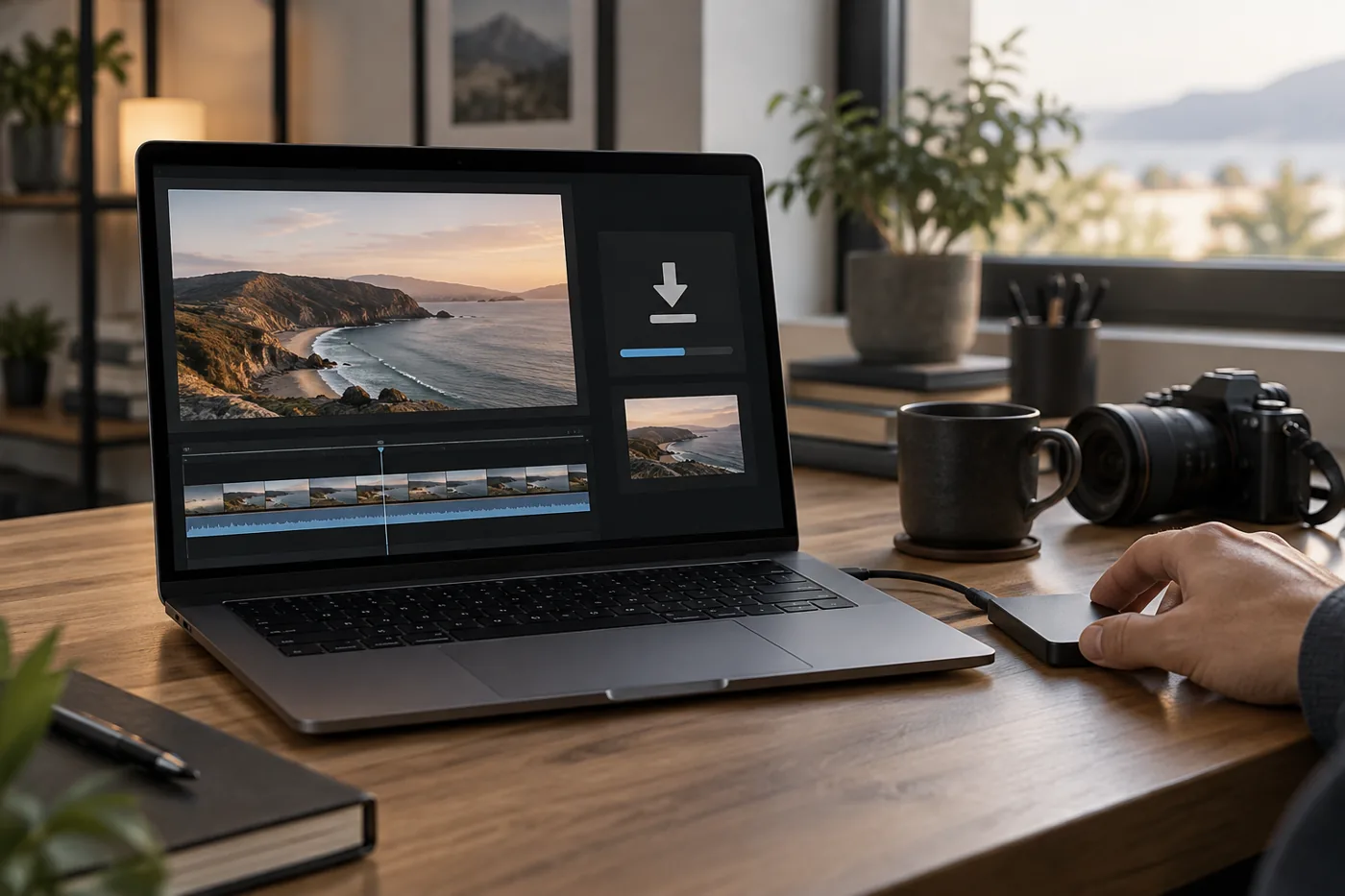
Before publishing the video, confirm that the output format, resolution, and applicable usage rights are suitable for the intended platform.
For projects requiring several connected scenes, additional editing software may still be useful for arranging clips, adding audio, and preparing the final sequence.
Practical Use Cases for Domer AI
Short-form social media videos
Domer’s video-generation tools may be relevant to creators developing short visual sequences for social media.
Text-to-video can help create an original scene, while image-to-video can introduce motion into an existing composition.
The generated clips can then be incorporated into a larger social media production workflow.
Creators should still consider the requirements of the destination platform, including video dimensions, duration, audio, and content policies.
Product and marketing concepts
AI-generated visuals can help businesses explore creative directions before committing to a full production.
For example, a marketing team might use an original product image to develop a motion concept or create a short visual sequence illustrating a campaign idea.
However, generated content should be reviewed carefully when it depicts a real product.
An AI-generated image or video may alter packaging, proportions, labels, or other important details.
Marketing materials should not misrepresent the actual product being sold.
Concept visualization
Domer may also be useful during the early stages of a creative project.
A filmmaker, designer, or content creator can use text and image generation to explore different compositions and visual directions.
Short AI-generated clips may help communicate a proposed atmosphere or movement before more detailed production begins.
These outputs can serve as creative references without necessarily replacing the final production process.
Image-based animation
Creators who already have original illustrations or photographs may find image-to-video generation useful for exploring motion.
The process begins with the existing image, which provides a visual reference for the generated clip.
This can be relevant to digital artwork, illustrated storytelling, and other projects where the initial composition matters.
However, creators should evaluate the output for unwanted changes to the subject or background.
Domer AI Pricing: What Should Buyers Check?
Domer uses a subscription and credit-based pricing structure.
Its website presents several subscription tiers with different credit allowances and model-access restrictions.
The entry-level Starter plan is listed at $9.99 per month with 200 monthly credits, while the Basic plan is listed at $19.99 per month with 500 monthly credits as checked on September 25, 2026.
The platform also advertises higher-capacity plans intended for creators who require additional generation credits or access to more models.
Pricing and promotional offers may change. Verify the current plan selector and checkout before purchasing.
| Pricing consideration | What to verify |
|---|---|
| Subscription price | Current monthly and annual billing options |
| Included credits | Number of credits provided by the selected plan |
| Model access | Whether the required generation model is included |
| Generation cost | Credits required for the intended video or image settings |
| Download options | Available output quality and watermark restrictions |
| Additional credits | Whether top-ups are offered and under what conditions |
| Cancellation | Current renewal and cancellation terms |
The most important consideration is not simply the monthly subscription price.
A creator planning to generate several short videos with a premium model may consume credits differently from someone producing occasional images.
The selected model, video duration, and generation settings can influence the practical cost of a project.
Before purchasing a plan, estimate the number of outputs needed and confirm the current credit requirements for the intended workflow.
Does Domer offer free access?
Domer’s homepage advertises 10 introductory free credits.
This can provide an opportunity to explore the platform before selecting a paid plan.
However, free access should not be interpreted as unlimited access to every generation model or output setting.
Check the current account interface for available credits, supported models, and download restrictions.
Do unused credits expire?
Domer’s pricing materials advertise that unused credits do not expire.
Nevertheless, buyers should verify the current subscription terms, particularly when comparing monthly allowances with separately purchased credits.
The conditions governing credit availability and account access may affect how a creator plans future production.
Is a higher plan necessary?
A higher subscription tier may be relevant when a project requires a model unavailable on a lower plan or when the expected generation volume exceeds the included credit allowance.
However, the appropriate plan depends on the actual production requirements.
Before upgrading, identify the required model, estimate credit consumption, and compare the available plan benefits.
What Are Domer AI’s Limitations?
Generation credits require planning
Credit-based platforms require users to consider the cost of generating and revising content.
A project may need multiple attempts before the output matches the intended visual direction.
Creators should reserve part of their credit budget for revisions rather than assuming that every generation will produce a usable result.
Model availability differs by plan
Domer’s pricing information distinguishes between subscription tiers partly through model access.
A user subscribing for a particular generation model should verify that it is included in the selected plan.
The number of available models is less important than access to the specific capabilities required by the project.
Generated results require review
AI-generated videos may contain unexpected visual details or movement.
This is particularly important for projects involving real products, recognizable people, or precise visual requirements.
Creators should inspect the output before using it in advertisements, client deliverables, or other public-facing materials.
A complete production may require additional editing
Generating an individual video clip is not necessarily the same as producing a complete video with multiple scenes, narration, music, and a finished timeline.
Depending on the project, users may need additional editing tools to assemble the final content.
The extent of this requirement depends on the output and the creator’s production goals.
Can You Use Domer AI for Commercial Projects?
Commercial use is an important consideration for anyone creating advertising materials, monetized videos, or client content.
Before using Domer-generated content commercially, review the platform’s current terms and any model-specific conditions.
Also confirm that you have the necessary rights to uploaded images, reference videos, audio, trademarks, and other source material.
Using an AI generation platform does not automatically grant permission to reproduce someone else’s copyrighted work or likeness.
If a generated video depicts a real product, verify that the final output accurately represents the product and does not introduce misleading details.
For client projects, confirm the applicable usage terms before delivering the generated assets.
Who Should Consider Domer AI?
Domer may be relevant to creators who want to explore AI video and image generation through a single online platform.
Its text-to-video and image-to-video workflows support different starting points: written concepts for one project and existing visual references for another.
Access to multiple generation models may also be useful for users whose creative requirements change between projects.
However, buyers should examine the available models and credit costs rather than selecting a subscription solely because it advertises a large number of creative tools.
Creators who require highly precise animation, extensive manual editing, or a complete multi-scene production workflow should confirm whether Domer’s available tools meet those requirements.
The relevant question is whether the platform supports the specific type of content you intend to create at a cost that fits your expected usage.
Final Assessment
Domer AI provides an online environment for AI video and image generation, with text-to-video, image-to-video, and multiple model options forming an important part of its offering.
For creators exploring short-form visuals, original scenes, or image-based animation, these workflows may provide useful starting points.
The main buying considerations are model availability, generation settings, credit consumption, output requirements, and the rights associated with commercial projects.
Before subscribing, identify one representative project, confirm the required model, and check the current credit estimate and plan restrictions.
That approach provides a more useful basis for evaluating Domer than relying on promotional examples alone.
Frequently Asked Questions
What is Domer AI?
Domer AI is an online platform offering AI video and image generation tools, including text-to-video and image-to-video workflows.
Can Domer AI generate videos from text?
Yes. Domer offers text-to-video generation, allowing users to describe a scene and generate a video using an available model.
Can Domer animate an existing image?
Domer offers image-to-video generation. Users can provide a source image and use a supported model to create a video based on that visual reference.
Does Domer provide multiple AI models?
Yes. Domer’s product and pricing pages list models from multiple providers. Availability depends on the current offering and subscription tier.
Is Domer AI free?
Domer advertises introductory free credits. Users should check the current account interface for available models, generation limits, and download conditions.
How much does Domer AI cost?
Domer’s pricing materials have listed Starter at $9.99 per month and Basic at $19.99 per month with monthly billing. Prices and plan benefits may change, so verify the current checkout before subscribing.
Do Domer credits expire?
Domer’s pricing materials advertise that unused credits do not expire. Review the current terms for the specific credit type and subscription before purchasing.
Can I use Domer-generated videos commercially?
Commercial use depends on the platform’s current terms, any applicable model restrictions, and the rights associated with the source material. Verify these conditions before using generated content in advertising or client projects.