
Best AI video generators for creators are not one product type. In 2026 the phrase covers direct clip generators, multi-model workspaces, prompt-to-finished-video builders, avatar/presenter platforms, and editing-centric suites. This roundup matches tools to workflows—idea, assets, generation, control, iteration, edit, audio, export, rights, and cost—not demo-reel polish. Moon Picke did not run a side-by-side output benchmark. We classified current U.S.-accessible products from official pages and help docs (September 2026) and captured public interfaces where noted. Methods: How We Evaluate and editorial standards.
Best AI Video Generators for Creators: Quick Picks
What is the best AI video generator for creators? There is no universal winner. Runway is the best overall balance of generation plus an in-product editor for this set. Higgsfield is the best multi-model workspace. Kling AI is the best specialized cinematic clip generator here. InVideo AI is the best complete script-to-timeline builder. HeyGen is the best avatar/presenter platform. Pricing and plan availability were verified in September 2026; recheck live pages before you subscribe.
| AI Video Tool | Best For | Tool Type | Key Workflow Strength | Pricing Model | Main Limitation |
|---|---|---|---|---|---|
| Runway | Overall / cinematic clips + edit | Direct generator + production workspace | Gen-line generation plus Aleph-class editing tools | Subscription + credits (annual $ shown lower) | Credits reset on Standard/Pro; iteration burns fast |
| Higgsfield | Multi-model workspace | Multi-model creative platform | Many models and apps in one account | Subscription + credits; some “Unlimited” rules | Credits and unlimited access are easy to misread |
| Kling AI | Cinematic clip generation | Direct generator | Text/image-to-video as a generation studio | Membership + credits | Not a full YouTube assembly suite |
| InVideo AI | Complete prompt-to-video | Complete video builder | Agent + timeline + stock + voice-oriented finish | Per-seat subscription + credits (annual billing on listed cards) | Credits do not roll over; model access is plan-gated |
| HeyGen | Avatars / presenters | Avatar platform | Script, avatar, voice, localization | Free + subscription + credits | Free-plan output is non-commercial under current Terms |
Moon Picke may earn a commission if you purchase through some links on this page, at no additional cost to you. Affiliate Disclosure. The only user-supplied affiliate URL in this cluster article is Higgsfield. Rankings were not based on that link. See current Higgsfield plans.
How We Chose the Best AI Video Tools for Creators
We asked which current tools U.S. creators can actually subscribe to, then sorted them by primary workflow: generate a shot, mix models, finish a video, or put a presenter on camera. That is how we picked these best AI video generators for creators—not by demo length. We checked official pricing, credit rules, model-access notes, export/watermark language where published, and commercial-use terms. We did not invent quality scores, render times, or cost-per-video. Screenshots prove a control or plan existed when captured—not that outputs are “better.” Five tools is enough for this pillar; a sixth would have duplicated a clip-generator job. Child reviews should carry deeper tests later. See also Guides, AI & Digital Products, and About.
Runway — Best Overall for Creators
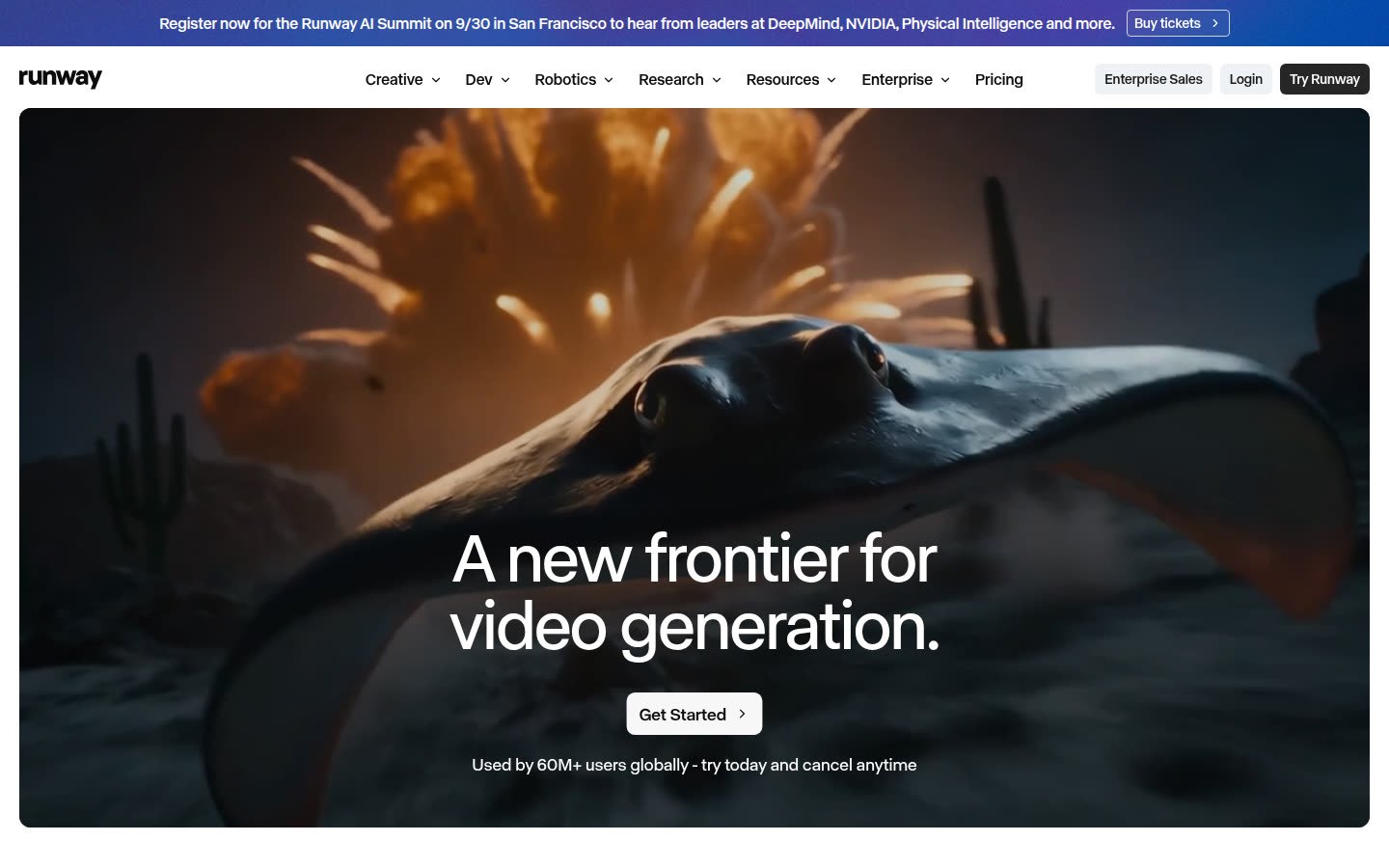
Runway is a generation studio with a serious in-app production layer, not only a prompt box. Official pricing (September 2026) lists Standard at $12/month billed annually ($15 monthly rate shown), Pro at $28/$35, and Max at $76/$95. The same page lists model meters such as Gen-4.5 at 60 credits per 5 seconds, Aleph 2.0 at 140 credits per 5 seconds, and Seedance 2.0 Pro 1080p at 160 credits per 4 seconds—not a fixed videos-per-plan count. Confirm monthly credit pools at checkout. Free includes a one-time 125-credit deposit that does not expire. Extra credits (1,000 minimum) can be bought on paid plans, not Free. Standard and Pro monthly credits do not roll over; Max can roll over up to one month. Purchased extra credits are described as not expiring. Higher paid plans document broader model access and unlimited 4K upscale; Max is replacing Unlimited for new subscribers (existing Unlimited accounts switch November 30, 2026 per Runway’s plan guide). Partner names on the table are access, not proof Runway trained every listed model. Help copy has stated that, as between you and Runway, generated content is not limited to non-commercial use by Runway—re-read current Terms for campaigns. Confirm aspect ratio and export in the live UI. Who should use it: creators who generate clips, then restyle or extend them in-product. Skip Runway if you need talking-head localization or a template-first YouTube factory.
Higgsfield — Best Multi-Model Creative Workspace
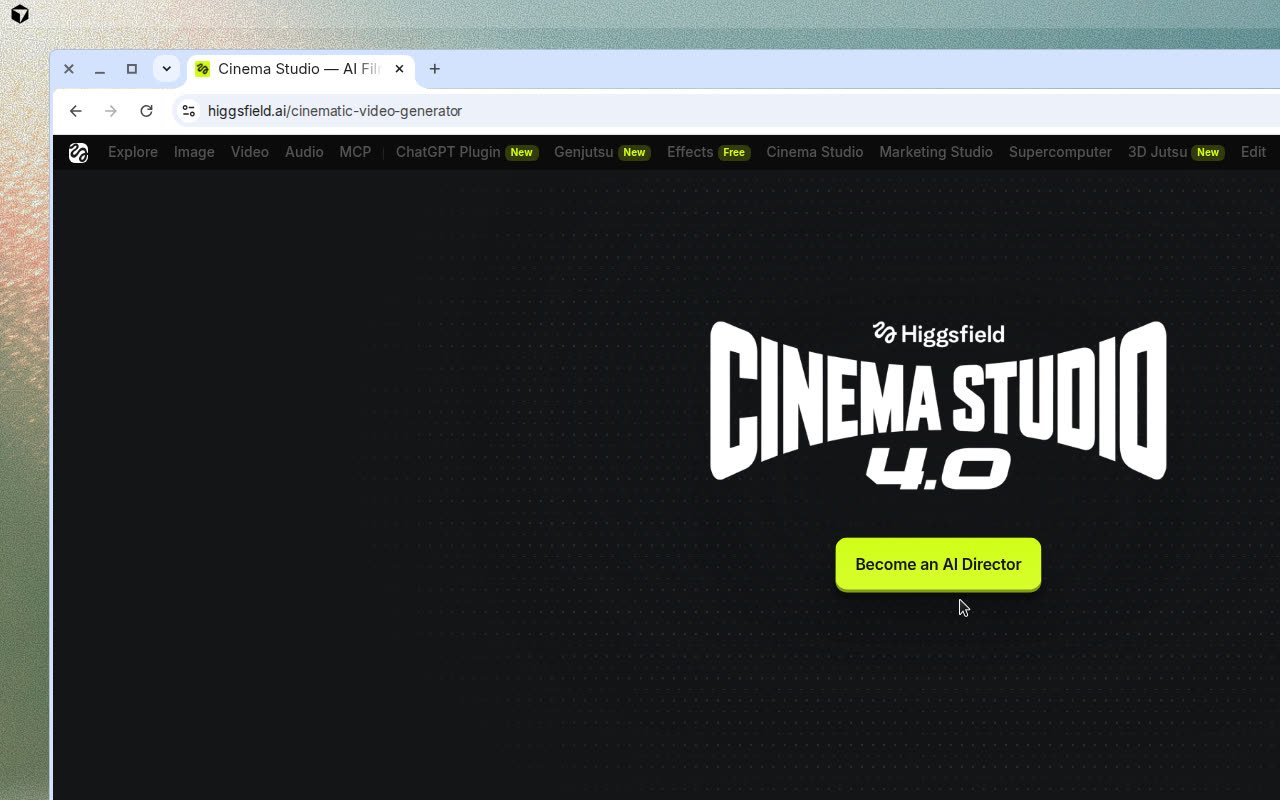
Higgsfield is a platform and app layer over many image/video models. Treat listed model names as access, not Higgsfield-owned model weights unless a page says otherwise. Cinema Studio, Effects, Genjutsu, Marketing Studio, and Supercomputer are workflow surfaces. Official help (updated August 2026): individual vs Team/Scale/Enterprise; monthly credits that reset and do not roll over on individual plans; annual credits reset every 30 days; cost shown on Generate; no trial, only a limited free-tier model set without a credit allotment; “Unlimited” models skip credits only on higgsfield.ai for a documented window—MCP/CLI/Canvas/Supercomputer still deduct credits. Unlimited access is described as a one-time purchase whose models and duration depend on plan, not as “everything is unlimited forever.” Pricing cards captured September 2026 showed Starter 270, Plus 1,200, and Ultra 3,000 credits per month plus promotional annual badges; confirm live dollar amounts on the same page because discounts rotate. Credit Packs and Auto-Refill expire 90 days after purchase; subscription credits require an active plan. Failed generations usually refund credits, with model-specific exceptions listed in help. Confirm commercial-use wording on the live Terms of Use linked from the site before client campaigns; the help center is not a substitute for that legal page. Check current Higgsfield pricing. Who should use it: creators who actually switch models and need one credit wallet. Skip Higgsfield if you want one native editor for a 10-minute YouTube cut, or if you will generate mainly through MCP and expected “unlimited” to apply there.
Kling AI — Best for Cinematic Clip Generation
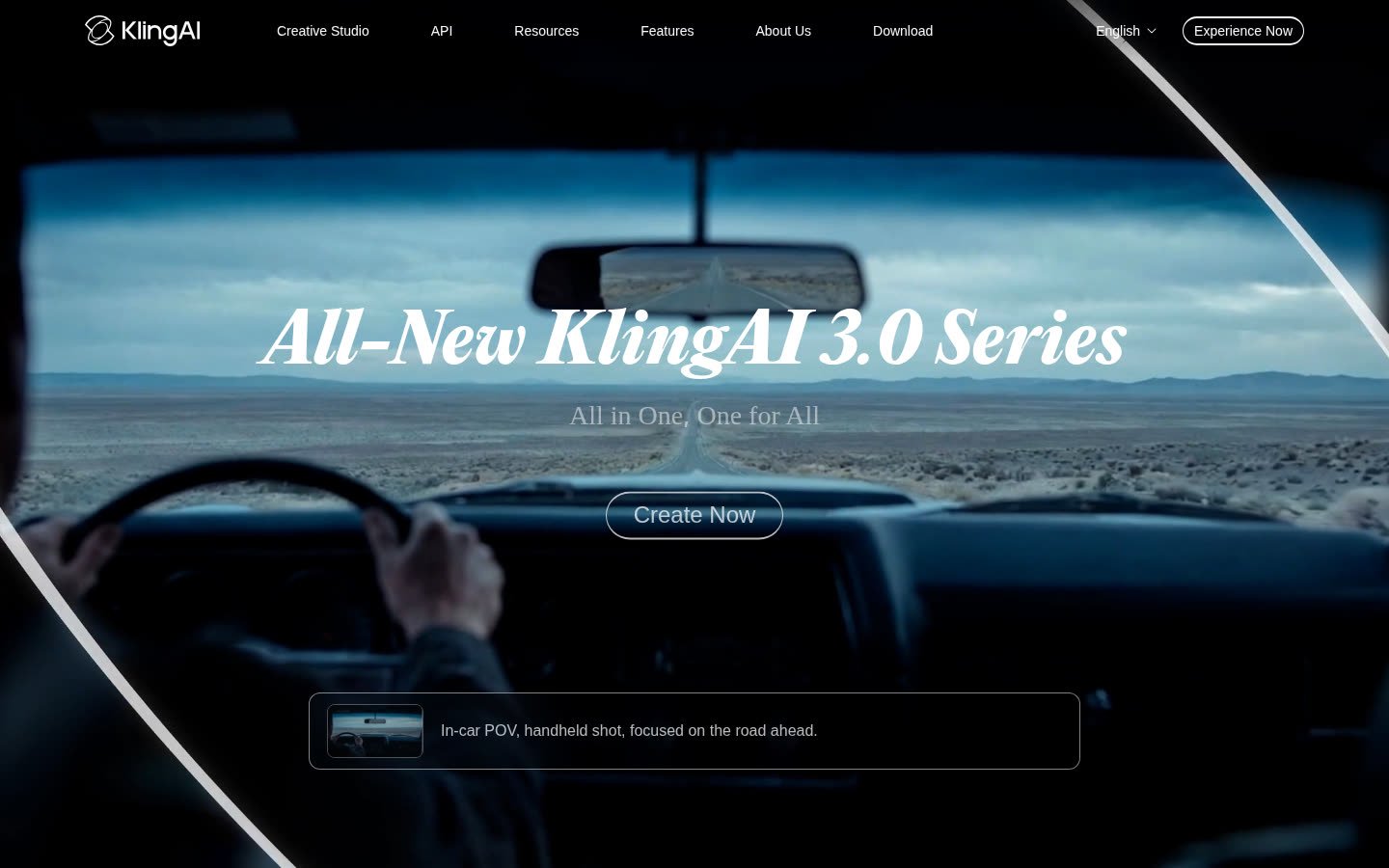
Kling AI is a direct generator: text-to-video and image-to-video as the core job, plus image tools on the same studio. It is not ranked here as a complete video builder. Membership is credit-based; public membership materials discuss generation resolution, watermark removal, and commercial use on paid tiers, and free-tier commercial limits on some plan cards—verify the live membership page, including first-month discounts vs renewal rates. Do not lock a U.S. dollar figure from a third-party blog. Native audio, when offered on a given model version, is billed in credits per second according to Kling’s own user guides, which change by mode. Element-creation caps and fast-track queues are plan features on those cards, not proof of faster renders in every region. Recheck model names on the generator UI the week you subscribe—version labels move quickly. Do not compare Kling “realism” to HeyGen avatars; they solve different jobs. Who should use it: creators who need short cinematic shots, product motion, or image-to-video, then assemble elsewhere. Skip it if you need a talking presenter or a finished YouTube assembly line. A cinematic clip generator is not a complete video builder—even when the clip looks like a movie trailer. Pair Kling with an editor if your job is a full episode, not a shot.
InVideo AI — Best for Complete Prompt-to-Video Production
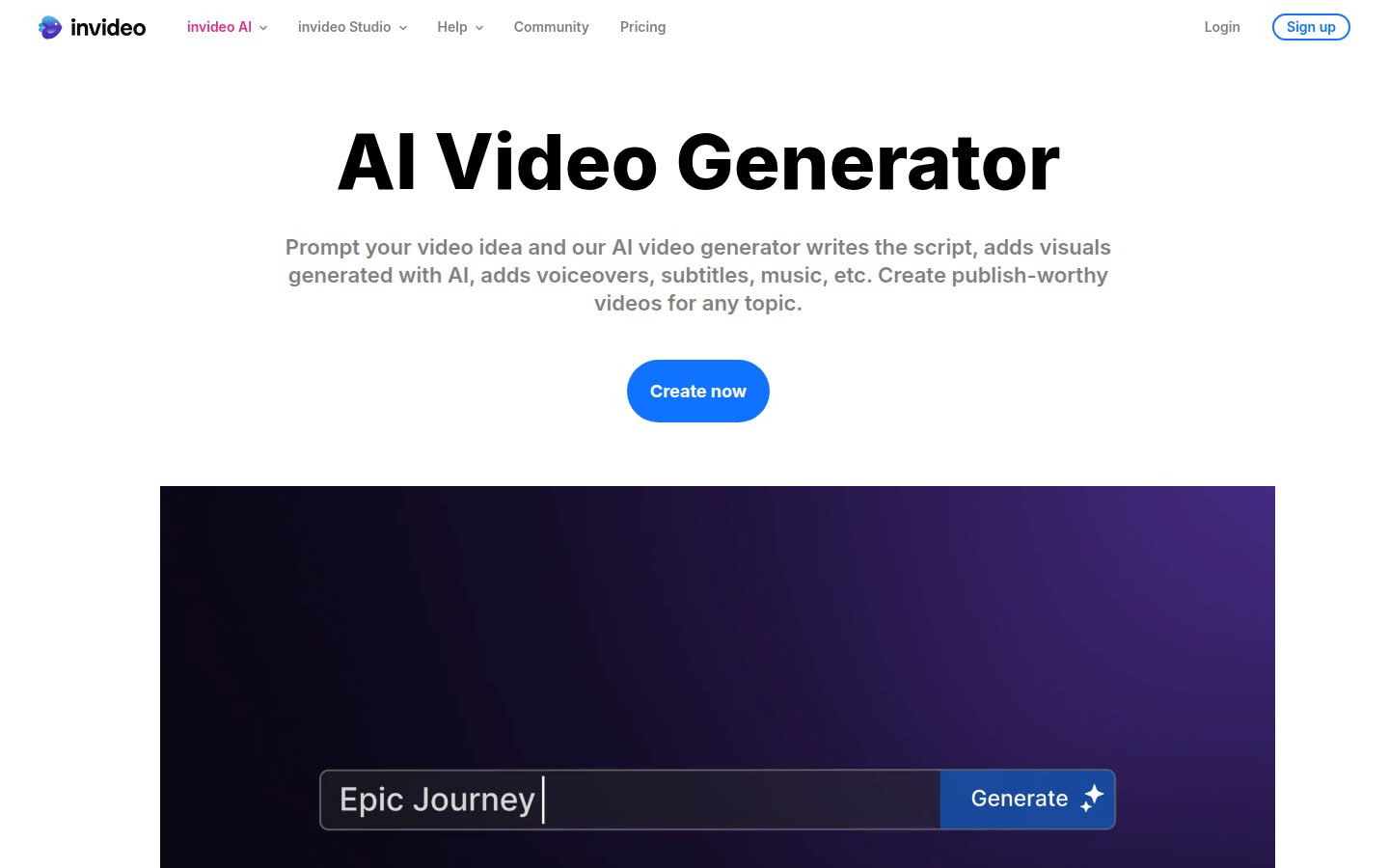
InVideo AI is a complete builder: agents, a documented timeline editor (color, audio, 3D tools listed on every compared plan), stock footage allotments, and credits spent on generative models at “original API pricing” per InVideo’s FAQ. Official pricing cards in September 2026 showed Starter at $20 per seat per month billed annually (400 credits/seat/month) and Plus at $50 billed annually versus a $60 monthly-equivalent strike (2,000 credits), with Max at higher credit pools. Starter lists no Seedance 2.5 / 2.0 access; Plus/Max include those model families. Starter still lists Seedance 2.0 Fast & Mini. Unused credits do not roll over. Current Terms grant a perpetual, royalty-free licence to commercialise Outputs, subject to third-party licensed/stock terms; Outputs may not be unique. The public comparison we captured emphasized paid annual seats—confirm whether a free quota is listed the day you visit. Frontier-agent access is Lite-only on Starter and broader on Plus/Max according to those cards. Who should use it: creators whose bottleneck is assembling scenes, voice, captions, and export. Skip it if you only need five-second hero shots and already edit in another NLE, or if you assume unused credits carry over. Skip Starter if you specifically want Seedance 2.5 or 2.0 access.
HeyGen — Best for AI Avatars and Presenter Videos
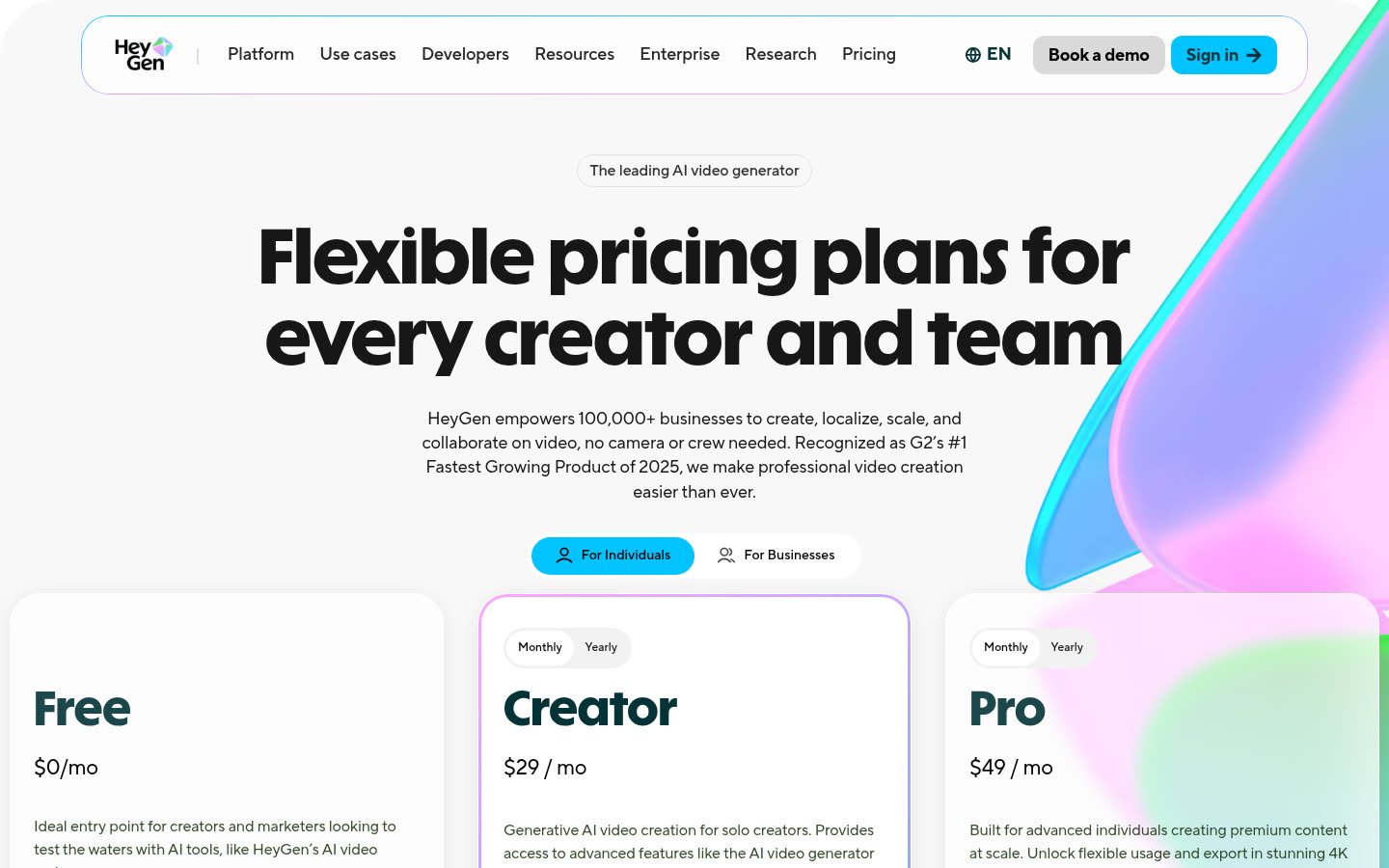
HeyGen is an avatar/presenter platform: stock and custom avatars, Avatar IV, AI voices, cloning on paid plans, translation (30+ languages on Free; 175+ on Creator+), and an AI Studio editor. Official pricing: Free $0 with 3 videos/month up to 1 minute; Creator $29/month (or $24/month billed annually) with 600 credits, 1080p, watermark removal; Pro from $49/month with 1,000 credits and 4K; Business $149/month plus $20/seat. Credits vary by model, duration, and complexity; monthly unused credits roll one extra month, annual credits accumulate until renewal. Current Terms: as between you and HeyGen, paid users own User Output including commercial purposes, with a disclaimer that outputs are not warranted free of third-party IP claims. Free Plan output is licensed only for personal, non-commercial, internal evaluation and may not be sold or used in ads. Who should use it: explainers, localization, and camera-free talking videos. Skip HeyGen if you need cinematic B-roll rather than a talking presenter. Avatar realism is not compared here to Kling or Runway shots.
Direct Generators vs Multi-Model Workspaces vs Full Video Builders
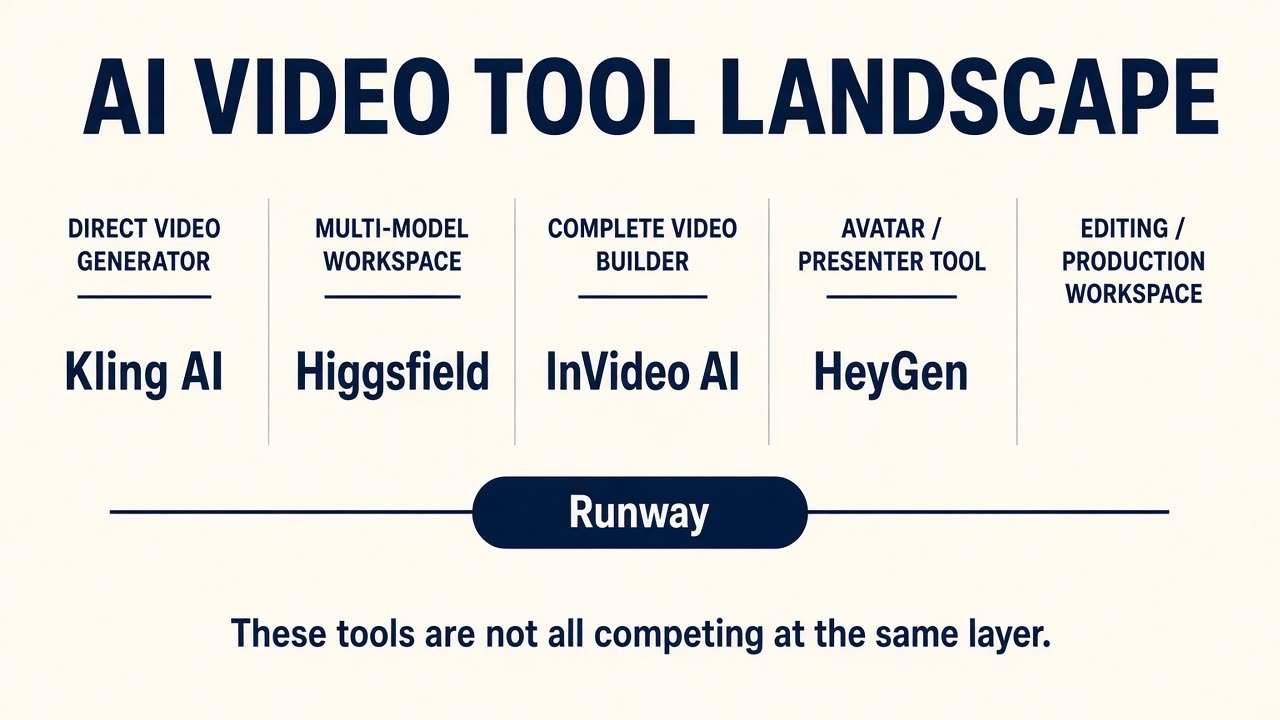
What is the difference between an AI video model and an AI video platform? A model generates pixels (and sometimes audio). A platform sells interface, credits, asset libraries, and maybe several models. Higgsfield and InVideo can route to third-party models; Runway sells its own Gen line plus listed partners—that is access, not proof Runway trained every listed name. A five-second generator can lose to a “weaker” builder on YouTube because captions, voice, and a timeline are the actual job. More models are not a better workflow if you cannot iterate, export, or afford retries. More controls are not automatically easier: a dense Cinema Studio can slow a Shorts creator who only needed a vertical cut with captions.
How AI Video Pricing and Credits Actually Work
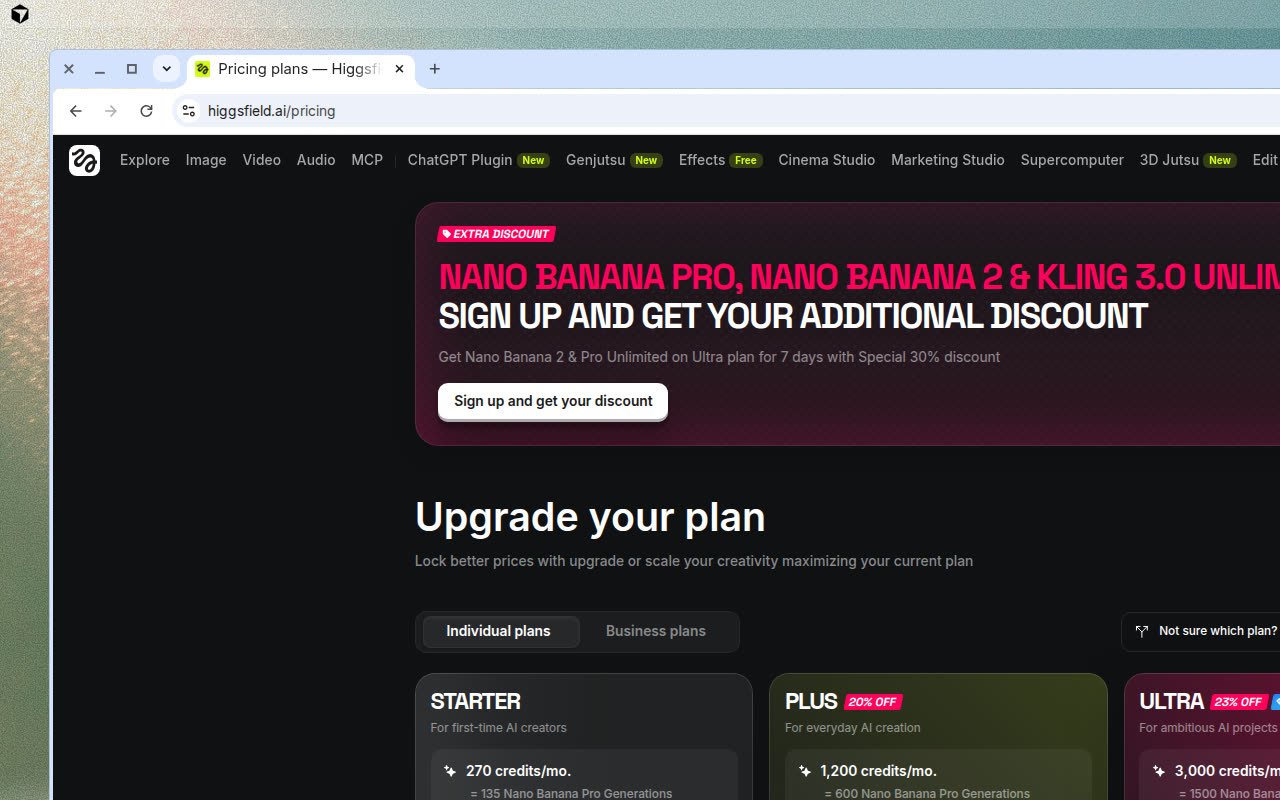
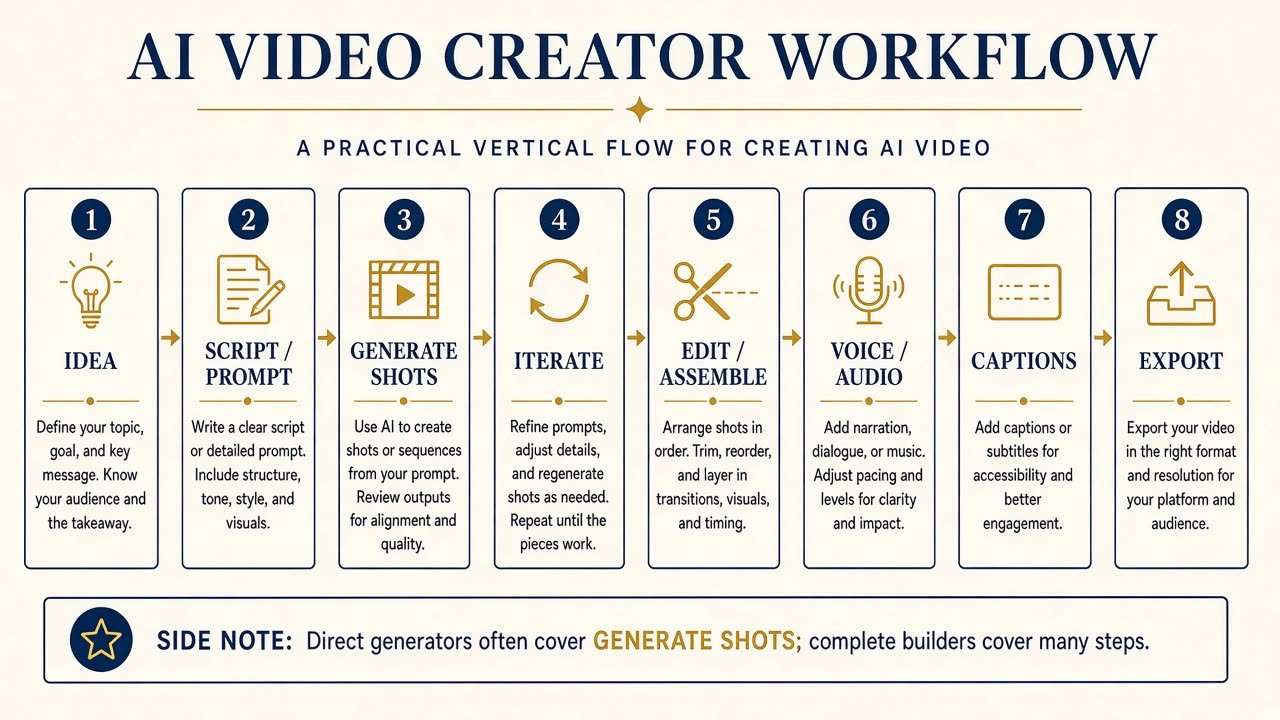
How do AI video credits work? Credits are internal currency. Cost usually scales with model, resolution, duration, and mode. Subscription price is not effective production cost: retries, variations, upscales, and extensions all draw the same wallet. Do not convert “$X plan = Y videos” unless you fix those settings. “Unlimited” on Higgsfield is model-, place-, and time-window-specific. Runway’s retired Unlimited plan is being replaced by Max. InVideo unused credits expire each cycle. HeyGen Free is not a commercial licence under current Terms. Always separate month-to-month rates from annual-billed “per month” prices. The cheapest subscription is not automatically best value if the models you need sit on a higher card or if every retry costs a premium mode.
What Creators Should Check Before Subscribing
Before you pay for any of the best AI video generators for creators, check: which models the plan includes; controls (reference, keyframes, camera); timeline vs generate-only; export, aspect ratio (16:9 / 9:16 / 1:1), watermark; current commercial terms; iteration budget; free-tier rules (Higgsfield has no trial; Runway and HeyGen offer limited free entry). Confirm U.S. checkout. If you make client ads, read likeness, stock-licence, and training-data clauses. Model lists, free plans, watermarks, and export rules decay—verify the week you subscribe.
Which AI Video Generator Should You Choose?
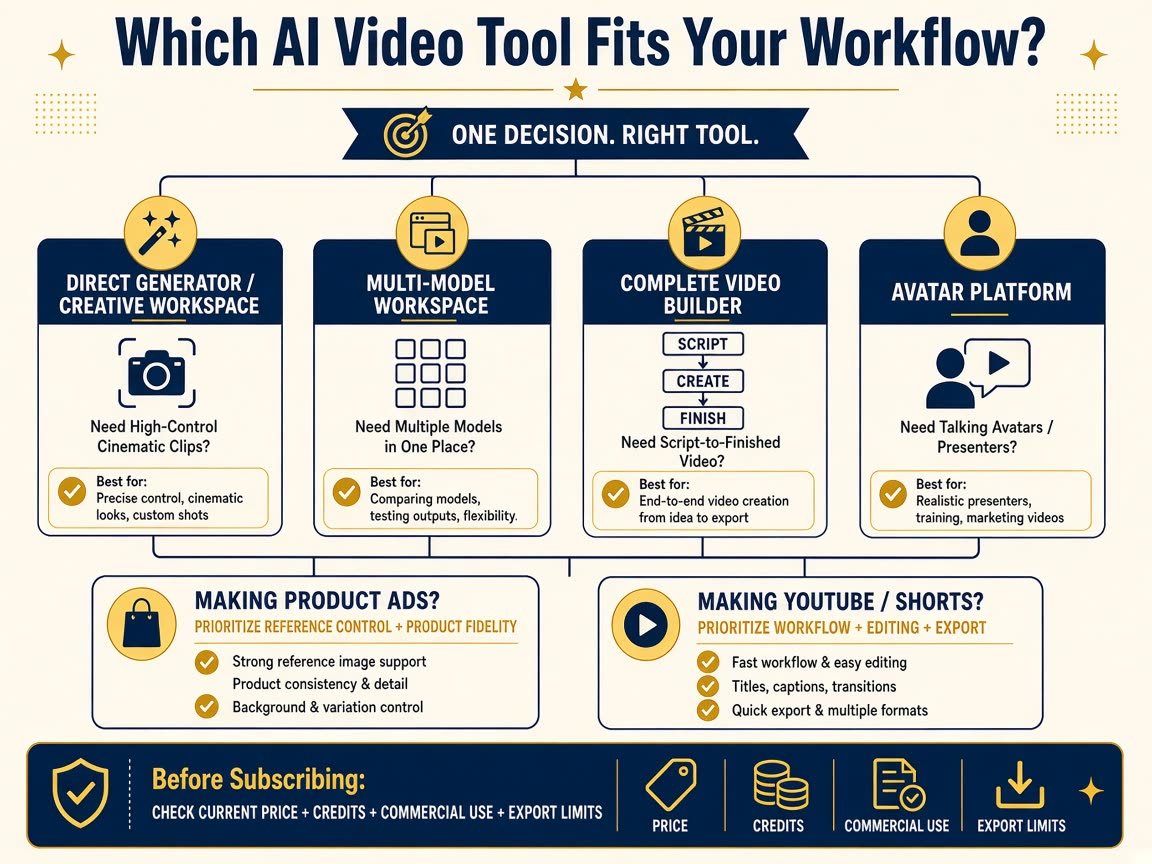
Cinematic stills-to-motion: Kling or Runway. Multiple models in one login: Higgsfield. Script to publishable cut: InVideo. Presenter/explainer: HeyGen. YouTube/Shorts: Runway or InVideo depending on whether shots or assembly dominate. Product ads: prioritize reference control; none is proven perfect product fidelity here. Faceless channels often need a builder plus a clip generator. AI video tools for social media creators still need 9:16 export and captions. AI video tools for YouTube creators should count editing and credits, not one pretty five-second clip. A complete builder can beat a cinematic generator when the job is a finished narrative.
Final Verdict
The best AI video generators for creators depend on the pipeline. If you need controllable clips and an editor, start with Runway. If you need many models in one workspace, investigate Higgsfield. If you need finished narrative video, use InVideo. If you need a presenter, use HeyGen. If you need specialized generation, use Kling. Recheck September 2026 prices, credits, watermarks, and terms the day you subscribe. Explore Higgsfield’s current availability and plans only if a multi-model workspace is actually the job.
FAQ
What is the best AI video generator for creators? There is no single pick among the best AI video generators for creators in this set—match the tool to the job as in the table above.
Which AI video generator is best for YouTube? InVideo if you need assembly; Runway if you generate and edit shots. Neither replaces a human edit pass.
Which AI video tool is best for short-form content? Confirm 9:16 export. Runway and InVideo document creator-facing aspect workflows; still verify on the live export UI.
Are AI video generators free? Limited free or trial tiers exist, but they are not interchangeable paid plans. Watermarks and commercial-use rules often change once you pay.
Which AI video generator is best for product ads? Prioritize reference inputs. This page is not the product-ads roundup.
Can AI-generated videos be used commercially? According to current terms we checked: Runway help, InVideo’s output licence, and HeyGen’s paid vs Free split. Re-read terms; this is not legal advice. Higgsfield buyers should open the live Terms of Use on the site.
Are multi-model AI video platforms worth it? If you actually switch models. If you only use one, a native generator may be simpler.
How should creators compare AI video pricing? Annual vs monthly, credits, model gates, rollover, and iteration—not list price alone.