
Higgsfield AI review for September 2026: Higgsfield is worth paying for if you need a multi-model creative workspace—Cinema Studio, Marketing Studio, Canvas, Supercomputer, plus Soul/Soul ID—not if you expect one proprietary video model or a complete YouTube timeline. This page evaluates documented workflow, model access, credits, and limits. Moon Picke did not benchmark generation quality or speed. Methods: How We Evaluate and editorial standards.
Higgsfield AI Review: Quick Verdict
Is Higgsfield AI worth it? Conditionally. It is a strong fit when one subscription that mixes Higgsfield tools and third-party model access matches how you actually generate. It is a weak fit when you only need one native generator, or a 10–20 minute finished cut with captions and a conventional editor. Pricing, plan structure, and model access were verified in September 2026.
Moon Picke may earn a commission if you purchase through some links on this page, at no additional cost to you. Affiliate Disclosure. See current Higgsfield plans.
| Higgsfield Review Snapshot | Verdict |
|---|---|
| Best for | Creators who will use several models/tools in one account |
| Platform type | Multi-model creative workspace (not a single video model) |
| Current pricing model | Subscription + credits; some Unlimited windows on mid/top plans |
| Model access | Soul family plus listed third-party models; plan-gated |
| Video generation | Text/image-to-video via tools and selected engines |
| Reference controls | Documented (Cinema Studio up to 50 references; Soul ID) |
| Editing | Generation and scene tools; Montage Pacing is not a long-form NLE |
| Best creator workflow | Shots, ads, characters → export; assemble elsewhere if needed |
| Main limitation | Credit/Unlimited rules are easy to misread; MCP still spends credits |
| Free access | Limited models, no credit allotment, no trial |
| Commercial use | Per current Terms §4.4, outputs not restricted; not exclusive; training except Enterprise |
| Overall value | Pays off when aggregation replaces several logins—not when you buy a model list you will not use |
This Higgsfield AI review sits under Moon Picke’s best AI video generators for creators pillar. Deeper Higgsfield-vs-Runway or alternatives pages are not live yet.
What Is Higgsfield AI?
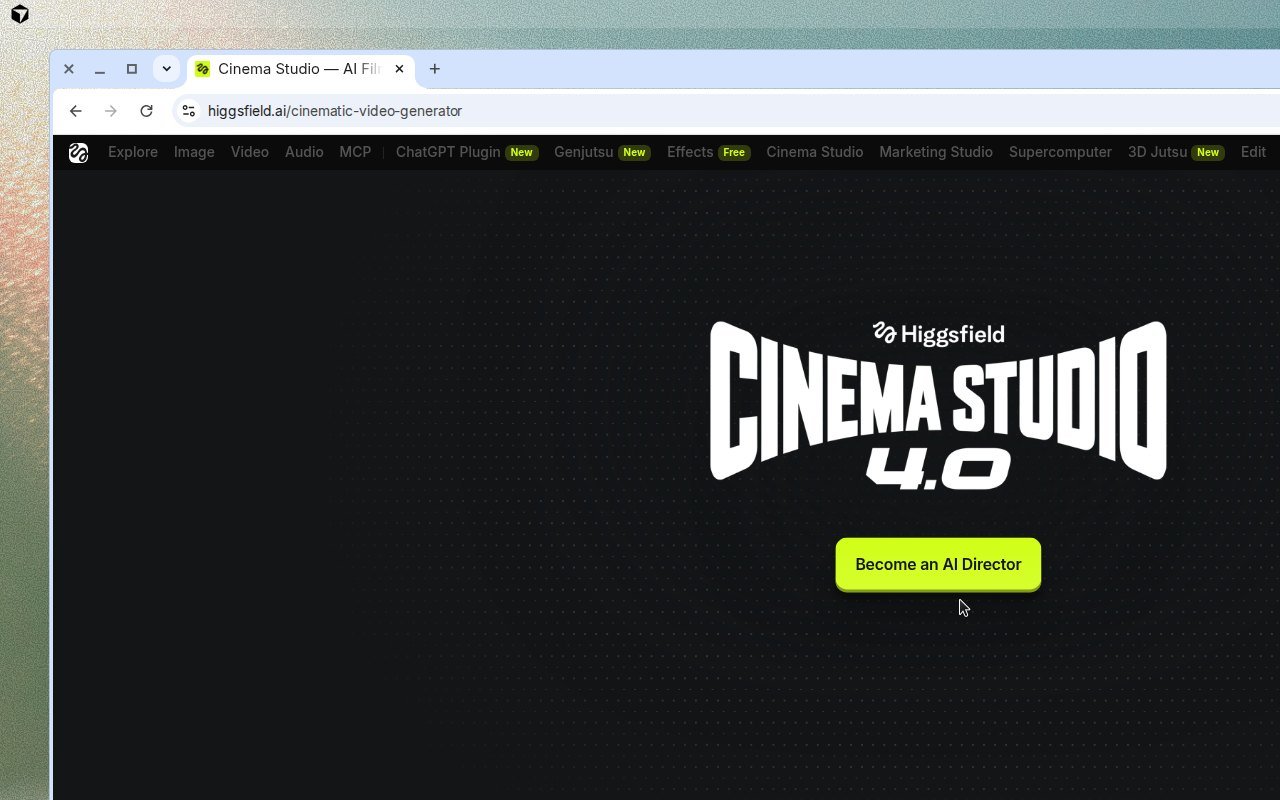
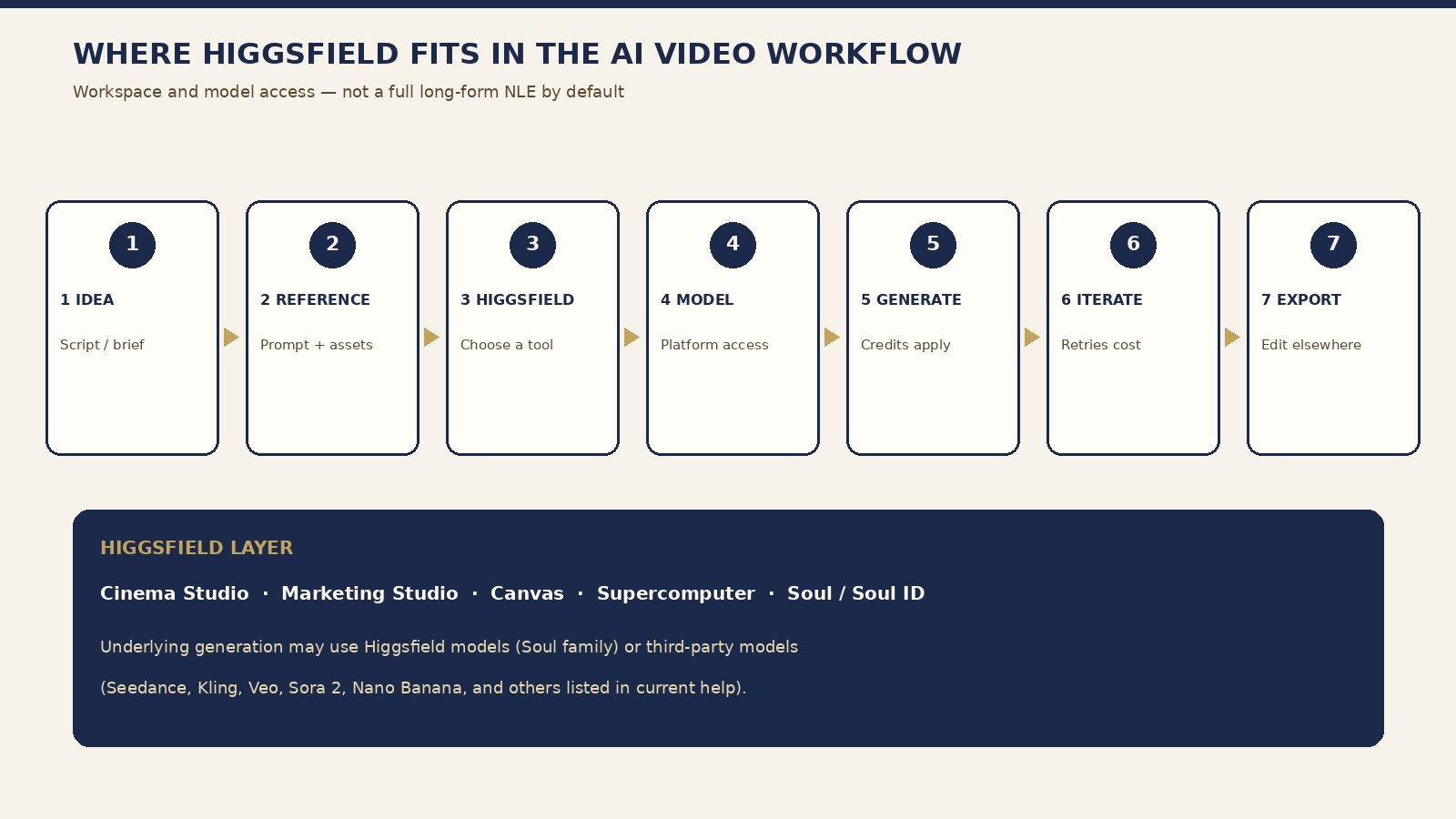
Is Higgsfield a model or a platform? Official help (updated August 2026) calls it an AI-native creative suite: proprietary tools plus a library of external models under one subscription. Higgsfield provides the workspace/access layer. Some generation is performed by underlying third-party models. Do not write as if Kling, Veo, Seedance, or Sora 2 were “Higgsfield’s model” unless a page claims Higgsfield trained those weights.
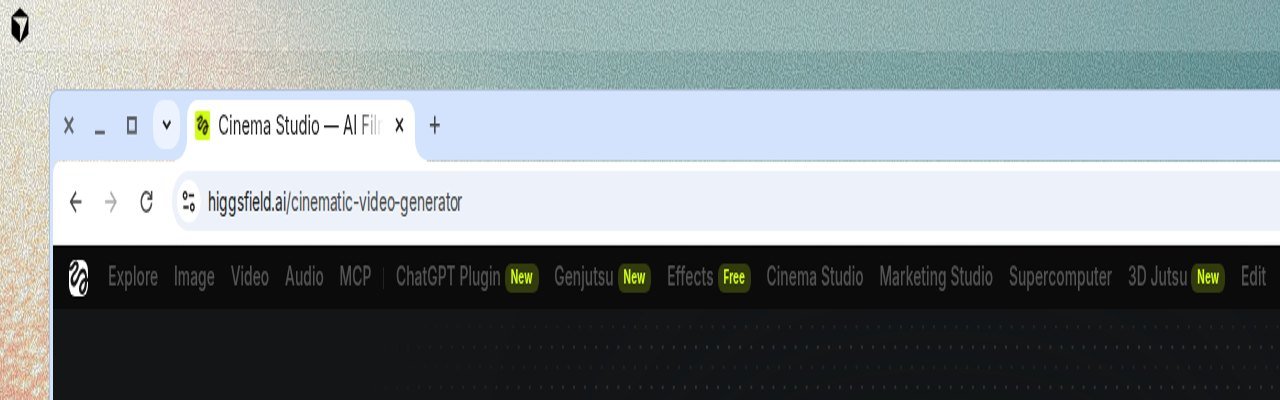
Documented surfaces include Soul (native image family) and Soul ID (character from photos), Cinema Studio (cinematic video, camera, multi-shot), Marketing Studio (ads from a product URL or image, with audio and lip sync), Canvas (node-based multi-model board), Supercomputer (agent that plans and delivers assets on paid plans), AI Influencer, Higgsfield Audio, plus MCP and CLI. The top nav Moon Picke captured in September 2026 showed Explore, Image, Video, Audio, MCP, Effects, Cinema Studio, Marketing Studio, Supercomputer, and related apps. Higgsfield is currently accessible to U.S. users at higgsfield.ai. Guides and AI & Digital Products explain how we treat platform vs model.
How Higgsfield Works
Official first-generation steps: choose Image or Video, select a model or feature, enter a prompt, upload a reference if supported, adjust duration/aspect ratio/resolution, click Generate. Results land in that section and in Assets. Credit cost is shown on Generate before you confirm. Most tools can start with a default model; you can pick an engine when you want more control. Tools are meant to combine: help examples include training a character in Soul ID, casting it in Cinema Studio, then scaling variations in Supercomputer. MCP and CLI use the same credits without an API key, but they never inherit Unlimited or free-generation pools. Editorial interpretation: the interface exposes several tool and model choices, which gives experienced creators flexibility and can add decision complexity. That is not a speed or quality claim. See About.
AI Models and Generation Options
Does Higgsfield offer multiple AI video models? Yes, according to current help: Soul Cinema / Soul family on the Higgsfield side, and a growing external list that currently names Seedance, Kling, Veo, Sora 2, Nano Banana, and others. Cinema Studio 4.0 marketing says Seedance and other leading video models run natively inside the studio—pick the engine per shot. Entry plans include core models; higher plans unlock more, including latest releases that may roll out gradually. Current model availability should be checked before you subscribe. More names can reduce tool switching; they can also split credit costs and capabilities. Access through Higgsfield is not automatically identical to the direct provider’s native product. Image work sits on Soul and listed image engines such as Nano Banana; video work sits on Cinema Studio, Video, Effects, and whichever engine the panel exposes that day. Do not hard-code a forever catalog. This Higgsfield AI review only names models that affect the subscribe decision.
Creative Controls and Reference-Based Generation
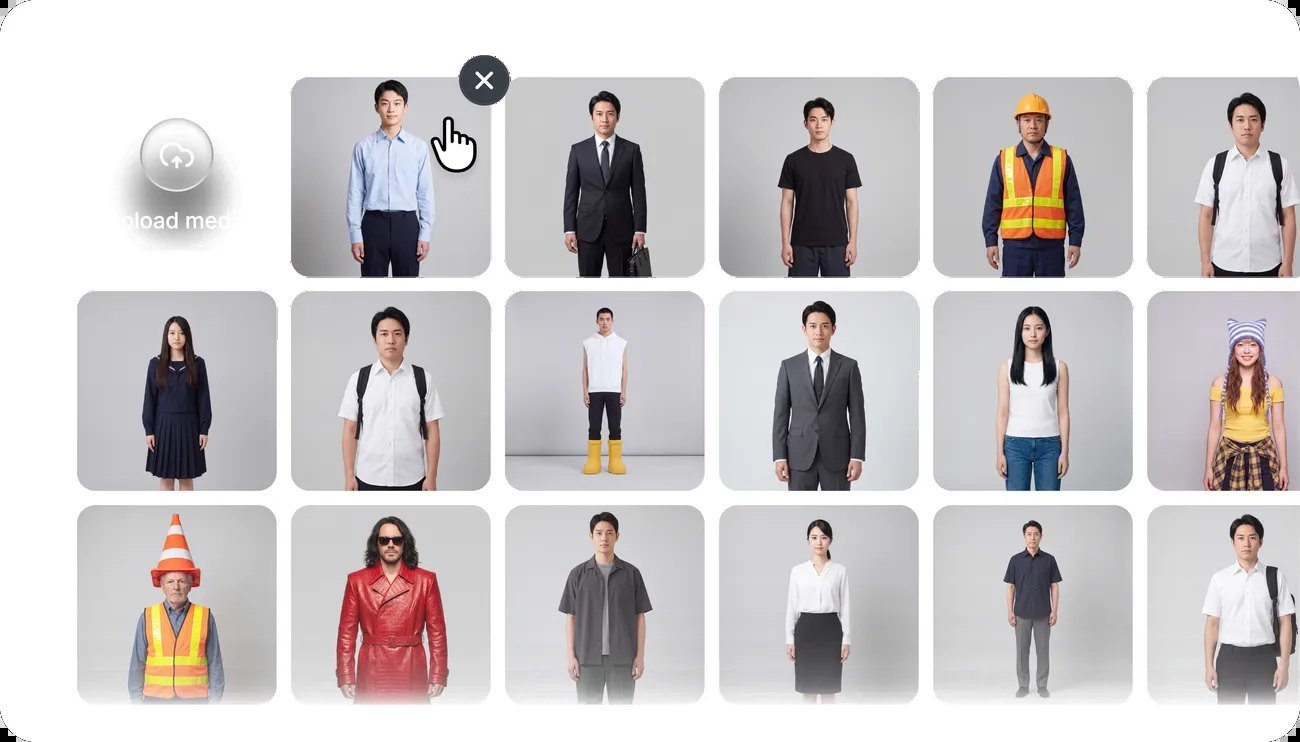
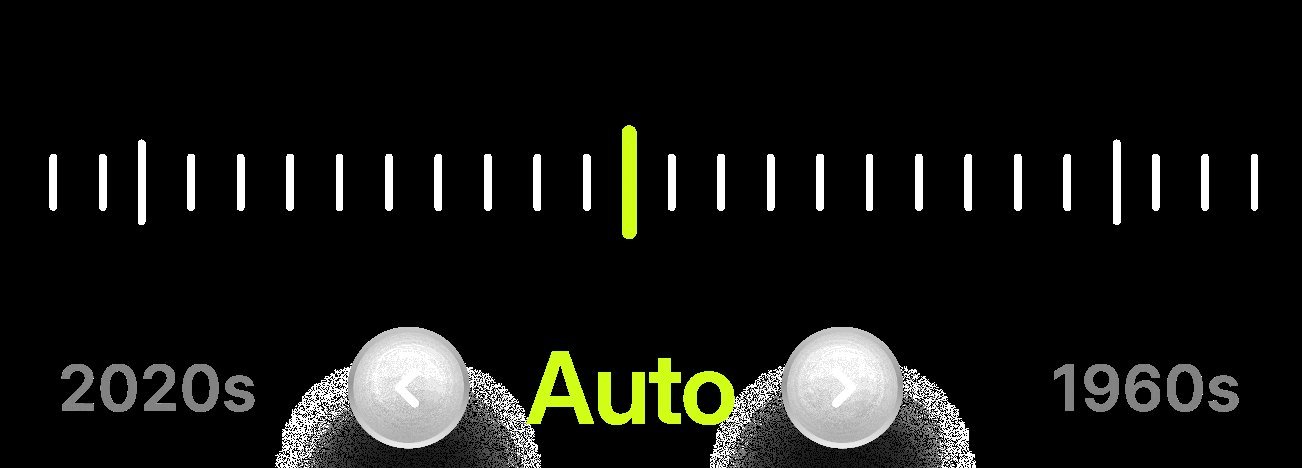
Cinema Studio documents genre, camera movement (static, handheld, zoom, pan as prompt tags or library picks), tempo/Montage Pacing (Chaotic, Dynamic, Calm, Single Shot), era/grade, up to fifty references per generation, AI Cast, locations, project briefs, and team co-directing. Public Cinema Studio copy states generations up to one minute and native 4K for that surface. Official stills show a media picker and an era scrub control; those stills prove the marketed control exists, not that identity or product fidelity is perfect. Soul ID is the documented character-consistency path. Start/end frame behavior should be confirmed in the live generate UI rather than inferred from marketing video. Do not treat marketing “anti-slop” language as a Moon Picke test result.
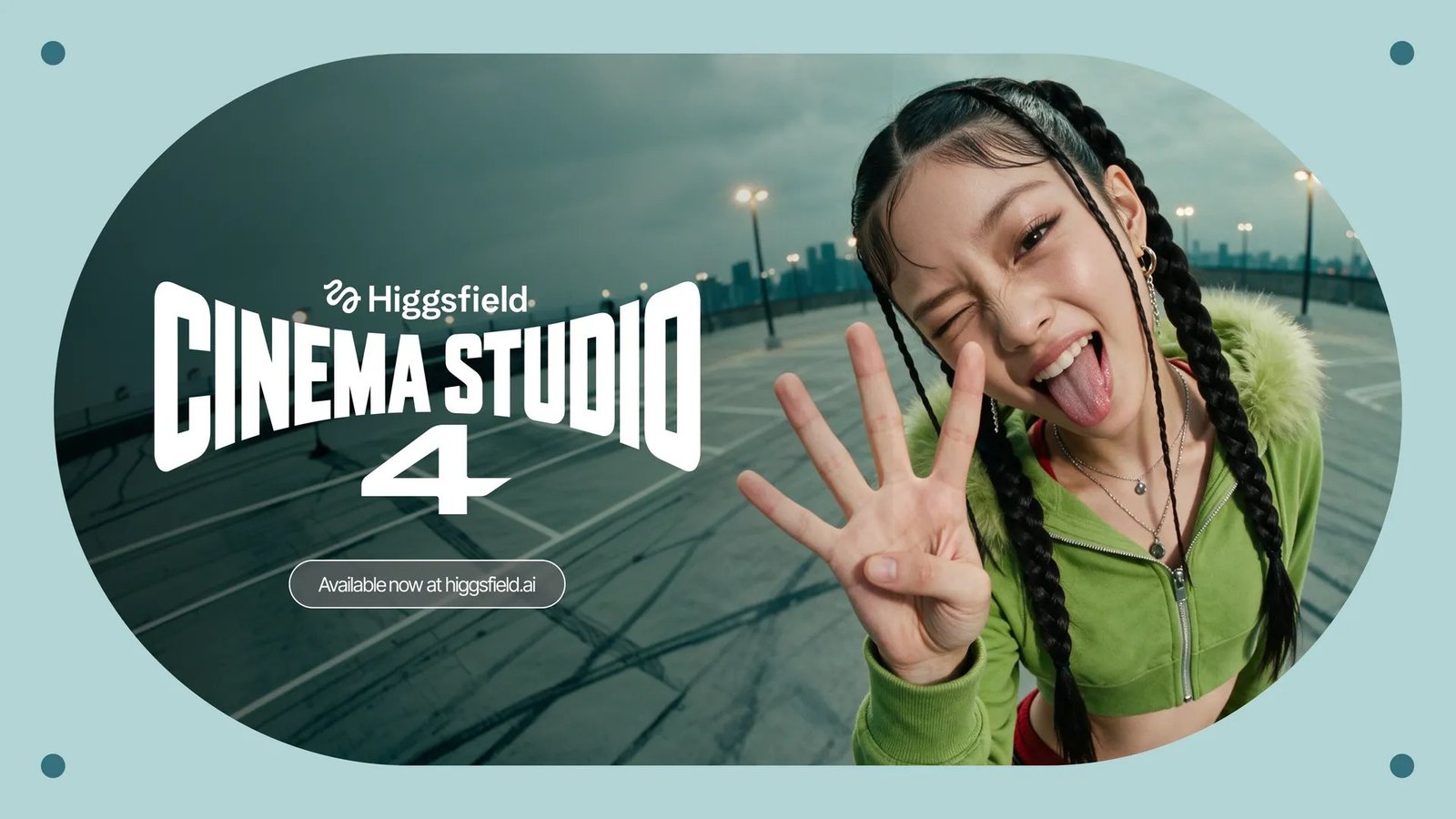
Official Cinema Studio marketing stills illustrate the intended look of generated scenes. They are examples on Higgsfield’s site, not Moon Picke output tests.

Is Higgsfield Good for Product Ads and Social Content?
Help maps product ads and UGC-style ads from a URL or image to Marketing Studio, with native lip sync. Cinema Studio is the alternative when you need more camera and scene control. Aspect ratio is a documented generation setting; confirm 9:16 on the live generate UI. This review is not the product-ads or Shorts roundup. Higgsfield Audio covers voiceover, cloning, and translation in the suite description—video models still may not include usable audio unless the chosen tool says so. For client product work, reference uploads and Marketing Studio’s URL path are the documented levers; they do not guarantee catalog-accurate products. If you only make talking presenters, an avatar platform may still be the shorter path.
Can Higgsfield Replace a Full Video Editor?
Cinema Studio’s own FAQ says Montage Pacing delivers an assembled scene—“No timeline, no post.” That is scene generation, not a substitute for a 10–20 minute YouTube assembly with captions, stock, and a conventional NLE. Canvas can chain models; Supercomputer can plan a project. Neither is documented as Adobe Premiere. Plan to export clips and finish elsewhere unless a later Higgsfield surface clearly becomes a full editor. If your bottleneck is captions, stock b-roll, and a voice track on a 12-minute video, start with a complete video builder instead of assuming Cinema Studio will absorb post.
Higgsfield Pricing and Credits Explained
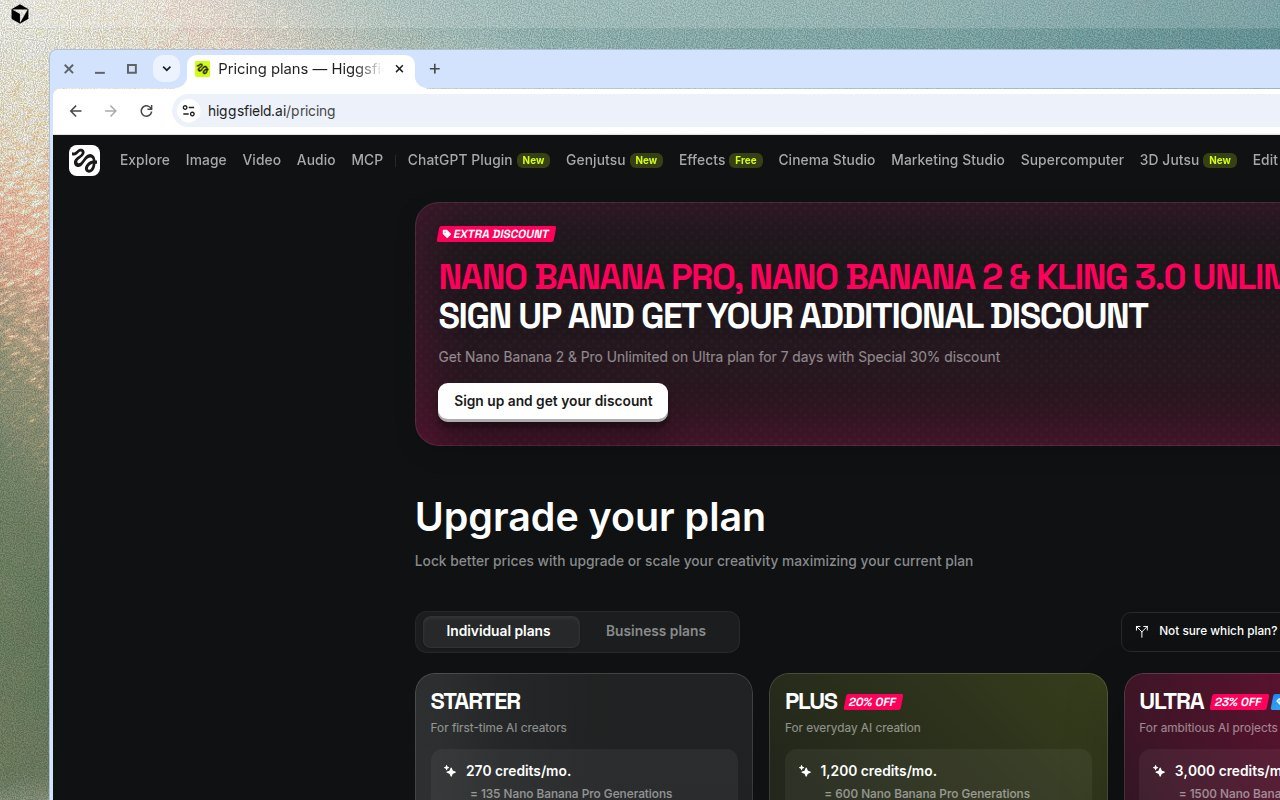
How much does Higgsfield cost? Official help: see higgsfield.ai/pricing for live dollar amounts. Individual plans are monthly or annual (annual costs less per month). Cards Moon Picke captured in September 2026 showed Starter 270, Plus 1,200, and Ultra 3,000 credits per month, plus rotating Unlimited/promo badges (for example Nano Banana / Kling 3.0 windows). Confirm checkout prices; discounts move. No trial. Free tier: limited models, no credit allotment.
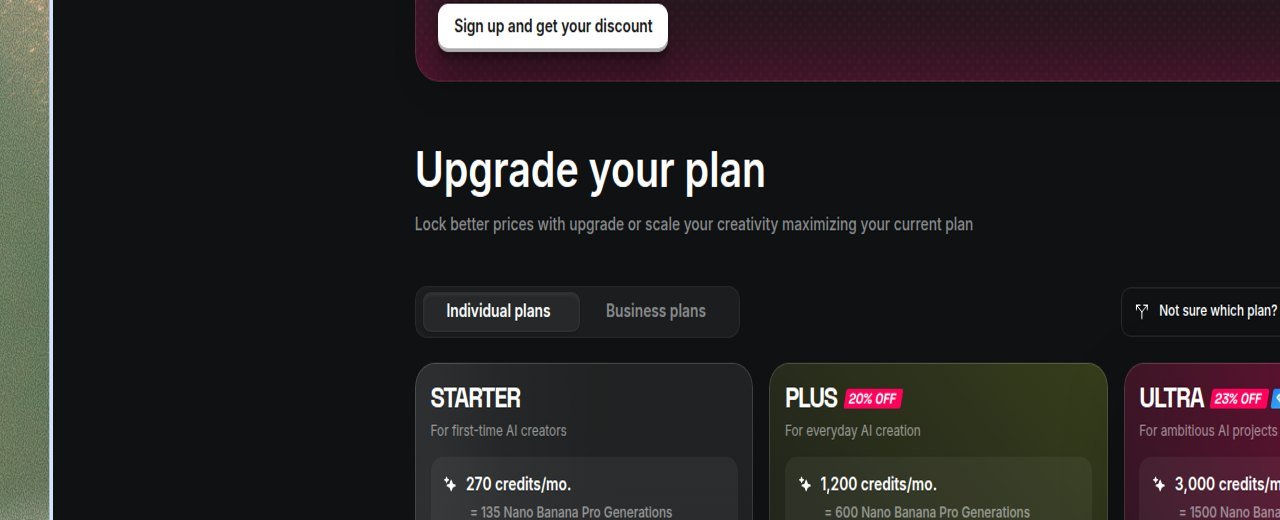
How do Higgsfield credits work? Cost depends on model, resolution, and duration. Subscription credits do not roll over on individual plans (annual allotments reset every 30 days). Credit Packs and Auto-Refill expire 90 days after purchase. Credits require an active subscription. Unlimited models skip credits only on higgsfield.ai for the listed models and period; they run a standard queue, while credit mode is described as priority. Fair use: personal, human use; automation can pause Unlimited. MCP, CLI, Canvas, and Supercomputer always deduct credits. Failed generations usually refund. Do not convert a plan into “X videos.” Iteration (retries, model switches, upscales, extensions) draws the same wallet, so the useful budget is an iteration budget, not a one-generation fee. Could Higgsfield replace several direct subscriptions? Only if you actually use multiple engines and accept that platform access may lag a native site’s newest controls. Refunds: help states unused-credit refunds may apply within 7 days of an initial purchase, with a service fee up to 6%; renewals are non-refundable. Check current Higgsfield pricing.
| Plan (as captured) | Credits / usage | Key access | Best for | Main limitation |
|---|---|---|---|---|
| Free | No credit allotment | Limited models | Inspecting the UI | Not a production budget; confirm watermark |
| Starter | 270 credits/mo (card) | Core models | Light exploration | Fewer models; credits reset |
| Plus | 1,200 credits/mo (card) | Broader library; Unlimited windows on card | Regular multi-model use | Unlimited is model- and site-specific |
| Ultra | 3,000 credits/mo (card) | Highest individual pool in that capture | Heavy iteration | Still not a full NLE; confirm live $ |
Help: paid plans include watermark-free downloads; some plans embed watermarks at generation. Confirm the live watermark article and export UI. Supercomputer is documented as paid-plan.
Higgsfield’s Biggest Strengths
Higgsfield’s biggest strengths, from current documentation rather than a scored test, are aggregation and control surfaces. One account can cover cinematic shots, ads, characters, and agent-scale jobs. The platform-versus-model split is explicit: Soul tools plus named third-party engines. Cinema Studio documents camera tags, references, and per-shot engine choice. Credits are shown on Generate, and Usage history exists. According to current Terms §4.4, Higgsfield does not claim ownership of outputs and does not restrict commercial use of those outputs—while also stating outputs may not be unique and that standard plans may use content for training unless you are on Enterprise. That is permission language, not a copyright guarantee.
Where Higgsfield Falls Short
Where Higgsfield falls short is mostly economics and completeness. Credit and Unlimited rules are easy to over-read, especially off higgsfield.ai. More models add pricing and decision complexity. Cinema Studio is not a complete long-form editor. Direct Kling or Runway access may differ in features and newest models. Promo Unlimited windows and plan cards change quickly, so last month’s screenshot can be wrong. Parallel generation and Supercomputer help volume, but they still spend credits outside Unlimited’s web-only window.
Higgsfield vs Runway, Kling and InVideo
Brief roles only. Runway: integrated generation plus in-app production tools—compare when you want one editor around a native Gen line. Kling: direct clip generator—compare when you only buy cinematic shots. InVideo: script-to-timeline builder—compare when the job is a finished narrative with stock and captions. Higgsfield: aggregation and Higgsfield-specific studios. This is not the vs-Runway or vs-Kling article. If you already pay for one of those tools and never switch engines, adding Higgsfield is an extra meter, not a replacement, until you prove the overlap on live model lists.
Who Should Use Higgsfield?
Creators who will actually switch models; visual advertisers checking Marketing Studio; short-form makers who will verify 9:16; teams that need shared elements in Cinema Studio or Canvas; agencies that can read credit/Unlimited rules. Light creators who only want to inspect the UI can stay on the limited free models—but should not treat that as a commercial production plan if watermarks apply. Explore Higgsfield if that list is your job.
Who Should Skip Higgsfield?
Skip if you only need one direct model and the native site is cheaper or more complete. Skip if you need a 10–20 minute YouTube factory in one timeline. Skip if light generation does not justify a credit subscription. Skip if credit complexity will freeze you. Skip if you want an avatar-first presenter platform as the core product—HeyGen-class tools still own that job in this cluster. Skip also if you planned to “Unlimited everything” through MCP: official help says that path always deducts credits.
Final Verdict
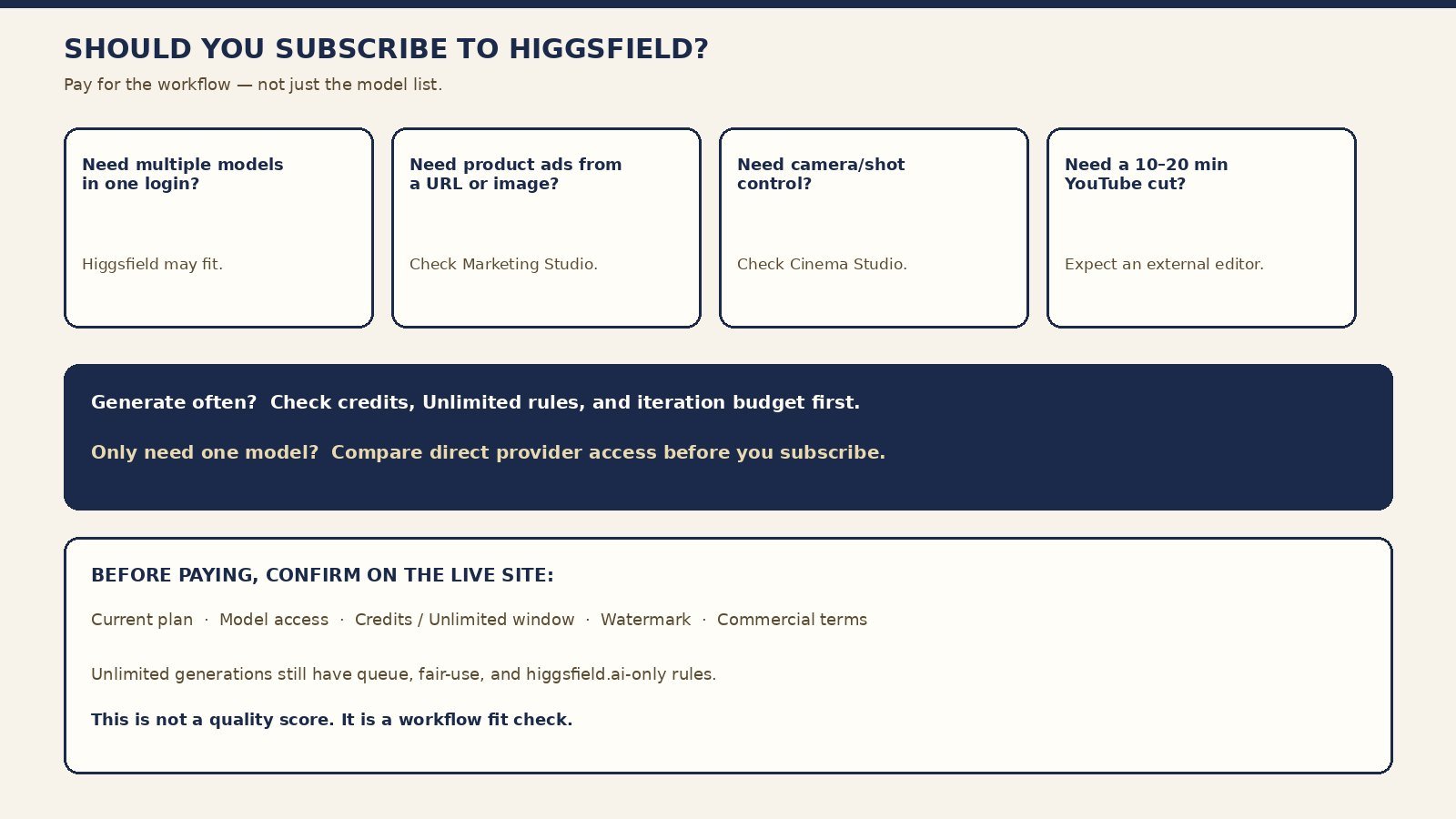
This Higgsfield AI review does not name a universal winner. Pay for the workflow, not the model list. If Higgsfield’s studios, credit meter, and current third-party access match how you produce, subscribe after checking live plan, Unlimited window, watermark, and Terms. If not, use a direct generator or a complete builder instead. Recheck September 2026 prices the day you pay. View current plans and model access.
FAQ
Is Higgsfield AI worth it? Yes for multi-model workspace users; no for single-model or full-NLE buyers—see the snapshot table.
Is Higgsfield free? A limited free tier exists; there is no trial and no free credit allotment.
How do Higgsfield credits work? Shown on Generate; they vary by model/mode; individual subscription credits do not roll over.
Which AI models does Higgsfield support? Soul family plus currently named third-party engines; check the live selector.
Is Higgsfield better than Runway or Kling? Different jobs. Do not pick from a demo reel. Read this Higgsfield AI review against the pillar comparison, not against a single clip.
Can Higgsfield generate product ads? Marketing Studio is the documented path; this is not the ads roundup.
Can Higgsfield be used commercially? According to current Terms §4.4 and help, commercial use of outputs is not restricted; watermarks, uniqueness, training, and third-party rights still matter. Not legal advice.
Does Higgsfield have a video editor? Generation and scene assembly tools, not a documented long-form NLE.