
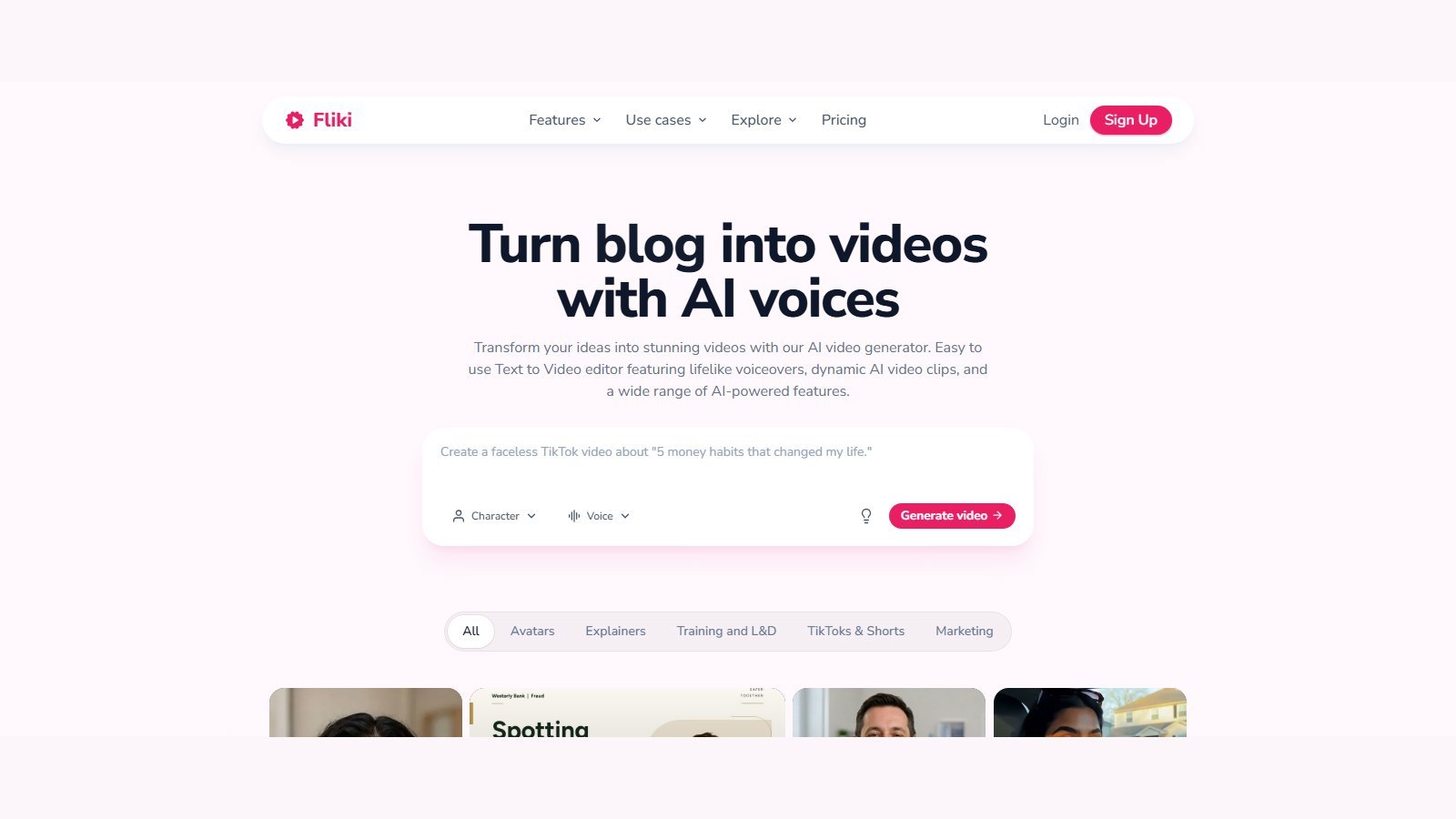
This Fliki AI review is a 2026 buyer briefing based on Fliki’s live homepage, pricing cards, text-to-video, text-to-speech, voice-cloning, avatar, photo-to-video, editor, blog-to-video, PPT-to-video, FAQ, Terms (updated 3 June 2026), and the credits tutorial last updated 30 September 2026. Research date: 5 October 2026. Moon Picke did not run hands-on generation tests, voice listening labs, or timed renders. Fliki is an assembled video-and-voice workspace, not a single cinematic model like Sora or Veo used on their own. For the wider category, see Moon Picke’s published best AI video generators roundup.
Quick verdict
Fliki is a browser-based text-to-video and text-to-speech platform that turns scripts, ideas, blog URLs, and PPT/PDF files into scene-based videos with AI voices, stock or AI visuals, captions, and music. Best for marketers, educators, bloggers, and faceless YouTube or Shorts creators who want voice plus assembly in one product. A permanent Free plan exists (FAQ: 3 credits/month, 720p, Fliki watermark, no commercial rights). Paid cards on 5 October 2026 start at Basic $8 per user / month; Standard is $28 and Premium $88. Yearly is 25% off: $6 / $21 / $66 per user / month equivalent, billed annually at $72 / $252 / $792. Primary workflow: paste text → scenes + voice + visuals → captions → export MP4. Biggest advantage: deep TTS (plan-gated 300 / 1,000 / 2,000+ voices, 80+ languages) inside a full video workspace. Biggest limitation: credits are not “one credit = one video,” and generative clips plus avatars burn far faster than stock-plus-voice. Buy if you will live in scripts and voices. Skip if you only want raw cinematic clips or a professional NLE.
Disclosure: Moon Picke may earn a commission if you purchase through links on this page, at no additional cost to you. Also see Moon Picke’s affiliate disclosure.
Fliki at a glance
| Category | Fliki (verified 5 Oct 2026) |
|---|---|
| Best for | Script/blog/PPT to voiced video; multilingual TTS |
| Primary workflow | Assembled text-to-video (scenes + voice + media + captions) |
| Starting paid price | Basic $8/user/month |
| Free option | Permanent Free plan (not a timed trial); 3 credits/month |
| Text-to-video | YES — assembled workspace, not a raw model |
| Script-to-video | YES — paste script or AI idea/script |
| Text-to-speech | YES — 8 named engines; MP3; WAV on paid cloning copy |
| Voice cloning | YES on paid cards (compare table: 1 / 1 / 3 clones) |
| AI avatars | YES — 70+ stock, talking photo, paid digital twin |
| AI-generated visuals | YES — AI images + named video models in playground/composer |
| Stock media | YES — 0 credits; paid cards say premium stock |
| Blog/article-to-video | YES — URL extract + summarize (rights still yours) |
| PPT-to-video | YES — PPT / PPTX / PDF up to 20 MB on the feature page |
| Image-to-video | YES — photo composer (Veo 3.1 Fast, Kling 3.0 Pro, Seedance 2.0, PixVerse, OmniHuman 1.5) |
| Captions | YES — burn-in, fonts/color/position/animation marketed |
| Translation | YES — in-editor translate + translate-video workflow (separate credit costs) |
| Editing | YES — scene/timeline editor marketed |
| Output resolution | Free 720p (T2V page); paid cards 1080p; 4K claimed on photo-to-video / models |
| Watermark | Free yes; paid compare table lists No watermark on Basic+ |
| Main limitation | Credit bands + generative/avatar rates; FAQ vs card number conflicts |
What is Fliki?
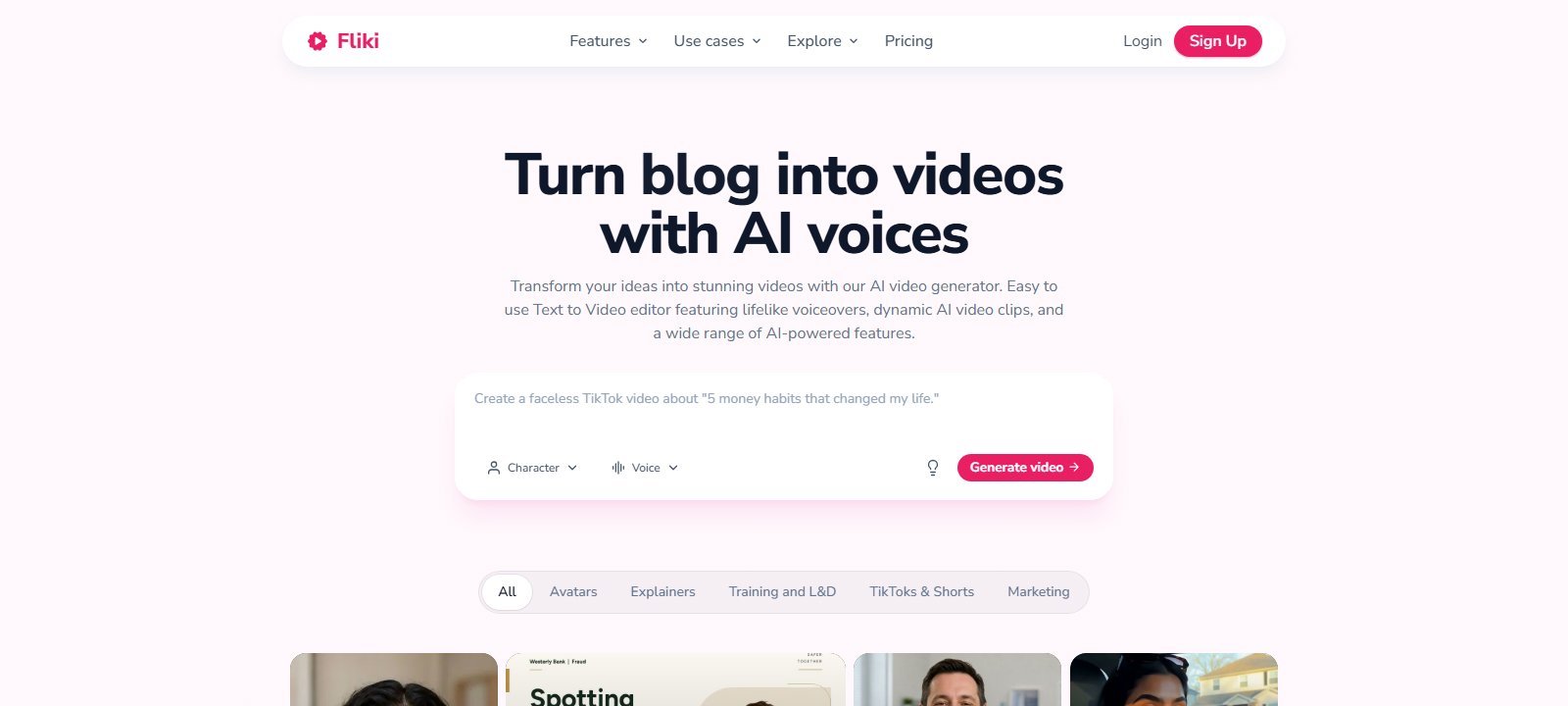
Fliki (fliki.ai), operated by Nine Thirty Five LLC in Delaware, is a content-to-video and text-to-speech platform. Live homepage copy rotates around turning scripts, blogs, and ideas into videos with AI voices. That is different from a raw generative-video model that outputs a few seconds of pixels from a prompt. Fliki’s center of gravity is still script, voice, scenes, stock, captions, and export. Named models (OpenAI, Google, Kling, Bytedance, ElevenLabs, MiniMax H3, Seedance, Veo 3.1 Fast, OmniHuman 1.5, and others listed in the model gallery) sit inside that workspace as optional visual or voice engines—not as the whole product.
In category language: Fliki is a combination of a text-to-video creation platform, a text-to-speech platform, a script-to-video / blog-to-video / PPT-to-video tool, a faceless-video option, and an AI avatar / digital-twin add-on. It is an AI video generator in the assembled sense. It is not “Fliki = Sora.”
Target users on official pages include creators, professionals, teams, L&D, and marketers. The app is web-based (app.fliki.ai). Chrome is preferred in the pricing FAQ. A dedicated iOS/Android app is listed as a FAQ heading; the answer body was not fully captured in this pass, so native apps are NOT VERIFIED. Desktop install: NOT LISTED.
How Fliki works
Official text-to-video copy describes four steps: paste text (script, idea, blog URL, or PPT/PDF); Fliki segments scenes and writes voiceover-ready narration with an AI voice; you review lines, voices, visuals, captions, music, and optional avatars; you export MP4 in 9:16, 1:1, or 16:9 and may publish to connected YouTube, TikTok, Reels, Shorts, or LinkedIn. Setup before Submit is free of credits. Credits start when you submit and when voice, AI media, avatars, export, or publish fire.
Do not collapse every button into one pipeline. Fliki currently markets several distinct workflows.
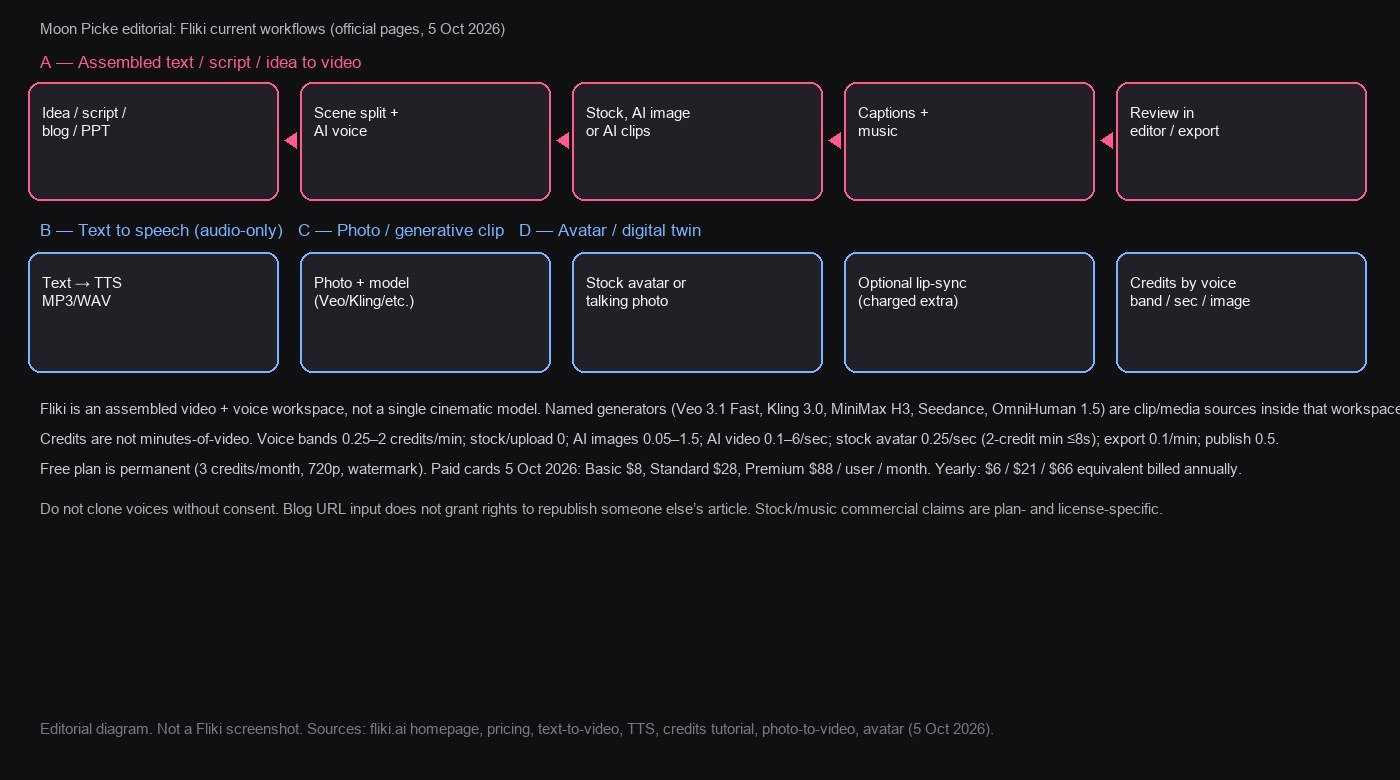
| Workflow | Input | What Fliki automates | User control | Main limitation |
|---|---|---|---|---|
| A. Assembled T2V | Idea, script, prompt | Scene split, voice, stock/AI visuals, captions, music | Edit lines, swap media/voice, brand kit | Credits + plan length/resolution gates |
| B. Blog/article to video | Public URL or pasted article | Extract, summarize, script, visuals, voice | Duration (short/medium/full), template | URL rights are yours, not Fliki’s |
| C. PPT/PDF to video | PPT, PPTX, PDF ≤20 MB on feature page | Per-slide script from text/notes, narration | Tone, language, duration, restyle | 1 credit workflow start (credits tutorial) |
| D. Text to speech | Text | TTS across 8 named engines | Language, dialect, voice, pace/pitch/emotion | Plan-gated voice counts; audio commercial on paid |
| E. Photo / generative clip | Image + prompt or text-to-clip | Named models generate short clips | Model, ratio, duration, resolution | Per-second credits; not a full episode |
| F. Avatar / twin | Script + stock avatar, photo, or video twin | Lip-sync (opt-in), gestures marketed | Avatar pick, voice pair | Lip-sync billed extra; plan-gated clones/avatars |
Fliki text-to-video: what does it actually do?
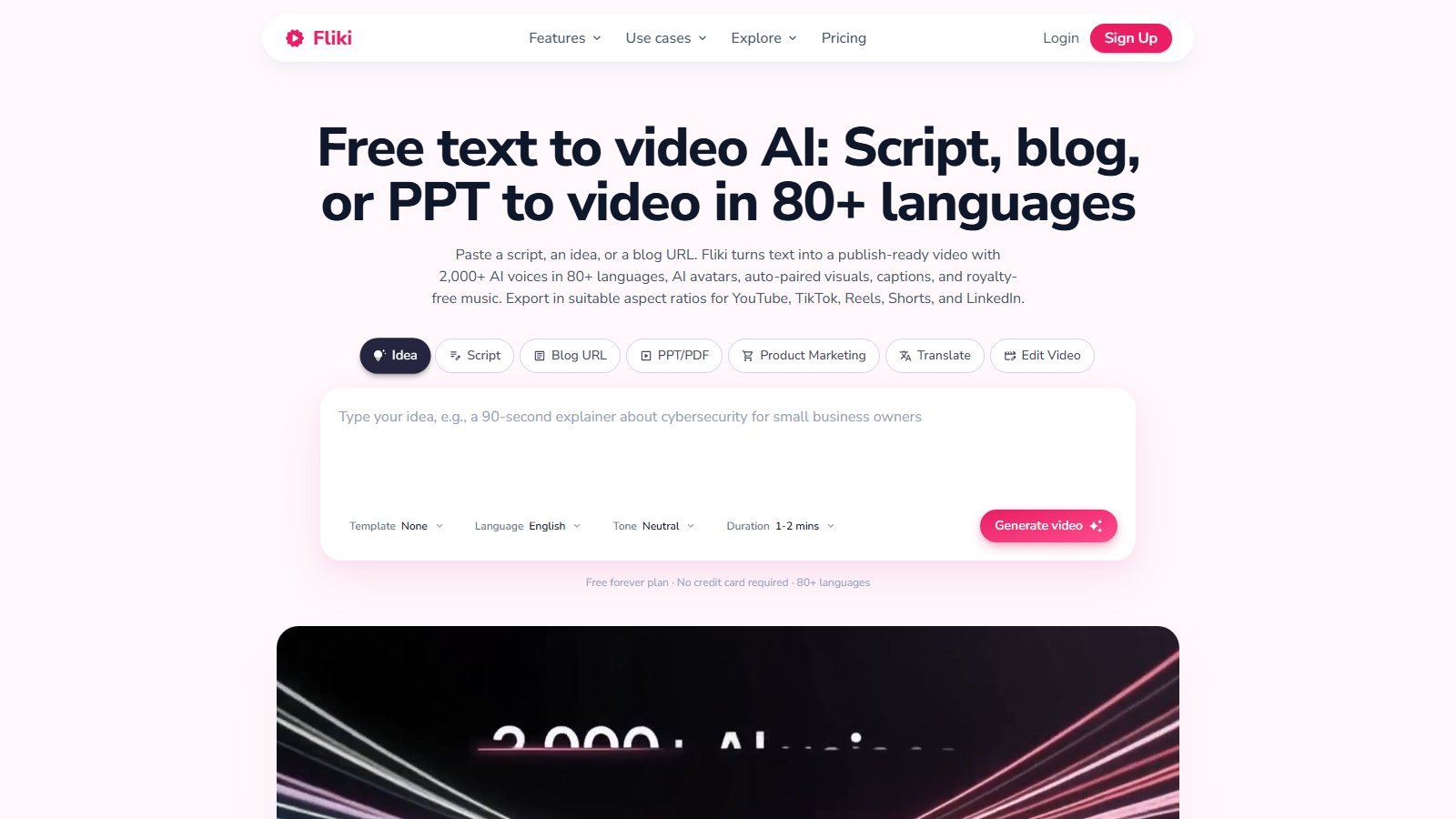
On Fliki, “text-to-video” means assemble a finished video from text, not “one prompt in, one cinematic take out.” The T2V page says Fliki can generate or use a script, divide it into scenes, pair stock or AI visuals, add voice, captions, and royalty-free music (vendor wording), then export. You can start from a one-line idea, a finished script, a blog URL, or a PPT/PDF. Tabs on the live page also include Product Marketing, Translate, and Edit Video.
That assembled loop is not equivalent to Sora, Veo, Kling, or Runway used as raw clip generators. Fliki does integrate named generative models for individual clips and images. Those clips are media inside scenes. Default AI-video models in the credits tutorial (30 Sep 2026): Basic uses Seedance Pro Fast at 720p (0.1 credits/sec); Standard uses MiniMax H3 Max Turbo at 480p (0.3/sec); Premium uses MiniMax H3 Max Turbo at 720p (0.5/sec). You can change the picker. Do not treat default clip length as the length of the assembled project (paid cards: 5 / 15 / 40 minutes).
Open Fliki’s text-to-video workflow
Script-to-video
Script input is first-class: paste a finished script, or start from an idea and let Fliki write narration. Official copy says the model splits text at sentence boundaries, writes voiceover-ready lines, and picks a voice by tone. You can edit any line, swap voices, change pace/pitch/pauses per scene, add an avatar, apply a brand kit, and regenerate a scene. Languages: 80+ with 100+ dialects on pricing FAQ. Duration picker on T2V marketing goes up to 15 minutes for that flow; Premium cards advertise 40-minute videos—treat Idea-to-Video vs editor-extended length as separate, as older FAQ copy capped Idea-to-Video around 15 minutes.
Prompt control exists (idea + tone + duration + template). Exact count of script templates: marketing says 100+ ready templates. Scene limits conflict: FAQ (9 Sep 2026) lists Free/Basic 50, Standard 100, Premium 150; the live compare table lists 200 / 200 / 300 for Basic / Standard / Premium. Prefer the live compare table for paid plans and note the FAQ conflict.
Blog / article to video
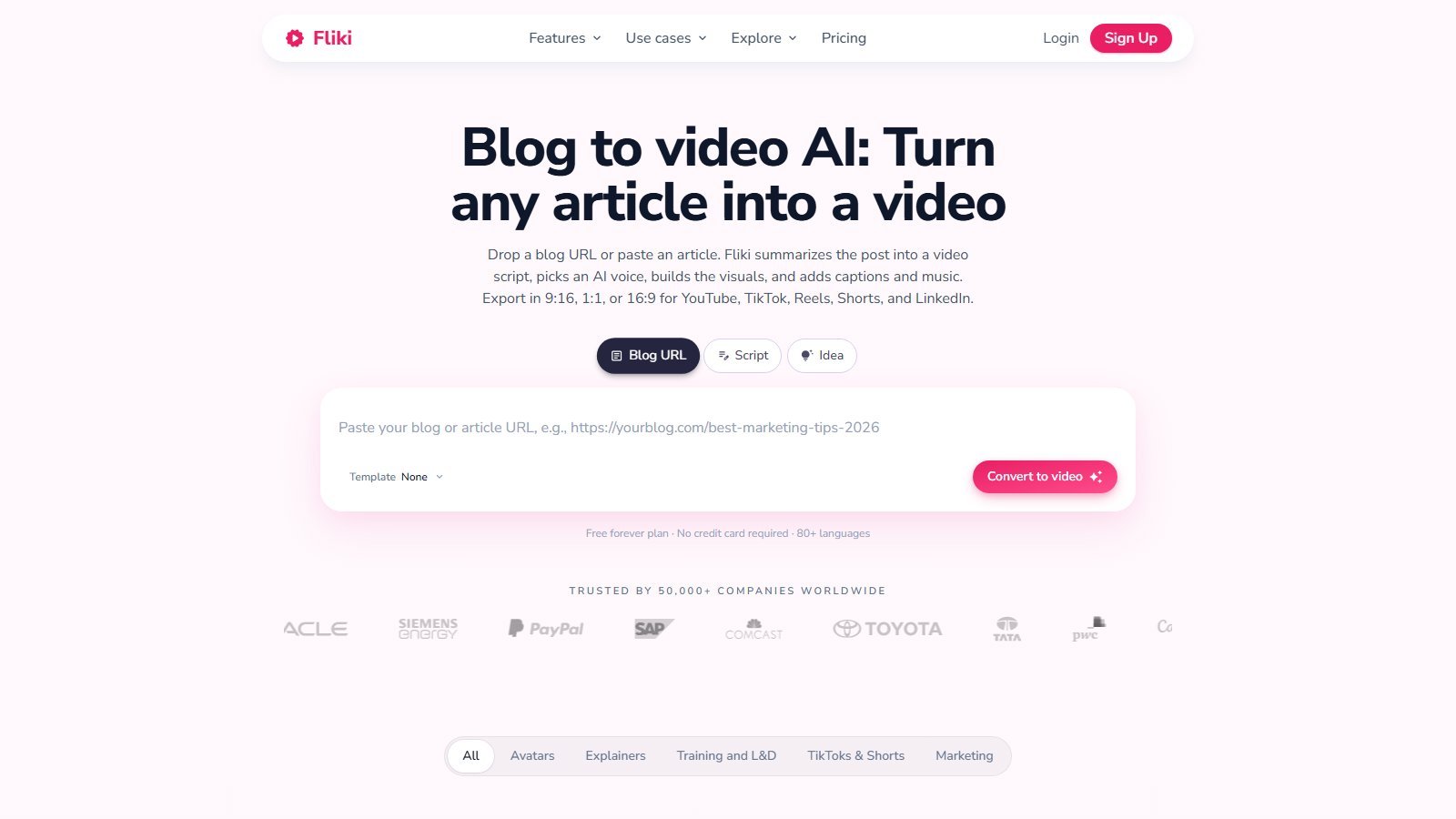
Supported. The feature page lets you paste a WordPress, Medium, Substack, Ghost, Webflow, Squarespace, Wix, Notion, or other public CMS URL. Fliki extracts the article, summarizes, and rewrites a scene script. Duration options marketed: short (~1 min), medium (2–3 min), or full-length. Visuals auto-pair from stock or AI; voice and captions attach as in the main T2V loop. Workflow start cost: 0.5 credits on Submit.
Pasting a URL does not give you the right to republish someone else’s article as a video. Terms require you to own or have rights to content you generate and post. Use posts you own or are licensed to adapt.
PPT / presentation to video
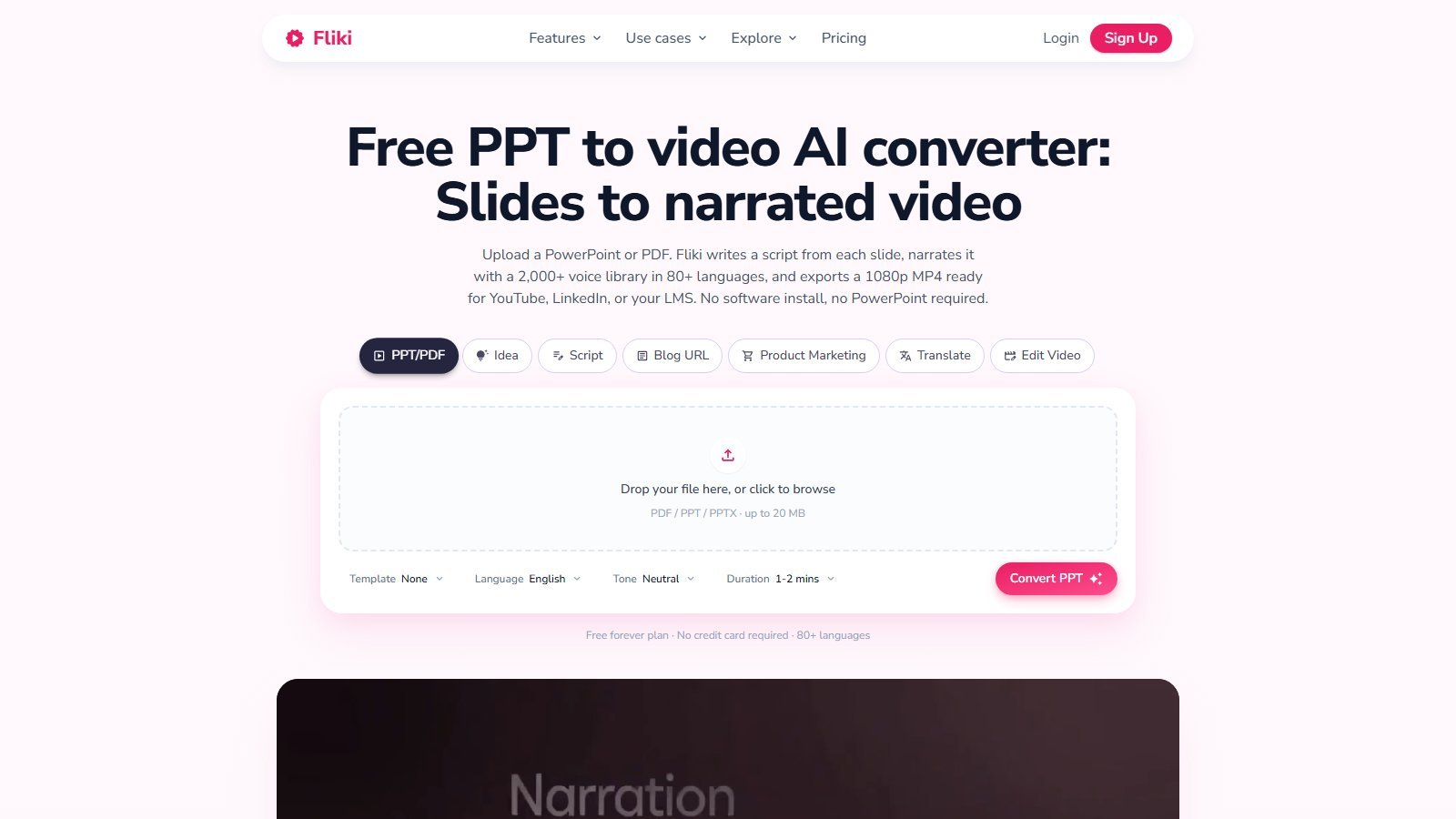
Supported. Upload PPT, PPTX, or PDF (feature page: up to 20 MB). Fliki reads headings, body text, and speaker notes and writes per-slide narration. You can add an avatar, captions, music, and restyle in the browser editor. Workflow start: 1 credit. Export marketed as 1080p MP4 in 16:9, 9:16, or 1:1. This is slide-to-narrated-video, not a guarantee that every animation in PowerPoint survives pixel-perfect.
Fliki text-to-speech and AI voices
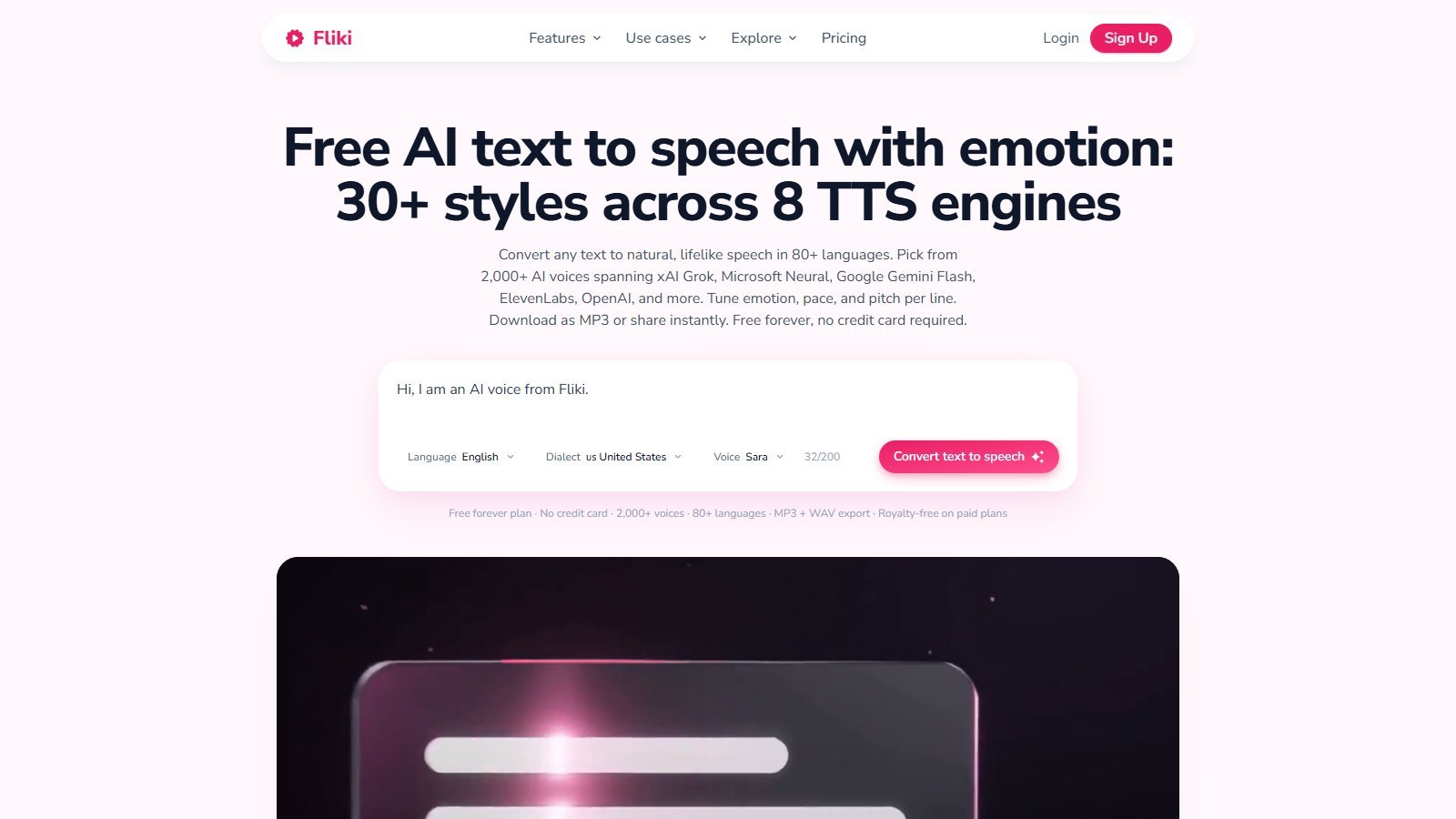
TTS remains core. The TTS page markets 2,000+ voices, 80+ languages, 30+ styles, and 8 engines named as ElevenLabs, Google Gemini Flash & Studio, OpenAI, xAI Grok, Microsoft Azure Neural, Amazon Polly Neural, Qwen, and Inworld. Controls marketed: emotion, pace, pitch, pauses, per-line engine switch. Preview without an account is offered. Audio watermark: No on the TTS free-plan table. Free voices: 300 of 2,000+. Ultra-realistic voices: paid. Commercial use: paid plans. Download: MP3; page also lists WAV. Free TTS minutes on that page: “up to 12 minutes”—this conflicts with the main FAQ’s 3 credits/month and the T2V page’s 3 video minutes. Prefer credits + plan cards for buying; treat 12 minutes as TTS-page marketing until the in-app meter matches.
Live paid cards (5 Oct 2026): Basic and Standard list 1,000 voices (200 ultra on Basic, 500 ultra on Standard). Premium lists 2,000+ voices with 1,000+ ultra-realistic multilingual expressive. Pricing FAQ still says 1,300+ ultra-realistic. Moon Picke is not publishing a single exact library integer beyond these plan-gated bands and the 2,000+ marketing figure. Voice quality is not independently scored here; official samples exist on the TTS page. Do not read “human-quality” homepage copy as a lab result.
Voice cloning
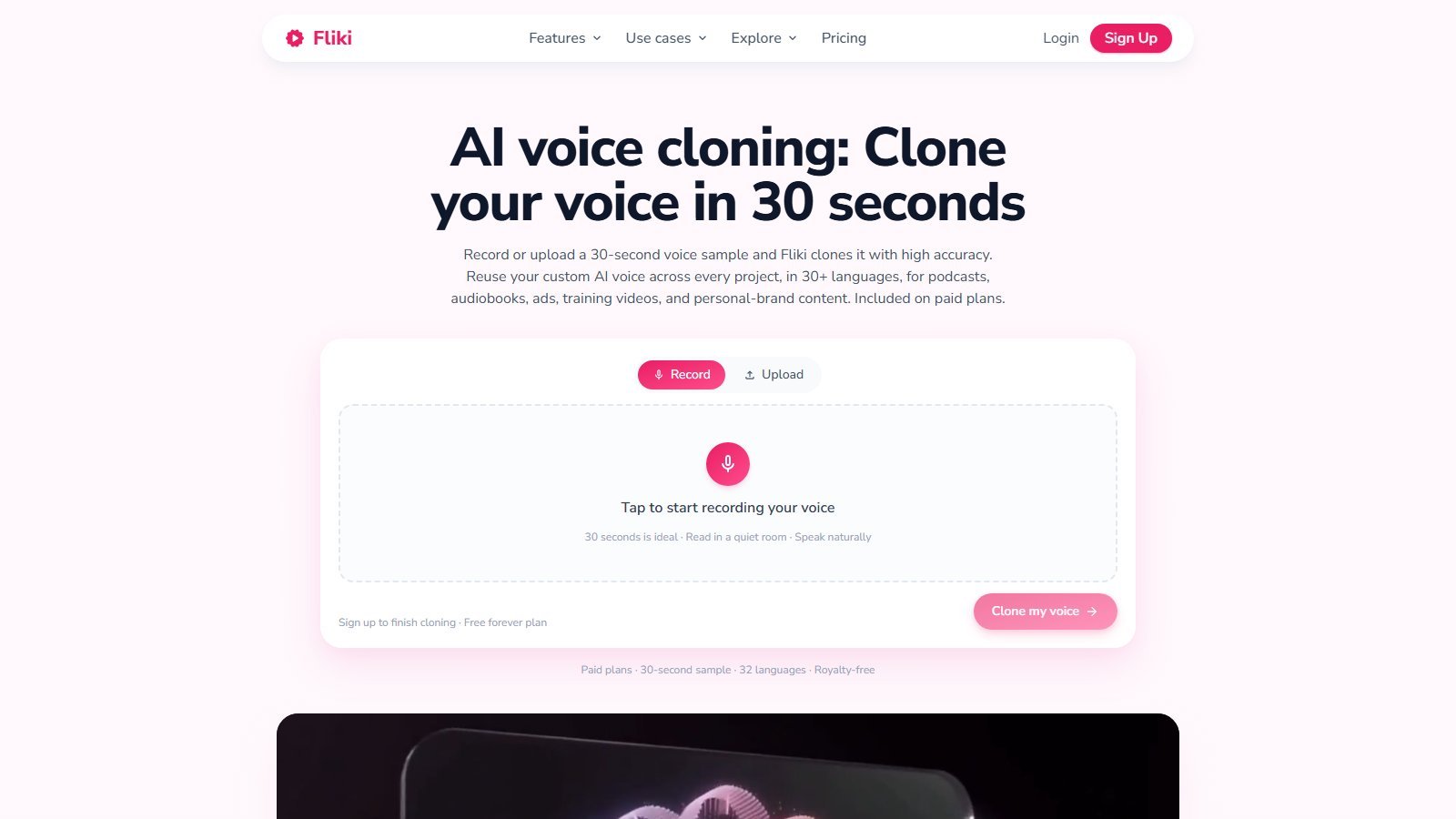
Voice cloning is currently marketed: record or upload a 30-second sample; reuse across projects; 32 languages on the cloning page (elsewhere 30+). Footer of that widget: paid plans. Live compare table: 1 clone on Basic, 1 on Standard, 3 on Premium. Older FAQ copy required Standard/Premium—reconcile in-account because Basic now lists cloning. Sample-length conflict: marketing ~30 seconds vs older FAQ ~2 minutes live-only. Prefer the live clone wizard.
Terms prohibit impersonating individuals without consent. Only clone voices you own or are authorized to clone. Do not clone celebrities or third parties. Cloning is a capability, not a license to impersonate.
AI avatars
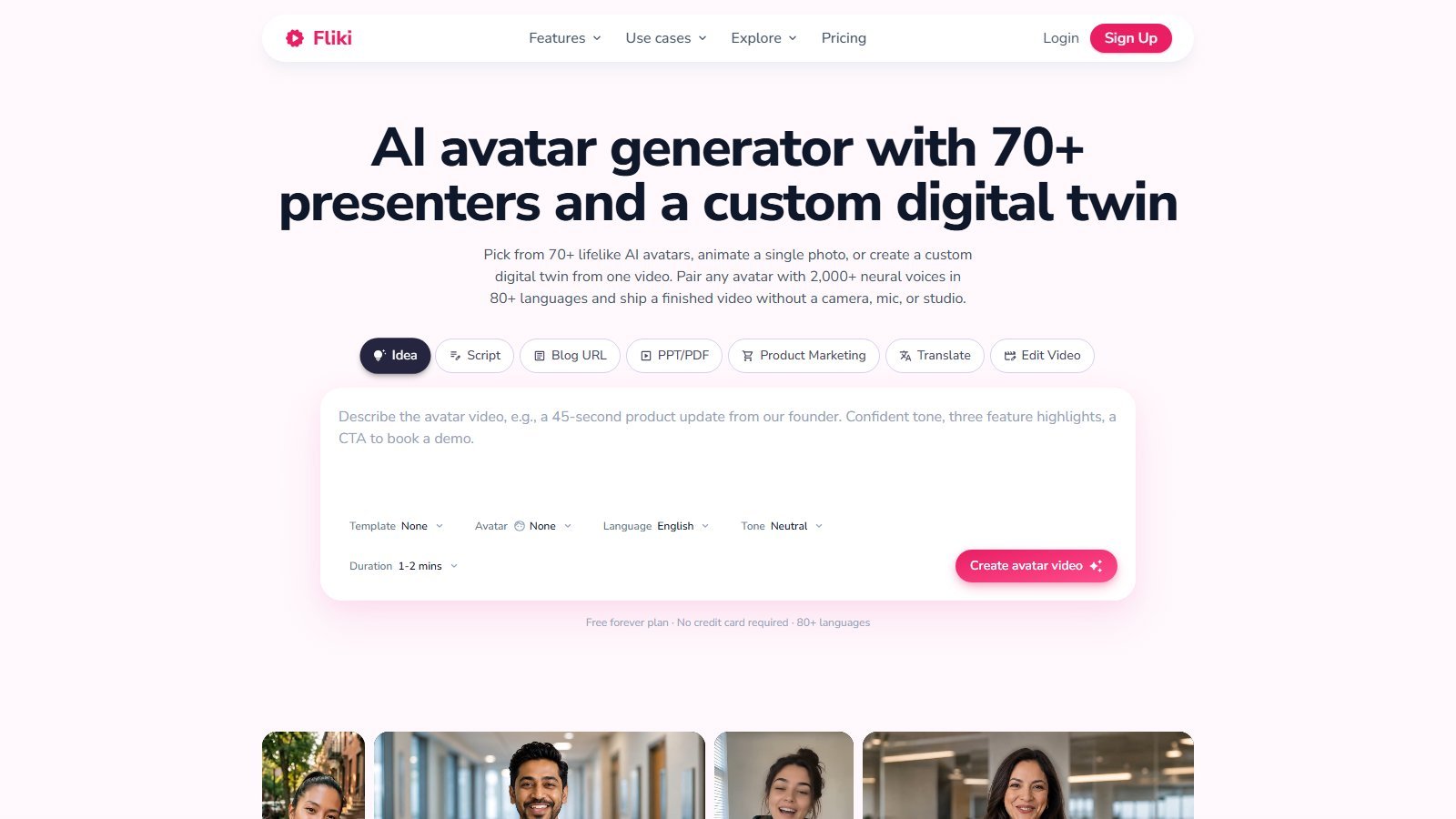
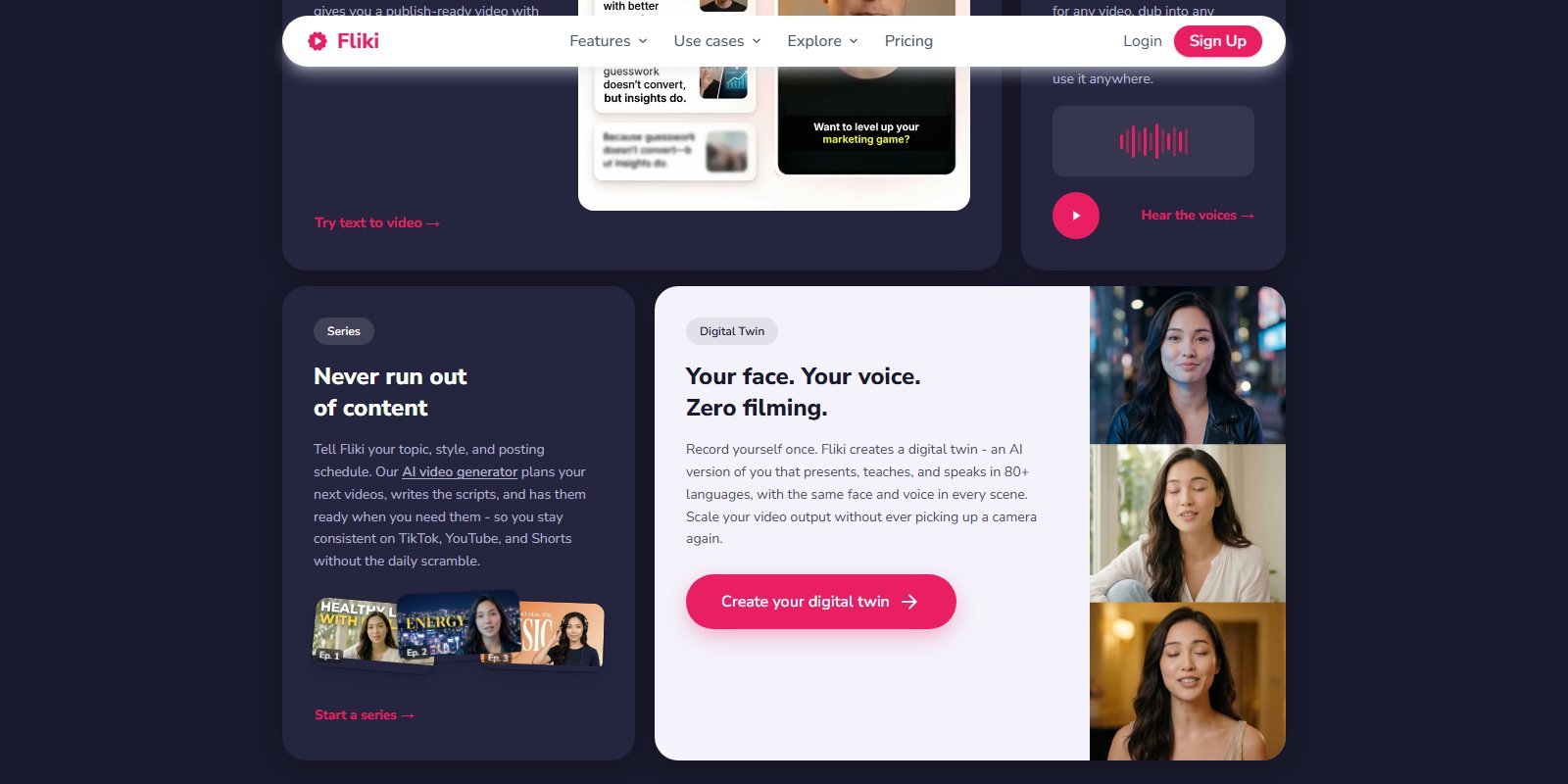
Fliki currently offers stock presenters (70+ on the avatar page; “100+ characters, each with multiple looks” in a later section—report both vendor figures), talking-photo from a still via OmniHuman 1.5, and a custom digital twin from about a 2-minute video on paid paths. Sync-3 is named for lip-sync from real video. Pair any avatar with the voice library or a clone. Translate + lip-sync is marketed in 80+ languages.
Plan gates on 5 October cards: Standard “voice cloning + limited stock avatars”; Premium “AI video clips + photo avatars” and “all AI avatars + multiple voice cloning.” Compare table: AI Avatar Limited / Limited / (full on Premium). Lip-sync is not automatic—credits tutorial says you click Generate lip-sync after locking script, because regenerating after edits costs again. Stock avatar: 0.25 credits/sec with a 2-credit minimum at ≤8 seconds.
Faceless video is b-roll, stock, AI clips, captions, and voice with no presenter. Avatar video is a digital presenter on camera. They share the same editor; they are different formats.
AI visuals and generative video
Visual sources currently marketed: user uploads, stock images/video (0 credits), AI images (0.05–1.5 credits/image; named examples in the credits tutorial include Flux 2 Klein, Z Image Turbo, Nano Banana 2, GPT Image 2.5—confirm the live picker), and AI video clips (0.1–6 credits/sec). Homepage gallery names Seedance 2.5, MiniMax H3, Gemini Omni Flash, Flux 3 Video, P-Video 2 Pro, Fabric, GPT Image 2.5, Meta Muse, plus vendor groups OpenAI, Google, Kling, Bytedance, ElevenLabs. Photo-to-video names Veo 3.1 Fast, Kling 3.0 Pro, Seedance 2.0, PixVerse, OmniHuman 1.5. AI Playground is on Standard+. Premium explicitly lists generating AI video clips. Plan column in the credits tables gates models—top-up credits do not unlock a higher plan’s models.
Image-to-video
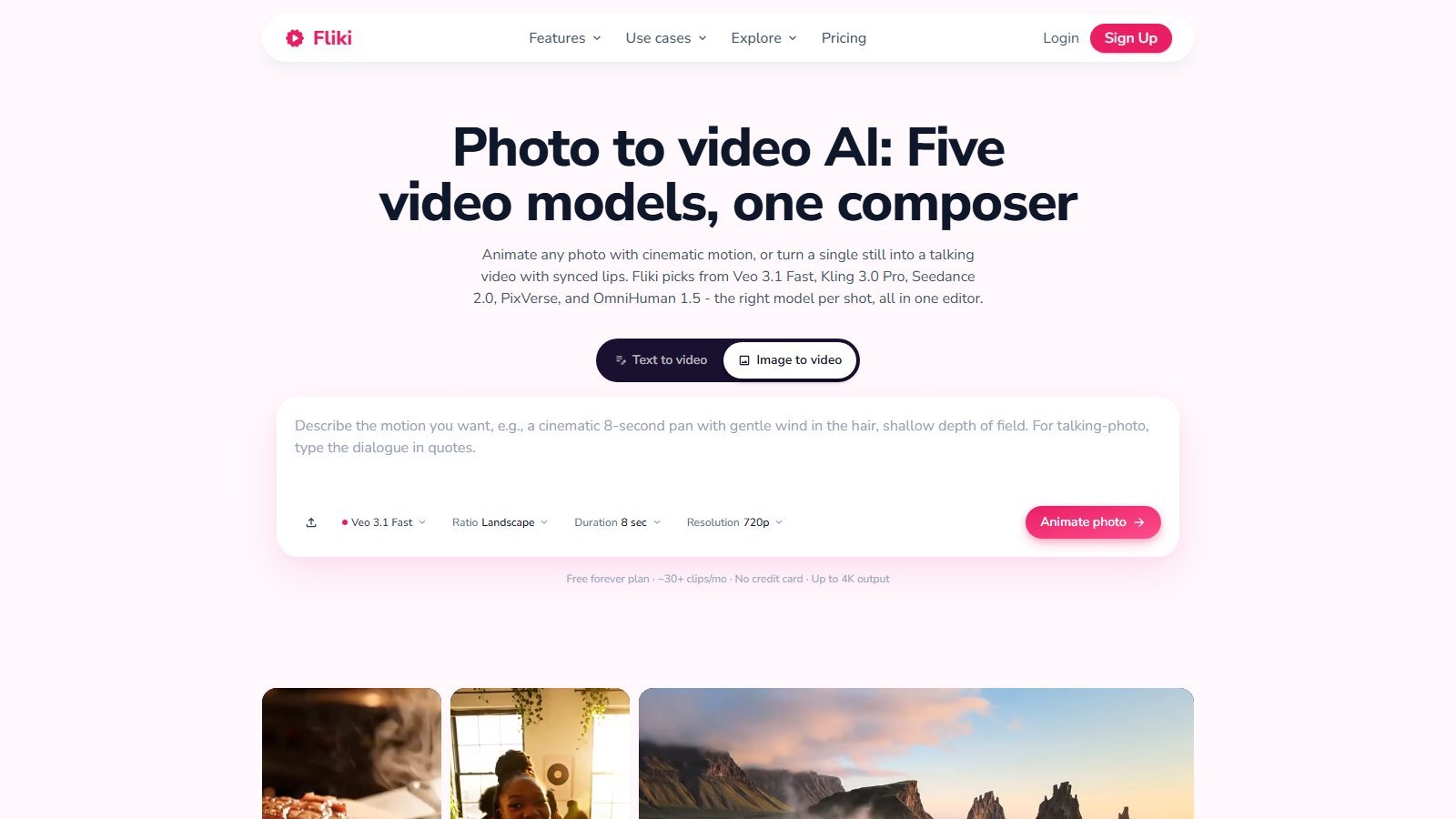
This is a real, separate composer: animate a photo or generate a talking photo. Live controls include Text to video vs Image to video, Veo 3.1 Fast, Landscape, 8 sec, 720p, Animate photo. That is generating or animating a clip from an image, not a Ken Burns pan on a scene still (though stock scenes can still use images). Do not mix it with avatar lip-sync or with assembling a 10-minute explainer.
Stock media
Stock images, clips, and music are included; paid cards say premium stock. Credits tutorial: stock or uploaded media costs 0 credits. Pricing FAQ: media from royalty-free sources plus licensed premium media with commercial rights on paid plans. That is not the same as “everything is copyright-free.” YouTube-licensed music is a separate FAQ topic (channel IDs). Confirm licenses for ads and monetized channels in-product.
Captions, subtitles, and translation
Auto burn-in captions are marketed in 80+ languages with fonts, colors, position, and animation. Voice language support is not the same as one-click translation. Translation is a separate action: in-editor Translate costs 1 credit per run plus 0.1 if an AI refine pass rewrites text; Translate video as a workflow start is 0.17 credits. Dubbing/lip-sync on avatars is extra. Subtitle file export (SRT/VTT) is NOT LISTED on the pages checked for this pass—do not assume sidecar files.
Music and audio
Background music can auto-pair and duck under voiceover. You can upload MP3/WAV (0 credits for uploaded audio). AI-generated music is billed by music model (table in the credits tutorial). FAQ discusses YouTube copyright claims and YouTube-licensed tracks. Moon Picke is not labeling Fliki music as monetization-safe beyond “paid commercial rights + vendor royalty-free wording.”
Editing and creative control
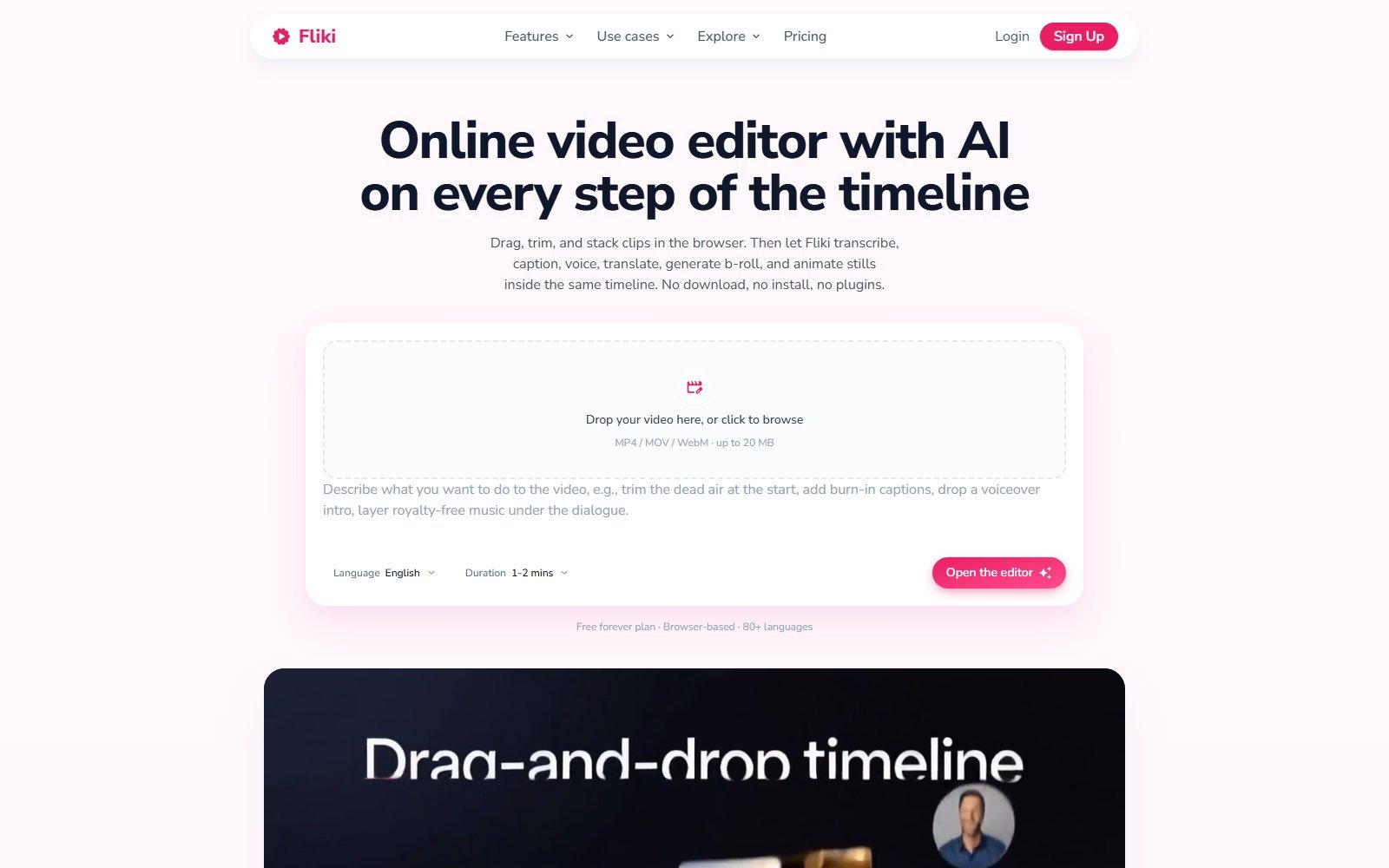
The editor page markets a browser timeline: transcribe, caption, voice, translate, generate b-roll, animate stills, multi-track, ripple, snap, keyframes, transitions. Upload MP4/MOV/WebM (widget: up to 20 MB on that dropzone; FAQ historically cited larger file caps—verify in-app). Brand kits: compare table dash / 1 / 3. Custom fonts: Premium. Pronunciation map: listed. This is still a SaaS scene-plus-timeline tool, not a replacement for a professional finishing suite. Moon Picke is not scoring it against Premiere.
Is Fliki good for faceless videos?
Yes as a format fit: idea or script → AI voice → stock/AI b-roll → burn-in captions → 9:16 export, with one-click publish marketed to TikTok, Instagram, and YouTube. Homepage even demos “Create a faceless TikTok video…”. That is not an autopilot business. You still review facts, pronunciation, visual mismatches, copyright on any URL you paste, and platform rules. Faceless is a layout, not a revenue plan. Moon Picke does not promise views, subscribers, or YouTube/TikTok monetization.
Export, resolution, and watermarks
Export: MP4 (T2V). Audio: MP3 (TTS); WAV mentioned for paid cloning exports. Resolution: Free T2V table 720p with watermark; paid monthly cards all list Full HD 1080p from Basic up. Compare table: No watermark on Basic, Standard, Premium. T2V marketing still says the watermark is “removed from $28/month”—prefer the live compare table for paid Basic, and keep Free as watermarked. 4K is claimed on photo-to-video (“up to 4K”) and some model pickers, not as a universal card line. Aspect ratios verified on T2V/blog pages: 9:16, 1:1, 16:9. 4:5: NOT LISTED. Export credit: 0.1 per minute of video. Publishing a connected channel: 0.5 credits plus FUP caps (Standard 5/day 50/month; Premium 15/day 120/month). Basic publish cap on the yearly compare snippet showed 50/month for Basic and Standard—confirm if you publish daily.
Fliki pricing in 2026
Pricing, usage allowances and plan limits were checked on 5 October 2026 and may change. Check Fliki’s current pricing before purchasing.
Public paid cards are Basic, Standard, Premium, plus Enterprise (custom, invoiced). Monthly billing: yes. Annual billing: yes, marketed as 25% off. Free plan: yes, permanent, no credit card on T2V/TTS pages. Free trial: Terms allow Fliki to offer a trial at its discretion; the public cards push “Start for free” into the forever Free tier—do not call Free a trial.
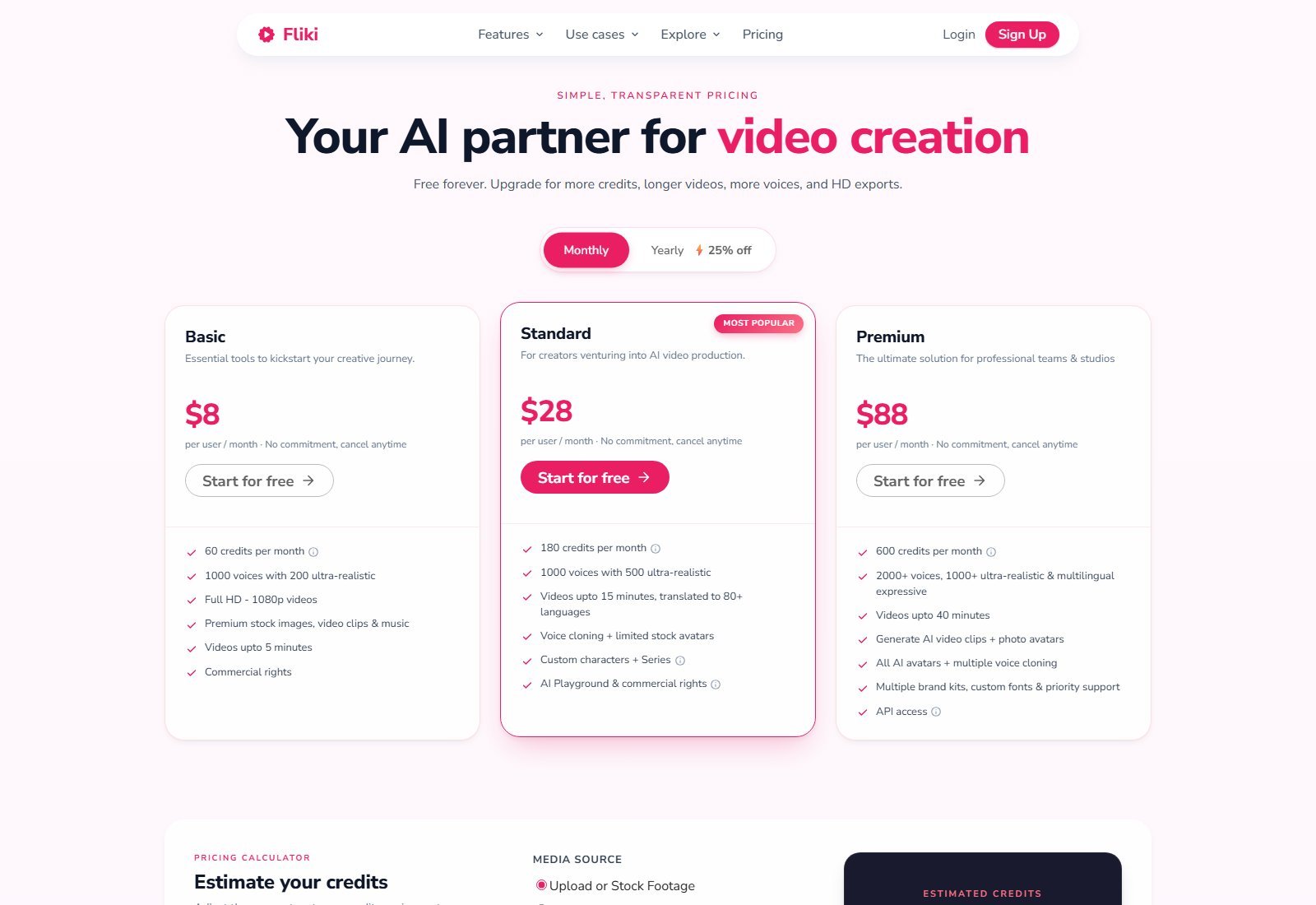
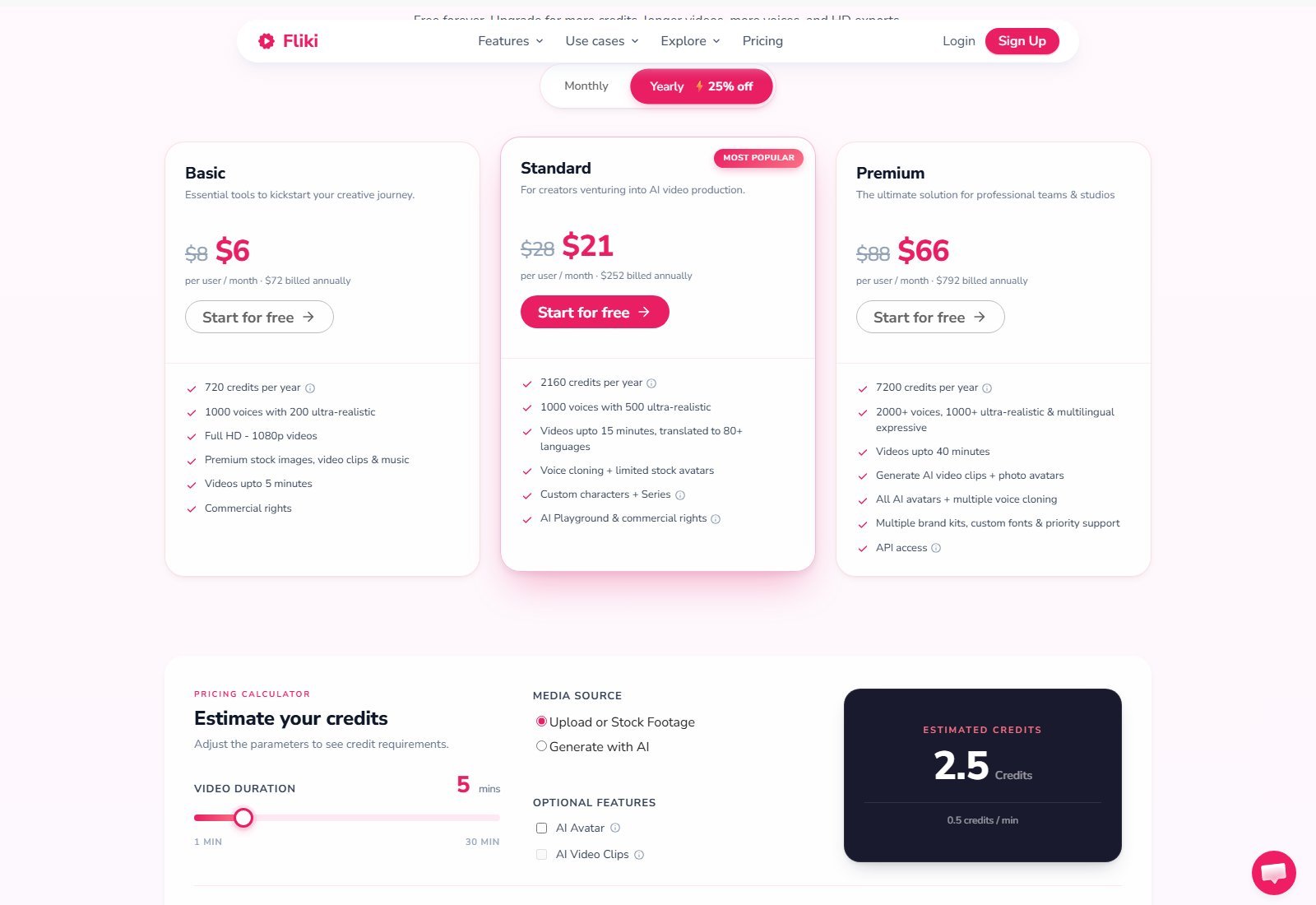
Basic — Monthly $8/user. Yearly $6/user/month equivalent, billed annually at $72. 60 credits/month or 720/year. 1,000 voices / 200 ultra. 1080p. Premium stock + music. Videos up to 5 minutes. Commercial rights. Compare: voice cloning 1, limited avatar, no watermark.
Standard (Most Popular) — Monthly $28/user. Yearly $21/user/month equivalent, billed annually at $252. 180 credits/month or 2,160/year. 1,000 voices / 500 ultra. Videos up to 15 minutes, translated to 80+ languages. Voice cloning + limited stock avatars. Custom characters + Series (1 series on compare). AI Playground & commercial rights.
Premium — Monthly $88/user. Yearly $66/user/month equivalent, billed annually at $792. 600 credits/month or 7,200/year. 2,000+ voices / 1,000+ ultra multilingual expressive. Videos up to 40 minutes (pricing FAQ still says 30—prefer the card). AI video clips + photo avatars. All avatars + multiple cloning (3). Multiple brand kits, custom fonts, priority support. API.
Enterprise — Custom, higher quotas, invoiced billing, branded templates, dedicated account manager.
Free — FAQ: 3 credits every month, reset on the plan cycle, no rollover of monthly quota. T2V: 3 minutes, 720p, watermark, 300+ voices, stock + AI images, no commercial use. Pricing FAQ still says “5 minutes of free audio and video”—treat as stale versus 3 credits.
| Plan | Price | Minutes / credits | Key features | Best for | Main limit |
|---|---|---|---|---|---|
| Free | $0 | 3 credits/mo | 300 voices, 720p, watermark | Evaluation | No commercial; tiny quota |
| Basic | $8/mo; $6/mo eq. billed yearly ($72) | 60/mo or 720/yr | 1080p, stock, 5 min, commercial | Light HD exports | No Series/Explainer per FAQ; short cap |
| Standard | $28/mo; $21/mo eq. billed yearly ($252) | 180/mo or 2,160/yr | Clone, limited avatars, 15 min, Playground | Most solo creators | Limited avatars; credit burn on AI clips |
| Premium | $88/mo; $66/mo eq. billed yearly ($792) | 600/mo or 7,200/yr | Clips, all avatars, API, 40 min | Teams, heavy AI video | Highest list price; model rates |
| Enterprise | Custom | Custom | Governance, AM, branded templates | Orgs | Sales-led |
How Fliki minutes / credits work
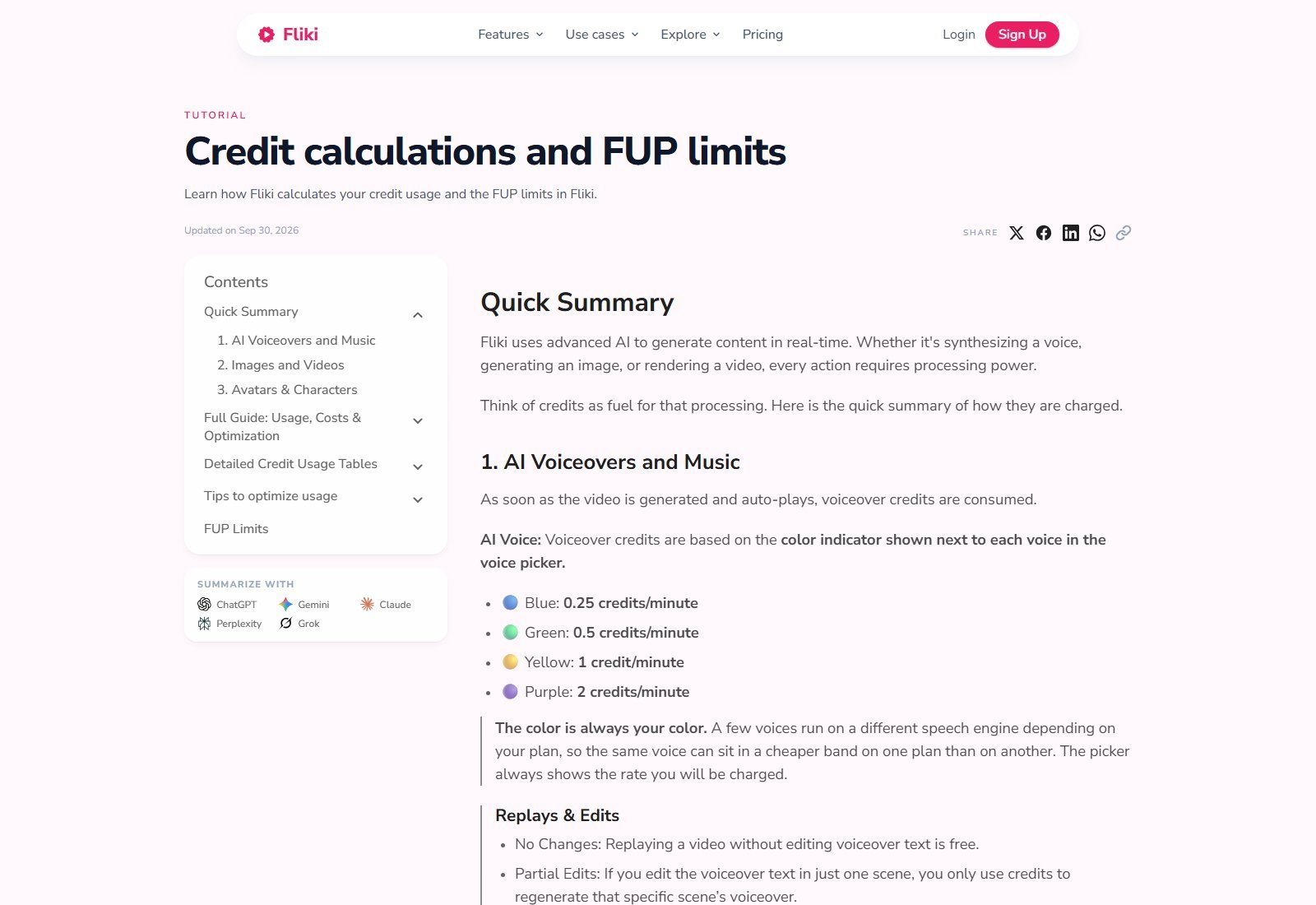
Fliki uses credits, not a simple “minutes of finished video” meter. Pricing FAQ still says “180 minutes of credits” on Standard—that language is misleading. The 30 September 2026 tutorial is the better source.
- Voiceover: color bands 0.25 / 0.5 / 1 / 2 credits per minute (blue/green/yellow/purple). Same voice name can change band by plan.
- Stock/upload media: 0. Replay without text edits: 0. Partial scene edit: pay only that scene’s voice.
- AI images: 0.05–1.5 each. Image upscale: 0.01. AI video: 0.1–6 per second.
- Stock avatar: 0.25/sec, 2-credit minimum ≤8s. Character lip-sync: Standard+; billed per second, model table.
- Workflow start on Submit: Idea/Script/Blog 0.5; PPT 1; other workflows 0.17–1.
- Export 0.1/min. Publish 0.5. In-editor translate 1 (+0.1 refine).
Monthly plan credits do not roll over (FAQ). Top-ups require an active paid subscription, last 180 days, and do not unlock higher-plan features if you drop to Free. Official 5-minute stock-plus-voice calculator showed about 2.5 credits (0.5/min) assuming AI video/avatar on ~25% of the video—vendor estimate, not a Moon Picke cost-per-video. Dollar cost per video is not published here because length, voice band, models, avatars, and resolution change the burn.
Which Fliki plan makes sense?
Stay on Free only to learn the editor. Choose Basic if you need watermark-free 1080p and commercial rights at the lowest list price and can live with 5-minute files and 60 credits. Choose Standard for cloning, Series, Playground, 15-minute files, and the usual creator mix of stock-plus-voice. Choose Premium if you will actually generate AI video clips, photo avatars, multiple clones, brand kits, or API. Do not buy Premium only because the gallery names Veo and Kling—those seconds are the expensive layer.
Fliki strengths
- Video assembly and TTS in one workspace, with 8 named speech engines.
- Multiple inputs: idea, script, blog URL, PPT/PDF, photo, upload.
- Plan-gated voice depth up to 2,000+ / 80+ languages (vendor).
- Stock at 0 credits plus optional named generative models.
- Captions, translation, and social aspect ratios (9:16, 1:1, 16:9).
- Permanent Free tier to evaluate (tight limits).
- Paid commercial packaging plus FAQ statement that paid-period videos keep commercial license after cancel.
Fliki limitations
- Credit math is multi-currency in practice (voice minutes, image credits, per-second video, avatar minimums, export, publish).
- FAQ vs live cards still conflict (5 vs 3 free units; 30 vs 40 min Premium; 180 “minutes” vs 180 credits; scene caps).
- Generative clips and avatars can exhaust a Standard 180-credit month quickly at 0.3–6 credits/sec.
- Free watermark, 720p, and no commercial rights.
- You must review AI scripts, voices, and stock matches; this is not hands-off publishing.
- Native mobile app: NOT VERIFIED in this capture; product is sold as web.
Pros and cons
| Pros | Cons |
|---|---|
| Assembled T2V + real TTS depth | Credits ≠ video minutes |
| Blog and PPT pipelines documented | Stale FAQ numbers vs Oct 2026 cards |
| Paid commercial + no watermark from Basic on compare table | AI video/avatar rates dwarf stock+voice |
| Named models available inside one editor | Model access still plan-gated; top-ups do not upgrade features |
| Free forever to try | Free is evaluation-only |
Fliki vs a traditional generative AI video model
A raw model (Sora, Veo, Kling, Runway Gen) is for short generated shots. Fliki is for turning a script into a watchable file with voice and captions, optionally dropping those shots in. Use Fliki when the deliverable is a YouTube explainer or a faceless Short. Use a raw model when the deliverable is a cinematic clip you will finish elsewhere.
| Fliki | Raw generative video model | |
|---|---|---|
| Primary purpose | Assembled videos + TTS | Generate pixel clips |
| Script | Core input | Optional prompt |
| AI voice | Core | Usually none or native audio on some models |
| Stock media | Yes, 0 credits | No |
| AI video clips | Optional, credited per second | The product |
| Scene assembly | Yes | No |
| Captions | Yes | Rarely native |
| Editing | Scene/timeline SaaS | External NLE |
| Best for | Explainers, faceless, training, blogs | Hero shots, motion experiments |
| Main trade-off | Credit complexity vs completeness | Clip quality vs no full episode pipeline |
Fliki vs Revid: what’s the difference?
Fliki’s live center is multilingual TTS plus assembled text/blog/PPT-to-video, with stock, optional avatars/clones, and a generative playground. Paid list starts at Basic $8/month (Standard $28). Revid’s live positioning (checked for Moon Picke’s Revid research) is a short-form studio: many tools, a timeline after generate, Auto-Mode workers, named models such as Veo3/Sora 2 in its docs, and publishing, with paid cards starting at $39/month Growth. Pick Fliki if voice library, blog/PPT inputs, and lower Standard list price matter. Pick Revid if you want a denser short-form toolbelt and are ready for $39+. This is not a full comparison article. Story-first faceless volume is a closer match to Moon Picke’s published StoryShort AI review.
Who should use Fliki?
Content and faceless creators who will actually edit scenes. Marketers and educators turning decks and blogs into narrated MP4s. YouTube and social teams that need captions and 9:16/16:9 from one project. Anyone who wants cloning or a digital twin without a separate avatar suite. Teams that need Premium brand kits or API.
See if Fliki fits your workflow
Who should skip Fliki?
Cinematic filmmakers who only want raw model control. Editors who need a professional finishing NLE. Character-animation-first artists (that is a different category). Buyers who refuse credit ledgers. People who need guaranteed Idea-to-Video longer than the 15-minute T2V flow without using the editor. Anyone hoping the tool will monetize a channel by itself.
Fliki alternatives
Overlap tools, not a roundup: Revid for short-form studios; StoryShort for serialized faceless stories; Pictory for blog/script-to-video (no Moon Picke affiliate URL); InVideo for agentic timeline marketing (no affiliate URL). Future Moon Picke articles may own full vs pages—this review does not.
FAQ
What is Fliki?
A web app that assembles videos from text, blogs, and slides with AI voices, stock or AI visuals, captions, and optional avatars—plus a standalone TTS mode.
Is Fliki free?
Yes, a permanent Free plan. FAQ: 3 credits/month. T2V: 720p with watermark. Not a timed trial.
How much does Fliki cost?
Basic $8, Standard $28, Premium $88 per user/month. Yearly: $6 / $21 / $66 per user/month equivalent, billed annually at $72 / $252 / $792. Enterprise custom.
Is Fliki worth it?
It can be if you need voice plus assembled video and will watch credit burn. It is weaker if you only want raw clips or unlimited exports.
Can Fliki turn text into video?
Yes, as an assembled workflow (scenes, voice, media, captions), not as a single cinematic model.
Can Fliki turn a blog into video?
Yes via URL or paste. You still need rights to the article.
Does Fliki have AI voices and cloning?
Yes. Plan-gated counts 300 / 1,000 / 2,000+. Cloning on paid compare table (1/1/3). Clone only with consent.
Does Fliki have AI avatars?
Yes: stock presenters, talking photos, paid digital twins. Not the same as faceless b-roll.
Can Fliki generate AI video clips?
Yes, via playground/composer with named models. Billed per second; Premium packages this explicitly.
Does Fliki add a watermark?
Free video exports: yes. Paid compare table: no watermark from Basic up.
Can Fliki videos be used commercially?
Paid FAQ/cards: commercial rights; users own publishing rights. Free: no. Stock, music, voices, and avatars each have license rules. Terms: no refund for the current prepaid period; case-by-case refunds possible. Cancel via support@fliki.ai; access lasts through the paid period.
What are the best Fliki alternatives?
Depends on job: Revid, StoryShort, Pictory, InVideo. This page is not a full alternatives article.
Final verdict: is Fliki worth it?
Fliki makes most sense if you live in scripts, blogs, or decks and want multilingual AI voice, captions, and an assembled MP4 without hiring a voicer and editor separately. It becomes less compelling if your work is only raw text-to-video clips, if you need film-grade motion control, or if you will lean on Veo/Kling seconds until Standard’s 180 credits vanish. Its strongest differentiator is the combination of a large TTS stack with content-to-video inputs (script, URL, PPT) in one web app. Its biggest limitation is that credits, model rates, and leftover FAQ conflicts make budgeting harder than the $8 / $28 / $88 cards suggest. At current prices, Basic is the watermark-free commercial on-ramp; Standard is the default creator plan; Premium is for clip-and-avatar volume plus API—not a mandatory upgrade for stock-plus-voice explainers. Moon Picke is not recommending Fliki because of commission; the affiliate link is disclosed above. Confirm live entitlements in-app before you pay.
Sources: fliki.ai, pricing, text-to-video, text-to-speech, voice cloning, AI avatar, photo-to-video, editor, blog-to-video, PPT-to-video, credits tutorial, FAQ, Terms. Commercial Fliki buttons use the locked partner URL. No hands-on tests.