
The best AI image-to-video generators for product videos are the tools that can take a still you already trust—pack shot, isolated PNG, lifestyle photo—and synthesize motion without turning the job into a slideshow. This roundup is not a generic AI-video ranking and not a URL-to-ad studio ranking. It starts from one still image.
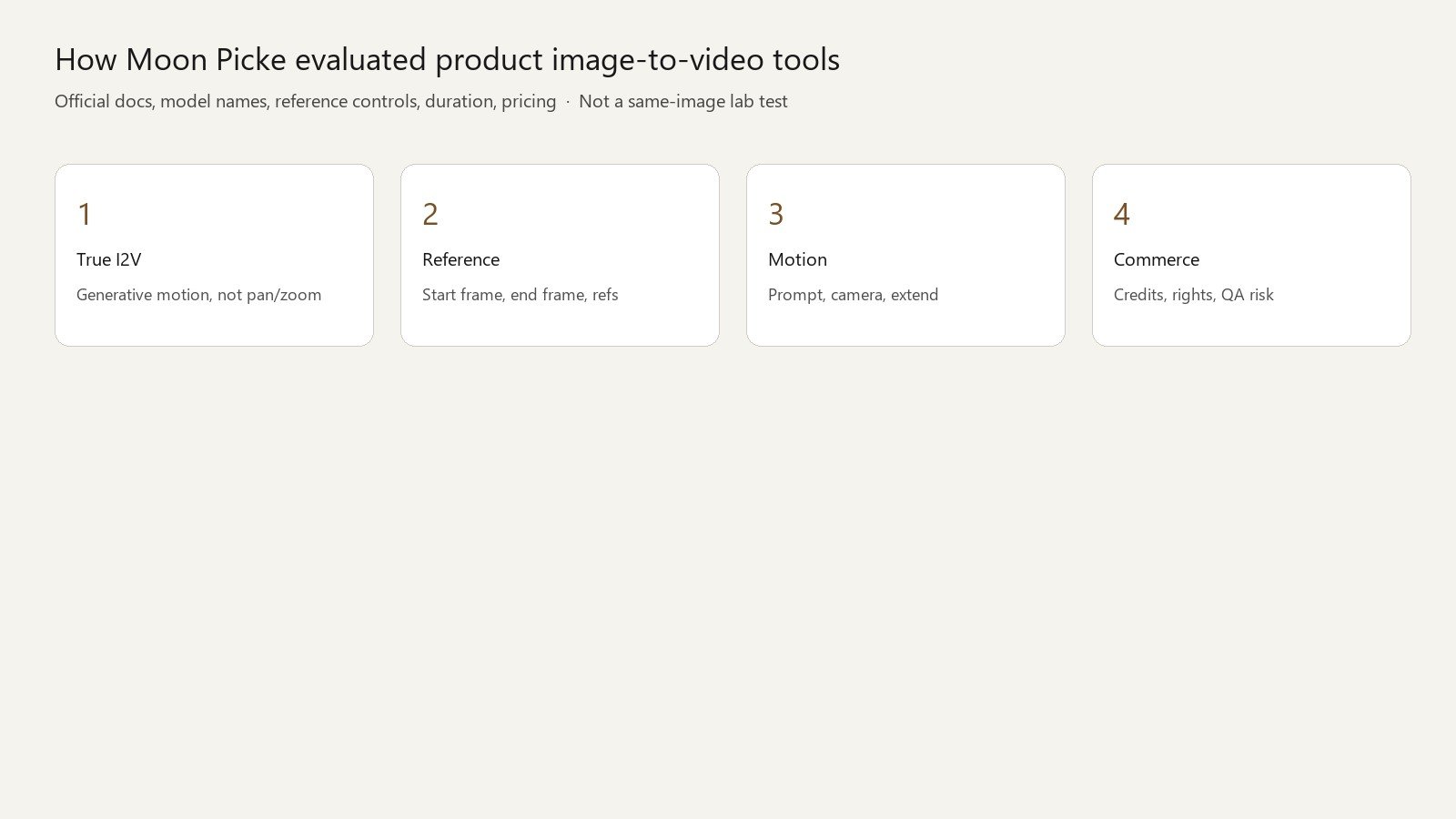
Moon Picke compared current image-to-video capabilities using official documentation, model pages, reference-image controls, motion options, pricing, commercial terms, and officially documented examples. We did not upload the same product to every tool. We did not score logo lock, hand quality, or generation speed. Product fidelity remains a workflow and QA problem, not a trophy.
Quick picks
- Best overall: Kling AI — start/end frames, element references, native I2V on VIDEO 3.0.
- Best product-preservation workflow: Kling (start + end frames + elements). No independent fidelity winner.
- Best motion / camera control: Kling documented camera + Multi-Shot; Runway first/last frames plus prompted camera.
- Best cinematic B-roll: Luma Ray 3.2 / 3.14 (native I2V + reframe).
- Best simple product animation: Hailuo 2.3 first-frame I2V.
- Best professional finishing path: Runway Gen-4.5 + Aleph access on paid cards.
- Best budget native engine: Hailuo (homepage from $9.99/mo).
- Best multi-model studio: Higgsfield (partner models, not proprietary Kling/Veo).
Comparison table
Pricing, credits, model access and generation limits were checked on 5 October 2026 and may change. Check each provider’s current pricing before purchasing.
| Tool | Best For | I2V Method | Motion Control | Camera Control | Max Native Clip | Resolution | Starting Price |
|---|---|---|---|---|---|---|---|
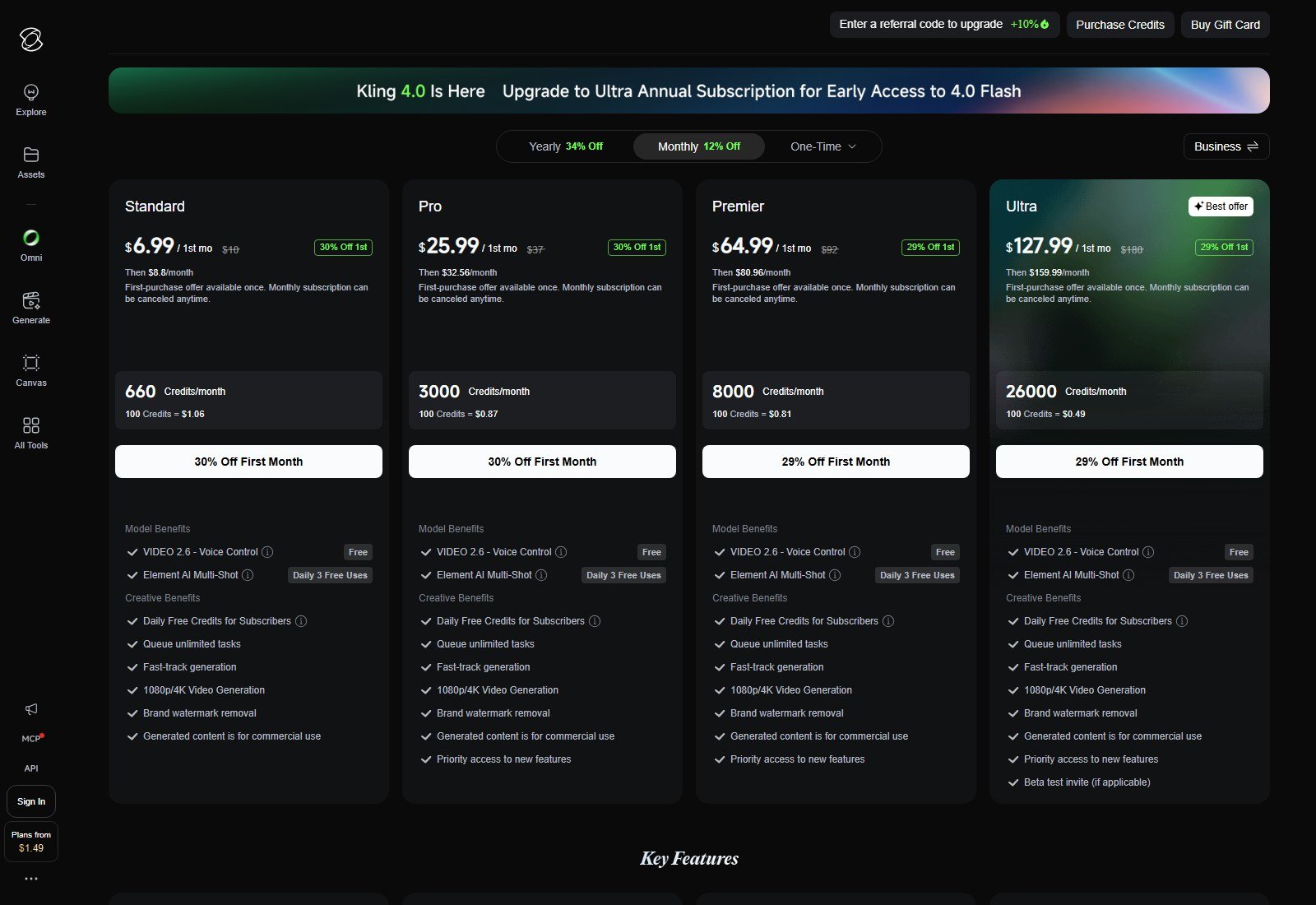
| Kling AI | Product still → directed clip | Generative I2V; start/end frames | Prompt + Multi-Shot + motion brush (docs) | Documented pan/tilt/zoom/roll + Master Shots | VIDEO 3.0: 3–15s | 720p/1080p; 4K listed 30 credits/s | $6.99 1st mo, then $8.8/mo (660 credits) |
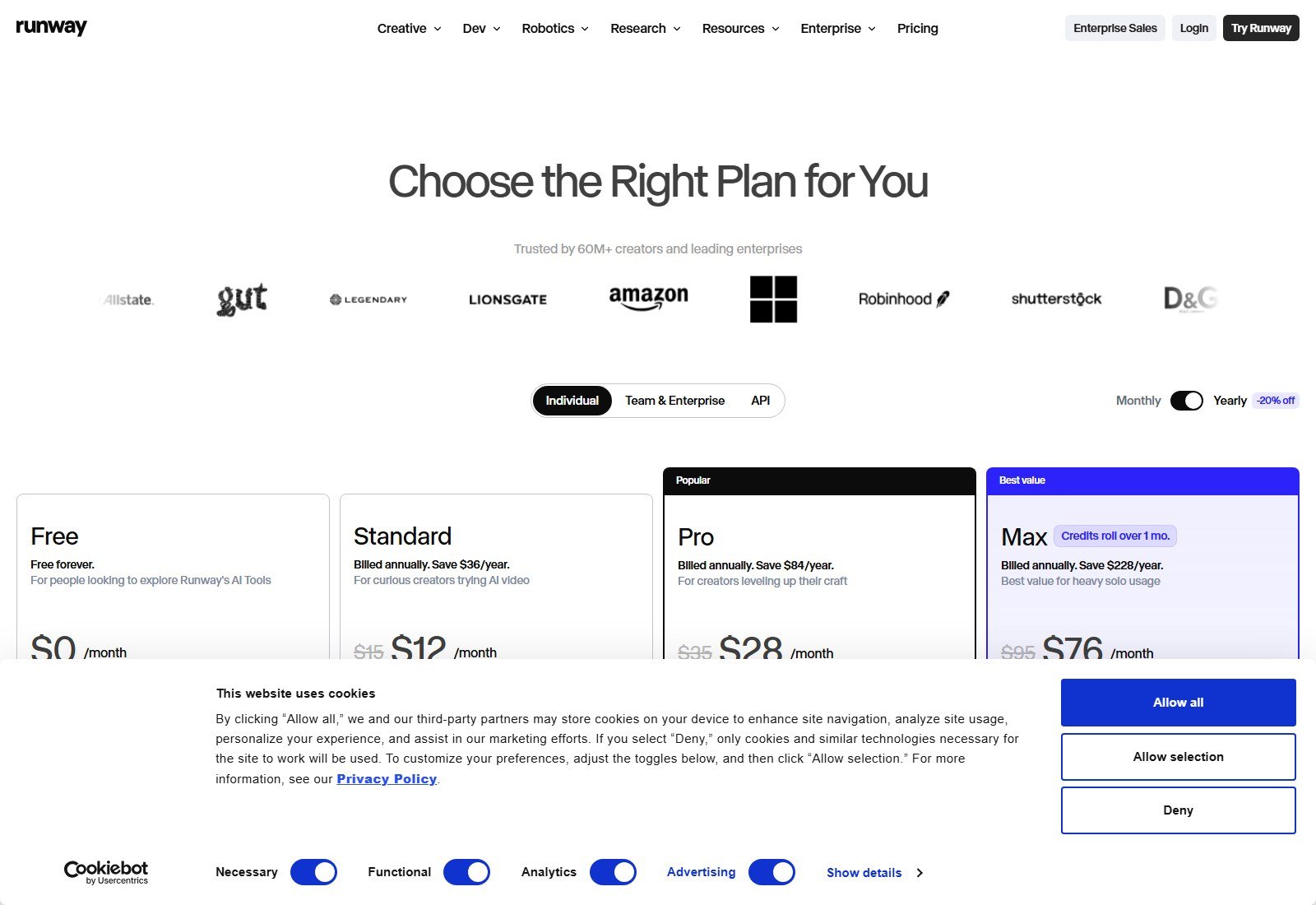
| Runway | I2V inside a production account | Gen-4.5 / Gen-4 Turbo image-to-video; first/last frames | Prompted motion | Prompted (dolly etc. in API examples) | Gen-4.5: 2–10s (API/docs) | 720p native; 4K upscale on paid | $12/month equivalent, billed annually (625 credits) |
| Google Flow / Veo 3.1 | Cinematic clips + native audio | Image as start frame; Frames to Video; Ingredients (docs) | Prompt | Prompted cinematic camera (vendor copy) | Veo 3.1 native ~8s; extend documented on API | 720p/1080p/4K on Veo 3.1 (API) | Google AI Ultra from $99.99/mo (English page); Plus/Pro USD not listed on that fetch |
| Luma Dream Machine | Hero motion + reframe | Ray3.2 / Ray3.14 I2V | Prompt; modify/reframe as separate tasks | Prompted | I2V 5s native; 10s on Ray3.2 I2V table | Draft–1080p; HDR extra credits | Plus $30/month (10,000 credits); yearly $25/month equivalent at $300 |
| Hailuo AI | Cheap first-frame product clips | Hailuo 2.3 / 2.3-Fast I2V; H3 on homepage | Prompt | Prompted | 2.3: 6s or 10s (768p 10s) | 768p / 1080p (2.3 page) | From $9.99/mo (homepage); subscribe URL redirected |
| Higgsfield | Switch engines from one still | Platform I2V via listed models | Depends on selected model | Cinema Studio tags (help historically) | Model-dependent | Model-dependent | $15/month, billed annually (Starter, 200 credits) |
| Pika | Simple multi-model I2V | Platform I2V (Seedance/Wan listed) | Prompt / model defaults | NOT LISTED as a native camera panel | Example: Seedance 2.5 5s on pricing | Example 720p on pricing table | $10/mo or $8/month equivalent billed annually; commercial from Creator |
| Vidofy | Many I2V models, one balance | 65+ I2V models (homepage) | Model-dependent | Model-dependent | Homepage demo 8s class | Demo 720p / 9:16 | Free starter credits; /pricing returned 410 |
Reference / fidelity workflow table
| Tool | Reference Method | Multi-Reference | Start/End Frame | Product Control | Main Fidelity Risk |
|---|---|---|---|---|---|
| Kling | Image + elements | VIDEO 3.0 start frame + elements | Yes (guide) | Element lock (vendor copy) | Generative alteration still needs QA |
| Runway | promptImage; first/last | Gen-4 image refs historically up to 3 | Yes (API first/last) | Keyframe positions | Generative alteration requires QA |
| Flow / Veo | Start image; Ingredients; reference images on 3.1 | Yes on Veo 3.1 (not Veo 3) per API docs | Frames to Video (Flow blog) | Ingredients / refs | Generative alteration requires QA |
| Luma | Image2video conditioning | Master refs in Agents FAQ historically | NOT VERIFIED as explicit end-frame on Ray3.2 table | Prompt + resolution | Limited published product-lock controls |
| Hailuo 2.3 | First frame | No on 2.3 FAQ | Last frame: no on 2.3 FAQ | First-frame only | Limited reference control |
| Higgsfield | Depends on engine | Cinema refs (help historically) | Parity with native Kling NOT VERIFIED | Studio + model | Platform ≠ native model internals |
| Pika | Upload still to selected model | NOT LISTED | NOT LISTED | Model-dependent | Limited published product control |
| Vidofy | Upload still to selected model | Model-dependent | Model-dependent | Model-dependent | Aggregator: capability is the model’s, not Vidofy’s own |
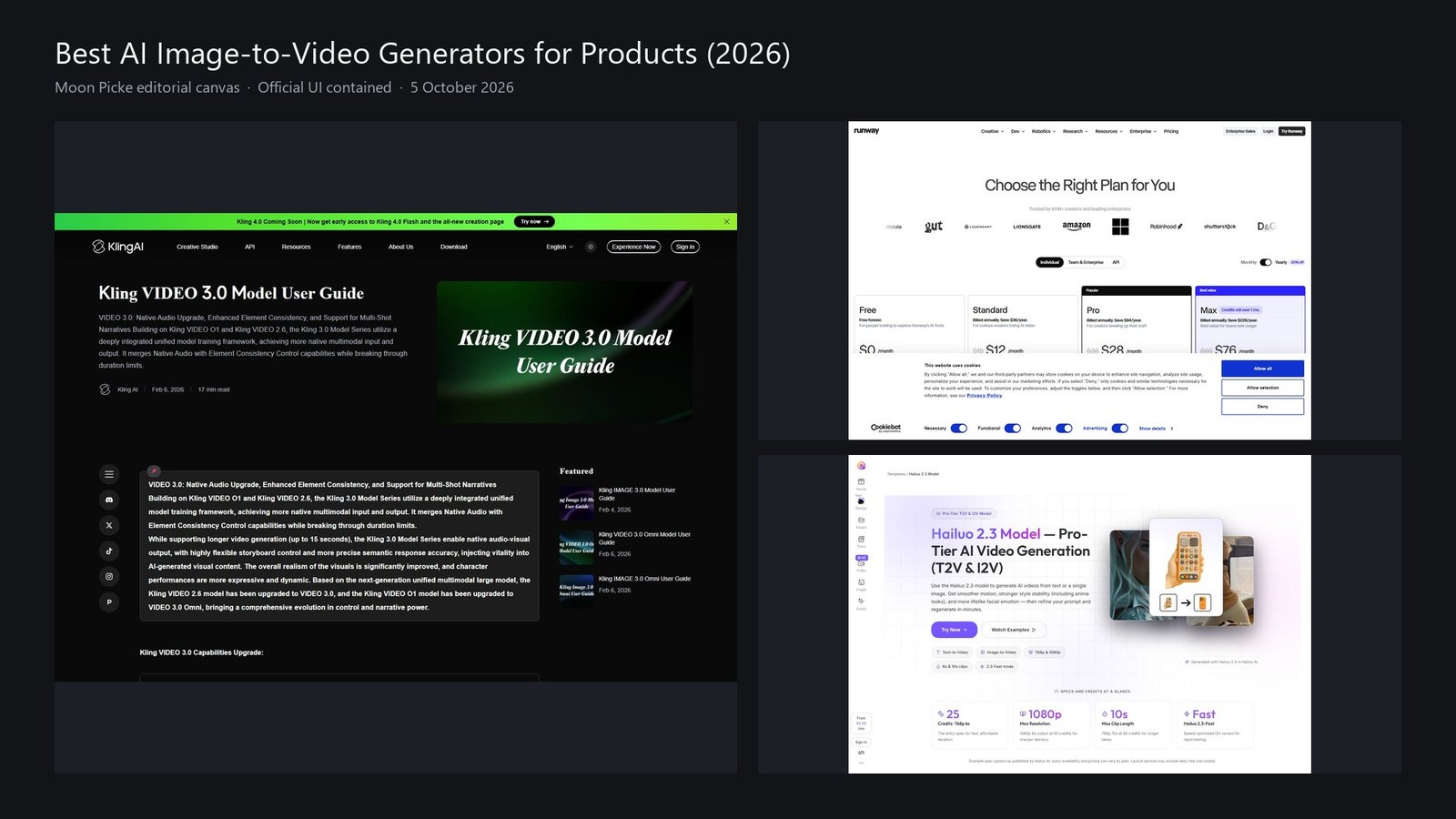
How we chose the best image-to-video tools for product videos
We ranked tools a US reader can reasonably open in a browser, that expose true generative image-to-video (not Ken Burns, not a talking-head avatar photo, not “drop a JPG into a template”). Dimensions: I2V method, reference/start-end behavior, motion and camera documentation, duration vs extension, resolution native vs upscale, credit economics, commercial language, and whether the product is an app, a model, or a multi-model platform.
Affiliate relationships did not set rank. Kling, Runway, Google, Luma, and Hailuo are non-affiliate here. Higgsfield and Vidofy are affiliate and sit below native engines because a platform is not the same as owning the model.
Disclosure: Moon Picke may earn a commission if you purchase through links on this page, at no additional cost to you. Affiliate Disclosure.
What counts as true AI image-to-video?
True I2V conditions on your still and synthesizes new frames: camera move, subject motion, lighting change, or a new environment that still “starts from” that picture. It is not a pan/zoom of a static layer. It is not an avatar reading a script with your product pasted in. It is not a slideshow. Accepting a JPG is not enough to rank here.
Why product fidelity is harder than it looks
A pack shot carries logos, label type, buttons, ports, seams, and color that generative motion can mutate frame to frame. A beautiful clip can still be a bad product video. We do not claim pixel-perfect preservation. Official examples show capability, not cross-tool superiority. Review every commercial frame against the approved still. Overlay exact marks when the campaign requires them. You remain responsible for trademarks, packaging, and people in the source photo.
What we researched and excluded
The candidate pool included native I2V engines (Kling, Runway, Veo/Flow, Luma, Hailuo, Pika historically, PixVerse, Vidu, Adobe Firefly), multi-model platforms (Higgsfield, Vidofy, current Pika Create), and Moon Picke affiliate products that accept images (Vidofy, Revid, Fliki, MakeUGC, UGCVideo.ai, UGCReal, TheInfluencer.ai).
OpenAI Sora: model/API historically supported image references. OpenAI Help states the Sora web/app ended 26 April 2026 and the Sora API shutdown was scheduled 24 September 2026. It is not a current US consumer I2V product for this ranking.
Fliki: images can appear in videos. That is not true generative image-to-video. Excluded. Affiliate URL was validated (200) and unused.
Revid: social/faceless workflow, not product-image I2V. Excluded. Affiliate validated (200) unused.
MakeUGC / UGCVideo.ai / UGCReal / TheInfluencer.ai: product-in-hand and UGC-actor workflows. They may upload a product image, but the product is not a generative I2V engine in the sense of this pillar. Excluded so #21 does not become another UGC roundup.
Creatify, Pippit, Topview, JoggAI: product-URL and ad-assembly tools. They belong to the product-video pillar, not this still-first I2V ranking.
InVideo, Canva, VEED: editing/templates/stock. JPG-in-timeline is not generative I2V.
Adobe Firefly video: official feature URL returned 500 in this session. Insufficient current evidence. Excluded.
PixVerse: real I2V (docs: V5/V6 image-to-video, first-last transition on older stacks). Homepage listed V6 and per-minute rates, not a clear USD membership card we could verify for a US shopper. Researched, not ranked as a finalist to avoid a filler row with incomplete consumer pricing.
Vidu / Seedance-as-a-standalone-app: Seedance appears as a hosted model on Luma, Runway, Pika, and Higgsfield. Ranked via those access paths, not as a separate consumer SKU.
Eight finalists remain because they are materially distinct: five native (or Google-native) I2V stacks plus three platforms. No eighth tool was added to hit a quota—Vidofy earned a slot as a true I2V aggregator with documented 65+ I2V models, despite a 410 on /pricing.
#1 Kling AI: Best overall for product still → directed generative clip
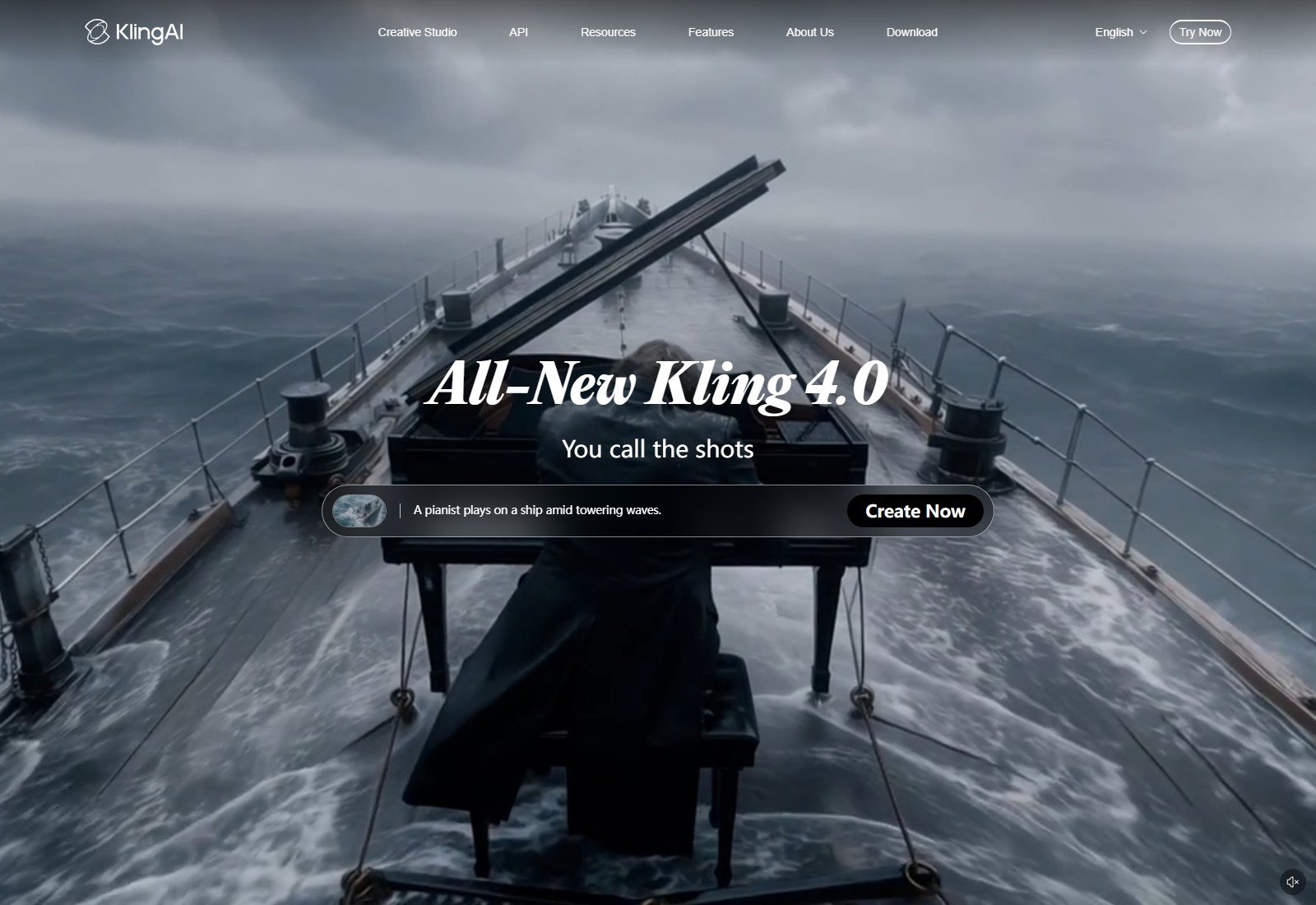
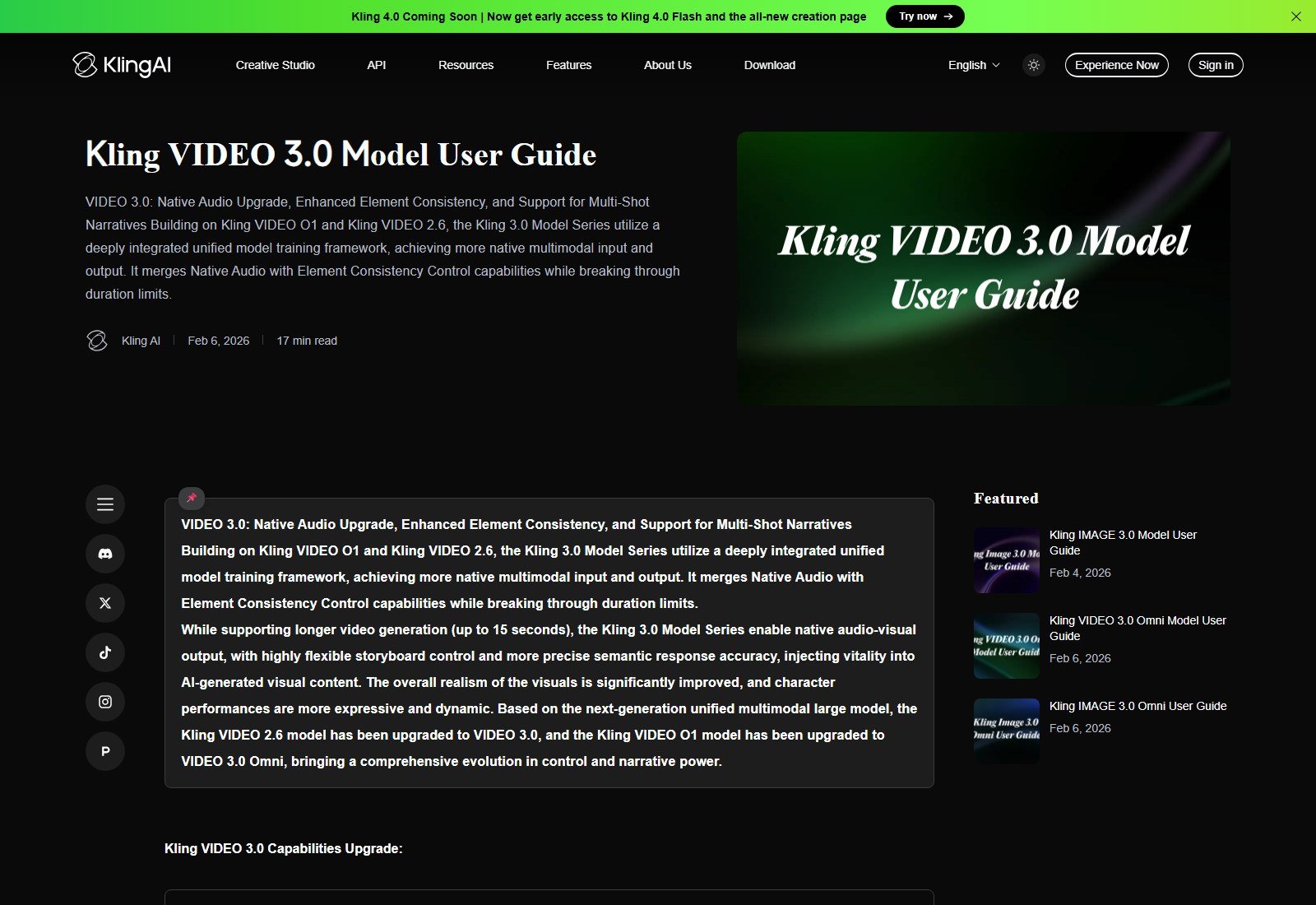
Kling is on this list because it is a native image-to-video product, not merely a host for someone else’s model. The VIDEO 3.0 model guide (captured 5 October 2026) lists Image-to-Video and Start & End Frames-to-Video, plus start-frame + element reference, Multi-Shot, native audio, and 3–15 second output. Official copy also claims stronger lettering/sign preservation for e-commerce-style use—that is Kling’s claim, not a Moon Picke logo test.
How I2V works: upload a still (used as the start of the shot in the documented I2V / start-end workflow) → prompt motion → optional end frame → optional elements → duration/resolution/audio → generate. Access: web Creative Studio at kling.ai / app.klingai.com. US access: verified (English membership and guides loaded).
Reference / product control: Start and end frames are documented. VIDEO 3.0 adds element references so items can be locked as “elements,” which is the strongest published product-preservation workflow in this set. It is still generative video. Logos and packaging type can drift. Manual QA is required.
Motion / camera: Official camera-movement help (also cited in our Kling AI review) documents horizontal, vertical, zoom, pan, tilt, roll and Master Shots. Multi-Shot plans coverage inside one generation. Motion Brush is named in Kling help historically—confirm the live panel.
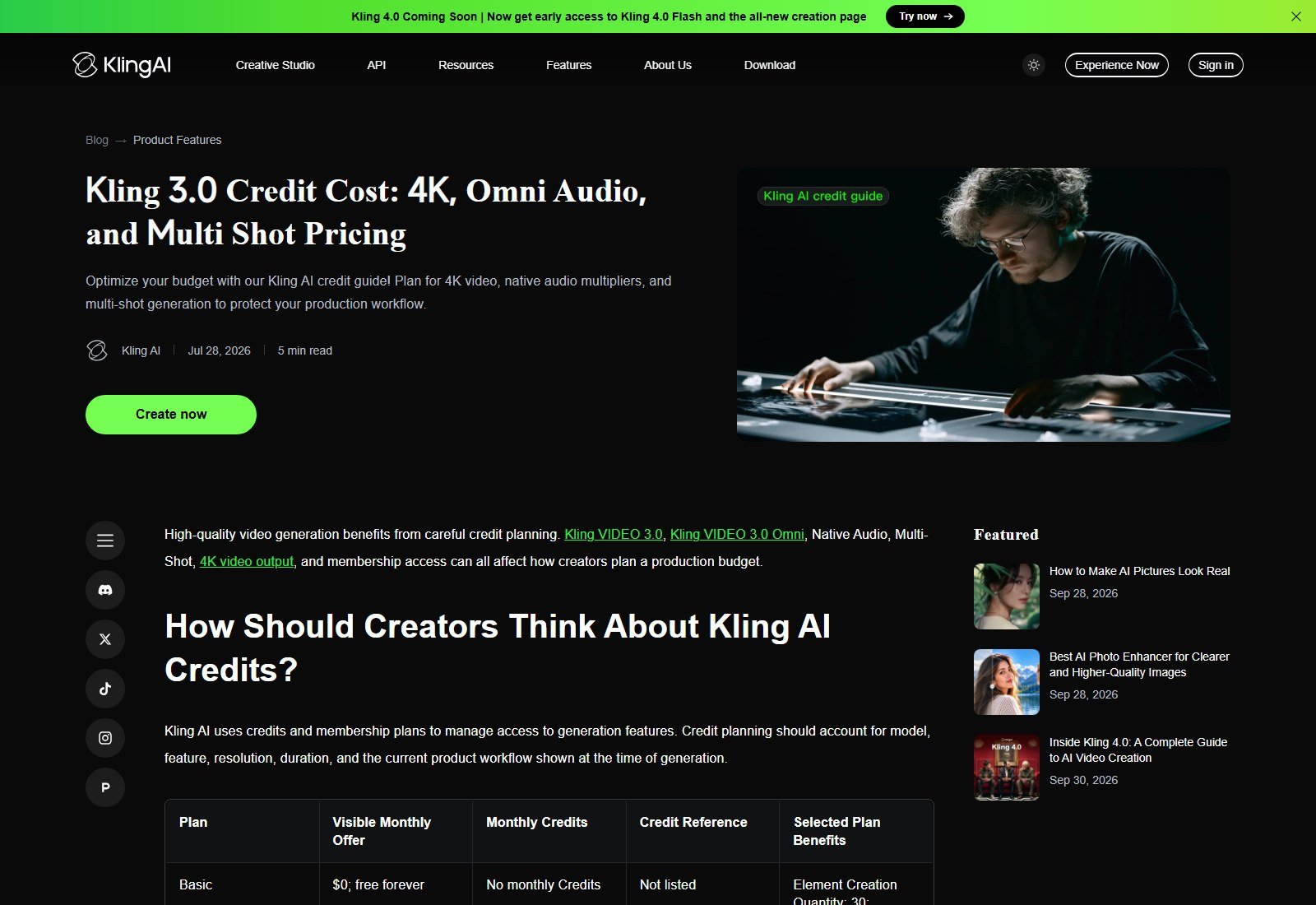
Duration / resolution: Native 3–15s on VIDEO 3.0 (not the same as older 5/10s 2.6 notes). Paid membership lists 1080p/4K generation and watermark removal. Credit guide: 4K planning reference 30 credits/second. Extension is listed on paid plan benefits—extension is extra spend, not a longer native shot.
Pricing: Membership page 5 October 2026: Standard $6.99 first month, then $8.8/month, 660 credits; Pro $25.99 then $32.56, 3,000 credits. Basic $0, no monthly credits; credit-cost guide: Basic not for commercial use; paid rows list commercial use. Membership credits are monthly (point policy). Do not treat “660 credits” as comparable to Runway’s 625.
Biggest advantage: documented start/end + elements on the same native I2V stack.
Biggest limitation: credits + iteration; not an ad assembler.
Best for: ecommerce teams who will overlay exact logos in post.
Skip if: you only wanted a talking UGC actor holding a SKU.
#2 Runway: Best for image-to-video inside a production account
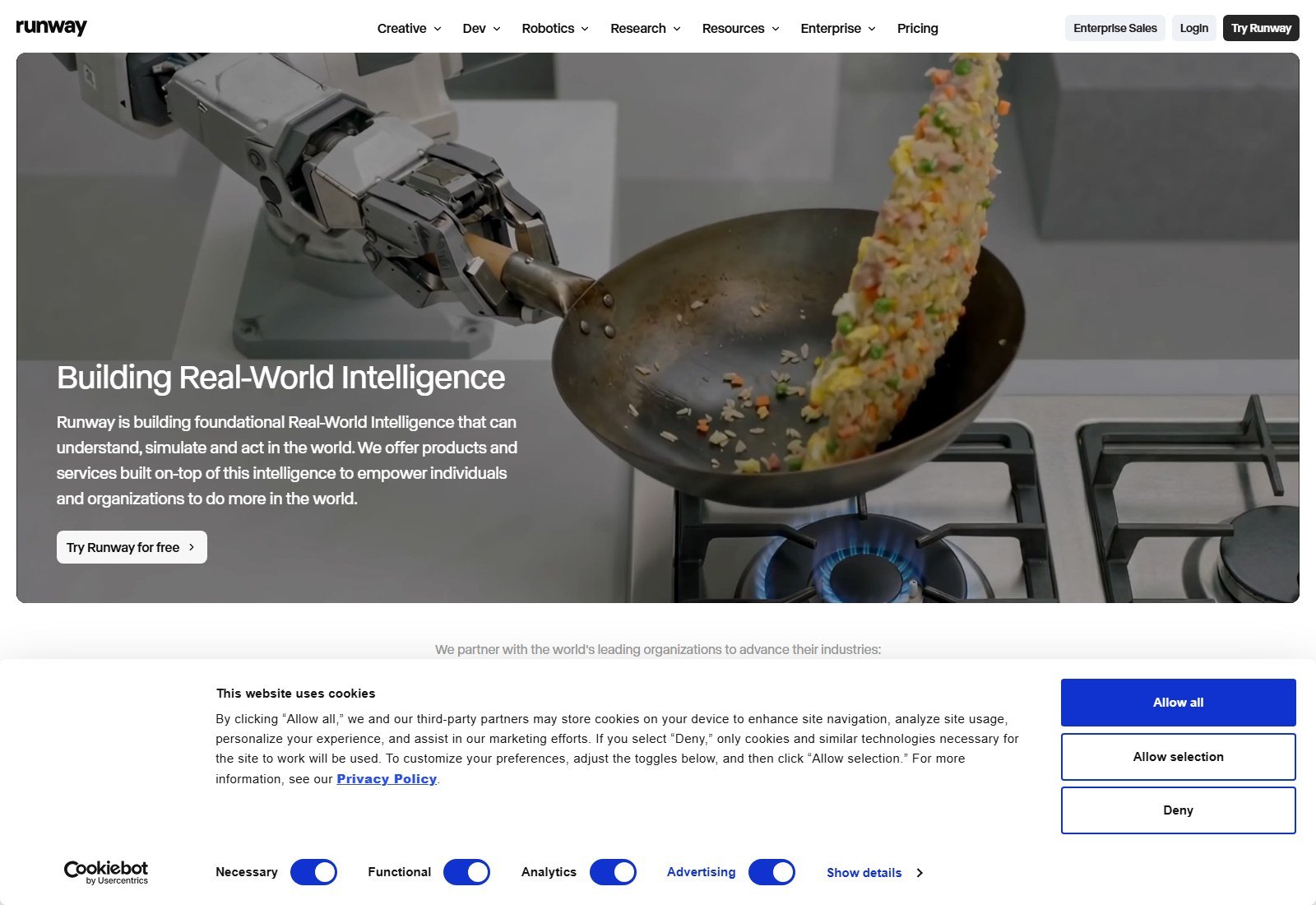
Runway qualifies as true I2V because Gen-4.5 and Gen-4 Turbo expose image-to-video (official API: promptImage, optional first/last keyframes). The consumer pricing page (yearly toggle, 5 October 2026) prices Standard at $12/month equivalent, billed annually (625 credits), with Gen-4.5 listed at 60 credits per 5 seconds. Free: 125 one-time credits, watermarked. Paid Individual cards list no watermarks and 4K upscaling—upscale is not native 4K generation.
How I2V works: still → Gen-4.5/Turbo → prompt (camera language in the prompt) → duration/ratio → generate → optional Aleph/edit tools on higher plans. Type: web app + API. Partner chips on the pricing card (Kling 3.0, Seedance) are access, not Runway-proprietary models.
Reference: Image as required I2V input on Turbo; first/last frame array in API. Gen-4 image references (up to three) appear in older Gen-4 docs—confirm live Gen-4.5 UI. Not independently tested for logo lock.
Duration / resolution: Do not mix 5-second credit examples with 10-second generations. Confirm the live duration picker. Native vs 4K upscale: distinguish them.
Biggest advantage: generation continues into projects/edit rather than a dead-end MP4.
Biggest limitation: camera is mostly prompted, not Kling’s six-axis panel.
Best for: teams already finishing in Runway.
Skip if: you only need native Kling frames at $8.8 renewal.
#3 Google Flow (Veo 3.1): Best for cinematic product clips with native audio
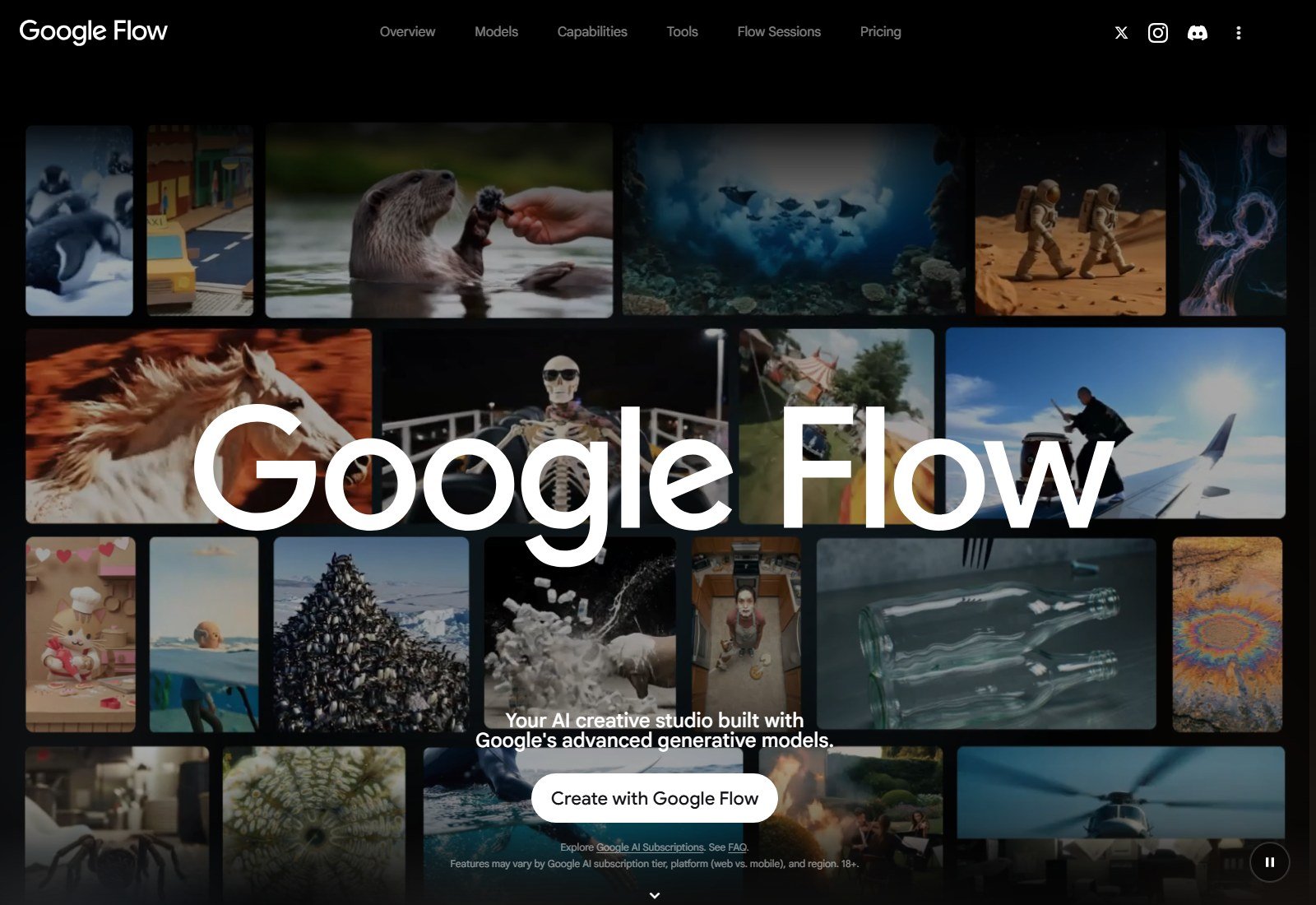
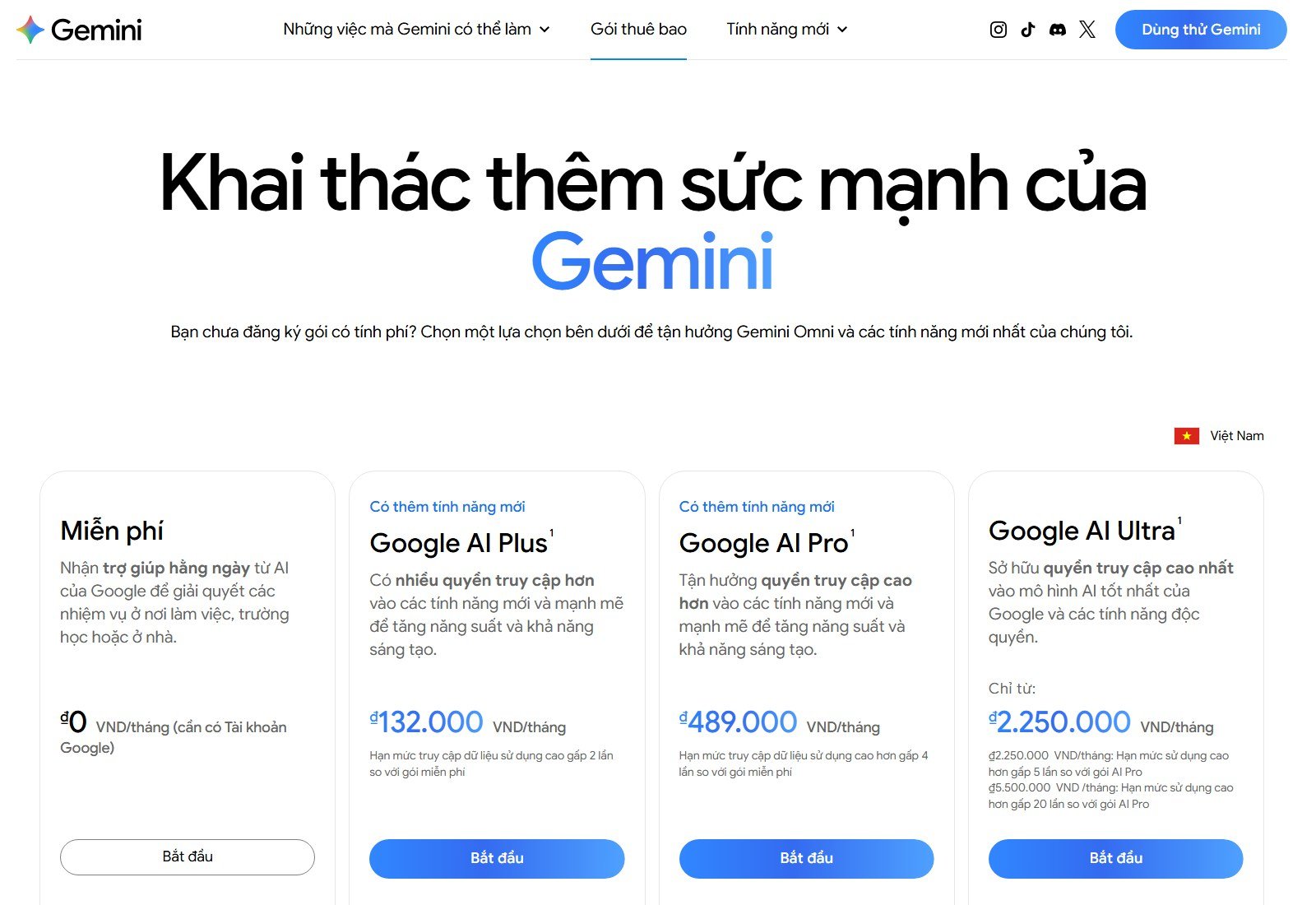
Google Flow is the consumer filmmaking surface. The English subscriptions page lists Flow credits: Plus 200, Pro 1,000, Ultra 10,000 or 25,000, with Gemini Omni Flash named on the Flow rows. Ultra is listed at $99.99/month or $199.99/month. Plus and Pro USD were not printed on that English fetch; our screenshot localized to Vietnam (do not convert VND to a US list price). FAQ copy: Pro includes a limited Veo 3.1 Lite trial; Ultra unlocks Veo 3.1. Gemini API documents Veo 3.1 image-to-video, reference images (3.1 / 3.1 Fast, not Veo 3), Frames to Video, Ingredients to Video, native audio, 8-second-class generation, and extension of Veo-generated video.
US access: verified as a US-targeted English subscriptions page. Flow features vary by plan, platform, and region (18+).
Biggest advantage: documented start-image + frames/ingredients + native audio.
Biggest limitation: Veo vs Omni Flash vs Lite is plan-gated; clip cost is too variable to calculate here.
Best for: cinematic product atmosphere with sound.
Skip if: you need start/end frames as a first-class ecommerce control like Kling.
#4 Luma Dream Machine: Best for Ray-native hero motion and reframe
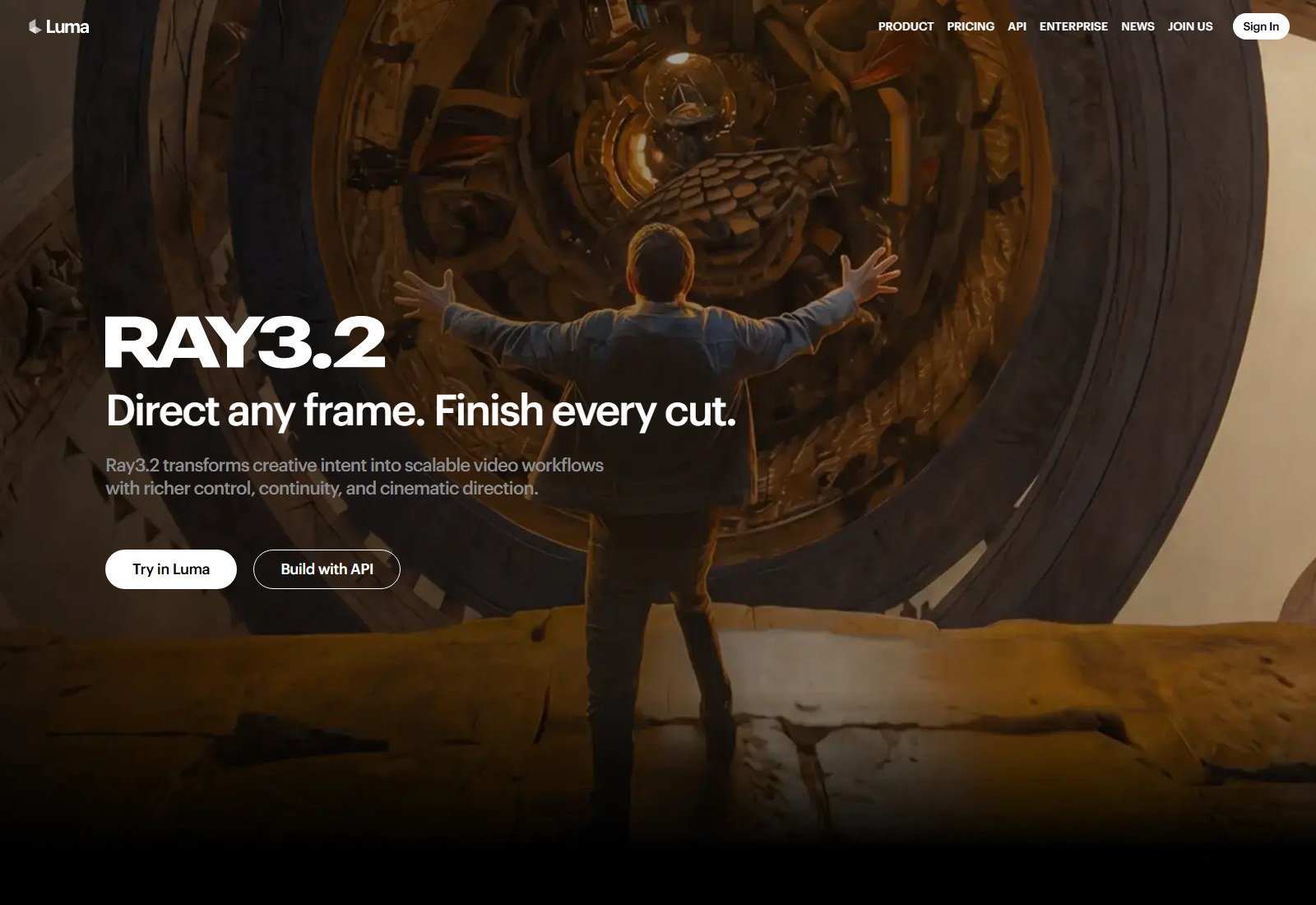
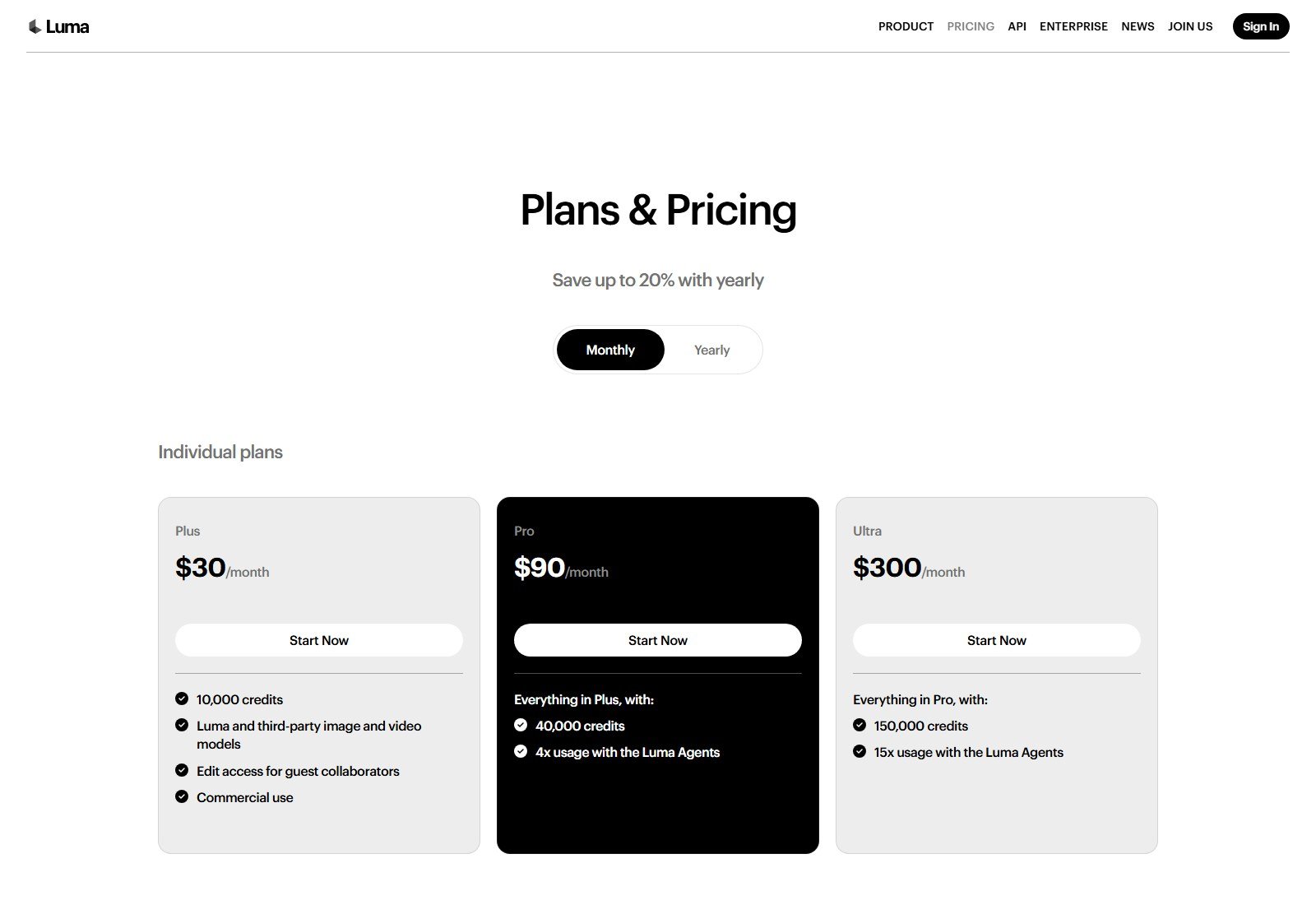
Luma’s pricing page bills Ray3.2 and Ray3.14 for text-to-video and image-to-video. Ray3.2 I2V: 5s or 10s; 720p 5s = 100 credits; 1080p 5s = 400. Ray3.14 I2V at 720p is 20 credits/second. HDR is a credit multiplier. Plus is $30/month with 10,000 credits and commercial use listed; yearly is $25/month equivalent billed at $300. Partner rows on the same page are third-party access—do not call those Luma models.
Reference: I2V conditions on the uploaded image. Explicit start/end-frame parity with Kling: NOT VERIFIED on the Ray3.2 public table.
Biggest advantage: native I2V plus reframe for extra aspect ratios.
Biggest limitation: 1080p I2V is expensive in Ray credits.
Best for: hero B-roll from a strong still.
Skip if: you need cheap 1080p volume.
#5 Hailuo AI: Best budget native first-frame product clips
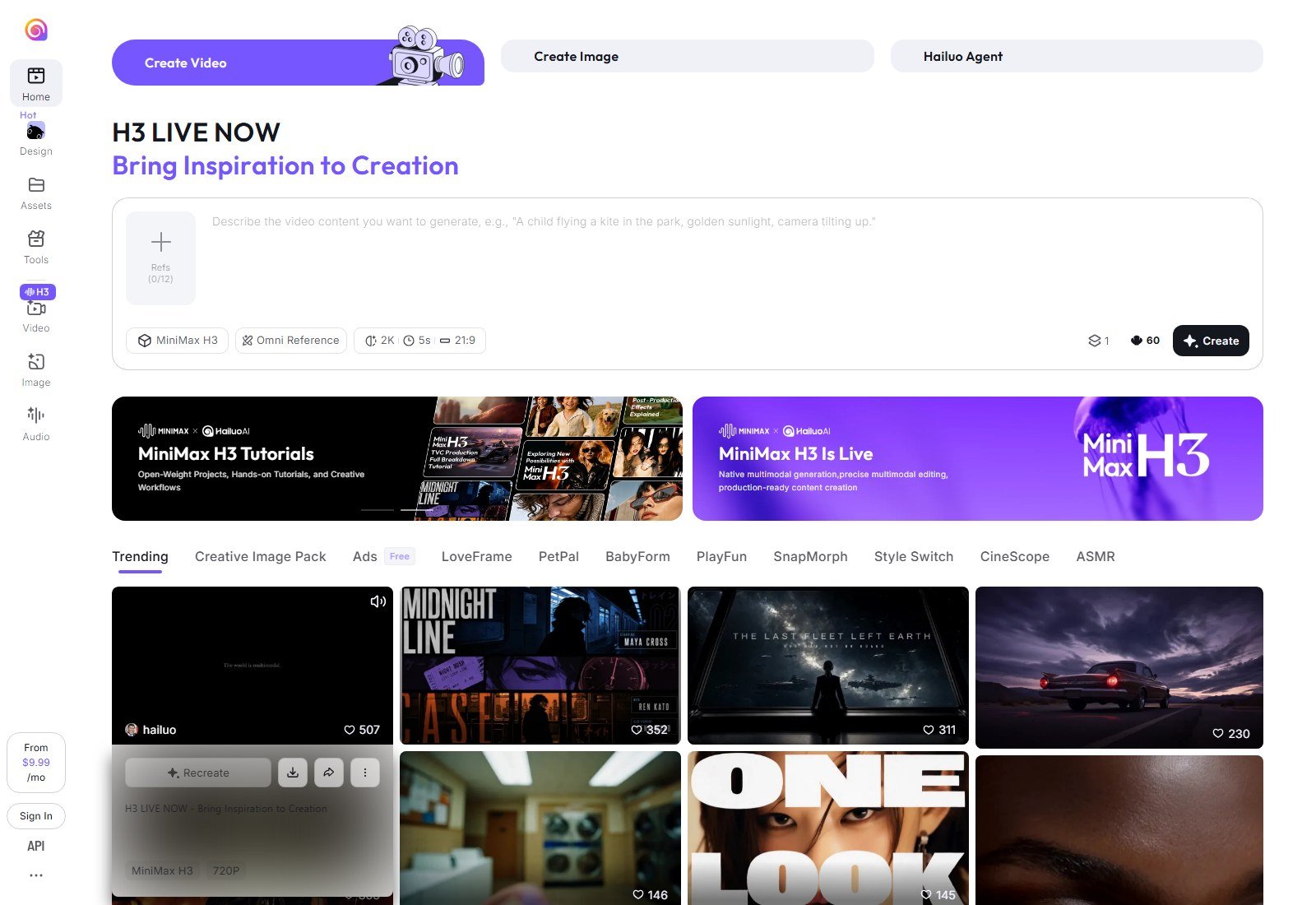
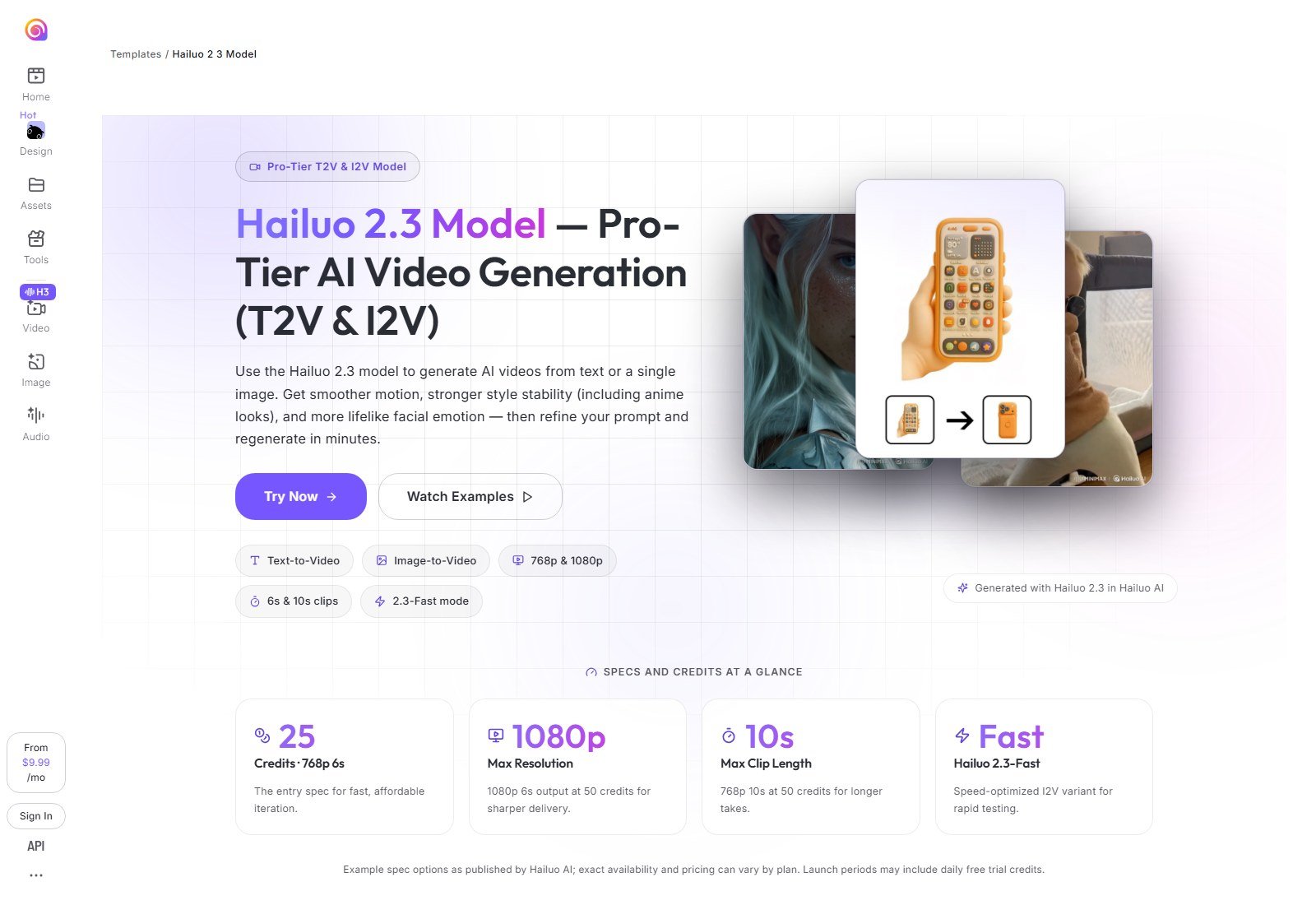
Hailuo (MiniMax) is a native I2V engine. The Hailuo 2.3 page documents T2V and I2V, 768p/1080p, 6s and 10s, and 2.3-Fast as an I2V-oriented cheaper/faster path. Example credits: 768p 6s = 25 credits; 1080p 6s = 50; 768p 10s = 50. FAQ: 2.3 series generates from a single first frame; first-and-last frame is not supported on 2.3 at the time of that page. Homepage promotes MiniMax H3 and plans from $9.99/mo. The /subscribe URL redirected to the homepage in this session. Official 2.3 page mentions commercial/product scenes as a design goal; that is vendor positioning, not a fidelity lab.
Biggest advantage: documented cheap first-frame I2V with clear per-clip credit examples.
Biggest limitation: no 2.3 end-frame; subscribe page not independently captured.
Best for: iterating pack-shot motion on a tight budget.
Skip if: you need start and end frames for a reveal.
#6 Higgsfield: Best multi-model studio when you will actually switch engines
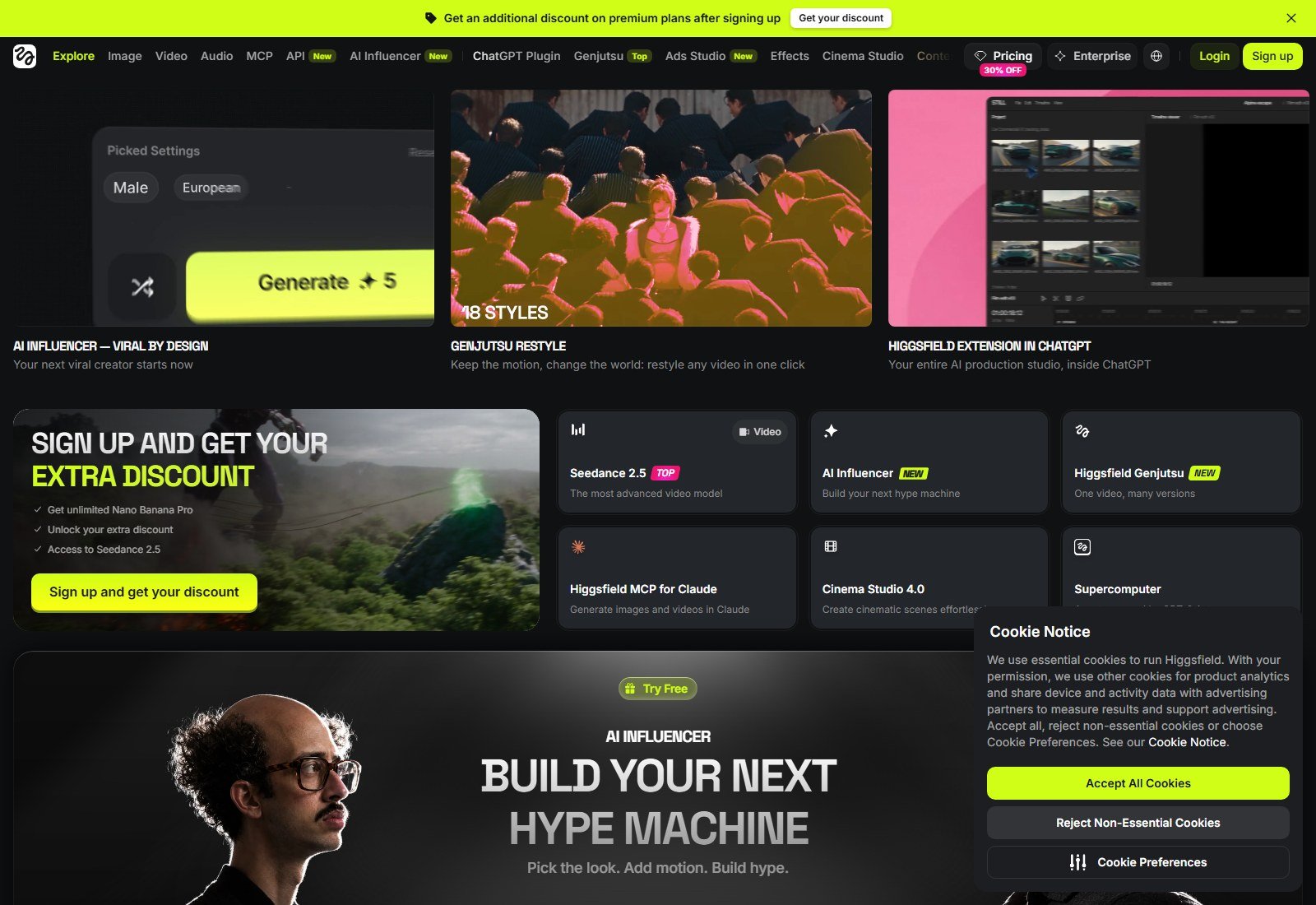
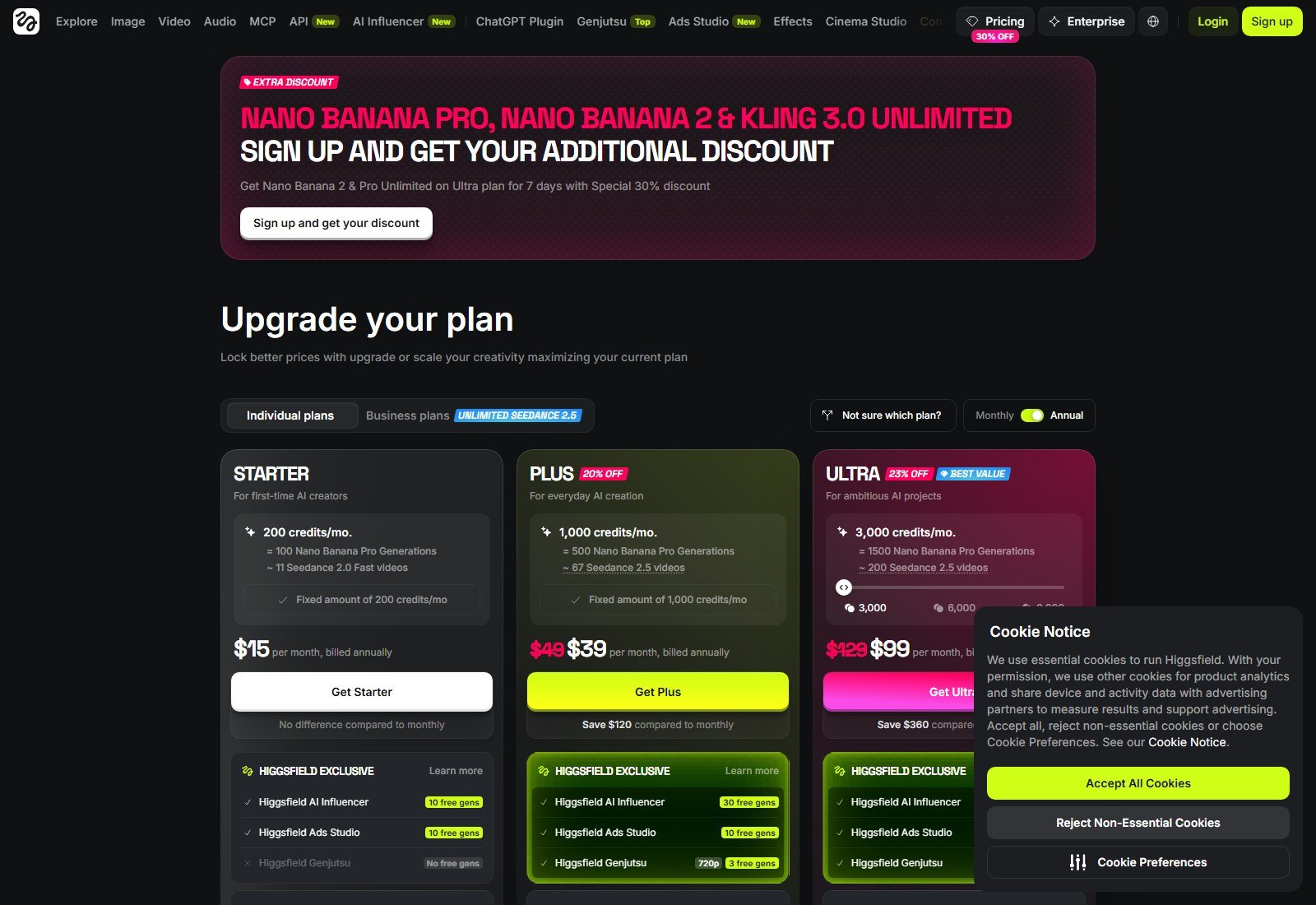
Higgsfield is a platform. I2V exists because listed engines exist. Do not attribute Kling’s start/end frames to Higgsfield as proprietary technology. Annual toggle 5 October 2026: Starter $15/month, billed annually, 200 credits; Plus $39/month billed annually, 1,000 credits; Ultra $99/month billed annually.
See current Higgsfield plans if one workspace across engines is the job. Higgsfield pricing.
Biggest advantage: engine switching without new accounts.
Biggest limitation: control surface is not native Kling/Veo UI.
Best for: agencies testing engines from the same still.
Skip if: you will only ever press Kling.
#7 Pika: Best simple multi-model I2V with a clear credit menu
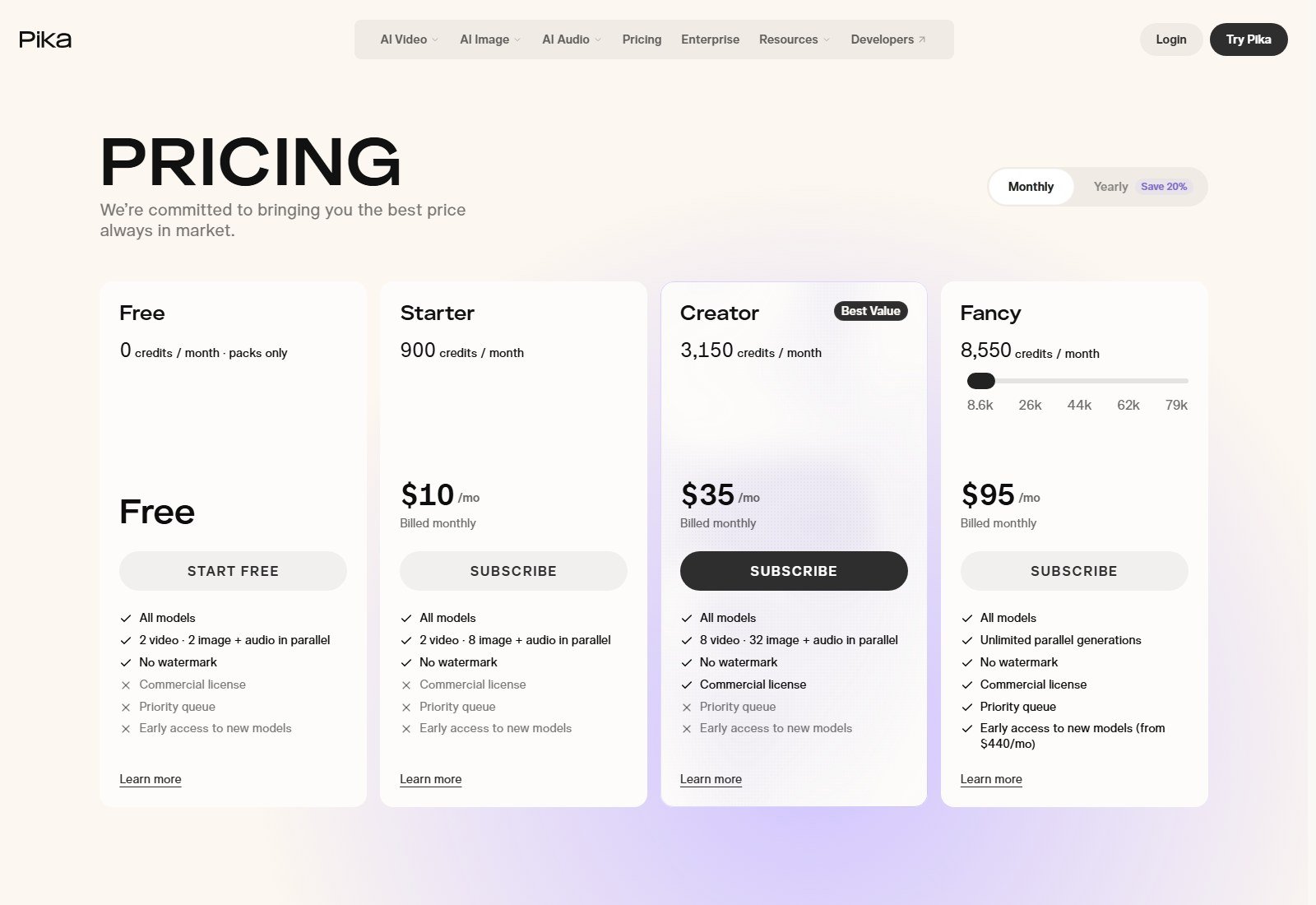
Pika Create is now a multi-model web app. Pricing (5 October 2026) lists Free $0 (packs only, no commercial license). Starter $10/month or $8/month equivalent billed annually, 900 credits. Creator $35/mo or $28/month equivalent billed annually, commercial license Yes. Example: Seedance 2.5 Video 720p 5s = 122 credits. Camera panel: NOT LISTED. True I2V: yes, via selected models.
Biggest advantage: readable credit-per-generation table.
Biggest limitation: Starter is not a commercial-license plan.
Best for: trying I2V before paying for Creator.
Skip if: you need published start/end-frame product controls.
#8 Vidofy: Best one-balance library of image-to-video models
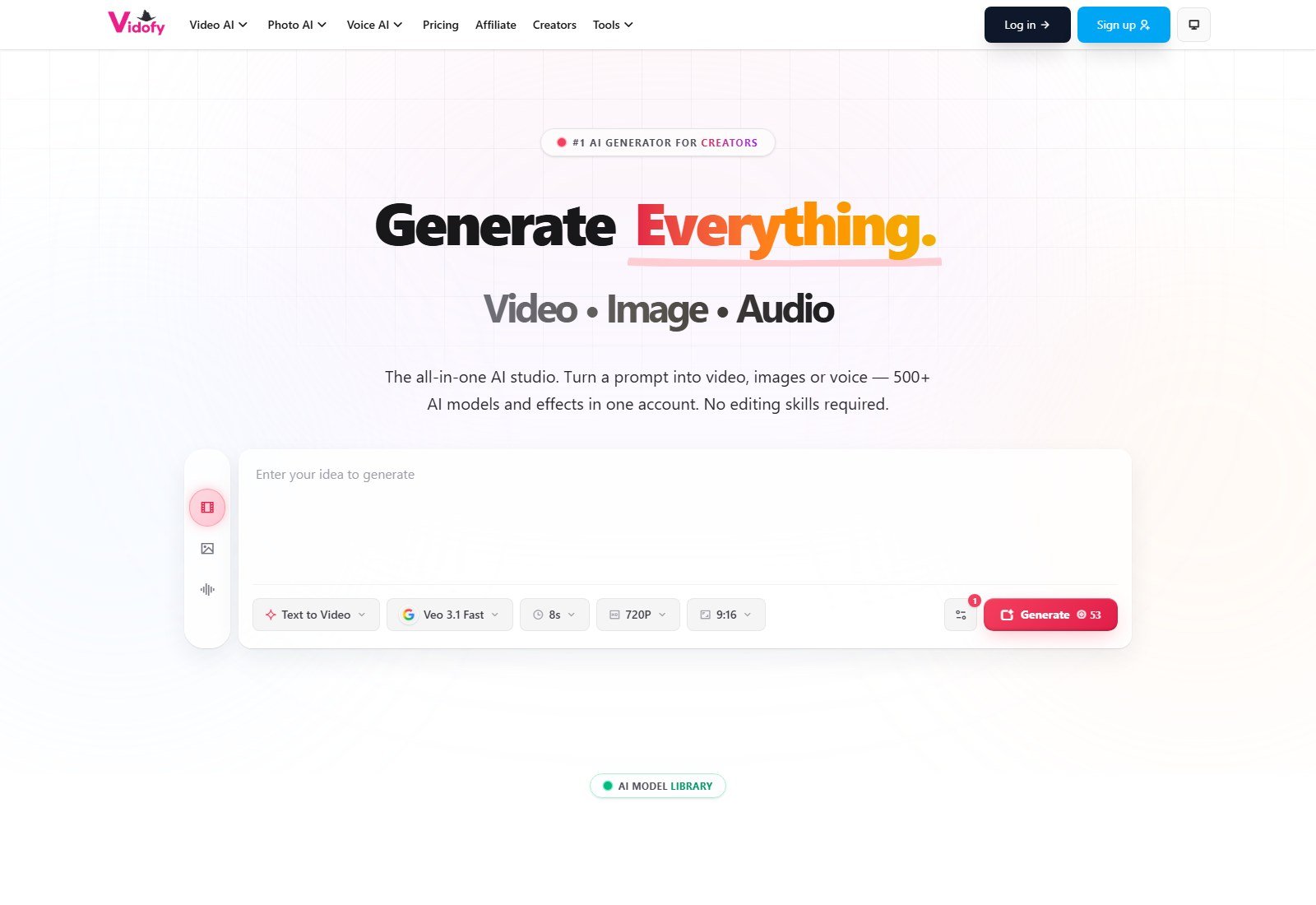
Vidofy’s homepage (full viewport captured 5 October 2026; headline and right edge visible) markets image-to-video across 65+ models. Demo chrome showed Veo 3.1 Fast, 8s, 720p, 9:16. Free starter credits; paid subscribers get commercial use and no watermark per FAQ. https://vidofy.ai/pricing returned 410—starting paid price is NOT LISTED. Treat Vidofy as an aggregator.
Open Vidofy image-to-video if you want many models on one balance. Vidofy homepage.
Biggest advantage: model breadth without separate subs.
Biggest limitation: public pricing page 410; product-lock is whatever the chosen model offers.
Best for: exploration and social-length I2V.
Skip if: you need a documented native start/end workflow more than a catalog of models.
Best for product preservation
No independent winner. The workflow with the most published still-control knobs is Kling (start/end + elements). Runway first/last and Veo Ingredients/reference images are the next documented options. Hailuo 2.3 is first-frame only.
Best for motion control
Kling, if you will use camera presets and Multi-Shot. Everyone else is largely prompt-led unless the hosted model exposes extras.
Best for camera control
Kling’s documented six-axis + Master Shots. Runway/Luma/Veo: describe the camera in the prompt. Do not invent a dolly slider where the UI does not show one.
Best for cinematic product B-roll
Luma Ray and Google Flow/Veo when you want atmosphere and (on Veo) native audio. Still overlay branding.
Best for simple product photo animation
Hailuo 2.3 first-frame, or Pika/Vidofy if you only need the still to move.
Best for human + product scenes
No clear winner. Generating a person with a product is not the same as preserving your SKU in-hand. See the published product-ads practical look.
Pricing and credit comparison
Pricing, credits, model access and generation limits were checked on 5 October 2026 and may change. Raw credit counts are not equivalent. Kling 5s 1080p native-audio is 60 credits on VIDEO 3.0 (guide example). Runway Gen-4.5 is 12 credits/second. Luma Ray3.2 720p 5s I2V is 100 credits. Hailuo 2.3 768p 6s is 25 credits.
Moon Picke will not publish a universal cost-per-clip: retries, audio, 4K, HDR, and extend dominate spend.
How to turn a product image into an AI video
- Start with a clean, high-resolution still.
- Choose true I2V, not a template Ken Burns.
- Prefer start-frame (and end-frame if you have a second approved still).
- Prompt modest camera. Extreme morphs invite extra parts and melting labels.
- Generate short native clips; extend only if continuity is acceptable.
- Export, then overlay exact logo/legal in an editor.
- QA every frame before ads.
How to reduce product distortion
Use the original asset as the start frame when the tool supports it. Keep motion reasonable. Use elements/references when offered. Prefer compositing the real cutout over a generated lookalike when packaging text is the product. Review logos, label text, color, and ports.
AI image-to-video vs product video generators
An image-to-video generator synthesizes motion from a still. A product video generator may ingest URLs, scripts, actors, and templates. This page is the former. The product-video pillar remains a separate draft and is not linked. For cinematic engines in ad context: best AI video generator for product ads. Broad category: best AI video generators.
How to choose
If you start with one approved still and need the most published still-controls: Kling.
If shots must continue in an editor/project: Runway.
If you want native audio on a cinematic 8s-class clip: Flow / Veo 3.1 on a plan that actually includes Veo.
If you need hero motion and extra aspect ratios via reframe: Luma Ray.
If budget is the constraint: Hailuo first-frame.
If you will switch engines: Higgsfield or Vidofy, as platforms.
If you need commercial rights on Pika: Creator, not Starter.
FAQ
What is the best AI image-to-video generator for product videos? For a still-first directed clip with start/end and elements, Kling. There is no tested fidelity champion.
Can AI animate a product photo? Yes, via true I2V. That is not a Ken Burns pan.
Can AI turn a product image into an ad video? It can make a motion scene. Hooks, captions, CTA, and legal usually still need an editor.
Which generator best preserves the source image? Not independently ranked. Prefer start-frame + end-frame + element workflows, then QA.
Can AI preserve logos and packaging in video? Do not assume yes. Review frames and overlay marks when needed.
Can AI make a product rotate from one photo? You can prompt rotation. Geometry and unseen sides are high-risk.
Can AI generate product B-roll from an image? Yes as short generative clips (typically 5–15s native).
Can AI show a person holding my product? Some models can generate people and products together. Reliability of your SKU in-hand is not proven here.
How long can clips be? Hailuo 2.3 6/10s; Veo ~8s plus extend; Kling 3–15s; Luma 5/10s I2V. Extension is extra, not native length.
Can outputs be used commercially? According to each vendor’s current plan terms. Not a trademark license for your photo.
How much does AI image-to-video cost? From Hailuo’s $9.99/mo homepage teaser and Kling Standard $8.8 renewal, up through Google Ultra $99.99+ and Luma Plus $30/month. Credits dominate.
Final verdict
For product image-to-video in 2026, start with a still you would print on a box. Kling is the best overall workflow because start/end frames and elements are documented on the native model. Runway is the best place to keep generating after the clip exists. Flow/Veo and Luma Ray cover cinematic B-roll (with audio on Veo). Hailuo is the budget first-frame engine. Higgsfield and Vidofy are fair multi-model hosts. No tool earned a perfect-fidelity award. Generate the motion. Verify the product.