
Moon Picke independently researches products. If you buy through our links, we may earn a commission at no extra cost to you. Read our affiliate disclosure.
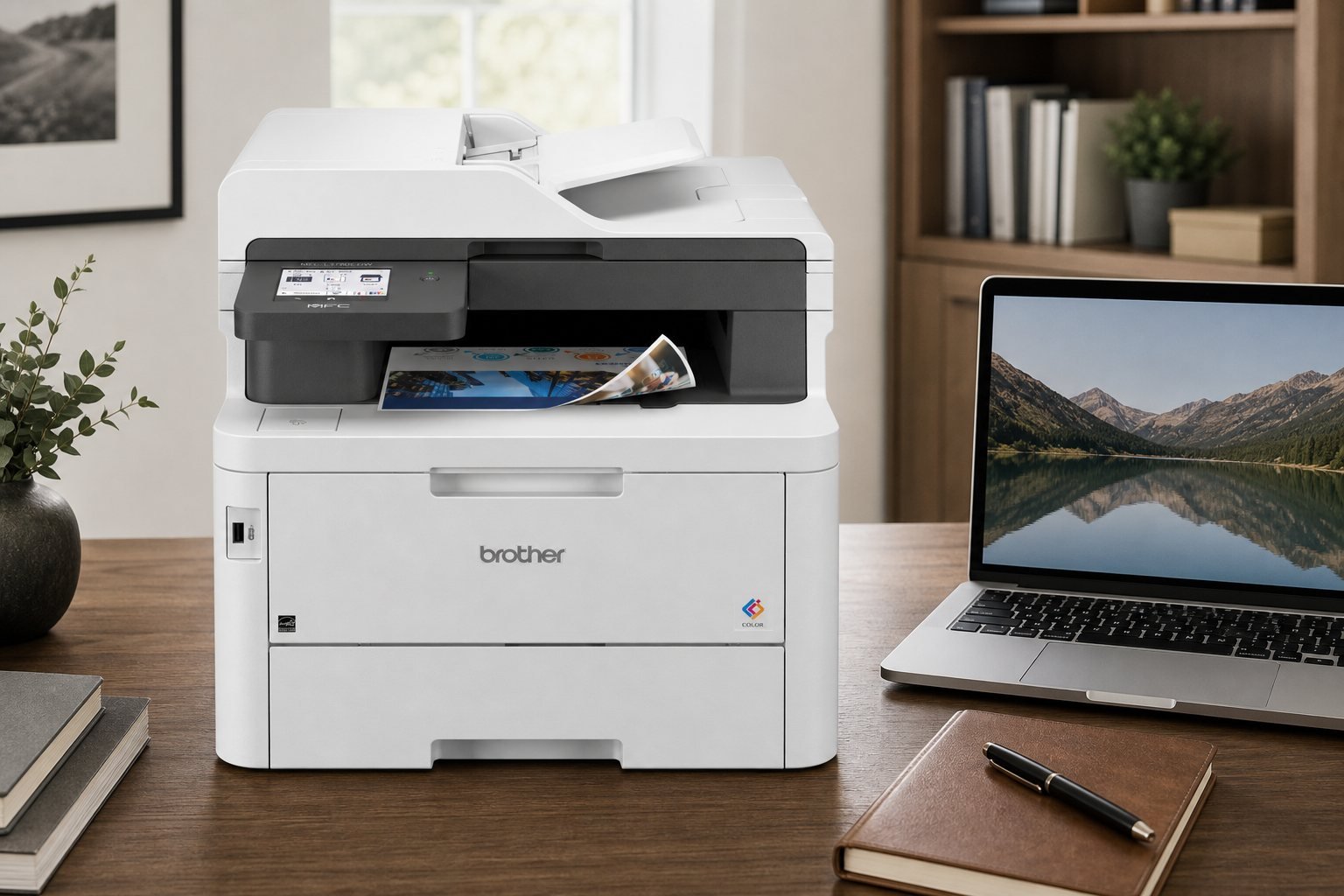
This Brother MFC-L3780CDW review covers Brother’s current color LED all-in-one for home office, small business, remote work, and document-heavy professional offices. The ideal buyer needs print, scan, copy, and fax with a 50-sheet ADF and single-pass duplex scanning. The strongest workflow feature is that duplex ADF path. The biggest limitation is a 47.8 lb unit plus a one-year limited warranty and color-toner running costs. It is a toner-based digital color LED machine marketed for laser-quality office output, not a photo inkjet.
Moon Picke checked Brother’s specifications and the live Amazon listing for ASIN B0CFCW8PGV. We did not print, scan, or measure yield in-house. Rated speed and yield vary with coverage, mode, color use, maintenance, and paper type.
As an Amazon Associate I earn from qualifying purchases.
Quick recommendation
Choose the MFC-L3780CDW if you need duplex printing, a 50-sheet ADF, and duplex scanning on Wi-Fi or Ethernet. Skip it if you print rarely or want a compact photo inkjet.
Brother MFC-L3780CDW review: quick verdict
Is the Brother MFC-L3780CDW worth buying? Yes if your office actually scans multi-page contracts, invoices, and forms, and you will use duplex printing plus a networked color engine. The strongest reason to consider it is single-pass duplex copy and scan on a 50-sheet feeder, not the headline 31 ppm rating. The trade-off is size, a one-year limited warranty, and separate toner, drum, belt, and waste-toner parts. Buy it for document-heavy home or small-business work; skip it for light personal printing.
Brother MFC-L3780CDW
Is the Brother MFC-L3780CDW worth buying? Yes if your office actually scans multi-page contracts, invoices, and forms, and you will use duplex printing plus…
- Complete office functions: print, copy, scan, and fax.
- Single-pass duplex scanning and copying on a 50-sheet ADF.
- Automatic duplex printing for Letter and Legal, default on.
Affiliate link. Moon Picke may earn a commission from qualifying purchases.
What is the Brother MFC-L3780CDW?
The Brother MFC-L3780CDW printer is a wireless digital color all-in-one: print, copy, scan, and fax. Brother describes a digital color LED engine for laser-quality, toner-based pages—laser-class office output, even though the imaging system is LED rather than a conventional laser scanner. This Brother MFC-L3780CDW all in one printer is aimed at small workspaces that still need a 50-sheet ADF, automatic duplex printing (Letter and Legal), duplex scanning, a 3.5-inch color touchscreen, dual-band Wi-Fi, Gigabit Ethernet, USB, Wi-Fi Direct, and NFC badge authentication. Starter toner is in the box; replacements use the TN229 family plus a separate DR229CL drum.
Key specifications
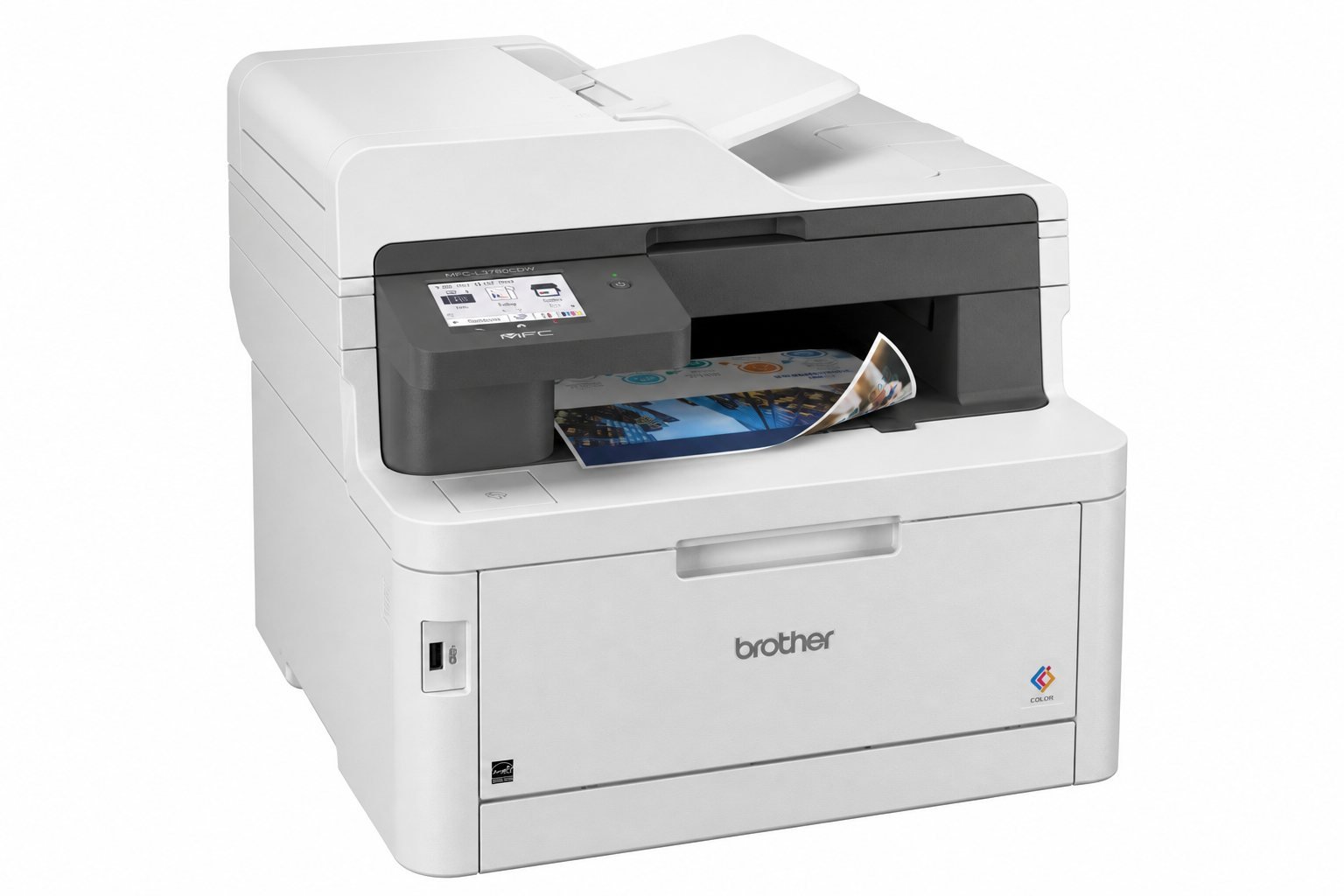
| Printer Type | Digital color LED all-in-one (toner; laser-quality) |
|---|---|
| Color / Mono | Color and black |
| Print Speed | Up to 31 ppm black and color (Brother; single-sided; default change required) |
| Duplex Printing | Automatic; default on; Letter and Legal |
| Scanner | Flatbed plus 50-sheet ADF (20 lb paper) |
| Duplex Scanning | Yes; single-pass duplex copy and scan |
| ADF Capacity | 50 sheets |
| Paper Capacity | 250-sheet tray + 30-sheet multipurpose tray; 150-sheet output |
| Wi-Fi | Dual-band 2.4 GHz / 5 GHz |
| Ethernet | Gigabit Ethernet |
| Mobile Printing | AirPrint, Mopria, Brother Mobile Connect, Wi-Fi Direct |
| Dimensions / Weight | 16.1 × 18.2 × 15.8 in (Brother listing); 47.8 lb |
| Warranty | 1 Year Limited |
Figures come from Brother’s US product page. Moon Picke did not time print or scan jobs. Brother also lists 12.5-second first-page-out from ready mode, 2400 × 600 dpi class print resolution, and 512 MB memory.
See the Brother MFC-L3780CDW on Amazon →
Print performance and office workload
Print speed
Brother rates the MFC-L3780CDW at up to 31 ppm in black and in color. That figure is manufacturer-rated, based on single-sided printing, and Brother notes a change from the default setting is required. Automatic duplex is the default, so two-sided jobs will not match a one-sided ppm chart. Treat 31 ppm as a comparison number, not a guarantee that a mixed color report finishes in one minute.
Brother’s recommended monthly print volume is up to 4,000 pages; maximum monthly duty cycle is up to 50,000 pages. Duty cycle is a durability comparison, not a suitability proof. Match the printer to realistic page counts, not the ceiling on the spec sheet.
Text and color workflows
A toner LED engine is built for letters, invoices, proposals, and color charts. Brother markets laser-quality color, not gallery photos. Color toner keeps logos readable and makes color pages cost more than black text. Moon Picke did not compare sharpness against other printers.
Paper capacity and larger jobs
The main cassette holds 250 sheets of 20 lb paper. The multipurpose tray adds 30 sheets for envelopes, labels, or odd sizes. Combined input is 280 sheets; output is 150. Optional LT-310CL adds another 250, for about 500 sheets. Duplex printing cuts paper use on Letter and Legal; it does not enlarge the cassette. For long unattended batches, the 150-sheet output bin and 250-sheet input are the real limits, not the 31 ppm rating.
Scanning, ADF and document workflows
Does the Brother MFC-L3780CDW support duplex scanning? Yes. Brother specifies duplex scanning and single-pass duplex copy and scan. Simplex scan speeds are rated at 29 ipm black and 22 ipm color. Duplex scan speeds are rated at 58 ipm black and 34 ipm color, measured to ISO/IEC 17991. Those are manufacturer scan-speed claims, not Moon Picke timings.
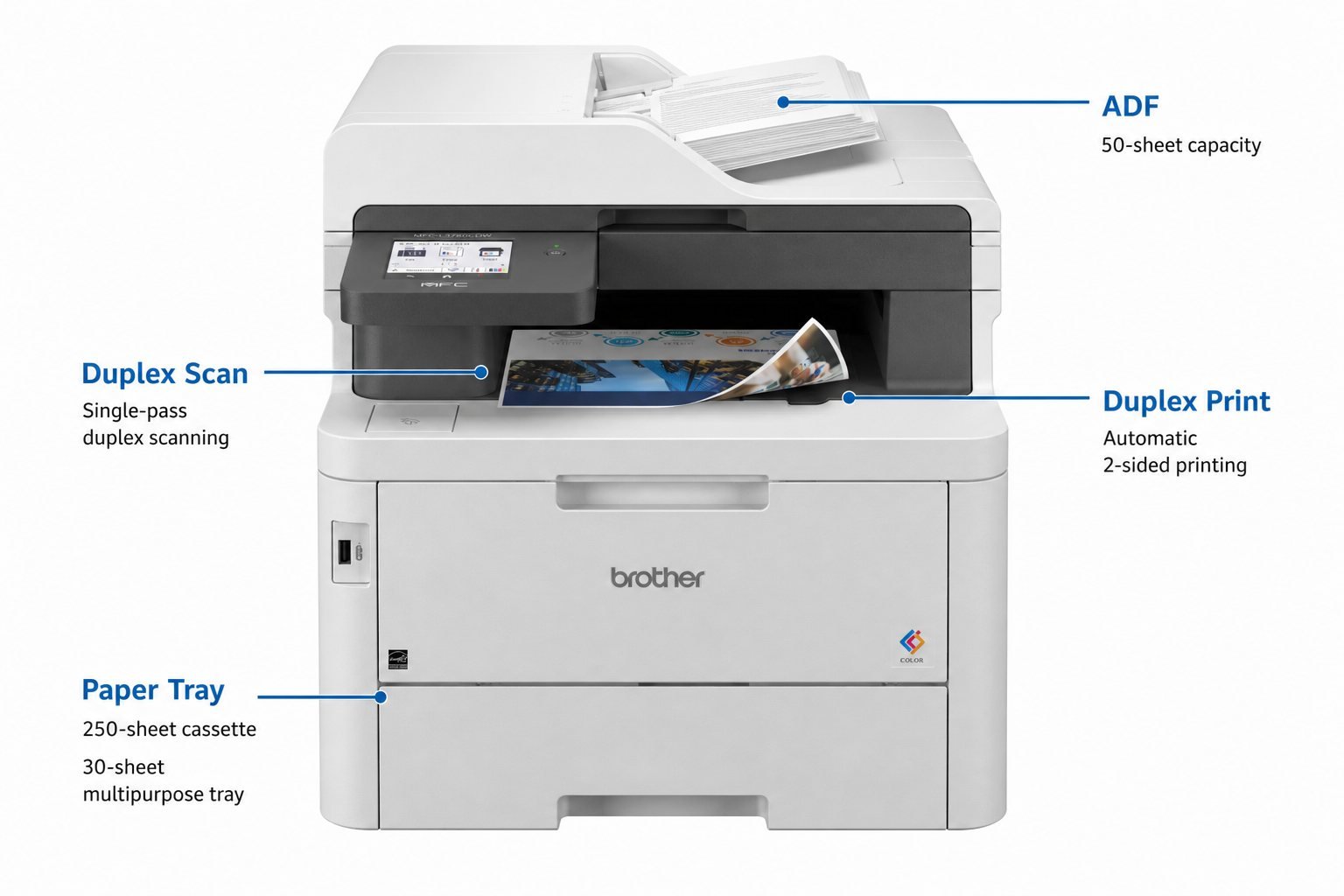
The flatbed handles books and fragile pages. The 50-sheet ADF is the office path: contracts, invoices, and double-sided forms. A duplex scanner printer matters more than raw print speed when the job is “scan this agreement and email it,” because a simplex feeder forces a second pass. ADF capacity still caps the stack at 50 sheets of 20 lb paper. Minimum ADF size is 4.1 × 5.8 inches, so some receipts belong on the glass.
Brother lists scan to USB, cloud apps from the 3.5-inch screen, and mobile scan via Brother Mobile Connect or AirPrint Scan. Interpolated scan resolution is listed up to 19200 × 19200 dpi—interpolated, not an optical figure in the same spec table. Copy resolution is 600 × 600 dpi max. For document-heavy offices, feeder design and duplex support usually beat a higher interpolated dpi number.
Connectivity and multi-device use
Wi-Fi convenience and Ethernet stability solve different office needs. Dual-band wireless (2.4 GHz and 5 GHz) is the home-office path: AirPrint, Mopria, Brother Mobile Connect, and Wi-Fi Direct. Gigabit Ethernet is the small-business path: a switch and fewer Wi-Fi surprises. USB 2.0 still exists for a single local PC. Moon Picke did not measure network reliability.
Brother also lists a front USB host, an NFC card reader for badge authentication, Secure Print, and up to 48 touchscreen shortcuts. macOS printing and scanning go through AirPrint; Brother states Mac printer drivers are not provided. Windows and Linux drivers are listed.
Paper handling and everyday workflow
Everyday friction is tray geometry, not the brochure ppm. Pulling the 250-sheet cassette needs front clearance. The 30-sheet multipurpose tray handles envelopes, labels, and custom sizes from 3.0–8.5 inches wide and 4.57–14 inches long. Duplex printing is Letter and Legal only. Output stacks to 150 sheets; a long job can overfill the bin.
The 3.5-inch color touchscreen runs copy, scan, fax, shortcuts, and cloud apps. Fax is included: 33.6K modem, duplex faxing, and a telephone line cord in the box. A deep desk still matters; Moon Picke’s Vari Electric Standing Desk 60×30 review covers a 30-inch-deep sit-stand top that can host a 47.8 lb all-in-one if load and cable slack are planned.
Running costs: toner, ink and consumables
How expensive is the Brother MFC-L3780CDW to run? Purchase price is only the first invoice. Brother includes starter black toner rated at about 2,300 pages and starter cyan, magenta, and yellow at about 1,200 pages each (ISO/IEC 19798). Replacements use the TN229 family, including higher-yield options. The drum is separate (DR229CL): about 20,000 pages at 1 page per job or about 30,000 at 3 pages per job. The WT229CL waste toner box is about 50,000 pages at 2 pages per job or 60,000 at 3. The BU229CL belt is about 50,000 pages per ISO/IEC 19798. All of those yields are manufacturer ratings. Actual yield varies with coverage, job length, color use, media, and environment.
This Brother MFC-L3780CDW printer review does not publish a guaranteed cost per page. A labeled estimate would still need a live cartridge price plus official ISO yield. The useful pattern: starter black lasts longer than starter color; high-yield black is the lever for text-heavy offices; drum, belt, and waste box are extra line items. Toner does not dry like unused liquid ink, which is why a laser printer with ADF still fits offices that print in bursts.
View the current MFC-L3780CDW listing on Amazon →
Home office vs small business use
Home office
Is the Brother MFC-L3780CDW good for a home office? It can be, if the room can take a 47.8 lb chassis plus lid and tray clearance, and if you scan packets rather than the occasional boarding pass. Wi-Fi, AirPrint, and the 250-sheet tray suit a professional working from home. Brother lists ready/printing noise at 40 dB / 48 dB—manufacturer figures, not a Moon Picke meter reading. A supportive chair still matters more for all-day work; see the Steelcase Gesture review. If you print a few pages a month, starter color toner and a large footprint are wasted.
Small business
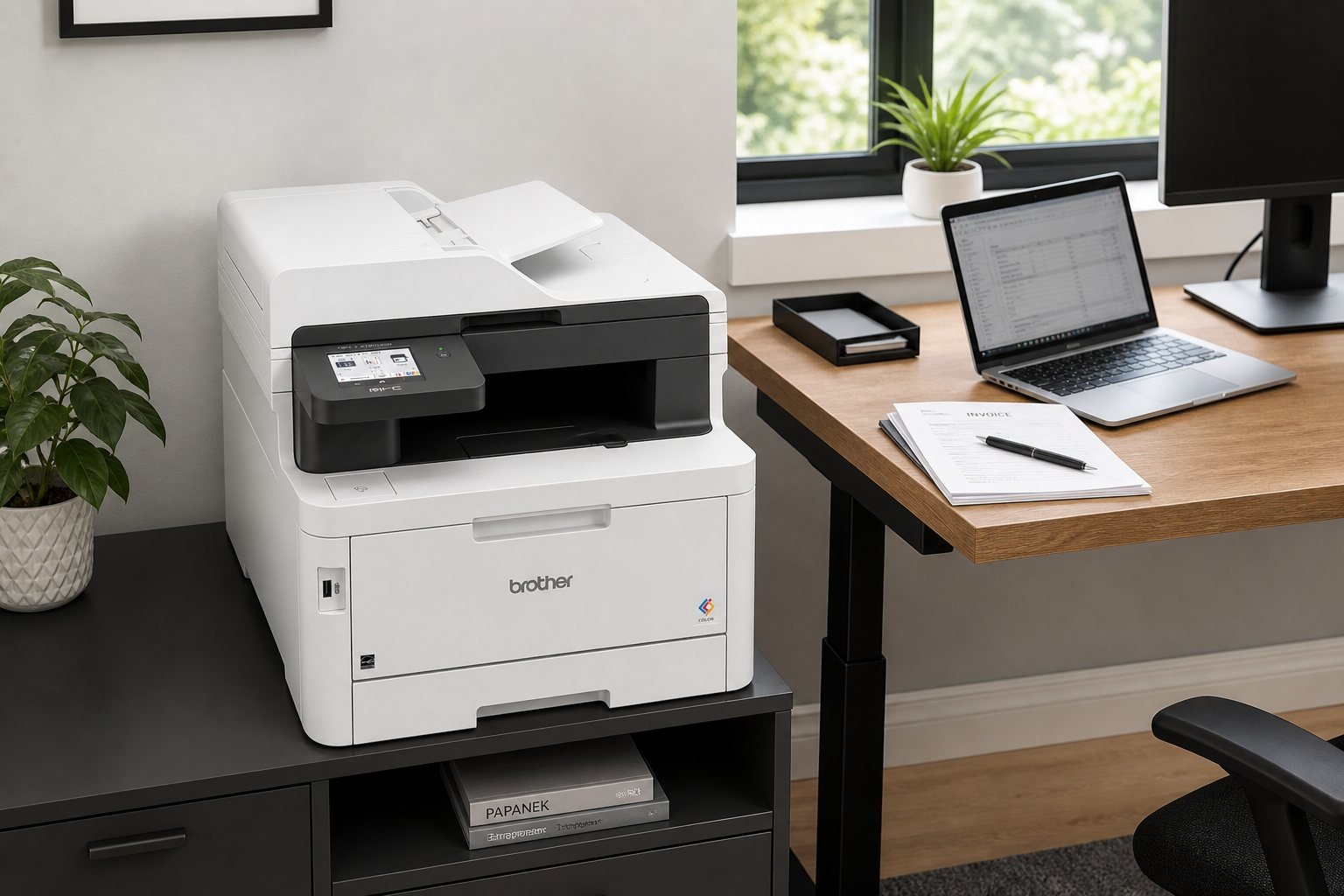
As an office printer for small business, Ethernet, NFC badge lock, the 50-sheet ADF, duplex scan, and the optional extra tray matter more than home Wi-Fi convenience. Plan high-yield black toner and storage for drums and waste bottles. The 4,000-page recommended monthly volume is a planning range, not a license to ignore logistics. Put the printer on a sturdy cabinet or a deep desk—not on the same shallow table as a 40-inch monitor.
Size, setup and everyday ownership
Brother lists unit dimensions as 16.1 × 18.2 × 15.8 inches and weight as 47.8 lb (carton 55 lb). Those numbers are the closed box. Users also need clearance to open the ADF, lift the scanner lid, pull the cassette, drop the multipurpose tray, and reach rear Ethernet or USB. Place it on a sturdy cabinet if the main desk already carries a heavy monitor.
Setup is unpack, seat toner and drum, then power, network, and firmware. Brother includes AC power and a telephone line cord; USB and Ethernet cables are typically extra. For manufacturer claims versus first-party tests, see how we evaluate products.
What it does well — and its main limitations
What it does well
- Complete office functions: print, copy, scan, and fax.
- Single-pass duplex scanning and copying on a 50-sheet ADF.
- Automatic duplex printing for Letter and Legal, default on.
- Dual-path networking: dual-band Wi-Fi plus Gigabit Ethernet, with AirPrint and Mopria listed.
- Separate drum and high-yield toner options, with toner that does not dry like unused liquid ink.
Important limitations
The unit is heavy at 47.8 lb and needs clearance beyond 16.1 × 18.2 × 15.8 inches. Warranty is 1 Year Limited—short for a premium office device. The standard cassette is 250 sheets unless you add LT-310CL. Color toner, drum, belt, and waste box are ongoing costs; starter CMY is only about 1,200 pages each. It is not a photo-first inkjet. Duplex printing is Letter/Legal only. macOS relies on AirPrint rather than a Brother Mac driver.
Laser printer vs inkjet for office work
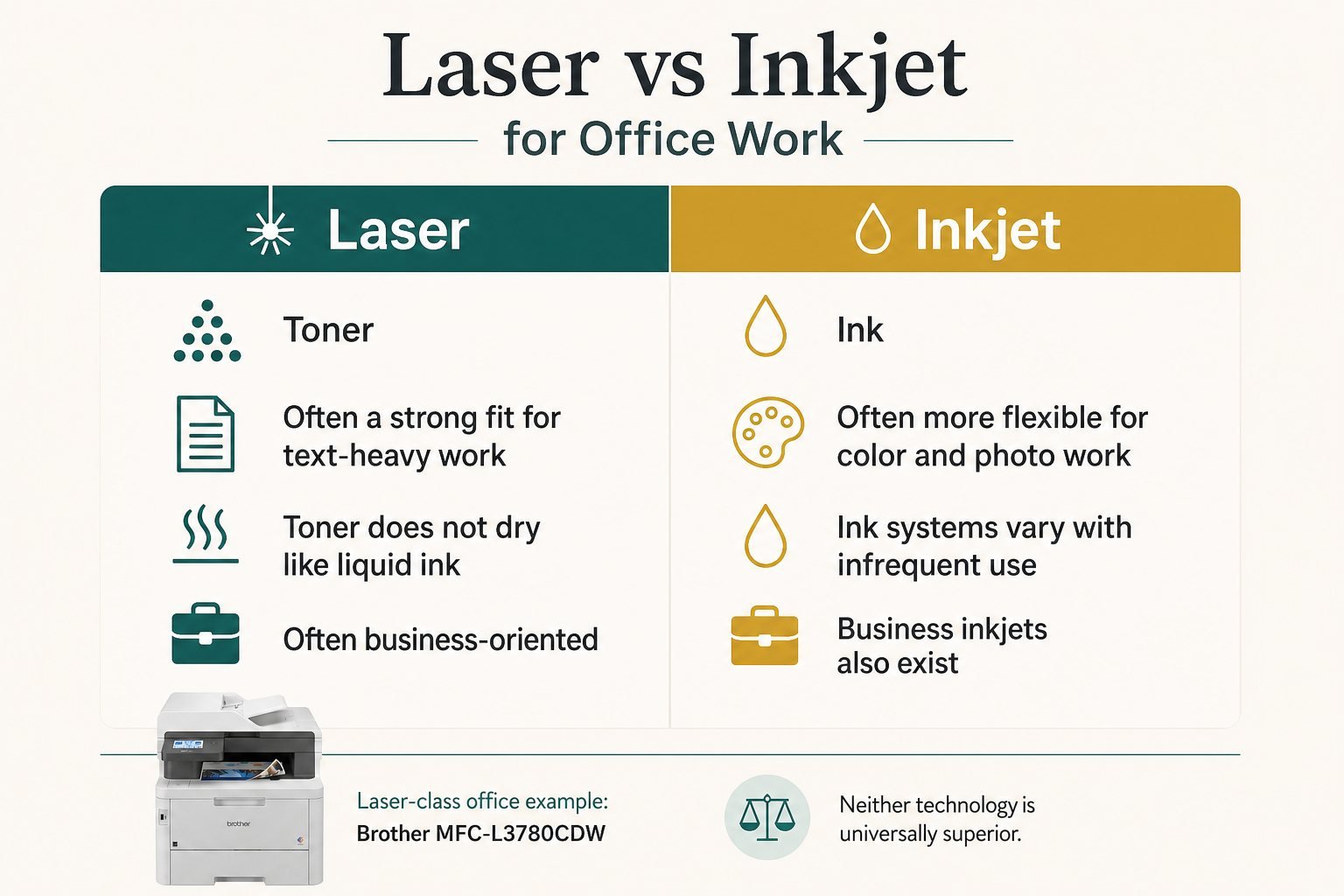
| Factor | Laser | Inkjet |
|---|---|---|
| Text-heavy workload | often strong fit | varies |
| Color/photo work | varies | often flexible |
| Startup cost | varies | varies |
| Consumables | toner | ink |
| Infrequent use | toner does not dry like liquid ink | ink systems vary |
| Office volume | often business-oriented | business inkjets also exist |
The MFC-L3780CDW sits on the toner/LED side of that table. Neither technology is universally superior.
Who is the Brother MFC-L3780CDW best for?
It is best for home-office professionals, small businesses, and remote workers with document-heavy workflows who will use the ADF, duplex scanning, duplex printing, and Wi-Fi or Ethernet every week.
Who should skip it? Very light printers. Photo-first users. Buyers who cannot spare lid and tray clearance. Anyone who needs a production ADF beyond 50 sheets. Offices with almost no print volume, where a 47.8 lb chassis never pays back.
Is the Brother MFC-L3780CDW worth buying?
A Brother MFC-L3780CDW review has to stay conditional. Worth considering if print volume matches a 250-sheet color engine, scanning workflow matters, ADF/duplex/network features will actually be used, consumable cost fits expected color use, and the desk can take the weight and clearance. Skip it if printing is occasional, advanced scanning is unnecessary, color toner feels too expensive, or a smaller printer is enough.
Check current availability on Amazon →
Final verdict
This Brother MFC-L3780CDW review supports a conditional buy for professionals who need a color all in one office printer with a 50-sheet duplex ADF, not a compact photo inkjet. Single-pass duplex scanning plus automatic duplex printing is the strongest workflow advantage. Size, one-year warranty, and color-toner ownership are the reasons to pause. If those trade-offs match a document-heavy home office or small business, it is a coherent wireless office printer—not a Moon Picke lab test, and not the right machine for rare, photo-first printing.
Frequently asked questions
Is the Brother MFC-L3780CDW worth buying?
Yes if you will use duplex scanning and the ADF. This Brother MFC-L3780CDW review says skip it for rare personal printing.
Is it good for a home office?
Yes when the workspace can hold about 48 lb plus lid and tray clearance, and when Wi-Fi plus ADF scanning are weekly needs.
Does it scan both sides automatically?
Yes. Brother specifies duplex scanning and single-pass duplex copy and scan.
Does it print double-sided?
Yes. Automatic duplex printing is the default for Letter and Legal.
Does it support Wi-Fi and Ethernet?
Yes. Dual-band Wi-Fi and Gigabit Ethernet are specified, plus USB and Wi-Fi Direct.
How expensive are replacement cartridges?
Brother uses TN229-family toner plus a separate drum, waste toner box, and belt. Live prices change; yields are ISO ratings, not guaranteed output.
What is the paper capacity?
250 sheets in the main tray, 30 in the multipurpose tray, 150 in the output bin, and 50 in the ADF, based on 20 lb paper. An optional LT-310CL adds 250 sheets.
Specifications were checked against Brother’s MFC-L3780CDW product page and the live Amazon listing for ASIN B0CFCW8PGV.