
Last researched from official DomoAI pages on 22 September 2026 (Asia/Bangkok). Prices, credits, models, and terms change—confirm on domoai.app/pricing, help.domoai.app, and the Terms of Service before you buy. This DomoAI review paraphrases public product, help, and legal pages only; Moon Picke did not run timed hands-on product tests for this write-up.
DomoAI Review 2026: AI Video Features, Pricing and Creative Tools

DomoAI Review: Quick Answer
DomoAI is worth evaluating in 2026 if you want a browser AI video and animation suite that turns text, images, or existing footage into stylized clips—via Image to Video, Video to Video, Text to Video, Character to Video, Frames to Video, Talking Avatar, and Omni Reference—plus image generation, editing, and upscaling. Official positioning on domoai.app frames DomoAI as an “AI Video Generator for Any Idea, Style, and Story,” aimed at creators through studio-style workflows rather than a single-purpose shorts autopublisher.
Direct answer on price (live /pricing, yearly UI as of 22 September 2026): Basic about $9/mo billed annually (600 monthly credits), Standard about $29/mo (2,200 credits + unlimited Relax on supported models), Pro about $99/mo (8,000 credits; extended Character to Video and Talking Avatar durations), and Team about $99/seat/mo billed annually (24,000 shared credits). Help-center dollar/credit figures conflict with live pricing—treat them as stale.
This draft does not include DomoAI purchase CTAs. Moon Picke may update purchase links later if an authorized DomoAI affiliate relationship is confirmed.
What Is DomoAI?
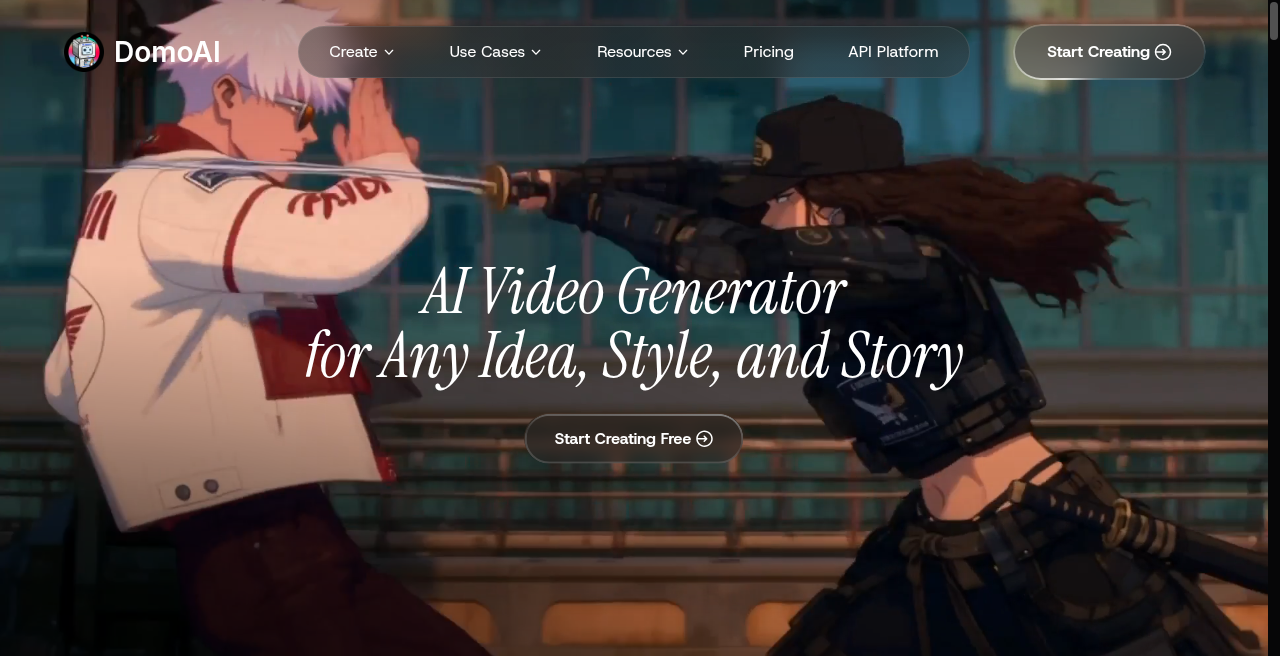
DomoAI is an AI video generator and creative animation suite under the DomoAI / DOMOAI brand. Public Terms reference Singapore governing law and support@domoai.app. The product lives on domoai.app (help: help.domoai.app) and should not be confused with similarly named third-party sites.
Homepage marketing covers animating stills, restyling footage, connecting keyframes, talking avatars, and blending image/video/audio references. Adjacent image tools let buyers prepare stills and animate them in one account.
Answer-first takeaway: treat DomoAI as a multi-mode AI video + style-transfer + reference-driven platform, not a script-to-social autopublisher. For narration-and-stock assemblers see our Fliki AI review; for faceless short pipelines see our Revid AI review; for presenter avatars see our Elai.io review; for character motion transfer see our Viggle AI review.
Key Features of DomoAI
Capabilities below come from official homepage, create, model, and help pages as of 22 September 2026—product claims, not Moon Picke lab results.
Core video creation modes
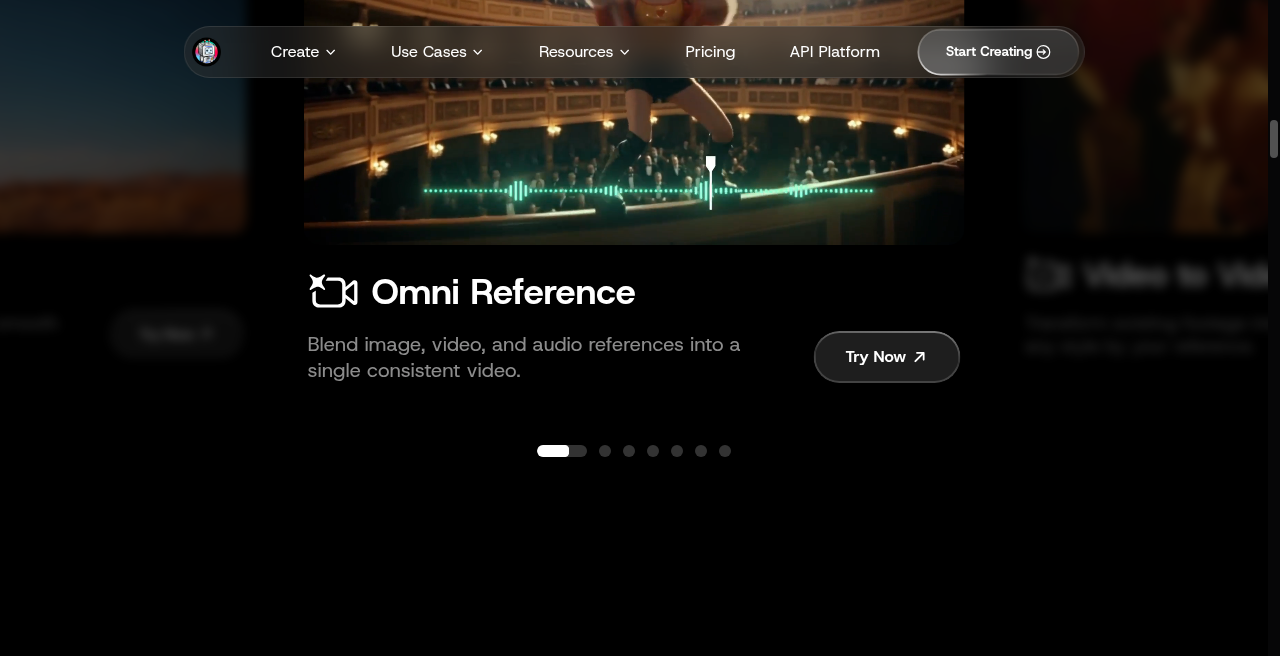
- Omni Reference — Blend image, video, and audio references into one video. Official materials describe Seedance 2.5 (up to 50 refs: 30 images + 10 video + 10 audio; 4–30s; 480P or 720P) and MiniMax H3 (4–15s; 768P up to 2K; fewer refs). Credit cost varies—check Generate. See the Omni Reference blog and /create/omni-reference.
- Video to Video (V2V) — Transform footage into anime, realistic, or reference styles (V2V help).
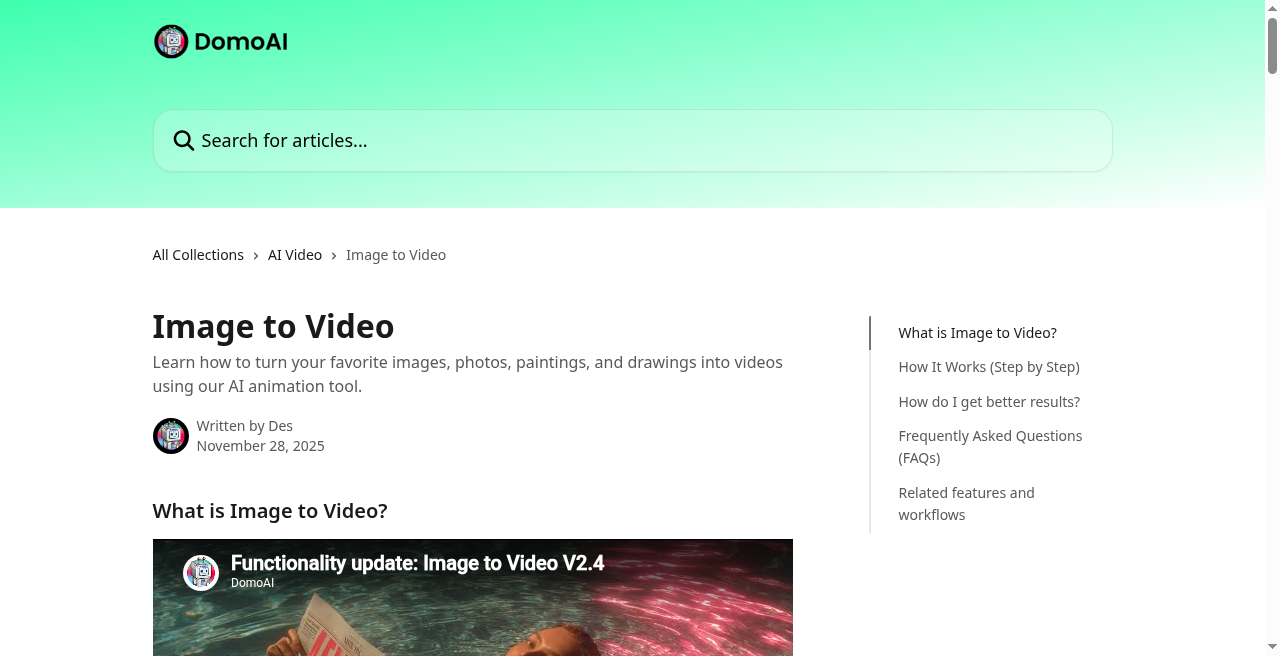
- Image to Video (I2V) — Animate stills with template motion or custom prompts (I2V help).
- Text to Video (T2V) — Generate from text prompts (T2V help).
- Character to Video — Map a character photo onto motion video (help).
- Talking Avatar — Front-facing photo plus script/voice with lip sync (help).
- Frames to Video — Upload 2–8 images; AI fills transitions (Frames help).
Editing utilities, image tools, and models
- Motion & Style Reference, Lip Sync Auto-Match, Background Removal (Screen Keying or Subject only), and Video Upscaler (up to 4K video on pricing/help).
- Image stack: multi-model generator/editor (homepage: GPT Image 2 and Nano Banana family); Text to Image; AI Image Editor; AI Image Upscaler (homepage: up to 6K). Live pricing lists GPT Image 2 / 2.5 and Nano Banana 2 / Pro with Relax Unlimited on Standard+ where noted.
- Style suites (anime, cartoonize, style transfer); V2V help cites 40+ presets plus Fusion custom (prompt or reference image).
Keep models distinct: DomoAI 2.5 (own model; blog FAQ: I2V only; Relax Unlimited on Standard+) is not Seedance 2.5 (Omni Reference). Seedance 2.0 still powers several classic modes and appears Fast Mode Only on the pricing matrix. MiniMax H3 is available on live Omni create/model pages (prefer those over older “coming next” blog wording). Terms §7.3: DomoAI does not own third-party Seedance / GPT Image / Nano Banana trademarks.
How to Create Videos in DomoAI
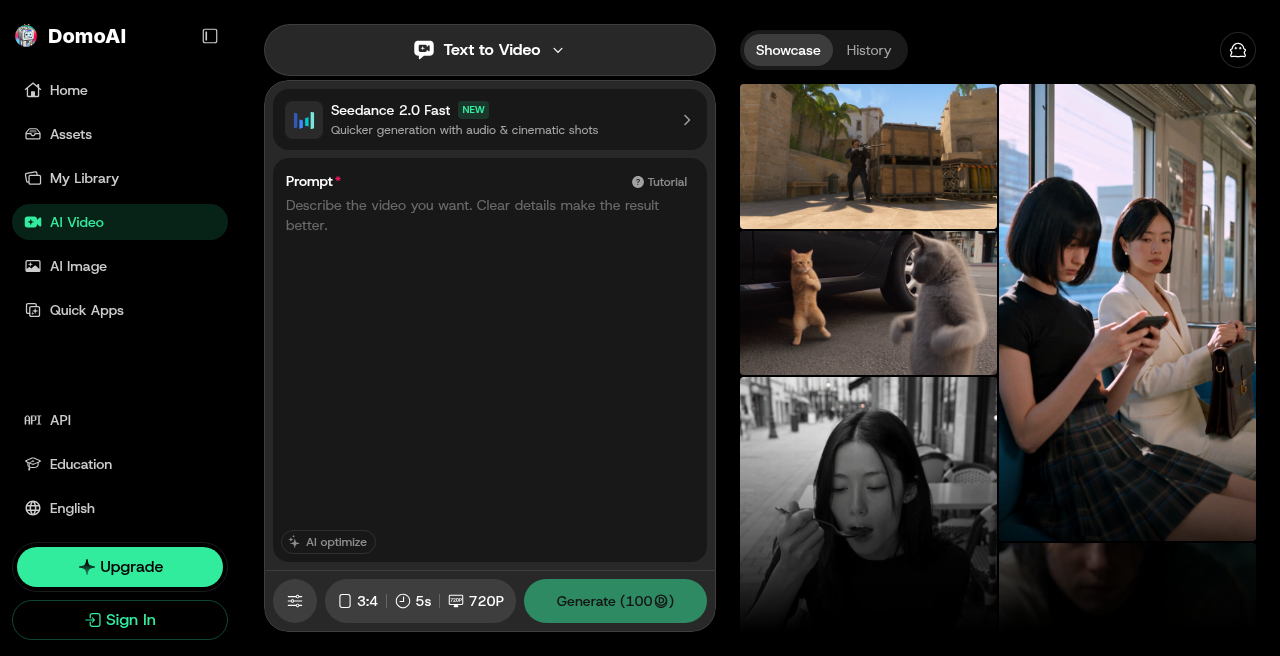
Official Quick Start guidance: watch a first-video walkthrough or browse Showcase; animate a photo; stylize a video (help: 50+ anime/artistic effects); then make it talk via Assets → Talking Avatar. Mode steps (paraphrased from help):
- Image to Video — Upload JPEG/PNG/JPG → template motion or custom prompt → generate → download.
- Text to Video — Prompt (Subject + Action + Environment + Style + Camera) → style → model/duration/aspect → generate.
- Video to Video — Upload MP4/MOV/AVI (or Assets) → preset or Fusion → duration, aspect, Lip Sync, Screen Keying, Subject Only → generate → download.
- Character to Video — Motion video + character image (help: ≤10MB) → generate; optional Subject Only.
- Talking Avatar — Front-facing photo → script + voice (preset or clone) → optional action prompts → generate.
- Frames to Video — 2–8 images → prompt or auto in-betweens → aspect/duration → generate.
- Omni Reference — Upload refs → assign roles in prompt → model/duration/aspect/resolution → confirm credit cost → Generate.
Exact button labels can change; confirm the live create UI after signup.
Image-to-Video and Video Transformation
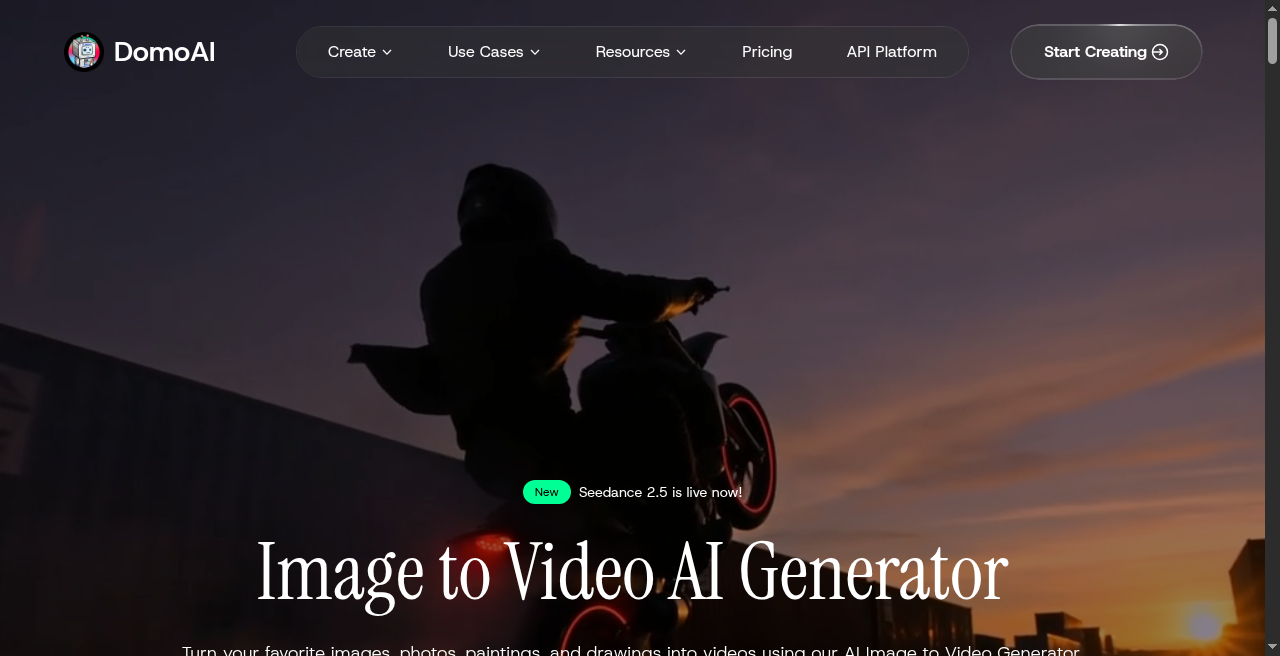
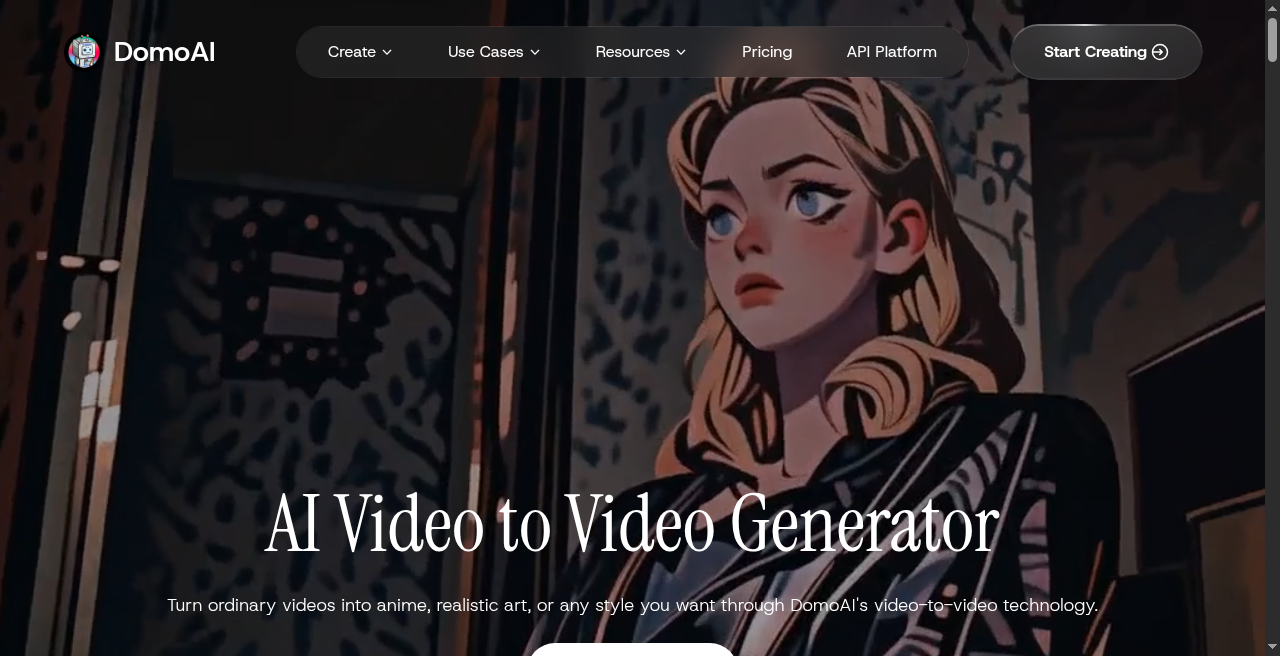
Image to Video is the still-to-motion path: one image in, motion template or prompt, clip out. Blog/model materials note duration differences across backends (for example, Seedance 2.0 I2V around 15s vs longer Omni Seedance 2.5)—confirm live settings before planning shot length.
Video to Video restyles footage you already have. Help describes presets (anime, watercolor, oil, and more) plus Fusion custom, with optional Lip Sync and background keying—style-transfer/remake more than from-scratch cinema.
Character to Video supplies motion as video and identity as an image. For adjacent motion-transfer tools, see our Viggle AI review.
AI Animation and Styles

Style control spans modes: V2V’s 40+ presets and Fusion for looks; Character to Video and Motion & Style Reference for performance; Talking Avatar for lip-synced speech; Frames to Video for 2–8 keyframe stills; Omni Reference for multi-reference consistency under Seedance 2.5 or MiniMax H3. Homepage anime/cartoonize pages are marketing entry points. Image tools (GPT Image / Nano Banana family) can prep stills for I2V or Frames.
Quality, Editing, and Export

Quality levers include Omni resolutions (480P/720P on Seedance 2.5; 768P–2K on MiniMax H3), paid-plan 4K video and 6K image upscaling, and Fast vs Relax. Lip sync, background removal, and motion/style reference sit beside generation—not a full multitrack NLE.
Watermark: live pricing lists watermark-free outputs on Basic through Team. Help: no-watermark for subscribers; free plans watermark by default. Workflows end at download—confirm containers in-app. Moon Picke did not log a hands-on export matrix.
Practical Use Cases
- Social stylized clips — Restyle phone footage with V2V presets or Fusion.
- Owned-character animation — Animate licensed art via Character to Video or I2V.
- Keyframe storytelling — Storyboard stills into motion with Frames to Video.
- Talking explainers — Talking Avatar with script, voice preset, or clone upload.
- Reference-locked concept reels — Omni Reference for image + video + audio consistency.
- Still prep for video — Generate or upscale images, then feed I2V / Frames.
For narrated stock or presenter training, compare our Fliki AI review and Elai.io review.
DomoAI Pricing in 2026
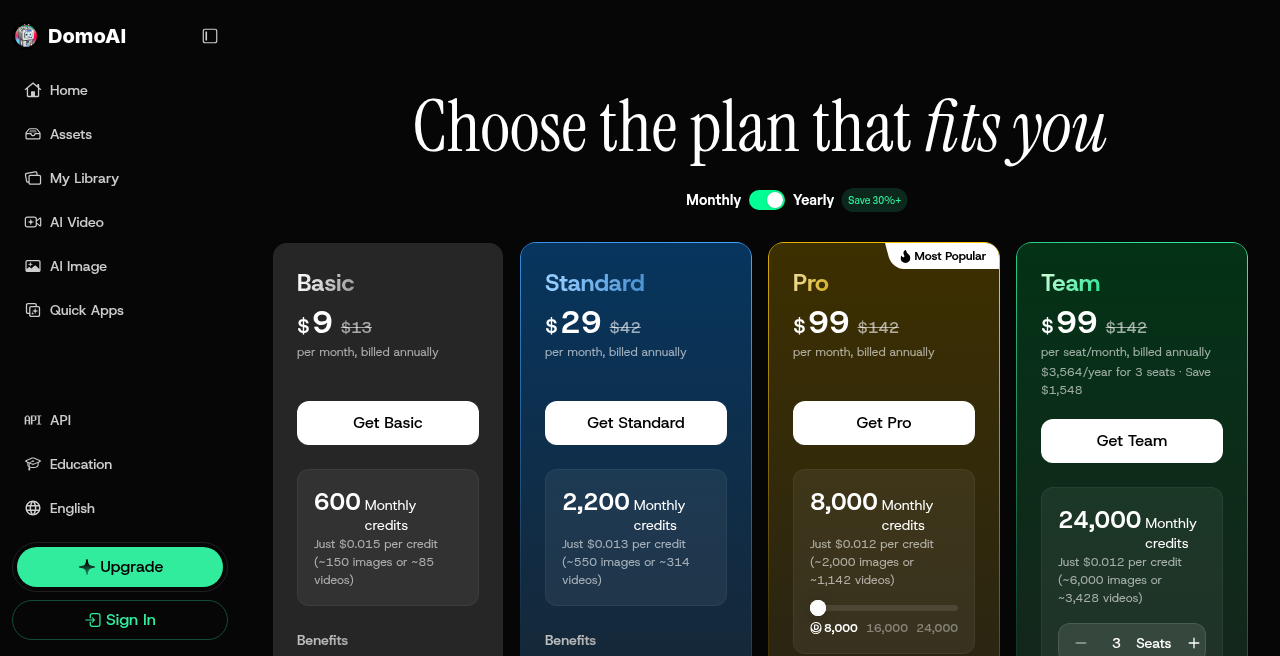
Authoritative source: live https://www.domoai.app/pricing for this DomoAI review on 22 September 2026 (Asia/Bangkok). Figures below follow the observed Yearly UI (“per month, billed annually”), with struck-through monthly list prices on the page.
| Plan | Price (billed annually) | Monthly list (struck) | Monthly credits | Key live benefits |
|---|---|---|---|---|
| Basic | ~$9/mo | $13/mo | 600 | C2V 5s & 10s; Talking Avatar 5s/10s/20s; 4K video & 6K image upscaling; up to 8 active tasks; watermark-free; extra credits available; no Relax (pricing FAQ) |
| Standard | ~$29/mo | $42/mo | 2,200 | Unlimited Relax on supported models; same C2V/Avatar caps as Basic; watermark-free; upscaling |
| Pro | ~$99/mo | $142/mo | 8,000 | Unlimited Relax (supported); Extended C2V 20s & 30s; Talking Avatar up to 60s; watermark-free |
| Team | ~$99/seat/mo | $142/seat/mo | 24,000 shared | $3,564/year for 3 seats · Save $1,548 (page note); Pro models; dedicated workspace; shared credits; same extended duration caps |
Live pricing shows ~$0.015 / ~$0.013 / ~$0.012 per credit. MiniMax H3 and Seedance 2.5/2.0 appear Fast Mode Only; DomoAI 2.5 / 2.4.1 and listed GPT/Nano image models show Relax Unlimited on Standard+.
Fast Mode vs Relax Mode
- Fast Mode — Highest-priority GPU; consumes credits.
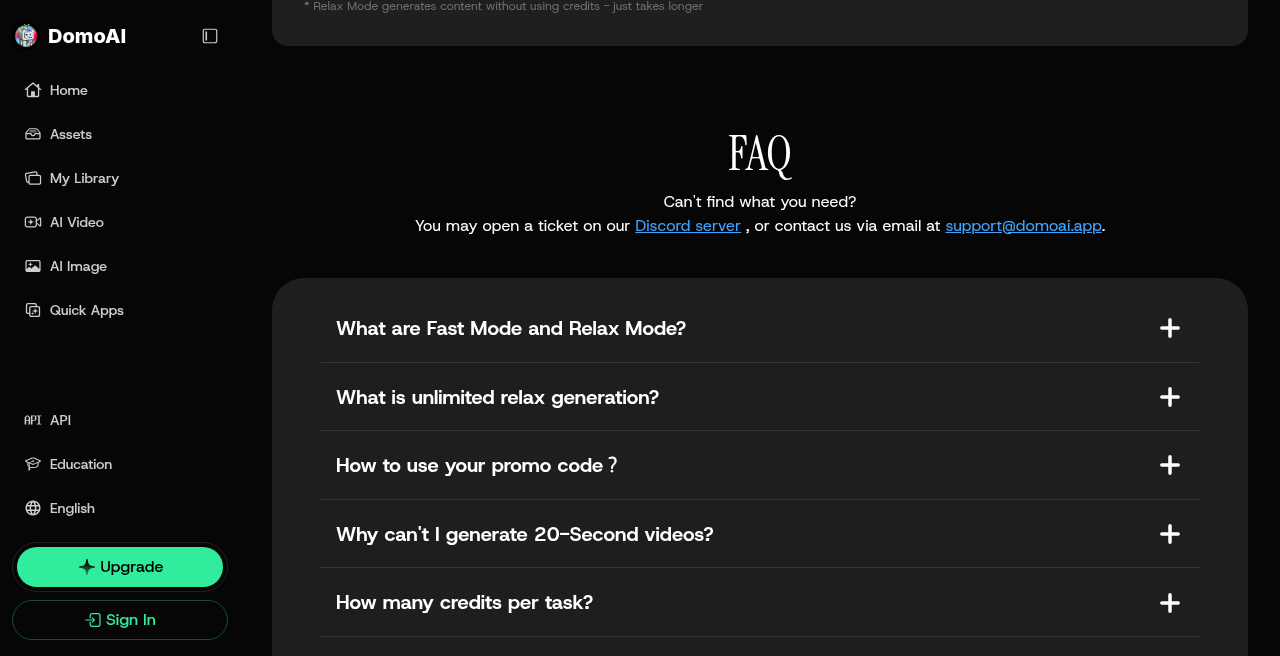
- Relax Mode — Does not consume credits; may queue; unlimited Relax for Standard / Pro (and Team per live benefits) on supported models.
- Basic — Does not include Relax Mode (pricing FAQ).
Credits: non-rollover and top-ups
Help and Terms: subscription credits reset each billing cycle and do not roll over (Terms §4.2). Paid top-ups do not expire until used, require an active paid subscription, and are consumed after subscription credits. Annual plans still reset credits monthly (pricing FAQ). Help examples saying “500 credits/month” are stale—live Basic is 600.
⚠️ Help Center Plans & Pricing CONFLICT
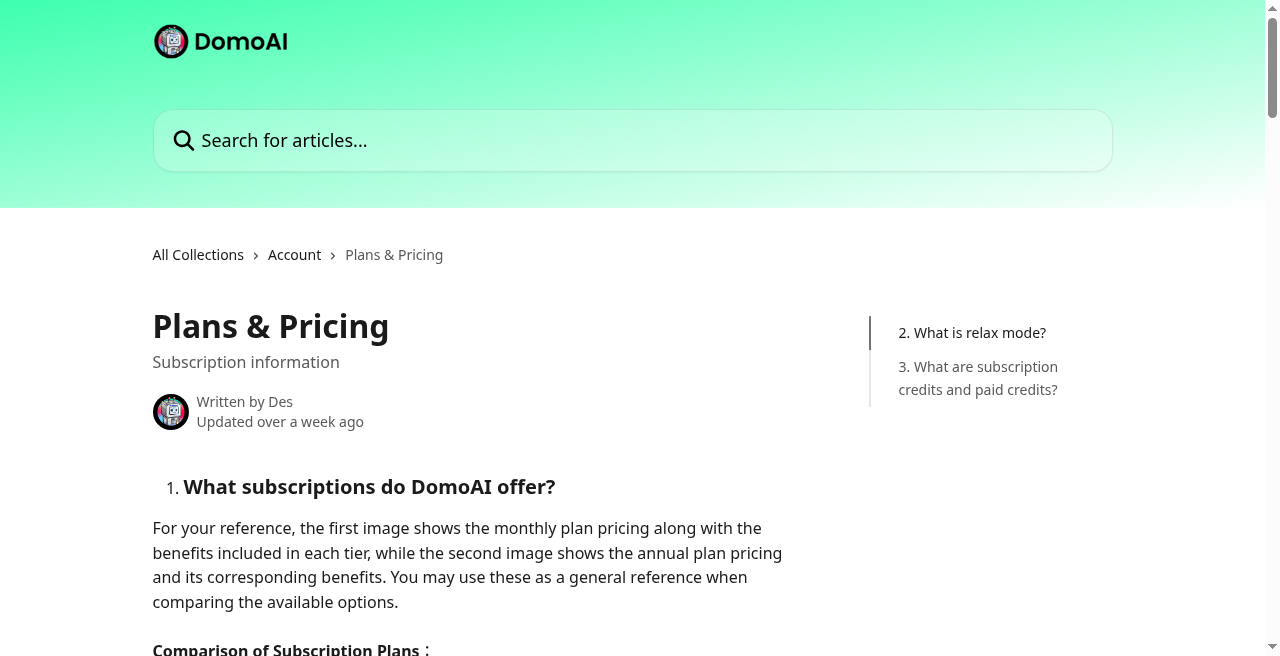
Help Plans & Pricing still shows older tiers (examples: Basic ~$8.99 / 500; Standard ~$19.99 / 1,500; Pro ~$49.99 / 4,000). Do not use help-center USD/credits as current. Prefer live /pricing.
Free / trial credits CONFLICT
- Homepage FAQ: free plan with credits (count vague).
- Help Plans & Pricing: free trial 15 credits — possibly stale.
- Newer Omni / Seedance 2.5 / MiniMax H3 pages: new accounts get 30 credits (blog example: one Omni gen at 480P / 4s).
- Terms §4.7: free/trial plans may auto-convert to paid after trial (or 7 days if unspecified) unless cancelled.
Check the balance after signup; do not assume a single trial number.
Cancel ≠ refund; refund policy CONFLICT
Live pricing FAQ: cancel anytime; effect at end of billing cycle; path Avatar → Profile → Billing → Cancel Plan (Discord: /subscribe → Billing → Stripe). Cancellation is not a refund. Pricing FAQ: “DomoAI does not offer refunds for already paid fees.” Terms §4.5–4.6 similarly treat payments as non-refundable except as required by law or expressly provided.
CONFLICT — Help Center refund eligibility: What Is Our Refund Policy? describes conditional personal-user rules (unused monthly may fully refund; yearly unused may qualify; yearly used in month one may refund after deducting one standard monthly fee; usage into month two generally none)—request via support@domoai.app with Domo UID. Moon Picke discloses both pricing FAQ “no refunds” and help eligibility. Verify which policy applies to your payment and jurisdiction.
Commercial Use and Rights
Homepage and Frames FAQs use broad commercial language (you own rights; monetize freely). Terms §5.2: output belongs to you subject to Terms; commercial use allowed if it complies with laws and third-party rights; you bear IP/non-infringement risk; DomoAI may use anonymized/aggregated data and recommends disclosing AI content publicly. Terms §7: output “as is.” Buyer takeaway: marketing is optimistic; clearance risk remains on you.
Limitations
- Credit meter + Fast Mode burn — Fast generation and advanced features consume credits; Basic has no Relax escape hatch.
- Subscription credits do not roll over — unused allotments expire at renewal.
- Cancel ≠ refund — pricing FAQ “no refunds” vs help eligibility rules (disclose both).
- Stale help docs — especially plan prices/credits and residual older model naming.
- Trial credit conflict — 15 vs 30 vs vague free-plan FAQ.
- Model gates — several third-party video models are Fast Mode Only; DomoAI 2.5 ≠ Seedance 2.5 and does not power Omni Reference per blog FAQ.
- Duration gates — longer C2V / Talking Avatar on Pro/Team; some long Fast outputs Pro-gated per pricing FAQ.
- Watermark on free — paid plans advertise watermark-free.
- Not a full NLE or social autopublisher.
- Commercial compliance burden under Terms despite broad FAQ ownership language.
- No Moon Picke hands-on lab — quality and queue times unverified here.
Who Should Consider DomoAI
Consider DomoAI if you need multiple AI video paths (I2V, V2V, T2V, character motion, frames, talking avatar, Omni Reference) in one account; care about anime/artistic restyling; want Relax unlimited on DomoAI/image models at Standard+; or need reference-driven consistency for short clips.
Look elsewhere or compare carefully if you mainly want script + stock + captions autopublishing (Fliki, Revid); need enterprise presenter training (Elai.io); want character Mix/mocap-first workflows (Viggle); require a single conflict-free refund story before paying annually; or need film-grade timeline editing.
Final Assessment
DomoAI in 2026 is a credible multi-mode AI video and style-transfer suite with a clear live pricing ladder, Fast/Relax economics, and Omni Reference tooling (Seedance 2.5, MiniMax H3). Best fit: creators who restyle footage, animate stills/characters, or lock identity on short reference clips—not buyers seeking social autopublishing or a guaranteed refund-friendly annual plan.
Confirm live pricing and Terms, and treat stale help dollars plus the refund FAQ/help split as diligence items. This DomoAI review ends without a purchase CTA.
FAQ
Is DomoAI free to use?
Homepage FAQ says DomoAI offers a free plan with credits, but the count conflicts (help “15,” newer product pages “30,” homepage vague). Confirm your balance after signup. Free outputs typically include a watermark per help; paid plans list watermark-free.
What is the difference between Fast Mode and Relax Mode?
Fast Mode uses high-priority GPU and consumes credits. Relax Mode does not consume credits but may queue. Unlimited Relax on supported models is for Standard/Pro (and Team per live benefits). Basic does not include Relax.
Do DomoAI credits roll over?
No for subscription credits—they reset each billing cycle and unused credits expire (help + Terms §4.2). Paid top-up credits do not expire until used but require an active paid subscription to purchase.
Can I use DomoAI videos commercially?
Marketing FAQs say yes and that you own rights. Terms §5.2 allow commercial use subject to laws and third-party rights, with compliance responsibility on you. Read the Terms before monetizing.
Does canceling DomoAI refund my payment?
Pricing FAQ: cancellation stops renewal; it is not a refund; DomoAI does not offer refunds for already paid fees. Help Center refund articles describe conditional eligibility for some personal unused/partial-year cases. Disclose both; verify with support for your case.
Is DomoAI the same as Domer AI?
No. Official DomoAI product and docs are on domoai.app / help.domoai.app. Do not treat lookalike third-party domains as DomoAI.
Which DomoAI plan includes Relax Mode?
Live pricing FAQ: Standard or Pro (Team inherits Pro-class benefits on the live page). Basic does not include Relax Mode.
What is Omni Reference?
A create mode that blends image, video, and audio references into one video, with Seedance 2.5 and MiniMax H3 options and variable credit cost at generate time. See /create/omni-reference.
More Official DomoAI Reference Screenshots
Sources
- DomoAI homepage
- DomoAI pricing (authoritative USD/credits; 22 Sep 2026)
- DomoAI Help Center
- Help: Plans & Pricing (flagged stale vs live pricing)
- Help: What Is Our Refund Policy?
- Help: Subscription vs paid credits
- Help: Quick Start guides
- Help: Image to Video
- Help: Video to Video
- Omni Reference create
- Omni Reference launch blog
- Seedance 2.5 model page
- MiniMax H3 model page
- DomoAI Terms of Service (Last Updated: 13 Aug 2026)