
If your factory stereo feels dated, this Sony XAV-AX8500 review examines whether a premium 10.1-inch receiver is a sensible upgrade. We researched Sony’s published specifications, support documentation, current firmware information, fitment requirements, and retail availability. We did not perform a hands-on installation or long-term road test, so comments about usability are based on documented design and features rather than personal testing.
Disclosure: As an Amazon Associate, Moon Picke earns from qualifying purchases. This does not affect the price you pay or our editorial judgment.
Quick Verdict
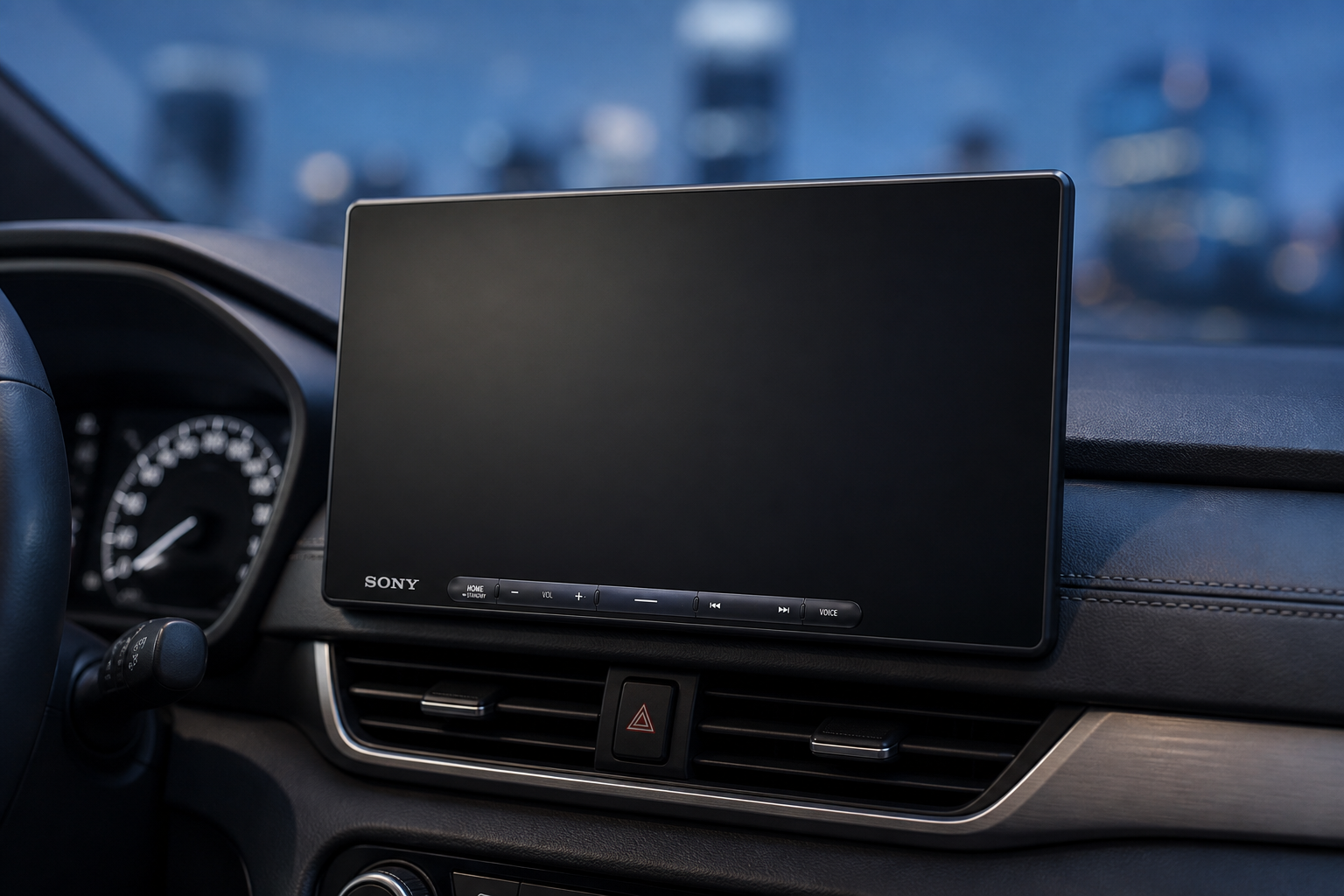
The Sony XAV-AX8500 is a compelling premium upgrade for drivers who want an oversized, crisp display without replacing their vehicle. Its strongest combination is a 10.1-inch 1280-by-720 capacitive screen, wired or wireless Apple CarPlay and Android Auto, three camera inputs, useful audio tuning, and iDatalink Maestro compatibility. The floating panel also tilts and swivels, which can improve visibility in an awkward dash.
It is not a universal fit. The screen may block vents, buttons, or climate controls, and several desirable integrations require extra hardware and professional labor. Buyers who only need basic phone projection can spend less. But if your dash can accommodate it and you value a big display plus expansion headroom, this is one of Sony’s most complete aftermarket receivers.
Check the Sony XAV-AX8500 on Amazon
Sony XAV-AX8500
The Sony XAV-AX8500 is a compelling premium upgrade for drivers who want an oversized, crisp display without replacing their vehicle. Its strongest combination is…
- Large, sharp display: The 10.1-inch HD panel makes phone-projected maps and controls easier to scan.
- Flexible positioning: Manual tilt and swivel help accommodate different dashboards and viewing angles.
- Choice of wired or wireless projection: Drivers are not locked into one CarPlay or Android Auto connection method.
Affiliate link. Moon Picke may earn a commission from qualifying purchases.
What Is the Sony XAV-AX8500?
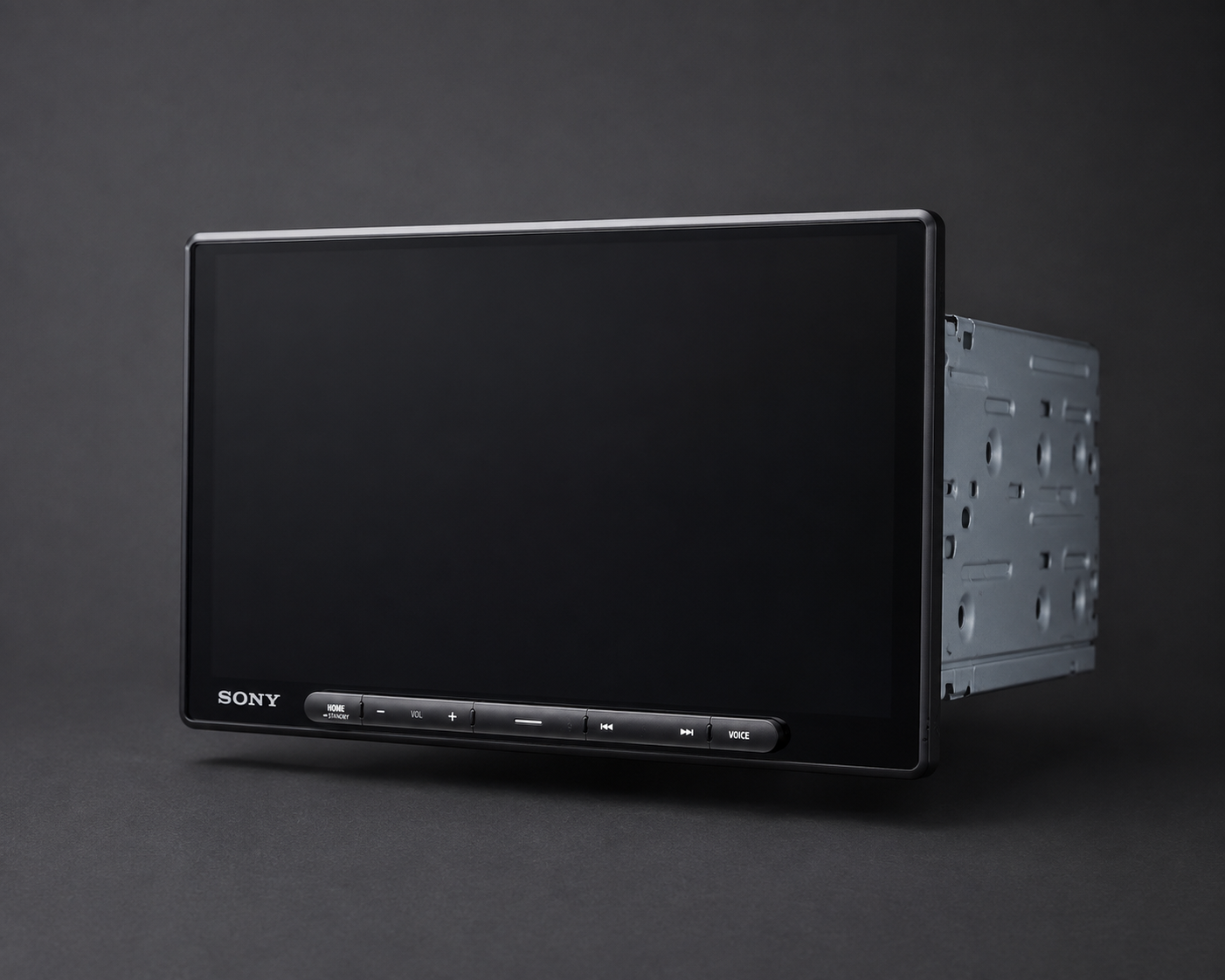
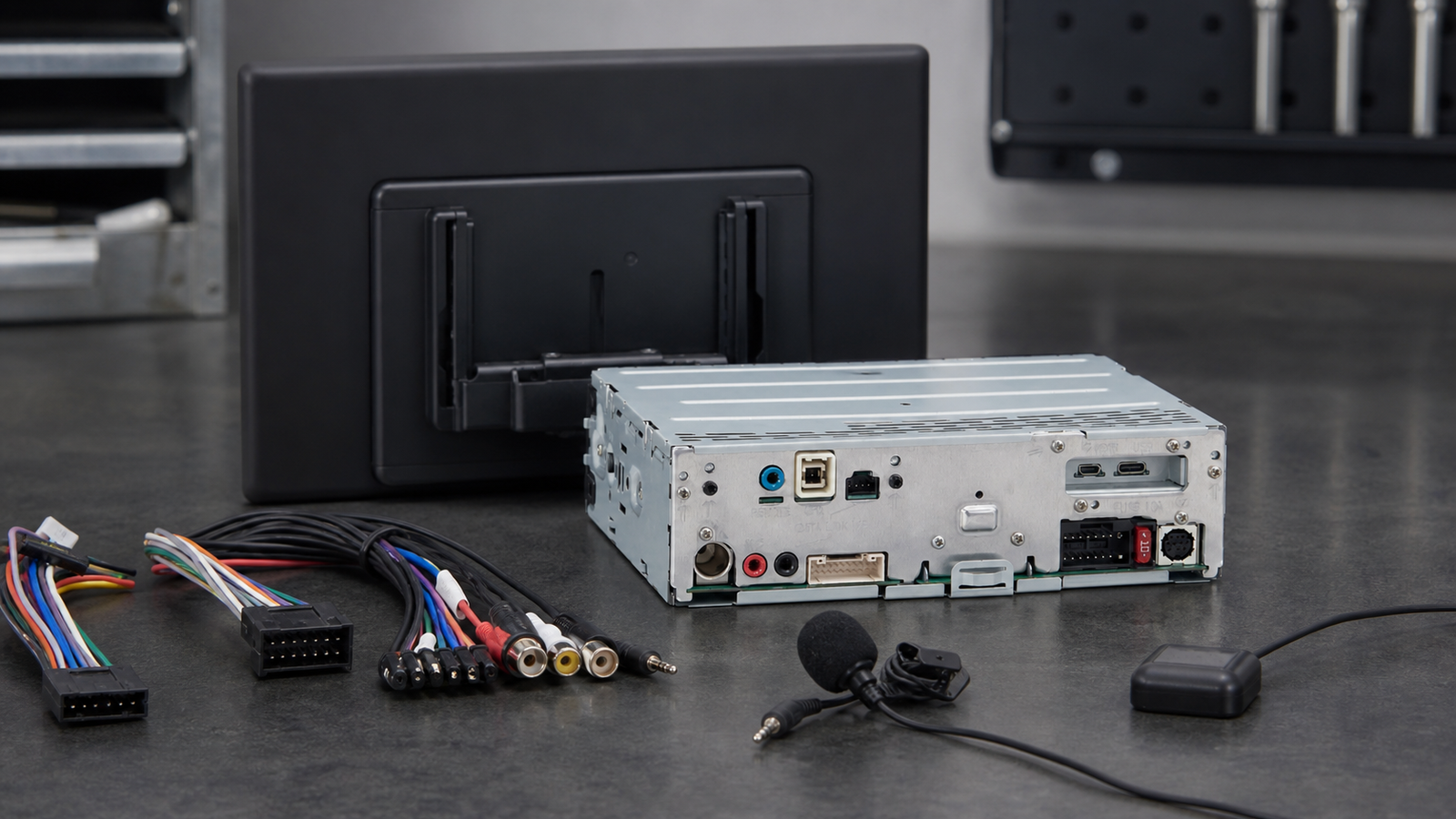
The XAV-AX8500 is a digital multimedia receiver built around a single-DIN rear chassis and a separate 10.1-inch floating touchscreen. It is intended for vehicles whose dashboards cannot easily accept a conventional large double-DIN display, or for owners who simply want more screen area. There is no optical disc mechanism or built-in navigation. Navigation comes from a connected smartphone through Apple CarPlay or Android Auto.
The display can be manually tilted and swiveled by up to 15 degrees vertically and horizontally after installation. That adjustability is more than a design flourish: it lets an installer reduce glare, aim the screen toward the driver, or move its edges away from nearby controls. The receiver also provides physical buttons along the lower bezel for common actions, so every interaction does not depend on the touchscreen.
Key Specifications
| Feature | Sony XAV-AX8500 specification |
|---|---|
| Display | 10.1-inch capacitive TFT, 1280 × 720 |
| Phone integration | Wired and wireless Apple CarPlay and Android Auto |
| Amplifier | 20 watts RMS × 4 channels; 55 watts × 4 peak |
| Audio outputs | Three 5-volt pre-outs: front, rear, and subwoofer |
| Audio tuning | 14-band equalizer and time alignment |
| Camera support | Three camera inputs with triggers |
| Expansion | Micro-HDMI, rear USB-C, SiriusXM-ready, Maestro RR/RR2 compatible |
| Chassis dimensions | 1.59 × 6.57 × 10.16 inches |
| Warranty | Three-year Sony limited warranty |
These are manufacturer specifications; compatibility and retained factory functions vary by vehicle, adapter, and installation. Sony includes an external microphone, GPS antenna, power leads, audio/camera connection cables, and a USB-C extension. A standard USB-C cable, HDMI cable, SiriusXM tuner, cameras, Maestro module, and vehicle-specific installation parts may be separate purchases.
Display and Everyday Interface
The display is the obvious reason to consider this receiver. At 10.1 inches, it gives maps, album artwork, call controls, and menus far more room than a typical 6.8- or 7-inch stereo. The 1280-by-720 resolution is also appropriate for this size, while Sony’s optically gapless construction is designed to improve clarity and touch response.
A large screen is only useful if it fits. Measure the opening and the areas above, below, and beside it. Check whether the panel would interfere with air vents, hazard switches, climate controls, a gear selector, or a factory screen. The manual angle adjustment helps, but it cannot solve every dashboard conflict. Unlike motorized mechanisms, the manual mount is simple; however, you should settle the position before driving.
Wireless CarPlay and Android Auto
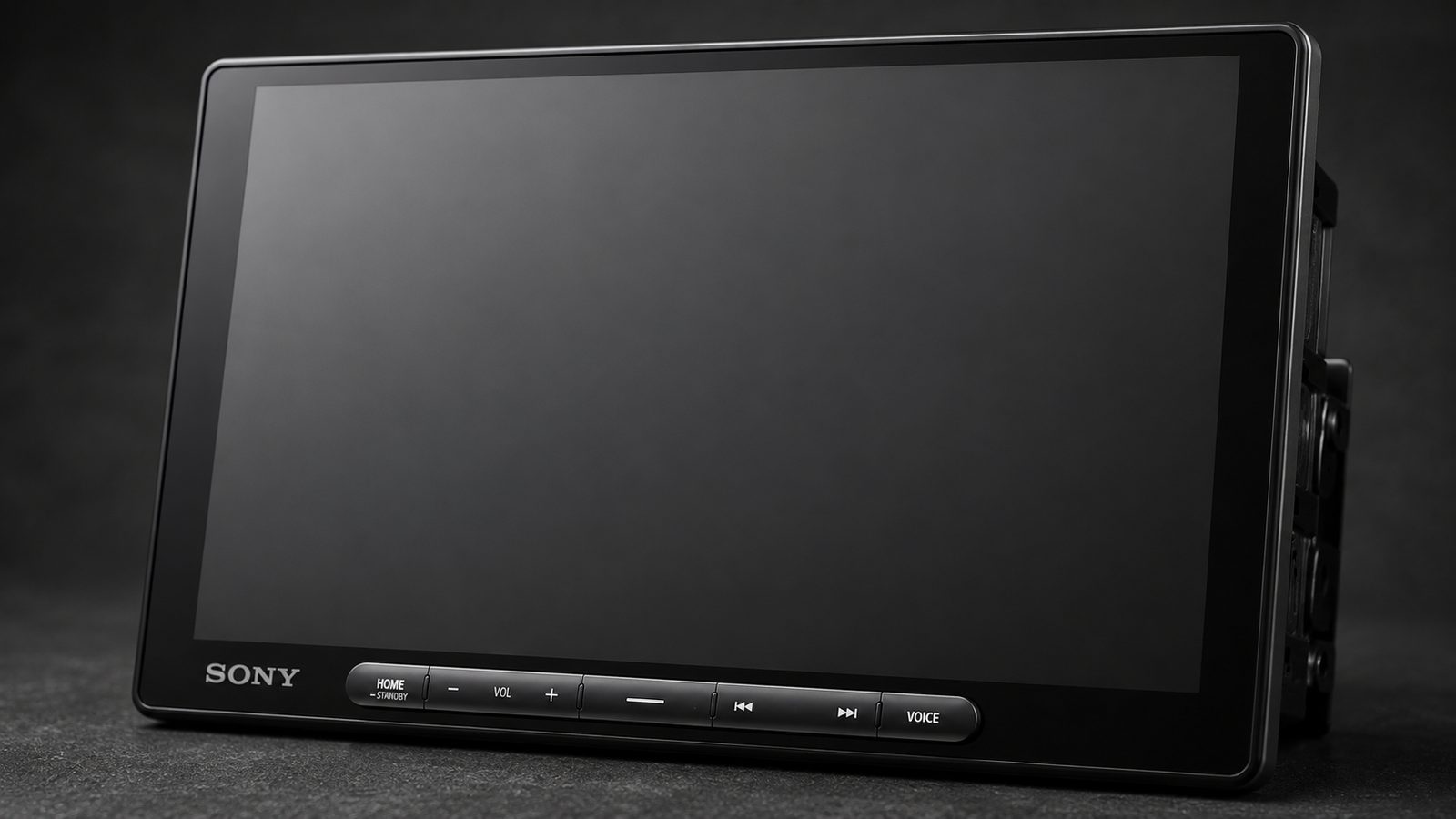
Both Apple CarPlay and Android Auto work wirelessly or through a cable. Wireless operation is convenient for short daily trips because your phone can stay in a pocket or bag. A wired connection remains useful when you want dependable charging during a long drive or need to troubleshoot wireless pairing.
The receiver’s Wi-Fi connection is used for phone projection rather than general internet access. Apps, maps, traffic information, messages, and streaming still depend on your compatible phone and data plan. Because the unit does not have standalone navigation, a phone is central to the experience.
See current availability on Amazon

Audio Quality and Expandability
The built-in amplifier is rated at 20 watts RMS per channel. That is suitable for powering many factory or efficient aftermarket speakers, but it is not a substitute for an external amplifier in a demanding system. The more important specification for enthusiasts is the set of three 5-volt pre-outs. Dedicated front, rear, and subwoofer outputs provide a clean foundation for adding amplifiers and a powered or passive subwoofer.
A 14-band equalizer and time alignment give installers meaningful control over tonal balance and the apparent position of the soundstage. Results still depend on speakers, installation quality, cabin acoustics, and careful setup. If audio is your priority, budget for tuning rather than assuming the head unit alone will transform tired factory speakers.
Before building a system, our guide to the best OBD2 scanners can also help round out a practical car-tech toolkit.
Camera Inputs and Vehicle Integration
Three camera inputs are a standout feature. A common arrangement is a rear camera plus two additional views, but the exact switching behavior and compatible triggers should be planned with the installer. Cameras themselves are not included. If you are also comparing dedicated recording equipment, see our guide to the best dash cams; a recording dash cam serves a different purpose from parking-view cameras connected to a receiver.
The XAV-AX8500 works with iDatalink Maestro RR and RR2 modules, sold separately. In supported vehicles, Maestro can retain selected factory functions and display vehicle information. Support is vehicle-specific, so verify the exact year, make, model, trim, factory audio package, and desired retained features before ordering. Steering-wheel controls and factory amplifiers may require additional interfaces.
Installation and Fitment
This is not a product to buy on screen size alone. Start with a vehicle-specific fitment check. Besides the receiver, a complete installation can require a dash kit, wiring harness, antenna adapter, steering-wheel-control interface, Maestro module, camera adapters, amplifier integration, and USB retention parts. Some factory features may not be retainable.
The floating panel attaches to a single-DIN chassis, which expands the range of possible vehicles, but the panel still needs physical clearance. A qualified installer should confirm that the mount is secure, wiring is fused correctly, the microphone and GPS antenna are positioned properly, and cables will not bind behind the dash. Firmware updates are performed with a USB flash drive; checking Sony’s support page before installation can prevent avoidable setup issues.
What the Sony XAV-AX8500 Does Well
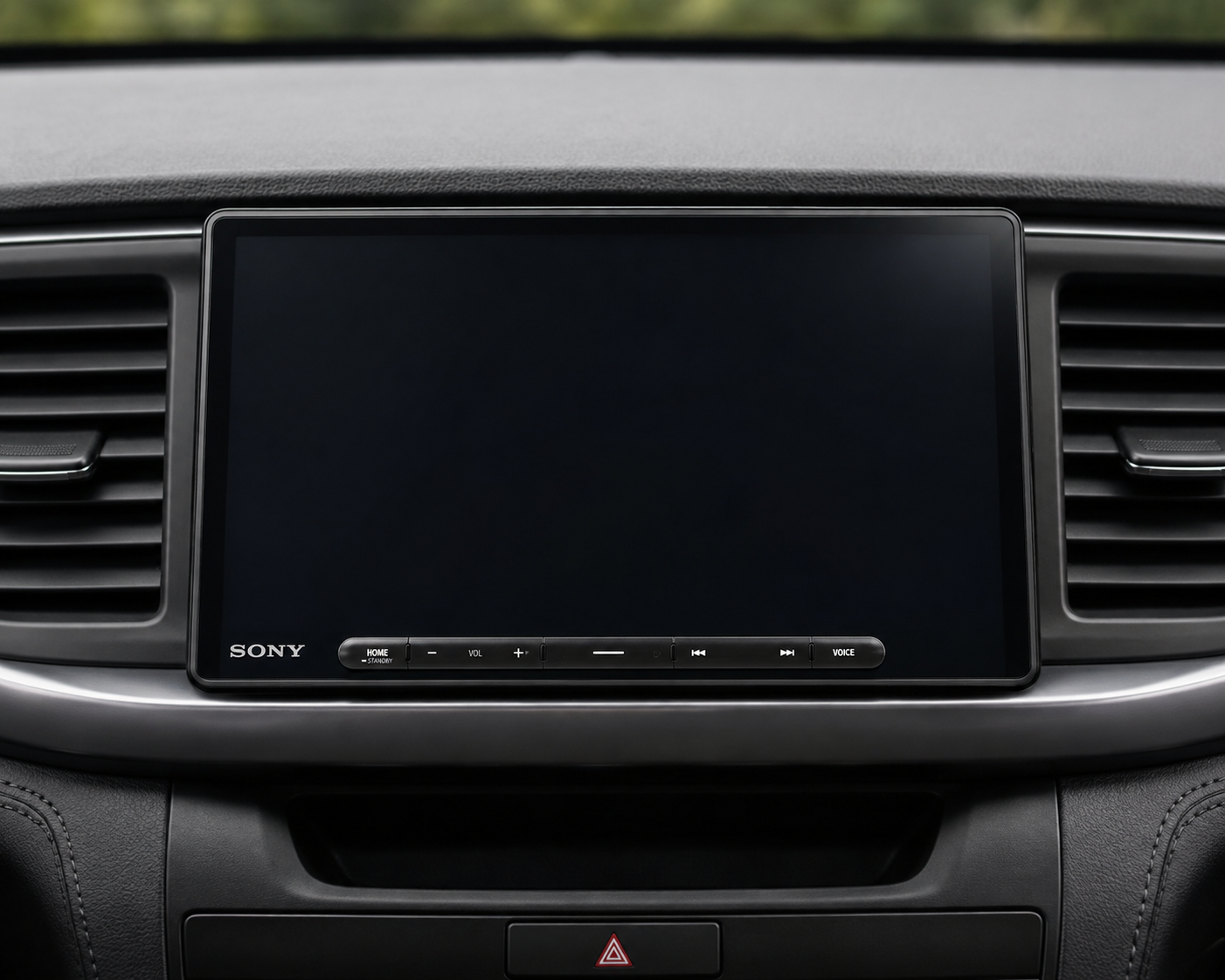
- Large, sharp display: The 10.1-inch HD panel makes phone-projected maps and controls easier to scan.
- Flexible positioning: Manual tilt and swivel help accommodate different dashboards and viewing angles.
- Choice of wired or wireless projection: Drivers are not locked into one CarPlay or Android Auto connection method.
- Serious expansion options: Three 5-volt pre-outs, three camera inputs, micro-HDMI, and Maestro compatibility support ambitious installations.
- Useful ownership support: Firmware can be updated by USB, and Sony lists a three-year limited warranty.
Limitations to Know
- The floating display can obstruct vents or dashboard controls in some vehicles.
- There is no built-in navigation; maps depend on a compatible phone.
- Maestro integration, SiriusXM, cameras, HDMI cable, and several vehicle adapters cost extra.
- The built-in amplifier is adequate rather than high-powered.
- Professional installation can make the total project substantially more expensive than the receiver alone.
What Does It Cost to Install?
Installation cost varies too much by vehicle to quote one responsible number. A straightforward installation with a basic harness is different from a premium factory-amplified vehicle that needs data integration, retained cameras, steering-wheel controls, and custom trim work. Ask for an itemized quote that separates labor from the dash kit, harnesses, modules, antennas, cameras, and audio upgrades.
Confirm the return policy before scheduling labor. Once adapters have been opened or wiring has been modified, returns can become more complicated. The safest sequence is fitment verification, a written parts list, a labor quote, and only then the receiver purchase.
Check the latest Amazon listing
Who Is It Best For?
This receiver makes the most sense for drivers keeping an older vehicle who want a modern, oversized interface; users who switch between Apple and Android phones; audio enthusiasts planning external amplification; and owners adding multiple camera views. It is especially attractive when a traditional double-DIN screen feels too small but a single-DIN chassis fits behind the dash.
Who Should Skip It?
Skip it if your dashboard has no safe clearance for a floating panel, you want navigation that works without a phone, or you only need basic Bluetooth and a small screen. It is also a poor match for buyers who expect every factory feature to remain without additional interfaces. A less expensive receiver may offer the same core phone projection if advanced cameras, audio outputs, and Maestro integration are unnecessary.
Pre-Purchase Checklist
- Verify year, make, model, trim, and factory audio package with a fitment tool or installer.
- Measure for screen clearance around vents, switches, climate controls, and shifter.
- List the factory functions you must retain, including steering-wheel controls and cameras.
- Price every required dash kit, harness, adapter, module, and installation hour.
- Decide whether you need external amplifiers, a subwoofer, SiriusXM, HDMI, or extra cameras.
- Review the current firmware and installation documentation on Sony Support.
Is the Sony XAV-AX8500 Worth Buying?
For the right vehicle, yes. The value is not simply a big display; it is the combination of that display with flexible positioning, dual-mode phone projection, strong pre-outs, extensive camera support, and integration potential. Those features can anchor a thoughtful upgrade that feels current for years.
The caveat is total installed cost. Treat the receiver as one component in a vehicle-specific system. If fitment is confirmed and you will use its expansion features, the premium is easier to justify. If you only want CarPlay or Android Auto, a smaller model can deliver the essentials for less.
Final Verdict
Our Sony XAV-AX8500 review finds a polished, versatile flagship-style receiver whose appeal rests on its 10.1-inch HD floating screen and unusually broad upgrade path. It is best for a carefully planned installation, not an impulse purchase. Confirm clearance, retained features, required adapters, and labor before ordering. With those checks completed, it is a strong centerpiece for modernizing an older car.
View the Sony XAV-AX8500 on Amazon
Frequently Asked Questions
Does the Sony XAV-AX8500 have wireless Apple CarPlay?
Yes. Sony specifies both wireless and wired Apple CarPlay, so you can choose convenience or a cable connection.
Does it support wireless Android Auto?
Yes. Android Auto can connect wirelessly or by cable with a compatible phone.
Does the XAV-AX8500 have built-in GPS navigation?
No. Navigation is provided by compatible smartphone apps through Apple CarPlay or Android Auto. Sony includes a GPS antenna to support connected functions, but the receiver is not a standalone navigation unit.
Will it fit my car?
The single-DIN chassis improves compatibility, but the 10.1-inch floating screen needs sufficient clearance. Verify your exact vehicle, trim, factory system, dash opening, and nearby controls with a qualified installer.
Can it connect to more than one camera?
Yes. Sony lists three camera inputs with triggers. Cameras and any vehicle-specific adapters are sold separately.
Can I add external amplifiers and a subwoofer?
Yes. Three 5-volt pre-outs provide front, rear, and subwoofer connections for a properly designed aftermarket audio system.
Check price and seller details on Amazon
Sources: Sony product page, Sony specifications, and Sony firmware information. Specifications and availability may change.