
An AI video translator, in the sense that matters here, takes a video you already have, turns the speech into text, translates that text, and speaks the translation back as a new audio track. Subtitles alone do not finish that job. This guide compares four current tools for the dubbed version: ElevenLabs, HeyGen, Rask, and Descript. YouTube’s own automatic dubbing is covered separately, because it publishes alternate audio on YouTube rather than acting as a localization studio.
The reader already has the file. The question is which product can produce a usable dub, and whether that dub includes: a generic voice, a preserved speaker voice, several speakers, a glossary, or a change to the mouth on screen. Those are different purchases. Moon Picke did not run one video through every tool, and this article does not invent translation accuracy, voice-match percentages, lip-sync scores, or processing times. A vendor page is not a test of your recording.
Pricing, included minutes, language support, and dubbing features were checked on 5 October 2026 and may change. Check each provider’s current plans before purchasing.
Quick picks
- Best overall dub of an existing video: ElevenLabs Dubbing. The product page localizes across 90+ languages, clones the original speaker automatically, and the docs say Dubbing itself does not lip-sync the face.
- Best when the face should move with the new language: HeyGen’s video translator. The page bundles voice cloning and lip sync. Paid plans list one language suite of 175 languages and dialects, not five separate counts.
- Best minute-based localization editor: Rask. Creator is $39 a month for 25 localization minutes. Voice cloning is documented for 32 base languages, while the API docs describe a much wider dubbing list.
- Best if you already cut by transcript: Descript Business. Caption translation is listed in 61 languages. Audio dubbing is a separate list of 30.
- Best free path for a video you already published: YouTube automatic dubbing, with a fixed set of language pairs and no lip sync in the help page used here.
Comparison table
| Tool | Best for | Dubbing | Voice handling | Multi-speaker | Lip sync | Starting price |
|---|---|---|---|---|---|---|
| ElevenLabs | Dubbed audio of an existing video | Yes. Dubbing v2, 90+ languages | Automatic clone of the original speaker. A library voice is a separate switch | Yes. Docs say up to 32 speakers, including overlap | No, not inside Dubbing | Free includes 0.4 Dubbing v2 minutes. Starter is $6 a month |
| HeyGen | Talking-head video with a lip-sync claim | Yes, on the video translator | The translator page calls it voice cloning that preserves tone | Not documented on the pages used here | Yes, as HeyGen describes it. Not a measured score | Free plan. Creator is $29 a month, or $24 a month billed annually |
| Rask | Editor plus a minute allowance | Yes. API docs say over 130 dubbing languages | Voice cloning for 32 base languages. Other targets use AI voice presets | Multi-speaker recognition is marketed. Per-speaker clone is not the same as detection | Named on Creator Pro. Not claimed for every plan | Free trial, 3 minutes. Creator $39 a month |
| Descript | Dubbing inside a transcript editor | Yes, on Business, 30 languages | AI Speech voice clones exist. They are not the same row as dubbing | Speaker detection is listed. It is not proof of a separate dubbed voice per speaker | Not described on the pricing page | Business $50 per person a month on the annual view |
Language counts, kept separate
A single “100+ languages” line is not a dubbing count until the page says what the number measures. The figures below are the ones each vendor attached to a specific feature on 5 October 2026.
| Tool | Transcription | Caption or text translation | Dubbing | Lip sync |
|---|---|---|---|---|
| ElevenLabs | Part of the dubbing pipeline. No separate public count used here | Not given a separate number on the dubbing page | 90+ languages on Dubbing v2. Dubbing v1 is described as 70+ on the API page. Locales such as Castilian and Latin American Spanish are mentioned | Not part of Dubbing. A separate Sync 3 page says 95+ languages for that model |
| HeyGen | Not given its own count on the translator or pricing pages | Included in the same language-suite line as dubbing | Free: 30+ languages. Paid Global Language Suite: 175 languages and dialects. One number covers the suite | The translator page applies the same 175+ line to lip sync. No separate lip-sync language list was published there |
| Rask | The API page groups transcription with the 135+ line | Same marketing line also names captions | Docs: over 130 destination languages for dubbing. Voice cloning: 32 base languages. Dialects can appear without their own clone model | Not given a separate language count |
| Descript | 25 languages on the plan comparison | 61 languages for caption translation | 30 languages for audio dubbing | Not listed |
| YouTube | Not the feature | A different caption workflow | Directional pairs. English can dub into a listed set of about 20 languages. Many other sources dub into English. Not any-to-any | Not described in the help page used here |
How we chose the best AI video translators
US results for “best AI video translators,” “AI dubbing tools,” and “translate video with AI” are mostly comparison pages about dubbing an existing video. Subtitle tools, avatar studios, and general editors appear beside them. The intent that matches this article is narrower: you already shot the video, and you want another language spoken, not only written.
A finalist had to accept an existing video and produce translated speech. Transcription, a glossary, speaker handling, and lip sync raised a tool’s usefulness. They did not replace the dub. A caption translator, a text-to-speech app, a voice clone with no video pipeline, and an avatar that speaks a new script from scratch did not qualify on their own. Generating a new clip from a prompt belongs with AI video generators. Cutting a timeline belongs in an editing guide. This page ranks the localization path.
Papercup now sits inside RWS as an enterprise service without a public self-serve price, so it is not ranked as a creator plan. VEED’s cards list translation and a separate AI-voice allowance. That is not enough to call them a voice-preserved dub. No affiliate was added to fill a slot. A scoped dubbing list outranked a larger number that mixed captions and voices.
What is AI video translation?
The full pipeline is speech, then a transcript, then a translation, then a new or preserved voice, then timing, then an optional change to the visible mouth, then an export. A product can stop after any step. ElevenLabs describes Dubbing v2 as conditioning on the original performance rather than only on a transcript, so tone and timing are part of its pitch. HeyGen describes upload, translation, voice, and lip sync as one translator. Rask sells localization minutes and an editor. Descript separates caption translation from audio dubbing. YouTube generates an alternate audio track for eligible videos on the platform.
None of these steps is a certified translation. Quality still depends on the language pair, the recording, the accent, overlapping talk, names, and whether a person reads the script before you publish. Legal, medical, financial, safety, and regulatory videos need a qualified human review. AI dubbing is not that review.
Video translation vs subtitle translation
Subtitle translation changes the words on screen. The original voice stays. Dubbing changes what the audience hears. A full localization can include both, and several tools do. Descript is the clearest public split we found: 61 languages for translated captions, 30 for audio dubbing. Treating the larger number as the dubbing number would be wrong. HeyGen’s translator page mentions subtitles in the same sentence as voices and lip sync, under one 175+ line. That sentence does not prove three identical language lists. Rask’s API page names transcription, translation, dubbing, and captions together under 135+. The destination-language doc is the better dubbing source, and it says over 130 languages, with voice cloning limited to 32 base languages.
AI dubbing vs voice cloning
Dubbing is the translated performance. Voice cloning is one way to choose the voice that speaks it. A dub can use a stock synthetic voice and never clone anyone. ElevenLabs makes the split explicit: Dubbing v2 clones the original speaker by default, and a parameter can disable cloning and use a similar library voice instead. Rask’s docs say AI voice presets cover the wide destination list, while cloning covers 32 base languages. HeyGen’s translator page describes cloning as the method that keeps the speaker’s tone. Descript lists custom voice clones on AI Speech cards and lists dubbing on the Business card. Those rows are not interchangeable.
Uploading a video does not give you the right to clone a voice you do not control. Use footage and voices you have permission to localize. Do not use these tools to imitate a celebrity, a creator, or anyone else who has not agreed. This article does not provide an impersonation workflow.
Voice preservation vs voice cloning
Vendors do not use one definition. ElevenLabs says Dubbing preserves emotion, timing, tone, and each speaker’s characteristics, and that the mechanism is an automatic voice clone of identity, pitch, and tone. That is the vendor’s description of preservation. It is not an independent finding that the clone is exact. HeyGen says the original speaker’s voice, and on the same page “tone and delivery,” are preserved by voice cloning. Rask’s pricing intro says “emotion-preserving voice cloning.” YouTube’s help uses a different phrase, “expressive speech,” for selected pairs: it replicates pitch and intonation, and the help says it will not always be used. Expressive speech is not a custom voice clone you train.
A glossary is also not a translation memory. A glossary locks preferred terms. A translation memory stores earlier source-and-target sentences. None of the pricing pages used here documented a translation memory under that name. HeyGen’s translator page does document a brand glossary with forced translations, protected terms, and pronunciation. Rask’s comparison lists a shared brand glossary on higher columns. Do not treat those as memories of past jobs.
AI dubbing vs lip sync
Dubbing replaces or adds speech. Lip sync changes the visible mouth so it sits closer to the new audio. ElevenLabs’ Dubbing Studio documentation says lip sync is not part of Dubbing. Its “perfectly synced” line on the dubbing page refers to starts and stops in the audio, which is timing alignment. Timing alignment is not lip sync. A separate ElevenLabs model, Sync 3, is a lip-sync video model with its own 95+ language line. Using Sync 3 is not the same product as clicking Dubbing v2.
HeyGen does sell lip sync inside the video translator. The page says translated speech is aligned with facial movements and calls the result perfect lip-sync. That wording is HeyGen’s. It is not a score from a shared test. Rask names lip sync on the Creator Pro card and describes multi-speaker lip sync in the comparison as matching mouth movement to the translated audio. The free trial card does not say lip sync. YouTube’s automatic-dubbing help, as checked here, does not describe mouth movement at all. No tool in this article is credited with full face reanimation unless its own page says the face, not only the mouth, is regenerated. These pages talk about lips, mouth, or expressions in HeyGen’s case. HeyGen’s translator also says expressions are preserved. That is still the vendor’s claim, not a finding that a new face was generated.
1. ElevenLabs: best for dubbing the audio you already recorded
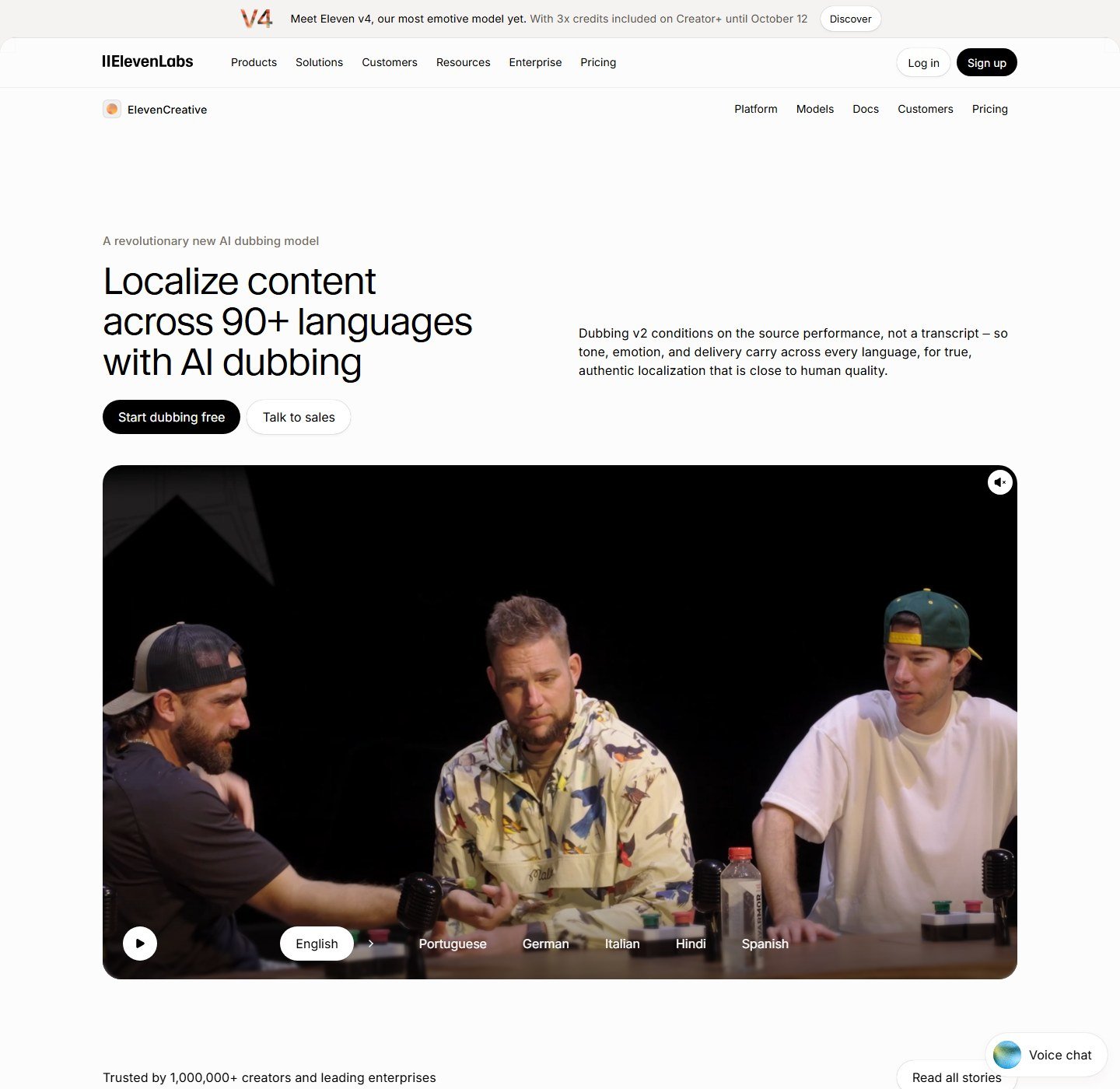
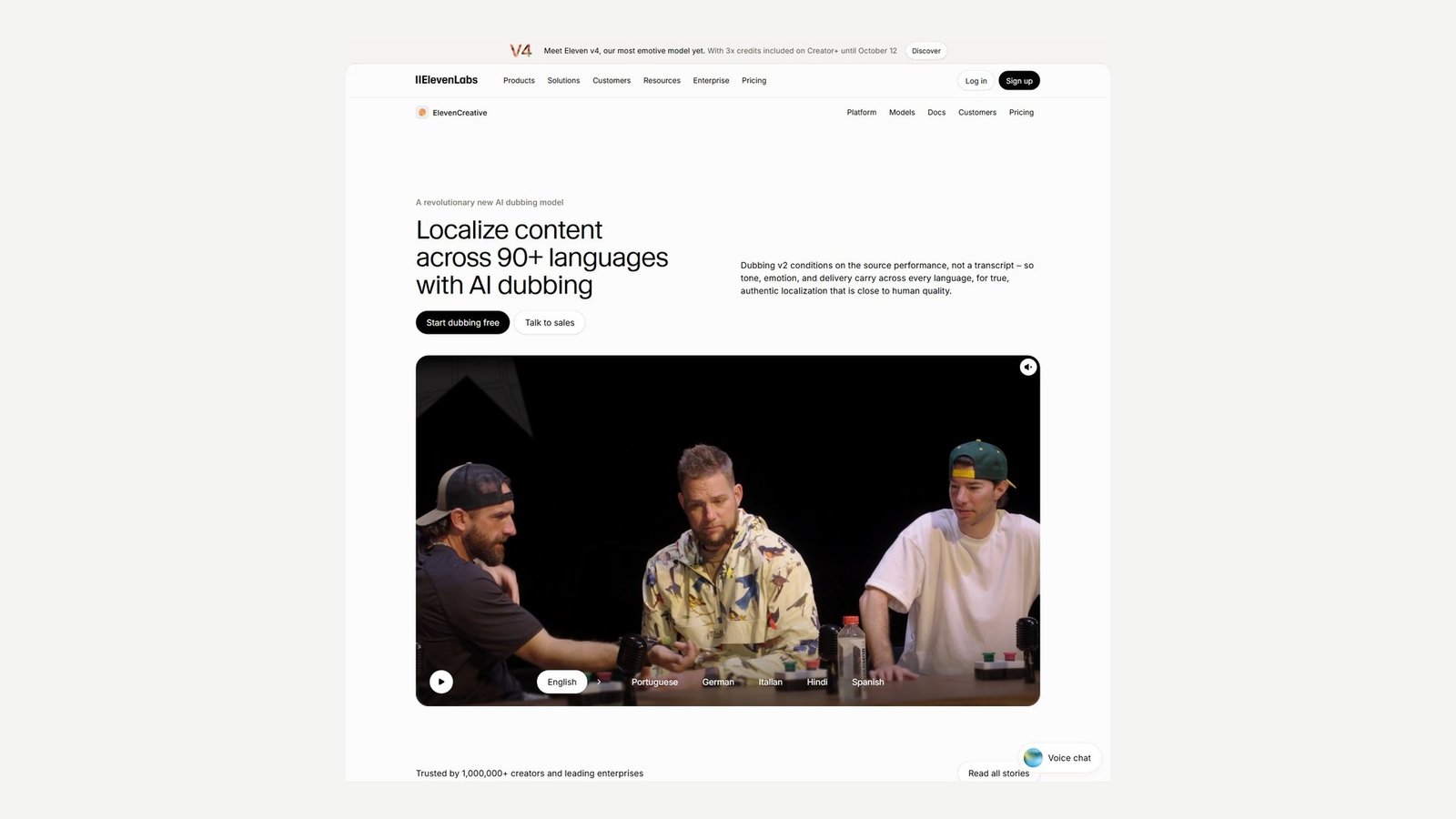
ElevenLabs made the list because dubbing is the product, not an add-on to an avatar studio. Dubbing v2 is described as an audio-to-audio model: it conditions on the source performance, not only a transcript, and it delivers each translation in an automatic voice clone of the original speaker. The dubbing page says 90+ languages. The API page adds that v2 has locale control for variants such as Castilian or Latin American Spanish, and that Dubbing v1 supports 70+ languages. Those are two model counts. They are not a voice-library count, and they are not a lip-sync count.
The capability doc says the tool detects multiple speakers, including overlapping speech, keeps each speaker’s tone, pace, and style, retains background audio so music and effects are not remixed from scratch, and accepts video or audio from upload, YouTube, TikTok, or a direct URL. It also says a file can include up to 32 unique speakers. Dubbing Studio’s guide shows speaker cards and a timeline where a clip can be dragged to another speaker track. The API can set the speaker count, or set it to 0 to detect speakers, and it can turn cloning off in favor of a library voice. A YouTube or TikTok URL does not give you rights to someone else’s video. Upload work you are allowed to translate.
On the monthly dubbing page, v2 minutes sit beside a separate credit pool. Free is $0 with 0.4 v2 minutes, then $4.91 per extra minute. Starter is $6 a month, first month $1, with 2 v2 minutes, then $2.70. Creator is $22, first month $11, with 9 v2 minutes, then $2.45. Pro is $99 with 44 v2 minutes, then $2.23. Watermarked v1 includes more minutes. Those are dubbing minutes, not HeyGen credits or Rask minutes. ElevenProductions, the human mix service, is a separate quote. Annual prices were not the toggle we read.
“Close to human quality” and “perfectly synced” are ElevenLabs’ phrases. The sync in that section is audio alignment. The Studio FAQ says lip sync is not part of Dubbing. Sync 3, elsewhere on the site, is a separate lip-sync model. Do not buy Dubbing v2 expecting the mouth to change.
Best for: courses, interviews, and YouTube masters where the new language must be heard and the original mix should stay.
Skip if: the picture of the mouth has to change, or 0.4 free v2 minutes is the whole project.
2. HeyGen: best when the translator also claims lip sync
HeyGen’s video translator is a real existing-video workflow. The page says you upload a file or paste a YouTube link, pick a target, and can send one video to as many as 10 languages at once. It says the result uses voice cloning and lip sync, and that you can open Edit and Review to proofread the translated script. The same page describes a brand glossary with forced translations, protected terms, and pronunciation, plus a multilingual player for a collection. A second path on that page creates avatar videos from a script. That path is not why HeyGen is here. An avatar that reads a new script is a different product from a dub of footage you shot.
The language figure needs the same caution as every other “175+” line. The translator page uses 175+ languages and dialects for the whole translator, including voice and lip sync. The pricing comparison is more precise about plans: the Global Language Suite is 30+ languages on Free and 175 languages and dialects on Creator and above. Neither page published a separate transcription count, a separate dubbing count, and a separate lip-sync count. This article does not invent them. The pricing table also lists 1,000+ AI voices. That is a voice library size, not a language count.
HeyGen charges credits, not dubbed minutes. Creator is $29 a month, or $24 a month billed annually, with 600 credits. Pro starts at $49 a month for 1,000 credits. Business is $149 a month for 1,500 credits, plus $20 per extra seat. The pages used here do not say how many credits one dubbed minute costs, so that price is not invented. A HeyGen credit is not an ElevenLabs minute. Free is $0, no card, 3 videos a month. The pricing comparison lists a 1-minute translation cap on Free, while the translator FAQ still says 3 minutes. Creator and Pro list 30 minutes, Business 60. Watermark removal starts on Creator. Proofreading the translation script is on the Pro card. The free FAQ mentions a limited trial of lip-sync translation.
Multi-speaker dubbing was not documented on the translator or pricing pages used here. Do not read “voice cloning” as “a different preserved voice for every person in a panel.” HeyGen’s “perfect lip-sync” and “most accurate” lines are marketing. They are not accuracy percentages.
Best for: a single visible speaker when you want HeyGen’s combined voice-and-lip-sync translator and you can live inside credits.
Skip if: you need a published cost per dubbed minute, or a documented per-speaker voice map.
3. Rask: best when the bill is localization minutes
Rask is a localization platform aimed at people who publish video regularly. On 5 October 2026 the monthly cards showed a free trial at $0 with 3 minutes and no card, Creator at $39 for 25 minutes a month, Creator Pro at $99 for 100 minutes, and Business at $249 for 250 minutes. Enterprise is custom. A banner on the pricing page said yearly Creator and Creator Pro were 35% off and that prices were changing soon. The yearly view also showed lower figures, including $28 billed as $329 a year, $67 billed as $799, and $167 billed as $1,999, with 1,200 and 3,000 minutes printed on the yearly Creator Pro and Business cards. Those yearly minute totals are not restated here as a monthly grant. Recheck the page before you pay.
Those are localization minutes. The page does not say whether a 10-minute file sent to three languages spends 10 minutes or 30, so this article does not divide $39 by 25 and call it a cost per language. The API marketing page says 135+ languages for a pipeline that includes transcription, translation, dubbing, and captions. The destination doc says over 130 languages for dubbing, AI voice presets for that list, and voice cloning for 32 base languages. A British English code still uses the main cloning model, which the doc illustrates with US English. Lip sync is named on Creator Pro and, in the comparison, as multi-speaker lip sync. It is not on the free-trial card. Higher rows also list a shared brand glossary, SRT import and export, batch upload, team seats, and API.
Best for: a creator or small team that wants an editor, a glossary, and a minute pool, and that will read the 32-language clone limit before promising a preserved voice.
Skip if: you need lip sync on the $39 Creator card. The card that names it is Creator Pro.
4. Descript: best when the dub starts from a transcript you can edit
Descript is a transcript editor that also dubs. It is on this list only for that dub, not for silence removal or filler cuts. On the pricing comparison checked 5 October 2026, transcription is 25 languages on the plans in the table. Caption translation is a list of 61 languages. Audio dubbing is a list of 30 languages. The Business card, with Annual selected, is $50 per person a month and says “translate and dub video in 30+ languages with proofread.” The page also shows $65 beside that annual figure. The lower number is the annual view. Creator, at $24 per person a month on that same annual view, does not carry the dubbing line. The free plan is 60 media minutes and 720p. It is not a dubbing allowance.
AI Speech, including custom voice clones, is a different feature. The pricing FAQ says AI credits cover Underlord, Studio Sound, Green Screen, Eye Contact, and generated media. Do not assume a voice clone and a 30-language dub are the same meter or the same language list. Speaker detection for 8+ speakers is listed. Detecting speakers is not the same as assigning a preserved dubbed voice to each of them. The pricing page does not describe lip sync. Proofread on the Business dubbing line means you can review the script. It does not mean a human translator is included by default.
Best for: a podcast or talking-head channel that already edits by deleting words and wants a 30-language dub on the Business plan.
Skip if: you need lip sync, or you only need translated captions. The caption list is longer, and it leaves the original voice in place.
YouTube automatic dubbing: the native option
YouTube can generate translated audio tracks for videos you uploaded. In YouTube Studio’s channel settings you can allow automatic dubbing, and you can choose to review dubs before they publish. The help page lists pairs, not a single “100 languages” bucket. From English, the listed targets include Arabic, Bengali, Dutch, French, German, Hebrew, Hindi, Indonesian, Italian, Japanese, Korean, Malayalam, Polish, Portuguese, Punjabi, Russian, Spanish, Tamil, Telugu, and Ukrainian. Many other source languages, including Chinese, French, German, Hindi, Spanish, and Vietnamese, are listed as dubbing into English, sometimes with one extra target such as Portuguese from Spanish. An asterisk marks languages that can use expressive speech, meaning pitch and intonation from the original. The help says that mode is not always applied. There is no lip-sync control on that page, and there is no minute price because the feature is part of YouTube for the channel owner.
This is the right free option when the audience will watch on YouTube and the pair you need is on the list. It is the wrong option when you need a downloadable master, a glossary, a speaker-by-speaker voice assignment, or a language YouTube does not dub in that direction. Pasting someone else’s YouTube link into HeyGen or ElevenLabs is not the same feature, and it does not transfer copyright.
Which job each tool fits
Creators who need a new file can start with ElevenLabs or HeyGen. Creators who only need a YouTube audio track should check automatic dubbing first. Courses and podcasts that are mostly voices do not need lip sync. A single on-camera founder is the case HeyGen describes. Teams get seats on HeyGen Business and higher Rask plans. A managed linguist service such as RWS or ElevenProductions is a custom quote, not a $29 app.
Pricing, without fake per-minute math
ElevenLabs is the only vendor here that prints an extra-minute price for the dubbing model itself. After the included Dubbing v2 minutes, the monthly page lists $4.91, $2.70, $2.45, and $2.23 on Free, Starter, Creator, and Pro. That is the vendor’s overage for v2 minutes. It is not a guaranteed project total, because a redo spends minutes again. HeyGen’s credits are a shared pool for avatars and translation. Without a published credit cost per dubbed minute, this article does not invent one. Rask’s $39 buys 25 localization minutes on the monthly Creator card. Dividing those numbers only works if one source minute in one language spends one localization minute. Rask’s page does not say that in the copy we used, so the division is not presented as your price. Descript Business is $50 per person a month on the annual view, or the $65 figure shown beside it, and the dub is included in that plan’s feature list rather than as a per-minute dubbing SKU. YouTube’s dubbing help does not show a fee.
Commercial use of the output still depends on each vendor’s terms and on your right to the source video, the music, and the voices. None of these products grant you a movie, a course, or a YouTube video you do not own. None of the pages used here say you own every model output outright, and none call the result copyright-free.
How to choose an AI video translator
Start with the deliverable. If viewers must hear the new language and the mouth can stay as shot, start with ElevenLabs and confirm the target is inside the 90+ dubbing set. If the on-camera mouth is the point of the video, read HeyGen’s translator and accept that lip sync is the vendor’s feature claim, billed in credits. If you want a minute allowance and an editor, use Rask and check whether your language is one of the 32 cloning bases or only a preset voice. If the transcript is already the edit, Descript’s 30-language dub is the relevant line, not the 61-language caption line. If the video is already on your channel and the pair is on YouTube’s list, try the native track before you pay.
Then check four limits. Is the language count for dubbing, for captions, or for both? Does “my voice” mean a clone, a preset, or expressive pitch? Does a second speaker get a second voice? Does lip sync exist on the plan you are about to buy? Those four answers matter more than a homepage that says 100+ languages.
How to translate and dub a video with AI
- Confirm you have rights to the video, the voices, and any music.
- Pick the locale, not only the language name. Spanish in Spain and Spanish in Mexico are not the same row on every list.
- Upload a clean original, or use a URL only for a video you can legally process.
- Check the detected source language.
- Read the transcript. Fix names before you translate.
- Add brand and product terms to a glossary if the plan has one.
- Translate.
- Read the translated script. Literal idioms are the usual failure.
- Assign voices. Confirm a second speaker was not folded into the first.
- Generate the dub.
- Listen for names, numbers, dates, and acronyms.
- Check pauses and speech that runs over a cut.
- Turn on lip sync only if the product and the plan include it, then watch the mouth.
- Read the subtitles separately. They can be wrong even when the dub is right.
- Check that music and room tone are still there, or accept that they are not.
- Export.
- Have a fluent person review anything a customer, student, or regulator will rely on.
What to check before you publish
Listen once for people and brands, once for numbers, dates, currencies, and units, and once for the call to action and any URL. Then watch with the sound off only if you paid for lip sync. Off-screen narrators and B-roll with speech will not gain a meaningful mouth fix. Overlapping talk is where speaker maps break. Fast speech and heavy accents are where timing and pronunciation break. A glossary does not catch a joke that should have been rewritten. A fluent reviewer is the last step, not a luxury, when the video gives instructions or makes a promise.
What AI video translators still get wrong
They translate idioms word for word, mispronounce product names, and merge two speakers or overlapping talk. They can strip music or leave a long language rushed into a short shot. A timing pass is not a mouth change. Lip sync can fail on a face turned away. A second export spends minutes or credits again. These are types of failure, not measured rates, which is why the script still needs a person.
FAQ
What is the best AI video translator?
For a dubbed soundtrack of a video you already have, ElevenLabs is the strongest match on this list, because dubbing, speaker count, and background audio are documented, and lip sync is honestly excluded from that product. HeyGen is the better fit when you also want the vendor’s lip-sync translator. The best choice is the one whose language list matches the feature you will actually use.
Can AI translate a video into another language?
Yes, within each product’s list. ElevenLabs Dubbing v2 says 90+ languages. HeyGen’s paid language suite says 175 languages and dialects for that suite. Rask’s dubbing docs say over 130 destination languages, with cloning on 32 base languages. Descript dubs in 30 and translates captions in 61. YouTube only dubs specific directions.
Can AI translate a video and keep my voice?
ElevenLabs, HeyGen, and Rask all describe a version of that, and they do not mean the same thing. ElevenLabs clones the speaker as part of Dubbing v2. HeyGen describes cloning as preserving tone. Rask limits cloning to 32 base languages and uses presets beyond that. None of those claims were independently scored as an exact copy. You still need the right to use the voice.
What is AI dubbing?
It is a new spoken track in the target language, mixed into or exported beside the video. It is not the same as translated subtitles, which leave the original speech in place.
What is the difference between AI dubbing and voice cloning?
Dubbing is the translated speech. Cloning is a method for building the voice that speaks it. You can dub with a stock voice and never clone the original speaker. Rask’s preset voices and ElevenLabs’ “disable voice cloning” option are examples.
Can AI translate video with lip sync?
HeyGen’s translator includes a lip-sync claim. Rask names lip sync on Creator Pro, not on the free trial. ElevenLabs says Dubbing does not include lip sync. YouTube’s help page does not describe it. “Perfect lip sync” on a homepage is not a measurement.
Which AI video translator supports multiple speakers?
ElevenLabs’ dubbing docs say up to 32 speakers, including overlapping speech, with each speaker’s characteristics preserved. Rask markets multi-speaker recognition and, on a higher comparison row, multi-speaker lip sync. Detecting a speaker label, which Descript lists, is not the same as dubbing each person in a preserved voice. HeyGen’s pages used here did not document a multi-speaker dub.
Can AI translate YouTube videos?
YouTube can dub videos you uploaded, in the pairs on its help page. HeyGen and ElevenLabs can take a YouTube URL as an input. A URL field does not give you the right to translate or republish a video you do not own.
Can AI translate online courses?
Yes, if the plan’s duration and minute or credit pool cover the lessons, and if someone reviews terminology. HeyGen Business lists 60 minutes per video and LMS packaging on the team plan. That packaging is not the same thing as a correct translation. Long courses are a poor fit for a 0.4-minute or 3-minute free allowance.
Are AI video translators accurate?
There is no accuracy percentage in this article. The result depends on the language pair, audio quality, accent, subject matter, names, overlapping speech, and whether you edit the script. HeyGen’s “highly accurate” line is HeyGen’s. Have a fluent reviewer check consequential content before you publish.
Can AI-dubbed videos be used commercially?
Only if your plan’s terms allow it and you have rights to the source video, the music, and the voices. This article does not grant those rights, and it does not call any output copyright-free. Read the current terms before you ship an ad, a course, or a client video.
Final verdict
Choose ElevenLabs when the job is a dubbed soundtrack: 90+ dubbing languages, an automatic speaker clone, up to 32 speakers, and background audio kept in the mix, with lip sync explicitly outside that product. Choose HeyGen when the video is a visible speaker and you want the translator that also claims lip sync, and budget with credits rather than with a published per-minute dubbing rate. Choose Rask when you want localization minutes and an editor, and read the 32-language cloning limit before you promise the founder’s voice in every dialect. Choose Descript Business when the transcript is already your editor and a 30-language dub is enough. Use YouTube’s automatic tracks when you only need eligible pairs on your own channel.
Buy the language list that belongs to dubbing, then decide whether you also need a clone, a second speaker, or a moving mouth. Keep the original, review the script, and do not treat an AI dub as a certified translation.