
A dash cam vs 360 camera decision is not a single product matchup. A conventional dash cam is built to record driving (and often parking) as evidence. A “360 camera” may mean a panoramic recording dash cam, an aftermarket surround-view kit, or a factory parking-display system — and those jobs are not the same.
Moon Picke compared manufacturer documentation for dedicated dash cams, a panoramic 360-degree recording camera, and OEM surround-view parking displays. We have not independently installed or footage-tested these systems.
Dash Cam vs 360 Camera: Quick Verdict
| Choose | Best If You Want | Main Strength | Main Limitation |
|---|---|---|---|
| Dash cam | Continuous driving evidence | Dedicated recording, event files, optional parking mode | Front/rear kits leave side gaps |
| 360-degree recording camera | Panoramic recorded coverage from one mount | Very wide scene capture on a memory card | Detail is spread across a wide field of view |
| Surround-view system | Parking and low-speed maneuvering visibility | Near-vehicle overhead or stitched live view | Usually a display aid, not a dash-cam recorder |
Moon Picke’s editorial judgment: for most drivers who want footage after a crash or a parking scrape, a dedicated dash cam — often front and rear — is the more straightforward recorder. A surround-view camera system is the better parking-visualization tool. A 360 degree dash cam sits in between: it records a wider scene, but it is not automatically better evidence.
What Is a Dash Cam?
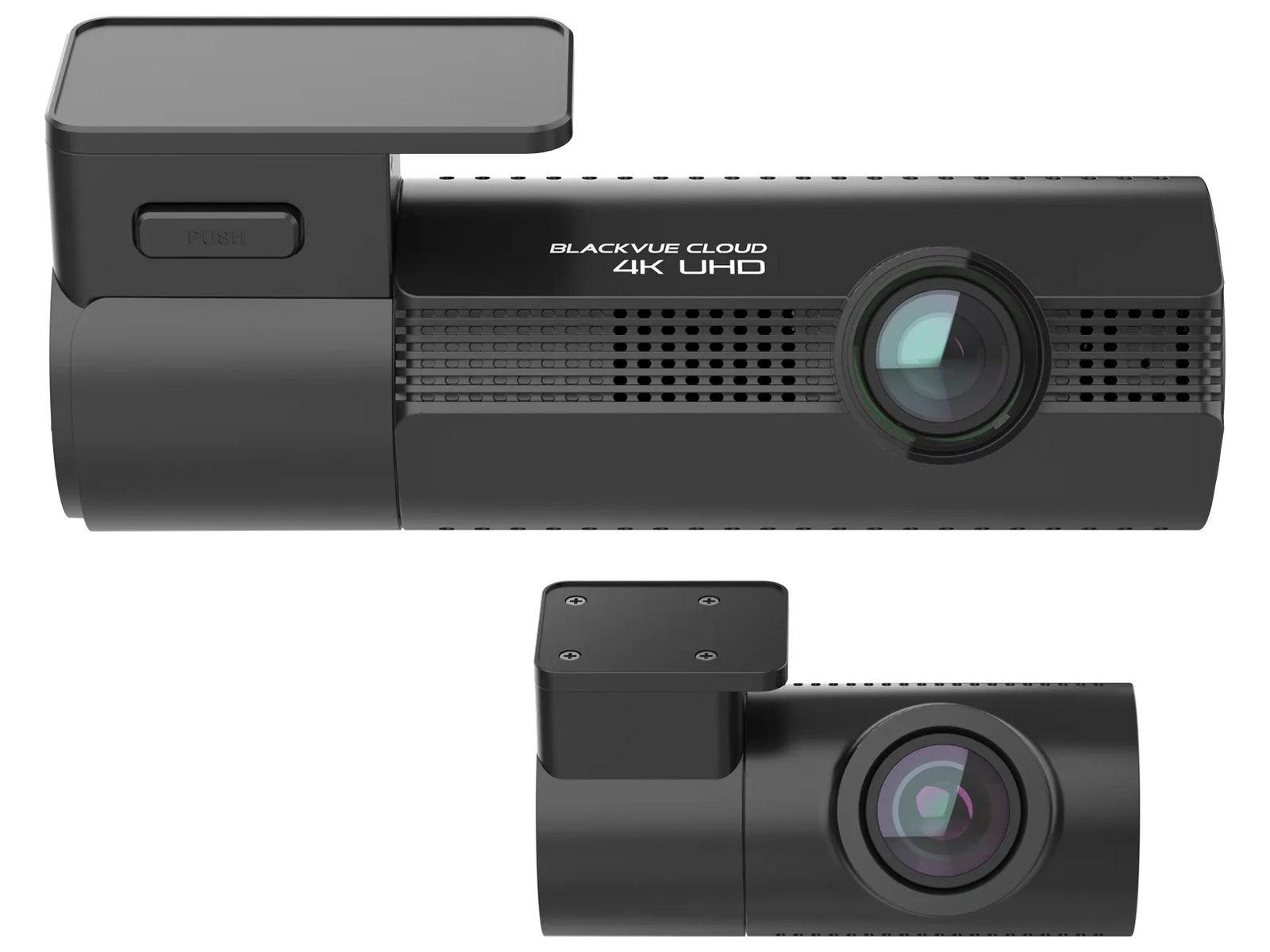
A dash cam is an aftermarket (or sometimes fleet) camera that continuously records while you drive, typically to a microSD card with loop recording. Many models add GPS, event files from a G-sensor, Wi-Fi apps, and parking mode when hardwired or on OBD power. Configurations range from front-only to front+rear to three- or four-channel kits. The design goal is retained video, not a live bird’s-eye parking graphic. For hardware shortlists, see Best Dash Cams for 2026.
As an Amazon Associate I earn from qualifying purchases.
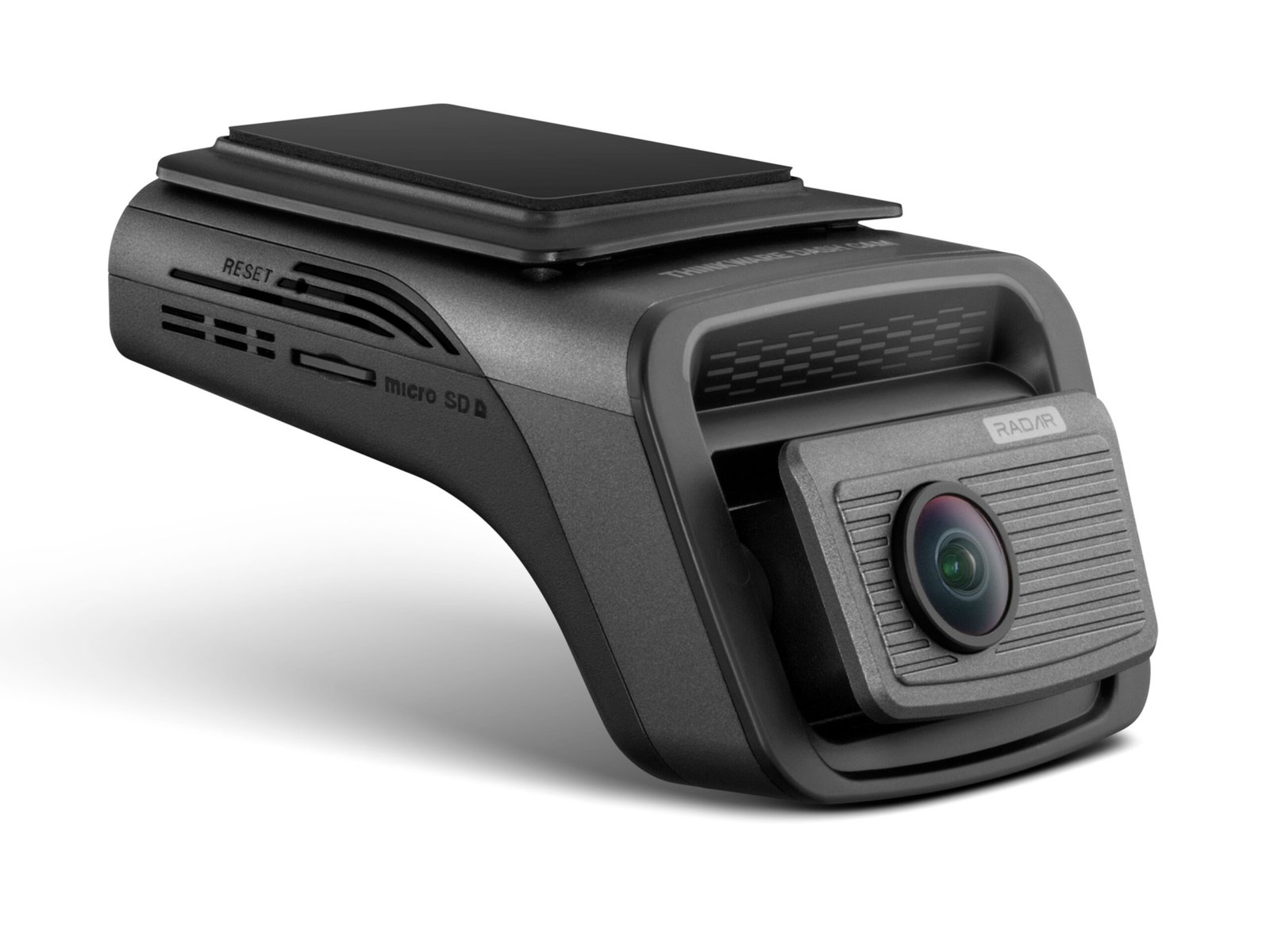
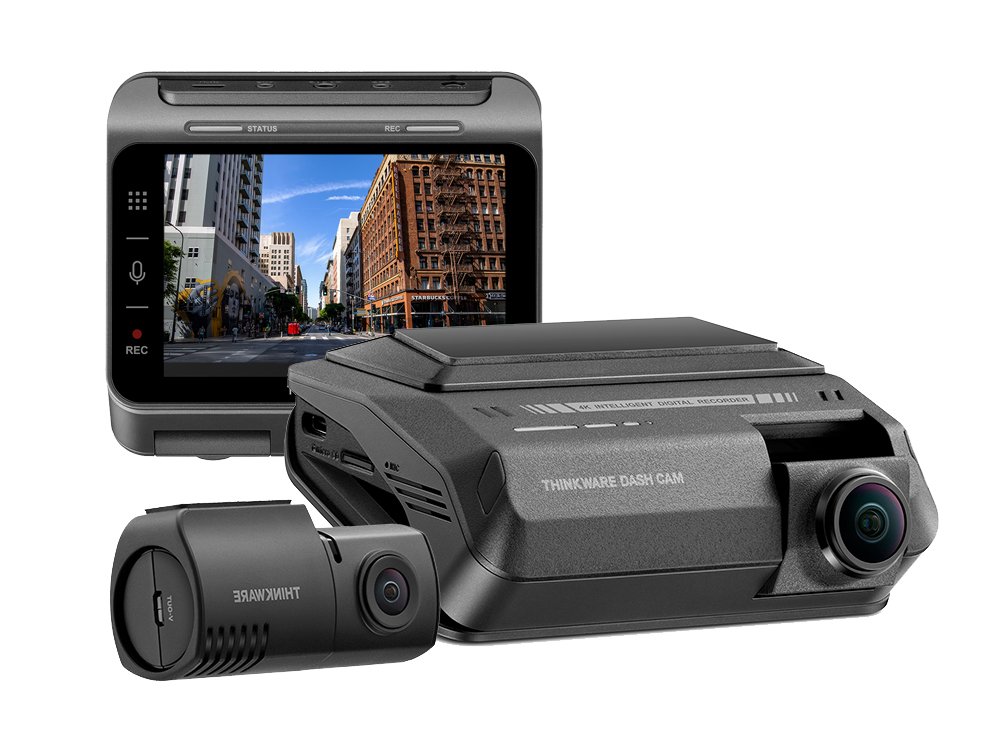
A current example of a conventional 2CH recorder is the Thinkware U3000 PRO, which documents 4K front + 2K rear STARVIS 2 cameras, Dual HDR while driving, and parking modes that require OBD or hardwire. See that 2-channel dash cam configuration on Amazon →
What Does “360 Camera” Mean in a Car?
Search results for 360 camera vs dash cam mix three different products. Treat them separately.
1. 360-degree recording camera (360 degree dash cam). This is still a dash cam: it writes panoramic or dual-fisheye video to a card. Vantrue’s E360, for example, documents 360° panoramic recording with a 210° + 210° lens pair, 5.2K (5184×1944) capture, a STARVIS 2 IMX675 sensor, HDR, GPS, and parking monitoring that requires a separately sold hardwire kit. That is a 360 camera for car recording — not a factory surround display. Vantrue also markets a handheld mount; that dual-use pitch does not make it an OEM parking camera.
2. Aftermarket surround-view / 360 car camera kits. These usually use four exterior cameras (front, rear, left, right) stitched into a top-down view on a head unit. Some kits record; many are sold first as live parking displays. Do not assume continuous incident files unless the manufacturer documents loop recording, event storage, and a retrievable archive.
3. Factory / OEM surround-view parking system. Toyota’s Panoramic View Monitor (PVM) is documented as a driver aid: it combines front, side, and rear cameras and shows an overhead image on the multimedia screen to assist when operating at low speeds or parking. Official quick-reference copy describes viewing surroundings and switching the camera display — not dash-cam style evidence retention. Honda and other brands use similar surround-view parking cameras. A backup camera or PVM is not automatically a continuous recorder.
Action cameras (Insta360-style) are a fourth category: they can shoot spherical video, but they are not designed as vehicle-powered loop recorders with parking cut-off. This article does not treat them as dash cams.
Dash Cam vs 360 Camera: Key Differences
| Factor | Dash cam | 360 recording camera | Surround-view system |
|---|---|---|---|
| Main purpose | Driving/parking evidence | Panoramic recorded coverage | Near-vehicle visualization |
| Continuous recording | Yes, by design | Yes, if it is a dash-cam product | Do not assume; often live display only |
| Front detail | Often the strongest file | Spread across a wide FOV | Usually a parking-distance view |
| Rear coverage | With a 2CH kit | Depends on lens/stitch | Rear camera in the stitch |
| Side coverage | Gaps unless extra channels | Wider from one mount | Left/right cameras in the stitch |
| Parking assistance | Not its job | Limited live view via app/screen | Primary job |
| Parking recording | If hardwired / OBD / pack | If the model documents it | Usually not a DVR |
| Incident evidence | Event files, timestamps, optional GPS | Wide scene, possible detail trade-off | May not keep a file |
| Storage | microSD, loop recording | Often larger files / wide video | Typically no user memory card |
| Installation | Windshield + optional rear cable | Depends on body and mount | Multiple exterior cameras, calibration |
| Factory integration | Aftermarket | Aftermarket | Often built into the vehicle |
| Upgrade flexibility | Easy to replace the camera | Easy to replace the camera | Tied to trim/head unit |
Coverage vs Detail: The Biggest Trade-Off
Wider field of view captures more of the scene. The same pixel budget, spread over more degrees, can reduce how much detail lands on a distant plate or a traffic light. That is a geometry problem, not a rule that “360 = worse quality.” Final image quality still depends on sensor, resolution, lens, bitrate, HDR, processing, and lighting. A 5.2K panoramic file can look sharp in the center and still be weaker at the edges than a 4K forward-facing dash cam aimed at the same plate. Moon Picke has not measured those files; treat this as an optical trade-off to verify in sample video from the manufacturer, not as a universal ranking.
Which Is Better for Recording an Accident?
For most evidence-focused buyers, a dedicated dash cam is the better starting point because it is designed around continuous recording, loop overwrite, and event retention. Front impacts are the classic use. A 2CH kit adds a rear file for rear-end collisions. Side incidents are the gap: a front+rear pair may miss a sideswipe unless an interior or side camera is in the kit. A 360 recording camera may include more of the intersection in one clip, but that does not guarantee a usable plate or a timestamped event folder. A surround-view parking display may show nothing after you leave the lot if it never stored a file. No system here determines legal fault or insurance outcomes.
Which Is Better for Parking?
Split the word “parking.”
Parking assistance: a surround-view camera system is built for near-vehicle visualization. Toyota documents PVM as assistance at low speed or in Park, with an overhead composite on the screen. That is the dash cam vs surround view camera difference in one sentence: live picture versus saved video.
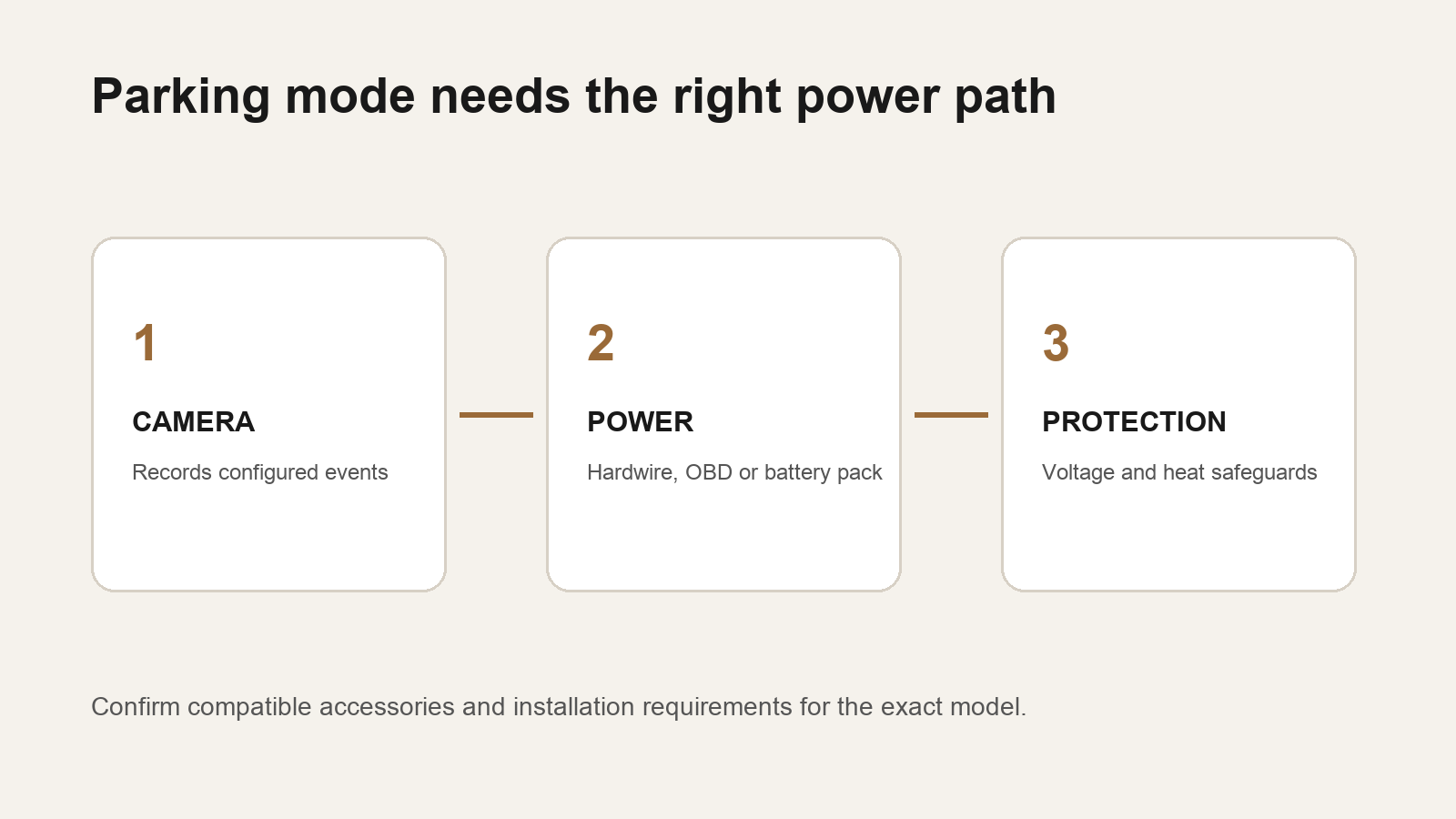
Parking recording: dash-cam parking mode (motion, impact, time-lapse, radar, power-saving) is the tool for unattended events, if the camera has constant power and a cutoff. A 360 degree dash cam can do this too if the manufacturer documents parking modes and a hardwire path — Vantrue states E360 parking monitoring must be hardwired. Factory PVM is not a substitute for that archive. For parking-mode hardware, use the parking mode dash cam guide instead of repeating it here.
What About Side Impacts and Blind Spots?
Front and rear dash cams leave the flanks weakly covered. Options that add side context include a 3-channel kit with an interior camera that sees out the side glass, a 4-channel kit with extra exterior modules, a panoramic 360 recording camera, or a multi-camera surround system. None of these eliminates every blind area: pillars, tint, stitch seams, bumper cameras aimed at pavement, and parking-only OEM views all create gaps. Do not buy any setup as a promise of zero blind spots.
Which System Is Better at Night?
Night performance depends on the sensor, aperture, HDR, resolution, exposure, processing, and glass (tint, dirt, streetlights). A dedicated forward dash cam with a strong low-light sensor and HDR may keep more readable forward detail than a wider-view system that spends pixels on the cabin ceiling and the sky. That is not universal: a STARVIS 2 panoramic camera can still be excellent in its own frame. Compare documented night features, then look at manufacturer sample video. For forward-facing night hardware, see the night driving dash cam guide.
Which Is Better for License Plate Detail?
A narrower, aimed field of view can put more pixels on a plate-sized patch of road. Readability still depends on speed, distance, exposure, headlights, reflection, motion, resolution, sensor, and bitrate. Do not expect reliable plate capture from a dash cam, a 360 recording camera, or a surround-view still. Manufacturer marketing that mentions plates is not a guarantee.
Installation: Which Is Easier?
A typical dash cam uses a windshield mount, a 12 V or USB-C power lead, and — for 2CH — a rear cable along the headliner. Hardwire or OBD is extra for parking. A 360 recording camera’s install depends on the body: some are one windshield puck (Vantrue documents a magnetic mount on the E360); others still need a rear lead if they are actually multi-channel kits branded as “360°.”
A surround-view system needs multiple exterior cameras, often bumper or mirror housings, wiring to a head unit, and calibration. Professional installation is appropriate for body-mounted cameras. This is not a wiring or airbag-trim tutorial.
Storage and Video Management
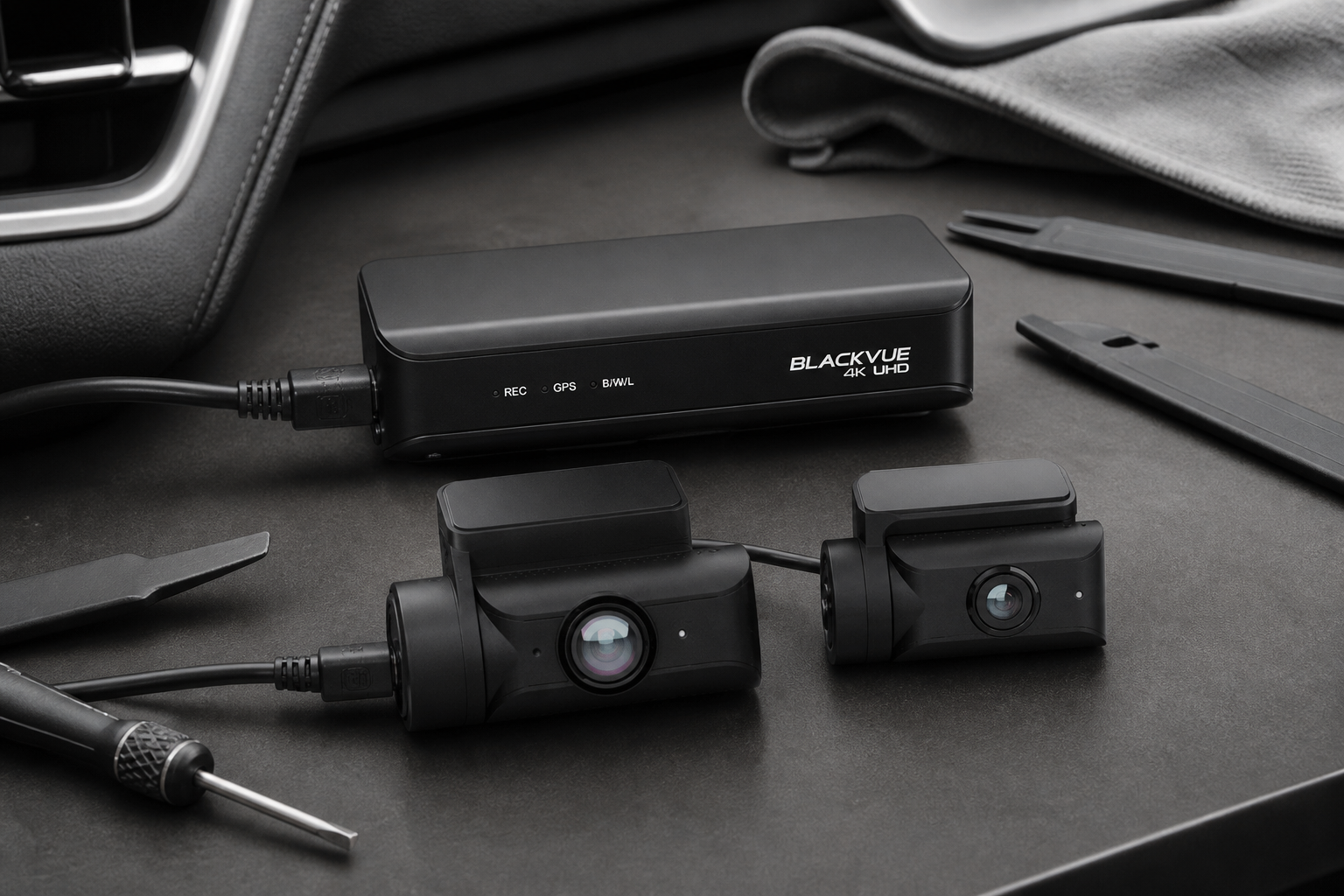
Dash cams use high-endurance microSD cards, loop recording, and often separate event folders. Apps pull clips over Wi-Fi. A 360 recording camera that is still a dash cam works the same way, but panoramic or multi-lens files can fill a card faster; Vantrue lists up to 1 TB on the E360. Surround-view OEM systems typically stream to the infotainment screen. Do not assume they keep a user-accessible loop like a dash cam. If you cannot export a timestamped file after an incident, you do not have a recorder.
Which Costs More to Own?
Costs vary too much for a universal dollar range. A dash cam budget includes the camera, optional rear module, hardwire kit, memory card, optional battery pack, and optional cloud. A 360 recording dash cam is often priced like a premium single-body recorder plus accessories. Surround-view ownership may be bundled in a vehicle trim, or it may mean cameras, installation, calibration, and head-unit integration — with replacement parts tied to the car. Aftermarket dash cams are usually easier to upgrade than factory camera modules.
Can You Use a Dash Cam and a 360 Camera Together?
Yes, on many vehicles. The complementary split is: dash cam = recording/evidence; surround view = parking/maneuvering visibility. That pairing is reasonable if you already have OEM PVM and still want incident files. Running two aftermarket recording systems is usually redundant unless one is panoramic and the other is a high-detail forward camera. Most drivers do not need both recording stacks.
Choose a Dash Cam If…
You want continuous recording, incident files, optional parking surveillance, simpler aftermarket install, and app or card retrieval. You want a front and rear dash cam vs 360 camera for road evidence rather than a bird’s-eye parking graphic. You will hardwire only if you need parking mode.
Choose a 360 Camera If…
Define the type first. Choose a 360-degree recording camera if panoramic recorded coverage from one windshield mount matters more than a dedicated 4K forward file. Choose a surround-view camera system if parking and low-speed visibility are the job and your vehicle already supports it — or you will pay for professional multi-camera installation. Do not choose “a 360 camera” as a vague label.
Dash Cam or 360 Camera: Which Is Better for Most Drivers?
Is a 360 camera better than a dash cam? Not as a blanket. For drivers who mainly want to retain usable footage of road incidents, a dedicated dash cam — especially front+rear — is usually the clearer recorder. For parking visualization and near-vehicle maneuvering, a surround-view system serves a different purpose and should not be counted as a dash cam. For panoramic recorded coverage, a true 360 recording camera can be worth considering, but weigh coverage against detail and confirm that it actually stores looped files. That is the practical dash cam vs 360 camera answer: pick the job, then pick the tool.
Read our Affiliate Disclosure.
Frequently Asked Questions
What is the difference between a dash cam and a 360 camera?
A dash cam is an evidence recorder. A 360 camera might be a panoramic recorder or a surround-view parking display. Ask which one you are comparing.
Is a 360 camera better than a dash cam?
No, not automatically. Better at what: saved incident video, or a live overhead parking view?
Can a 360 parking camera record accidents?
Only if that system stores continuous or event video you can export. Many OEM surround-view systems are displays, not dash-cam archives.
Does a dash cam record the sides of a car?
A front+rear kit usually does not cover the flanks well. Interior, extra channels, or panoramic recording can add side context. None covers every angle.
Can you use a dash cam with a 360 camera?
Yes. A common split is OEM surround view for parking plus a dash cam for evidence.
Which is better for parking?
Surround view is better for seeing nearby obstacles. Dash-cam parking mode is better for recording unattended events.
Which is better for accident evidence?
A dedicated dash cam is generally designed for that job. No camera guarantees legal proof.
Do 360 cameras record continuously?
A 360 degree dash cam usually does. A surround-view parking system often does not. Check the manual for loop recording and file export.
Is a front and rear dash cam better than a 360 camera?
For two dedicated road files, often yes. For one panoramic clip or a parking stitch, the 360-style system may fit better. They are different tools.
Sources: Thinkware U3000 PRO, Vantrue E360, Toyota Panoramic View Monitor (quick reference).