
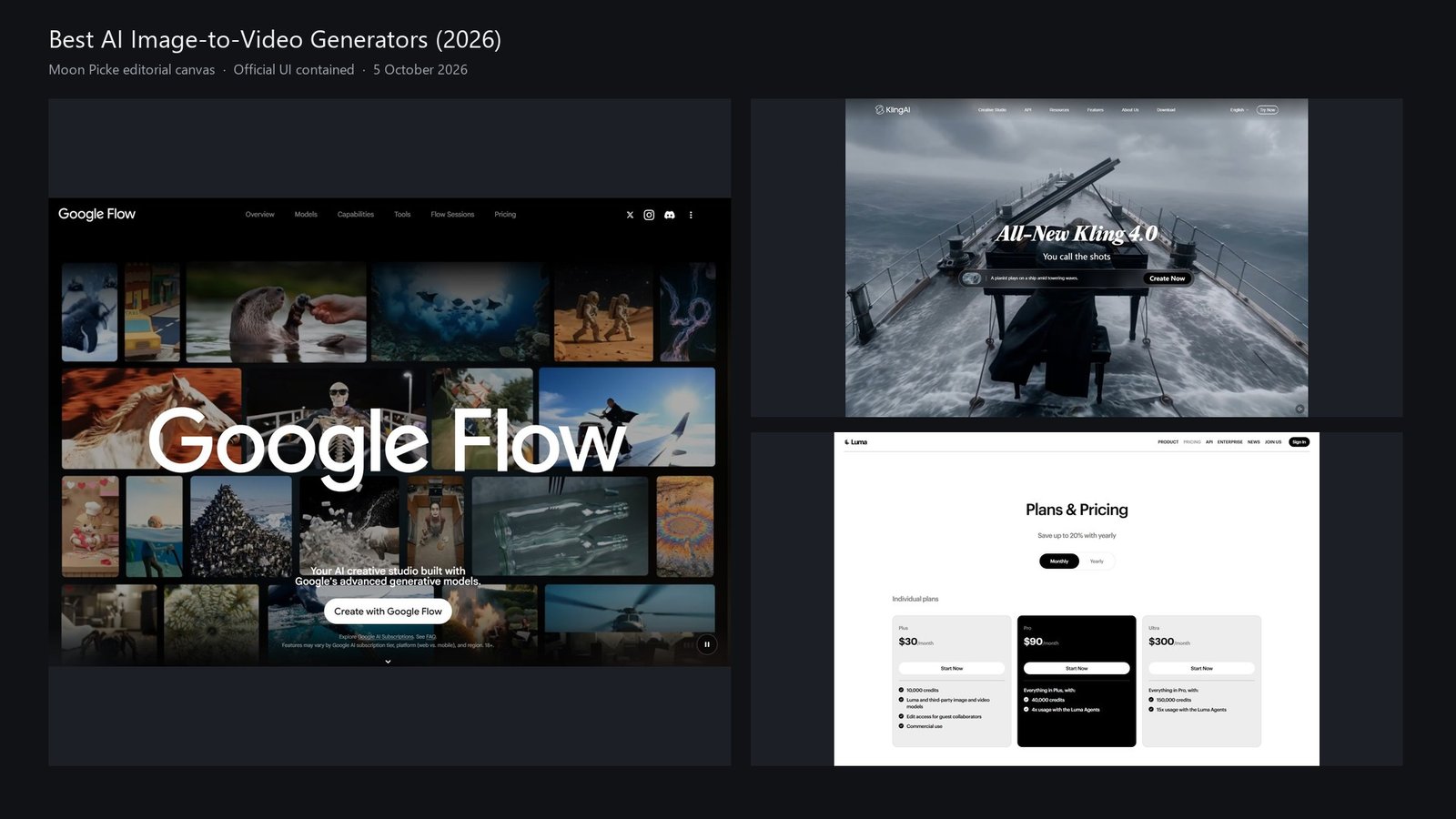
If you already have a still — a portrait, product photo, illustration, landscape, or keyframe — and you want a model to invent motion from that picture, you are shopping for an AI image-to-video generator. The image is the visual anchor. The model’s job is time: subject motion, camera motion, or both. That is a different purchase from typing a prompt with no picture, from a Ken Burns slideshow, from a talking-photo lip-sync app, and from an ecommerce ad assembler that stitches stock around a SKU.
This is Moon Picke’s 2026 US pillar for that job. It is not a rewrite of our published best AI video generators map, and it is not another pass of image-to-video for product videos, which stays on ecommerce shots. Rank follows official image-conditioning features, start/end frames, motion language, clip length, resolution, audio, credits, and US page access checked on 5 October 2026. We did not upload the same image to every model, and we did not score face, logo, or physics fidelity.
Quick picks
Best overall: Google Veo 3.1 in Flow — Frames to Video and Ingredients to Video are named on the product, and DeepMind documents first and last frame plus native audio.
Best start/end and native audio: Veo 3.1 — first/last frame on the model page; Gemini API also documents reference images and extension of Veo clips.
Best multi-keyframe / longer native pass: Kling 4.0 on kling.ai — official blog: image references, up to 10 keyframes, up to 30 seconds in one generation (early-access language still on the 30 September 2026 post).
Best first-frame pro workflow: Runway Gen-4.5 — changelog: a first-frame image can sit with the text prompt; dev docs bill Gen-4.5 at 12 credits per second (2-second minimum) for text-to-video and image-to-video.
Best published image-to-video credit table: Luma Ray 3.2 — pricing lists Image-to-Video at the same 5s/10s resolution rows as text-to-video.
Best visible reference slots: Hailuo / MiniMax H3 — create bar shows Omni Reference (0/12) next to a video prompt. A separate “image-to-video” mode name was not isolated on that bar.
Best multi-model studio: Pika — Video Studio and Character Studio on one product that also hosts other video models. A dedicated first-frame panel was not on the captured marketing pages.
Comparison table
| Tool | Best for | Current model | Max native clip | Start / end frame | Motion control | Native audio | Starting price |
|---|---|---|---|---|---|---|---|
| Google Veo (Flow / Gemini) | Frames + audio | Veo 3.1 | API: 8s class; Cloud docs also 4/6/8s. Extend is separate | Yes — DeepMind first and last frame; Flow Frames to Video | Named camera moves: back, zoom in, up, right. Other motion is prompt language | Yes | Flow free: 50 daily credits; Plus $4.99/mo* |
| Kling AI | Keyframes + longer shots | Kling 4.0 | Blog: up to 30s native; 2-minute extend listed as coming soon | Up to 10 keyframe images (vendor) | Prompt / director language; tracking and orbit named in the blog, not a captured rig panel | Yes (blog) | USD cards not verified; check in-app |
| Runway | First-frame iteration | Gen-4.5 | Dev docs: 2s minimum; plan math uses 5s units. Project length is editing | Gen-4.5: first frame (changelog). Last frame was documented on Gen-3 Alpha, not claimed here for 4.5 | Prompt-based camera direction in Runway’s image-to-video guide — not a captured control strip | Separate music/voice/SFX tools — not verified as Gen-4.5 native dialogue | Free 125 one-time credits; Standard $12/month billed annually |
| Luma | Metered I2V | Ray 3.2 | I2V rows: 5s and 10s | Not listed as start/end on the Ray 3.2 rows | Not listed as a motion-brush on the pricing table | Audio column “-” on Ray 3.2 rows | Plus $30/month |
| Hailuo | Many image refs | MiniMax H3 | Create UI showed 5s | Not labeled first/last on the captured bar | Prompt example mentions camera tilt — prompt-only | Not verified on the create bar | From $9.99/mo (homepage) |
| Pika | Several models, one login | Pika 2.5 + hosted models | Vendor: short clips or 30s multi-shot | Not captured as a start/end control | Not captured as a motion brush | Pika Soundtrack is a separate score, not native clip audio | Free $0 with 0 monthly credits; Starter $10/month |
Reference and control table
| Tool | Image role | Multiple refs | Character / object ref | Camera | Extend |
|---|---|---|---|---|---|
| Veo / Flow | Frames to Video; Ingredients; API reference images | Ingredients / reference images (API) | Reference images on 3.1 / 3.1 Fast | Four named moves on DeepMind | Yes (API + Flow) |
| Kling 4.0 | Image refs and keyframes (blog) | Up to 15 assets; up to 10 images (vendor) | Subjects, including optional voice | Prompt/director; orbit and tracking in blog copy | Coming soon (blog) |
| Runway Gen-4.5 | First frame with prompt (changelog + dev docs) | Not verified for Gen-4.5 on this pass | Guide treats the still as identity/style anchor — not a measured lock | Prompt-based in the official guide | Not verified on the pricing dump |
| Luma Ray 3.2 | Image-to-Video row on the credit table | Not on the T2V/I2V credit rows | Uni-1 homepage mentions character/style refs (brand copy) | Not on the credit table | Not on the I2V rows |
| Hailuo H3 | Omni Reference slots beside the prompt | 0/12 on the create bar | Reference slots; identity lock not tested | Prompt example only | Not verified |
| Pika | Video Studio / Character Studio (marketing) | Not counted on the captured pages | Character Studio is a named product | Not verified as a rig | Extend Video listed |
How we chose the best AI image-to-video generators
A finalist had to take a still image and generate temporal motion — subject, camera, or scene change — through a current US-reachable product. Pan, zoom, parallax templates, slideshows, and caption timelines do not qualify. A lip-sync-only talking photo does not qualify as a general animator. We separated the model (Veo 3.1, Kling 4.0, Gen-4.5, Ray 3.2, MiniMax H3, Pika 2.5) from the surface (Flow, kling.ai, Runway, Luma, Hailuo, Pika). Official examples show what a vendor can produce. They are not average fidelity, and this article does not invent preservation percentages.
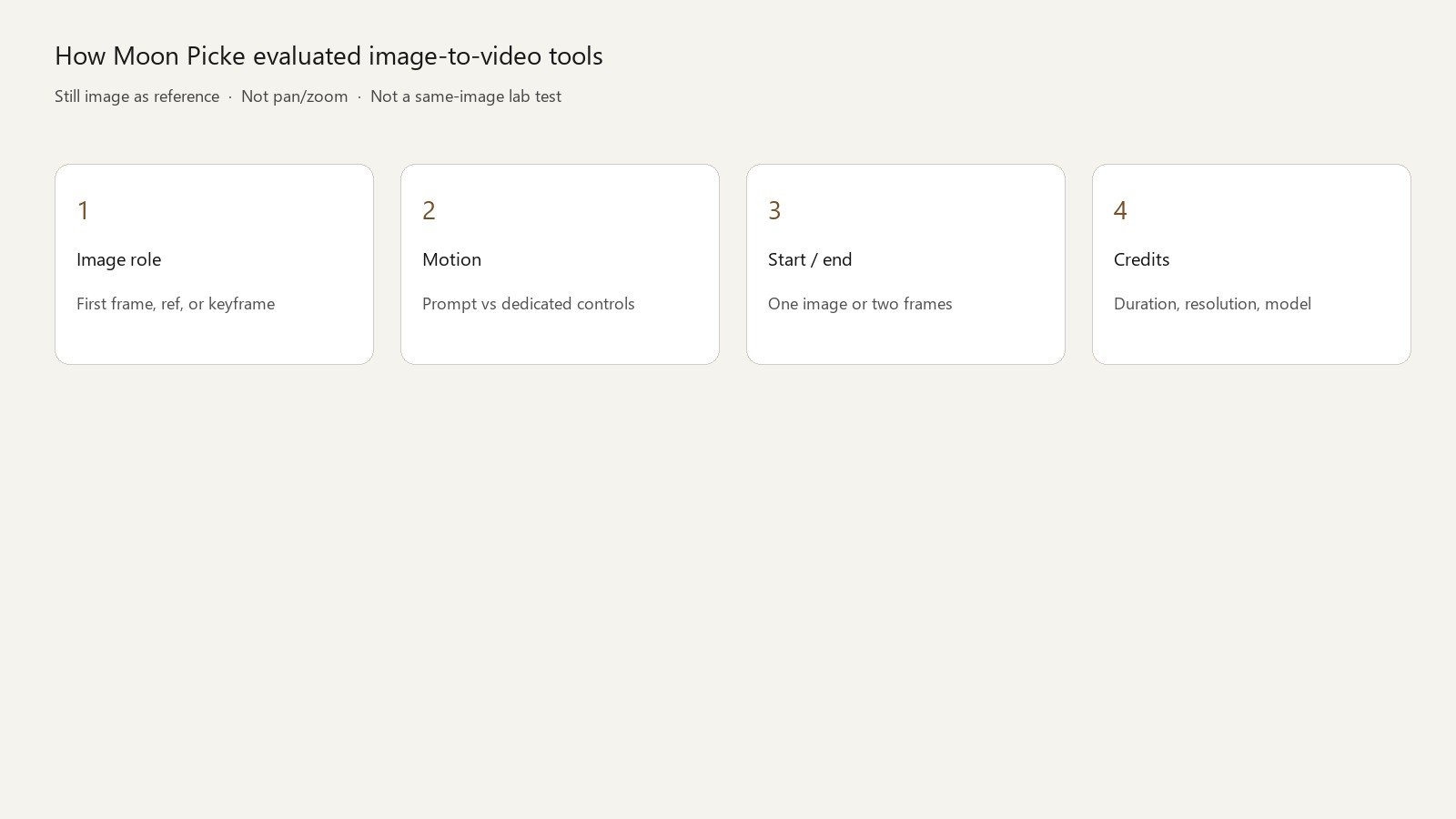
What is AI image-to-video?
You supply a JPEG, PNG, or other still the product accepts. The model uses that picture as a first frame, a general reference, a character reference, a style reference, or a keyframe — those roles are not the same. It then synthesizes frames over a few seconds. A clear subject, enough resolution, and unobstructed edges usually give the model less to invent. None of the vendors we checked promise they can repair a muddy source, and none of them proved logo-safe packaging in a controlled Moon Picke test. You still need rights to the photo you upload. Access to the software is not a license to someone else’s face, artwork, or product shot.
Image-to-video vs text-to-video
Text-to-video starts from language and invents the picture. Image-to-video starts from a picture you already approved and invents motion. Many of these products do both. This ranking asks only what happens when the image exists. If you do not have a still, you are in a different buying decision. Prompt-only cinematic tools can still appear here when their image path is first-class, which is why Veo, Kling, Runway, and Luma qualify.
Image-to-video vs simple photo animation
A slideshow that pushes in on a photo is preset motion. Generative image-to-video tries to move the subject or the world: a turn of the head, cloth, water, a camera orbit that reveals new pixels. Talking-photo apps that only move a mouth to a voice track are a third product. Character motion-transfer tools, including the current Viggle positioning (phone video to character motion, meme swaps), are a fourth. Our published Viggle AI Review covers that lane. Viggle is not in this six.
#1 Google Veo 3.1 (Flow / Gemini): Best for animating a frame with native audio
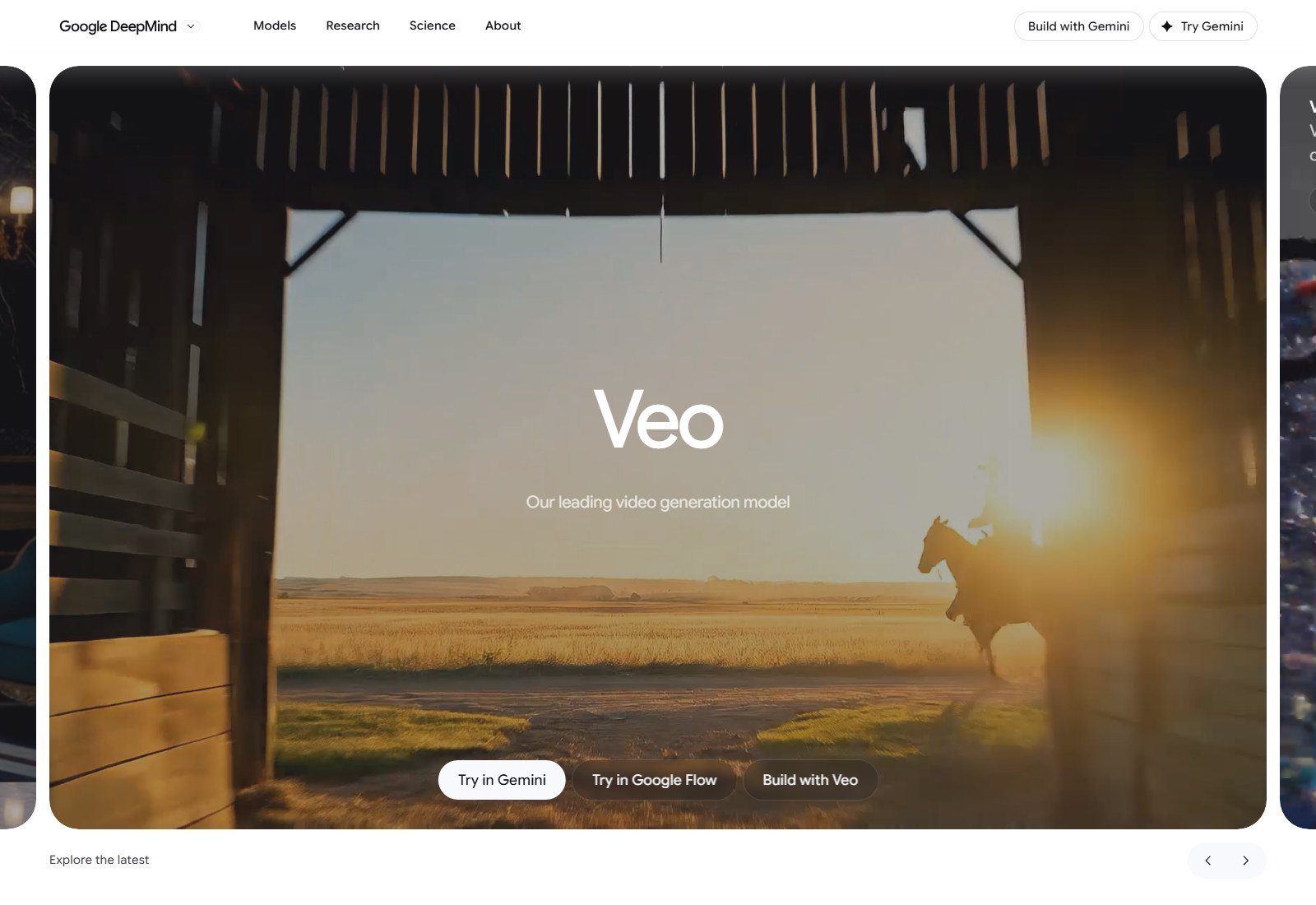
Why it made the list: Flow’s about page names Frames to Video, Ingredients to Video, and Veo 3.1, including on the free daily-credit tier. DeepMind’s Veo page documents first and last frame, plus camera labels Move back, Zoom in, Move up, and Move right. Gemini API docs describe image input, reference images on Veo 3.1 and 3.1 Fast, 16:9 and 9:16, and native audio. That is image-conditioned video, not a pan preset.
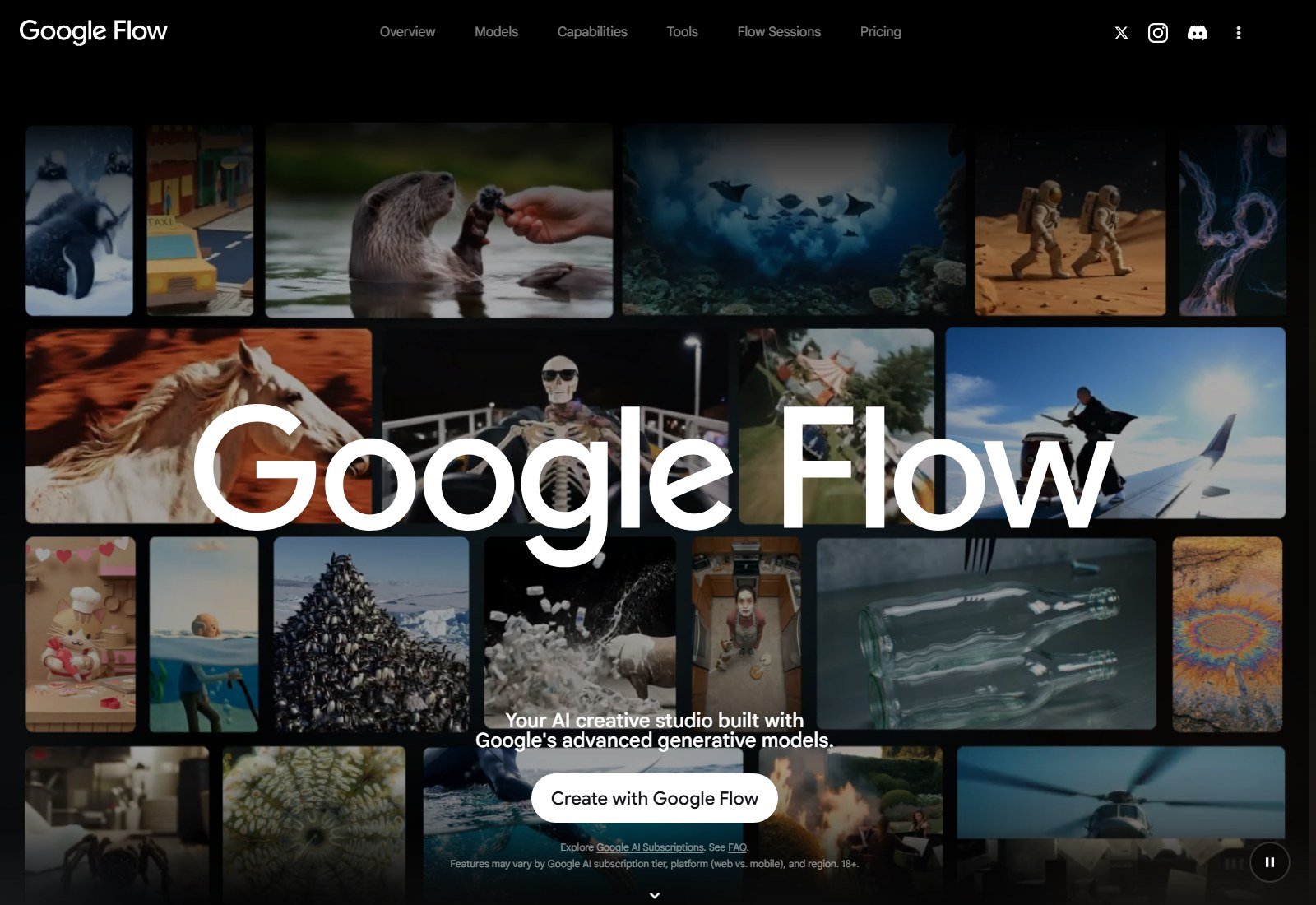
How the image is used: Flow distinguishes text-to-video from frames and ingredients. Treat “frames” as start/end-style conditioning and “ingredients” as reference images — Google’s labels, not a Moon Picke fidelity score. The source image is an initial visual reference. It is not a guarantee that a logo, label, or face survives the clip unchanged. API output is 720p, 1080p, or 4K (4K not on Lite). Flow’s 1080p and 4K lines on Plus and Ultra are described as upscaling. Cloud docs list 4, 6, or 8 seconds and 24 FPS; reference-image-to-video on that page is 8 seconds only. Extension adds length; it is not a longer native pass.
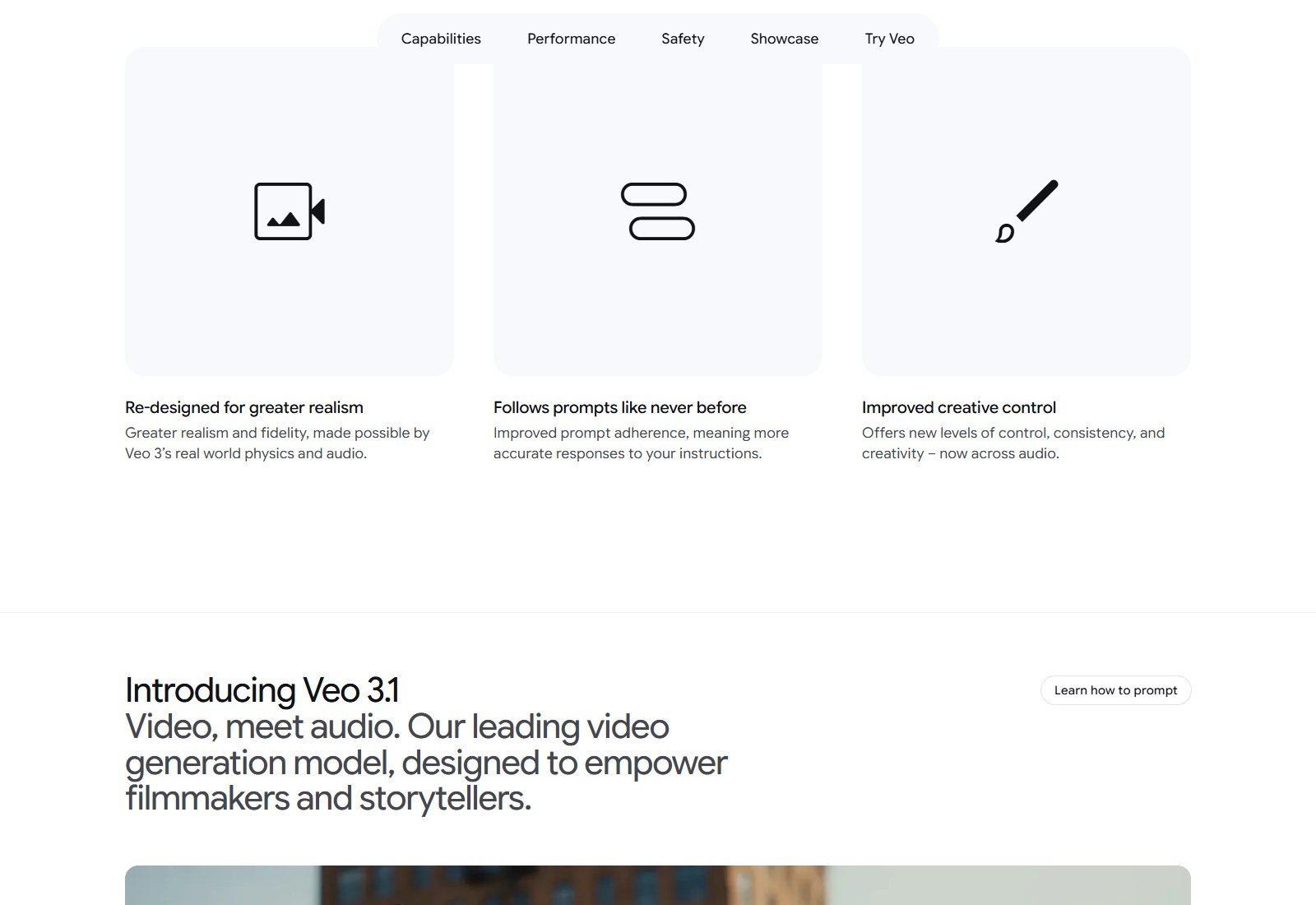
Motion vs camera: the four labeled moves are camera controls. Writing “dolly left” in a prompt elsewhere is prompt-based direction unless the UI exposes it. Audio: native speech, ambience, and effects are a DeepMind/API claim for Veo, including when the picture starts from an image. Lip-sync quality was not measured. Price: 50 daily Flow credits free; Plus $4.99/mo* adds 200 monthly credits; Pro $19.99/mo* adds 1,000. *Market prices vary. Per-clip Veo credit cost was not printed on the Flow dump.
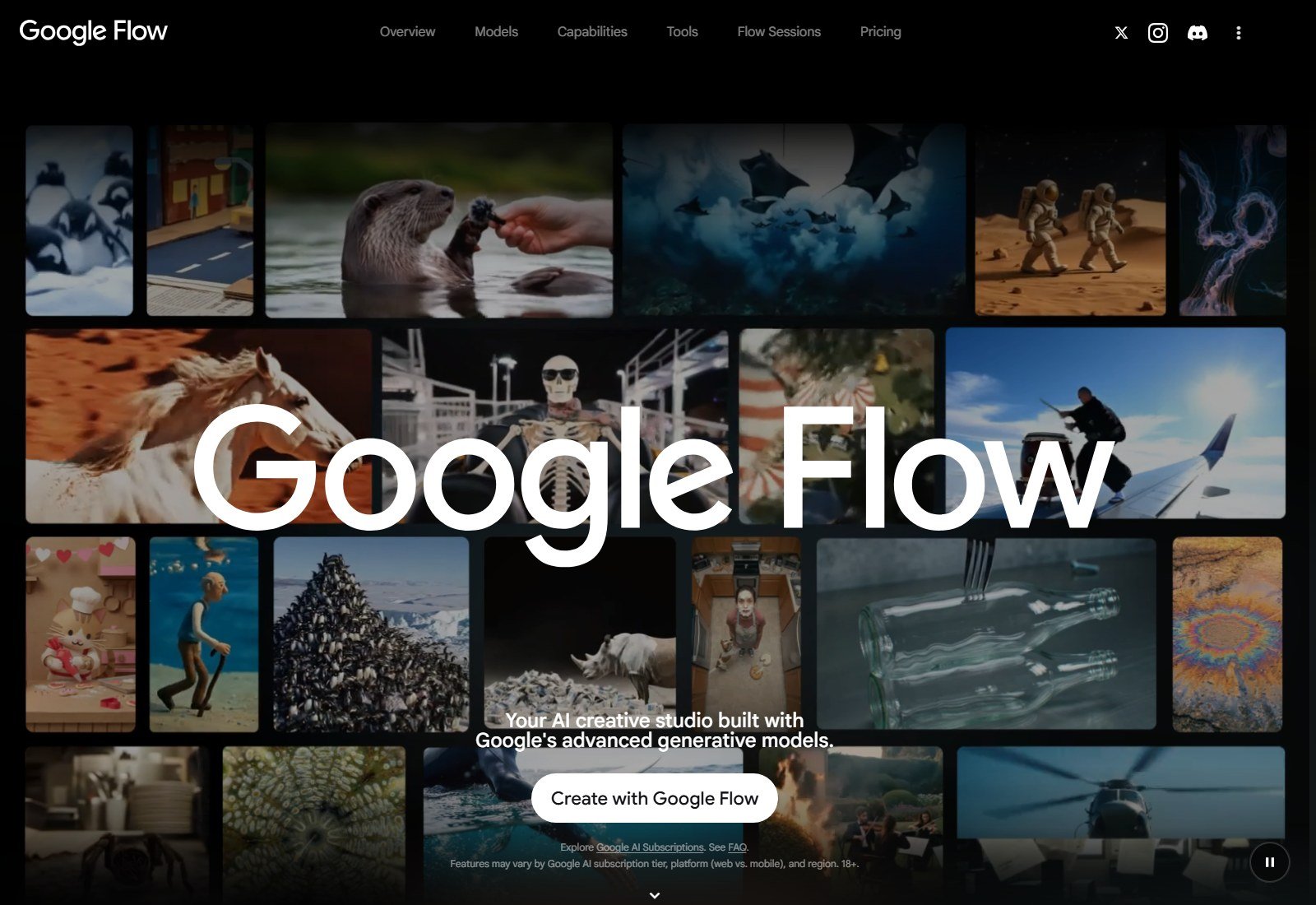
US access: YES. Commercial use: NOT VERIFIED on these pages. Biggest advantage: documented frames plus native audio. Biggest limitation: native clips stay in the 4–8 second class; identity and packaging can still drift. Best for: animating a designed frame when you also want sound in the same pass. Skip if: you need a 30-second native shot or a measured logo lock.
#2 Kling 4.0: Best for keyframes and a longer image-conditioned shot
Why it made the list: kling.ai leads with Kling 4.0. The 30 September 2026 blog describes image references inside Omni Reference (up to 10 images within a 15-asset cap), up to 10 keyframes for poses and story beats, image-to-video alongside text-to-video, and native audio with lip-sync language. Keyframes are closer to start/end control than a single vague “reference” toggle. Runway’s plans still name Kling 3.0 — use kling.ai if you want 4.0.
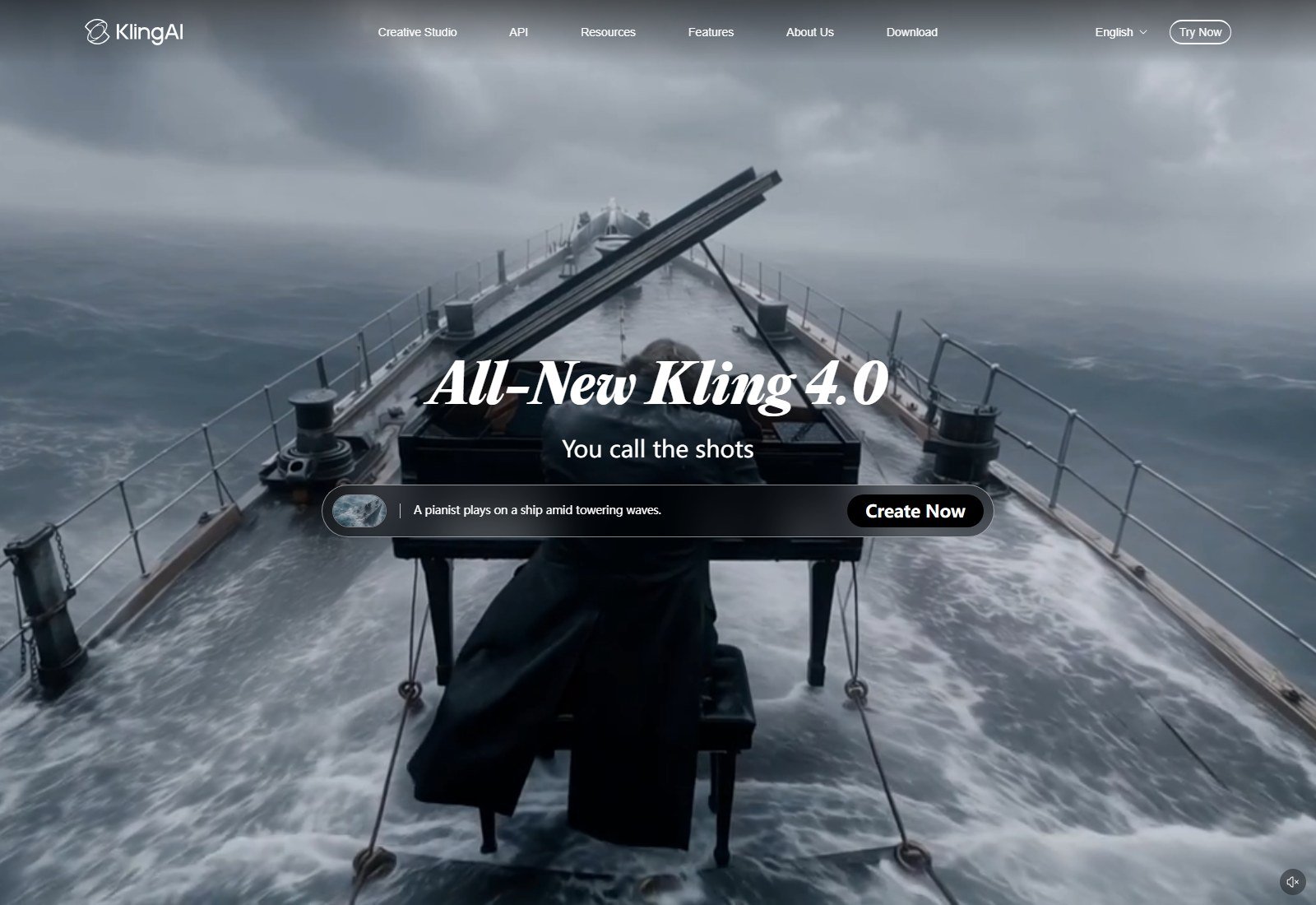
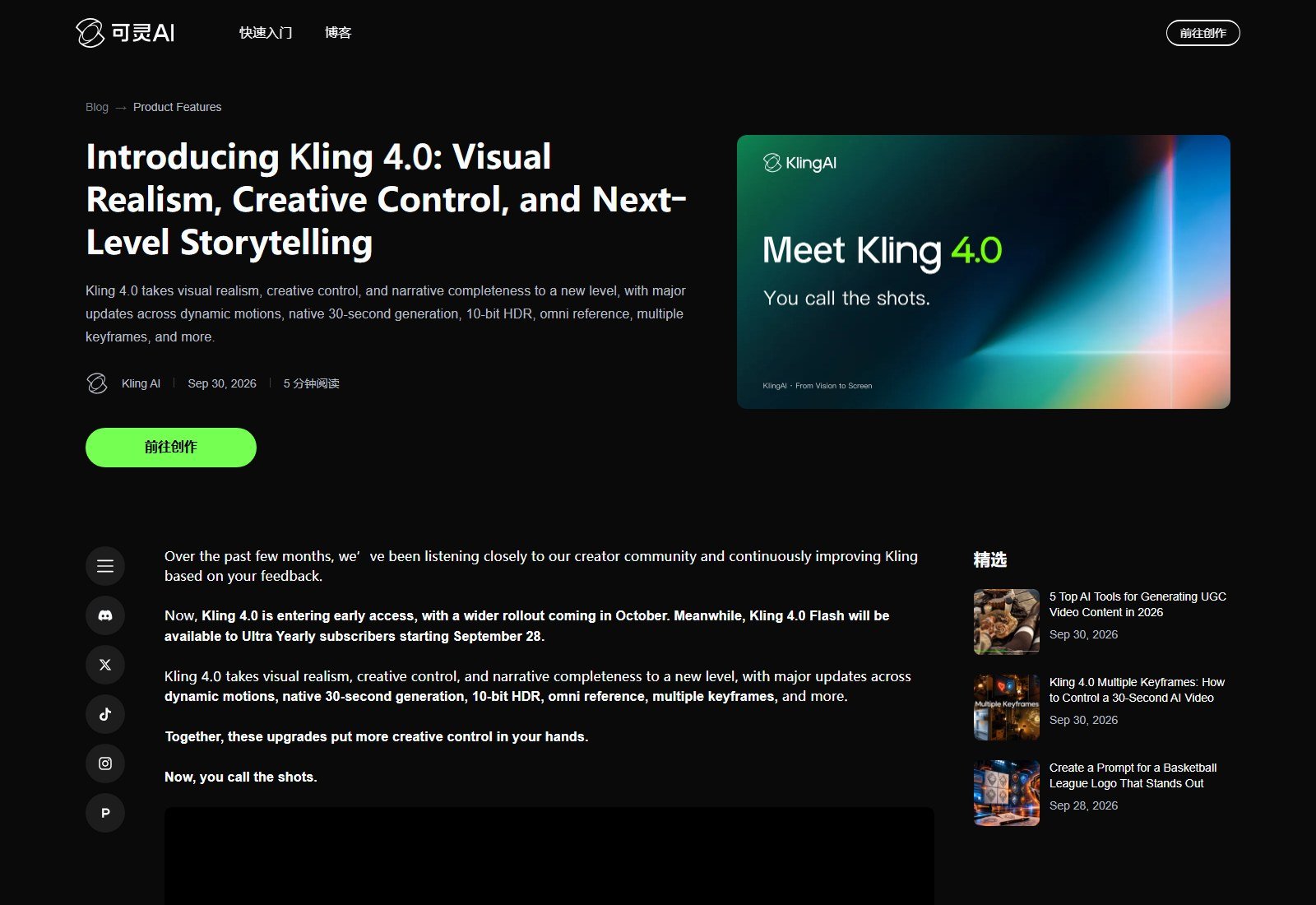
Fidelity: multiple images and keyframes are the preservation features. They do not prove a face, garment, or label stays stable. Text and logo rendering is also a vendor claim; treat packaging copy as fragile. Camera: tracking and orbit are described as motion the model can hold, which is prompt/director language until a control panel is in front of you. Duration: 30 seconds native is the differentiator versus Veo’s short pass. Two-minute extend is “coming soon,” not current native length. Price: USD plan cards were not captured. US access: English site loaded; account region limits not tested. Best for: a character or scene you can describe with several frames. Skip if: you need a public dollar-per-clip table today. Older Kling AI review copy can lag 4.0.
#3 Runway Gen-4.5: Best for a documented first-frame workflow
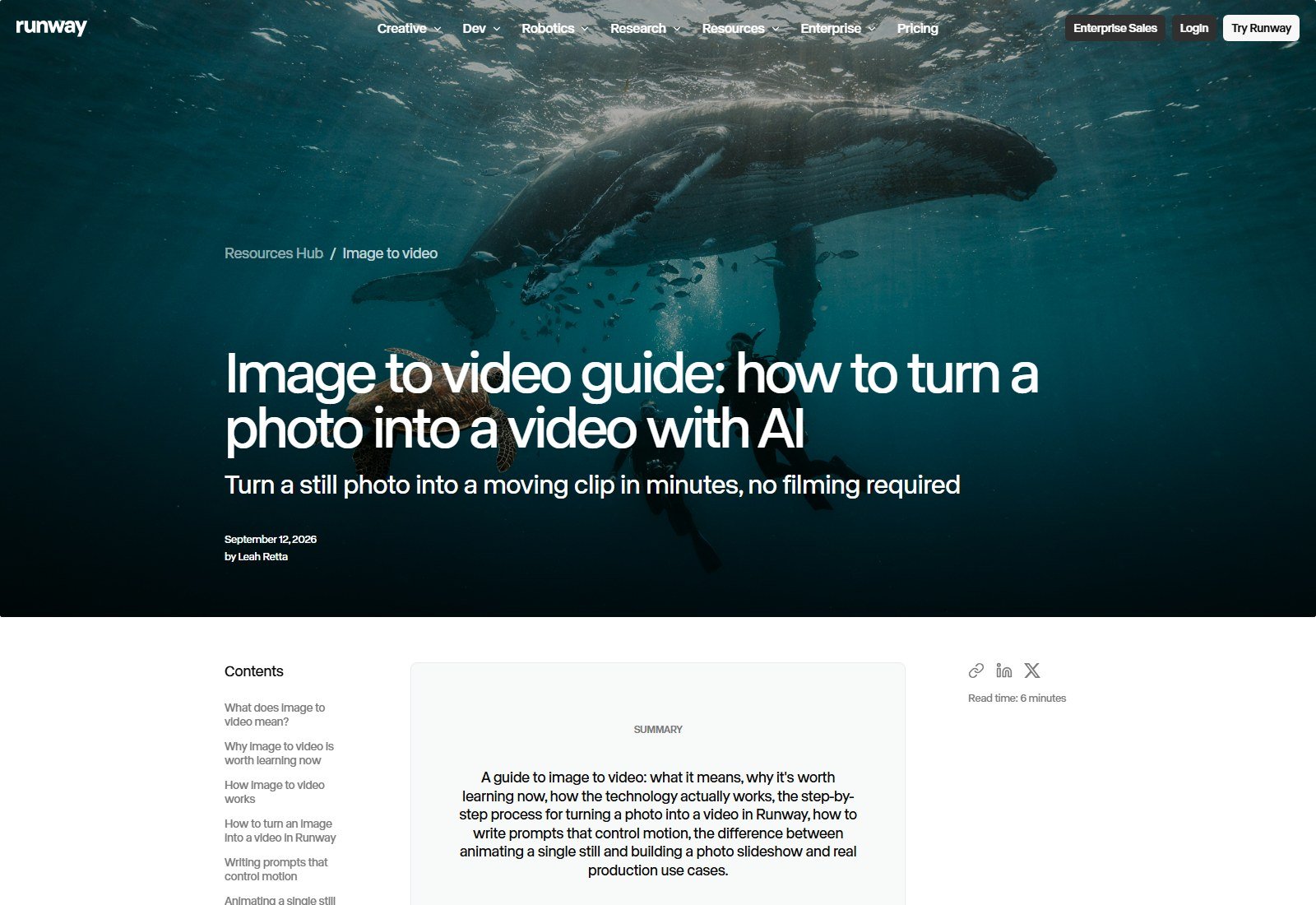
Why it made the list: Runway’s changelog states Gen-4.5 image-to-video: you can supply a first-frame image with the text prompt. Developer docs call Gen-4.5 a text-to-video and image-to-video model at 12 credits per second, with a 2-second minimum. The public image-to-video guide tells you to upload a still as the starting frame and describe motion, not re-describe the photo. That is the right prompt habit for this category. Last-frame support on the changelog is attached to Gen-3 Alpha, so this article does not give Gen-4.5 an end frame.
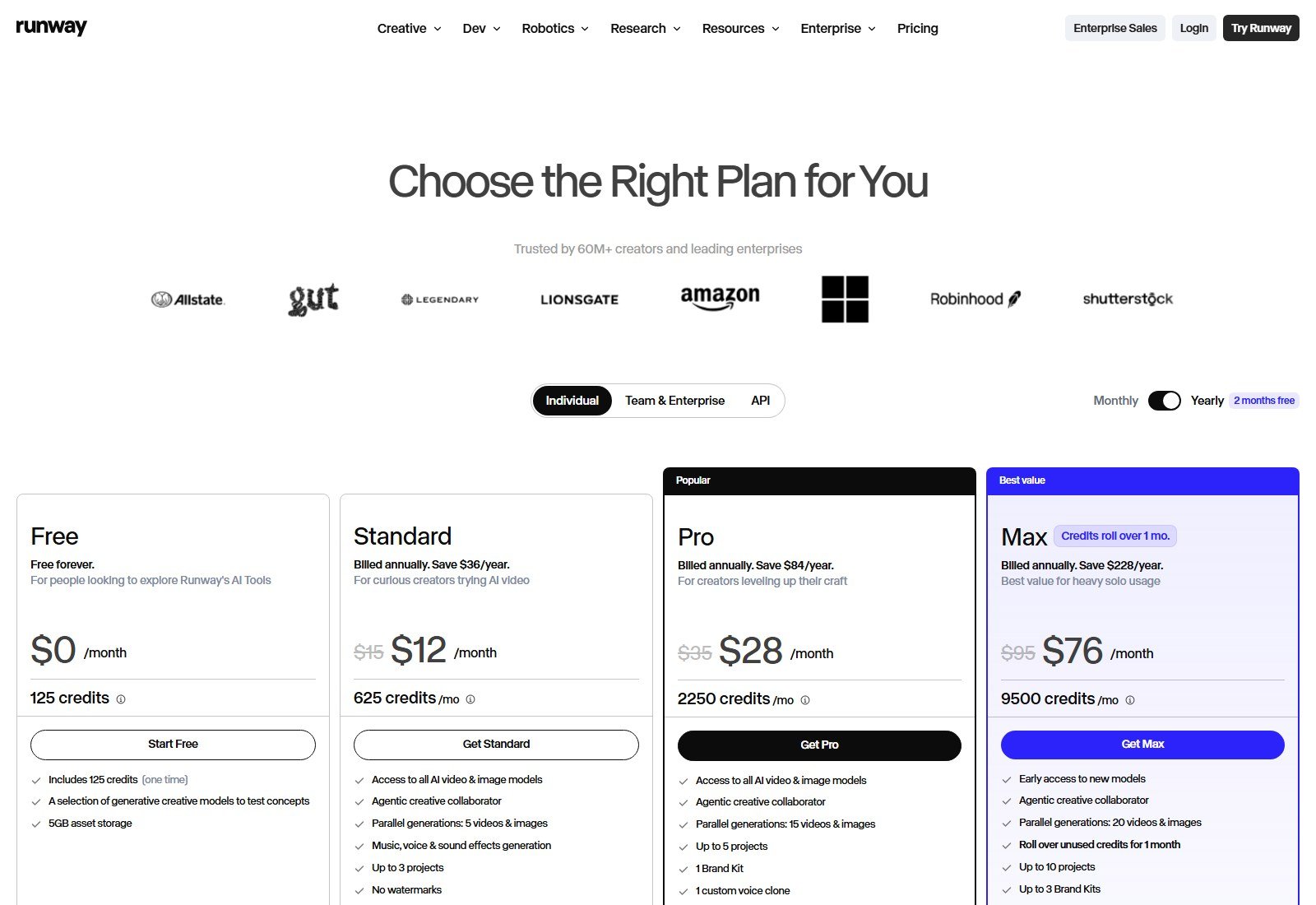
Credits: Free is 125 credits once. Standard and Pro monthly credits reset; Max can roll one month; purchased credits do not expire. “No watermarks” is on Standard+. 4K on paid plans is upscaling. Music, voice, and sound effects are separate tools — do not call them Gen-4.5 native dialogue. Camera moves in the guide (push-in, pan, static) are instructions you write or pick in that described flow; the pricing page did not show a dolly rig.
Moon Picke calculation: 12 credits per second means a 5-second Gen-4.5 clip is 60 credits and a 10-second clip is 120, whether the input is text or a first frame, if the dev rate applies to both (the docs price “video,” not a separate image surcharge). Standard’s 625 credits are about ten 5-second clips if you spend them only on Gen-4.5. Regenerations are extra. That is not the cost of a usable shot. US access: YES. Best for: iterating a locked opening frame inside Runway. Skip if: you need a verified end frame on Gen-4.5 or native speech in the same pass as Veo.
#4 Luma Ray 3.2: Best when you want image-to-video priced in the table
Why it made the list: Luma’s pricing table has an explicit Image-to-Video action for Ray 3.2, with 5-second and 10-second costs by resolution. Plus is $30/month, 10,000 credits, and the card says commercial use. The same table also prices hosted Seedance, Kling, and Veo — those are not Ray.
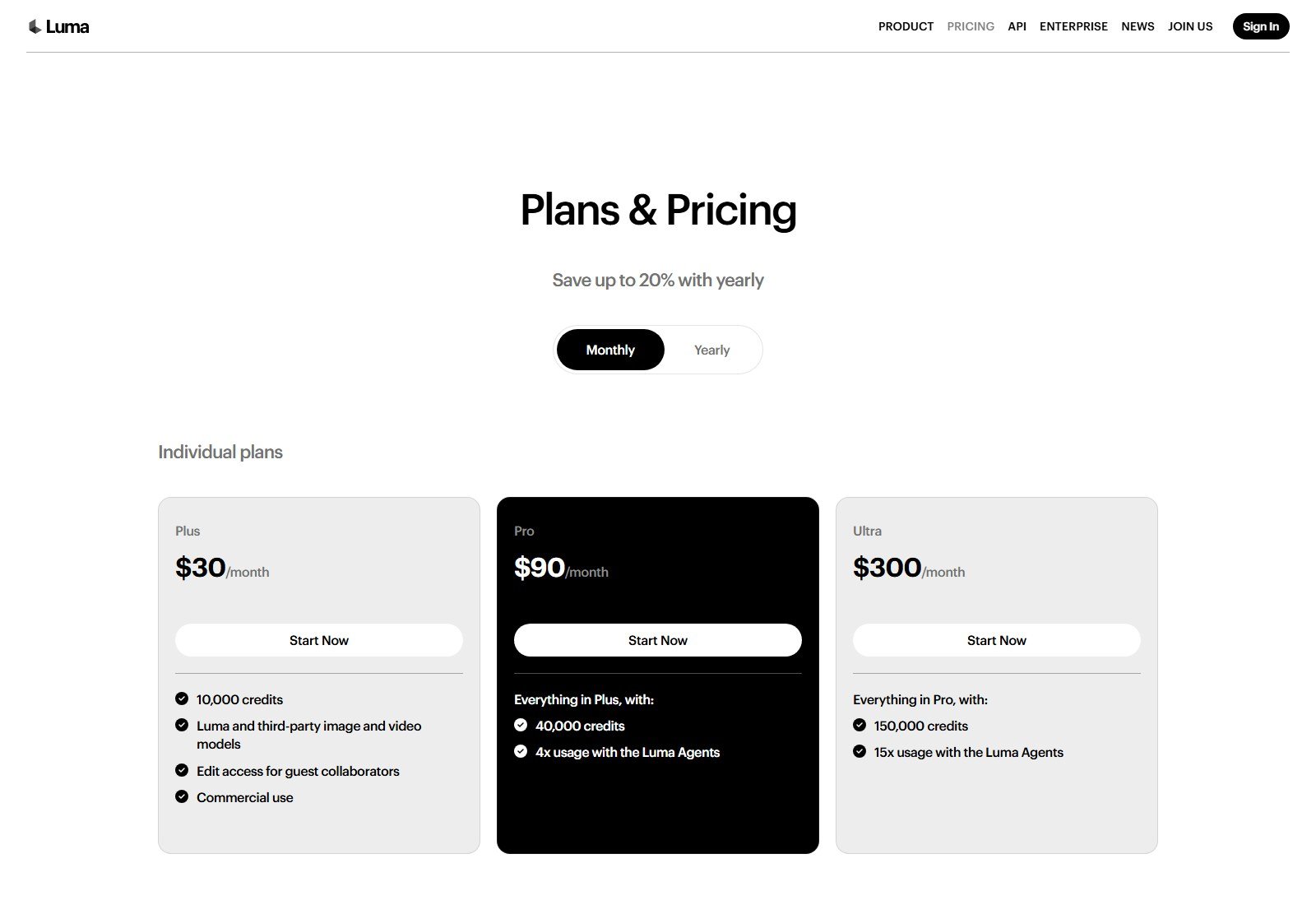
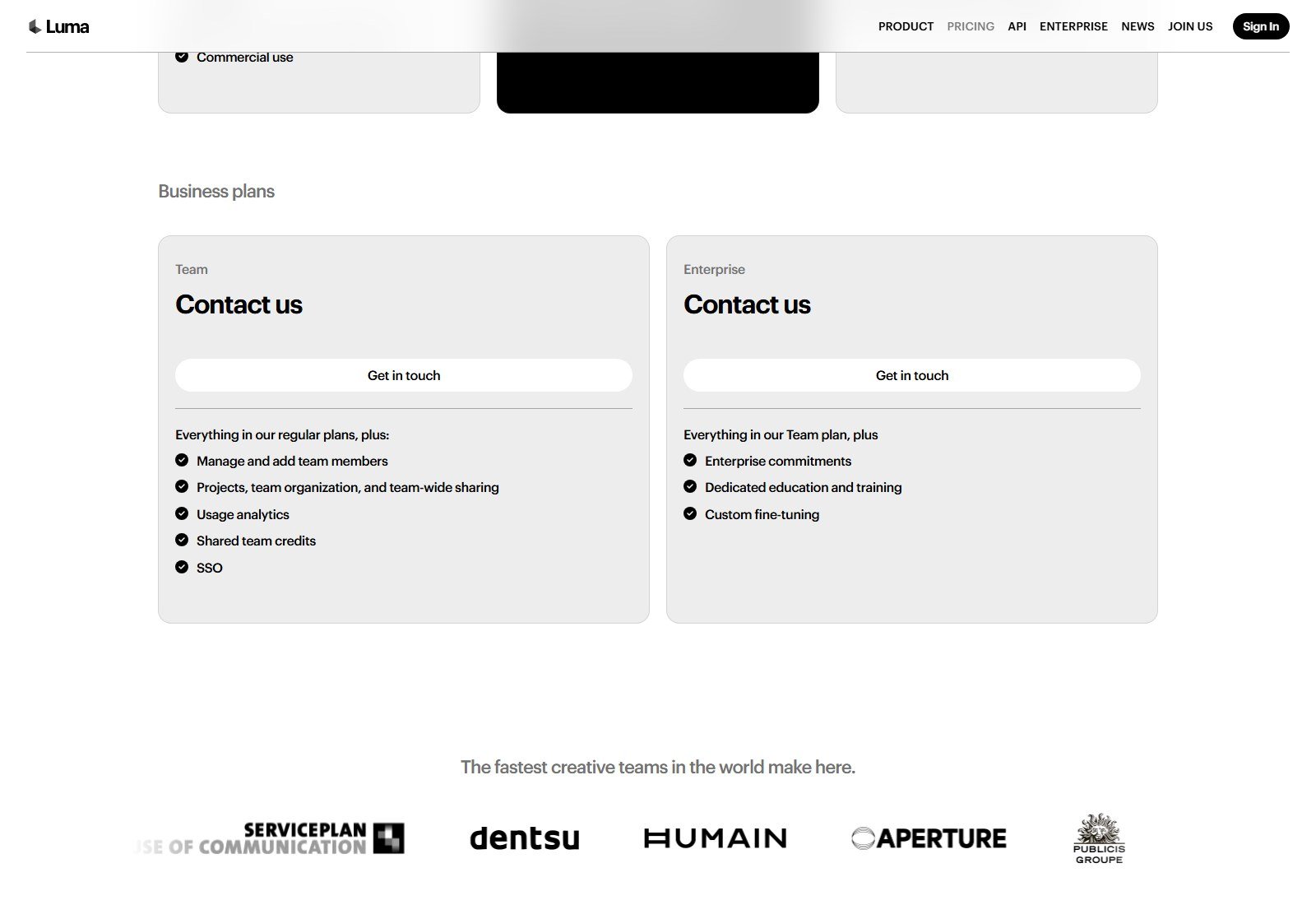
Ray 3.2 image-to-video, SDR base: Draft 20 credits/5s or 60/10s; 540p 50/150; 720p 100/300; 1080p 400/1200. HDR is 2×; HDR+EXR is 3×. Audio is not marked Yes. Start/end frames are not on these rows. Aspect behavior (follow the photo vs crop) was not printed. Moon Picke calculation: 10,000 ÷ 100 ≈ 100 theoretical 5-second 720p clips, or 25 at 1080p (400 credits). Failed takes shrink that. Yearly price was not on the monthly capture. US access: YES. Best for: operators who will budget image-to-video from a table. Skip if: you need documented native audio or a start-and-end transition.
#5 Hailuo (MiniMax H3): Best when the reference tray is the control
Why it made the list: hailuoai.video’s create screen (5 October 2026) is a video prompt plus Omni Reference (0/12), with 2K, 5s, and 21:9 on the bar, and “From $9.99/mo” on the page. Uploading images into those slots is reference conditioning for a video generation. The bar did not label a separate image-to-video mode, first frame, or end frame, so we do not invent those. Older Hailuo 2.3 first-frame notes are not treated as the current H3 spec.
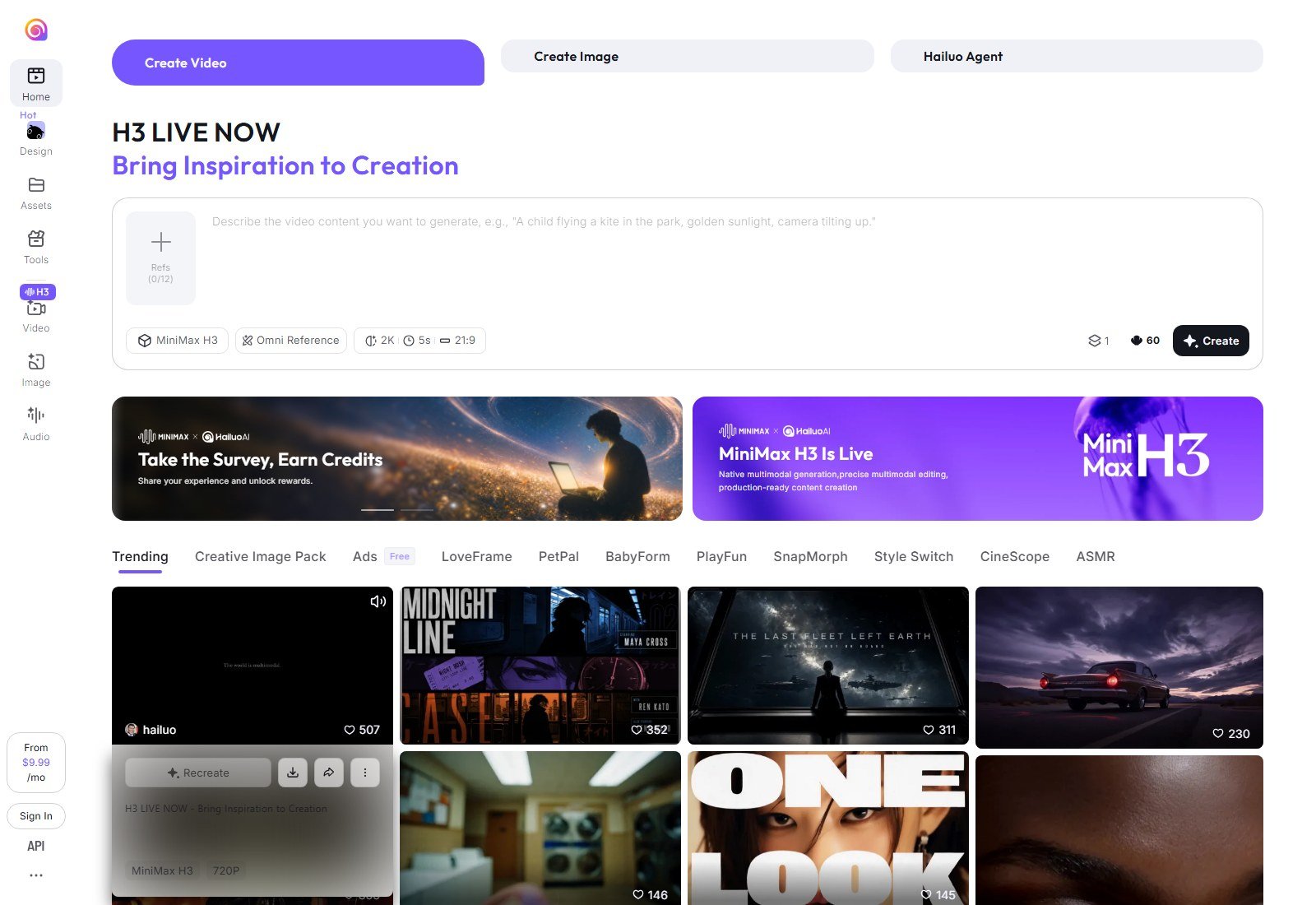
File-type limits, watermarks, native audio, and a full credit grid were not on this capture. Twelve slots help when you have several views of one character or object; they are not an identity lock. US access: the site loaded. Best for: prompt-plus-references without a Google or Runway account. Skip if: you need a published start/end-frame spec before you pay.
#6 Pika: Best multi-model place to animate when you do not want six logins
Why it made the list: Pika is a studio. The homepage lists Pika 2.5 and hosted video models, Video Studio, Extend Video, and Character Studio. That is enough to qualify as an image-and-character video workspace, with a caveat: the captured pages did not show a first-frame or end-frame control. Character Studio is for a reusable character, which is related to identity and is not the same as animating one arbitrary photo. Pika Soundtrack scores a clip afterward. It is not Veo-style native audio.
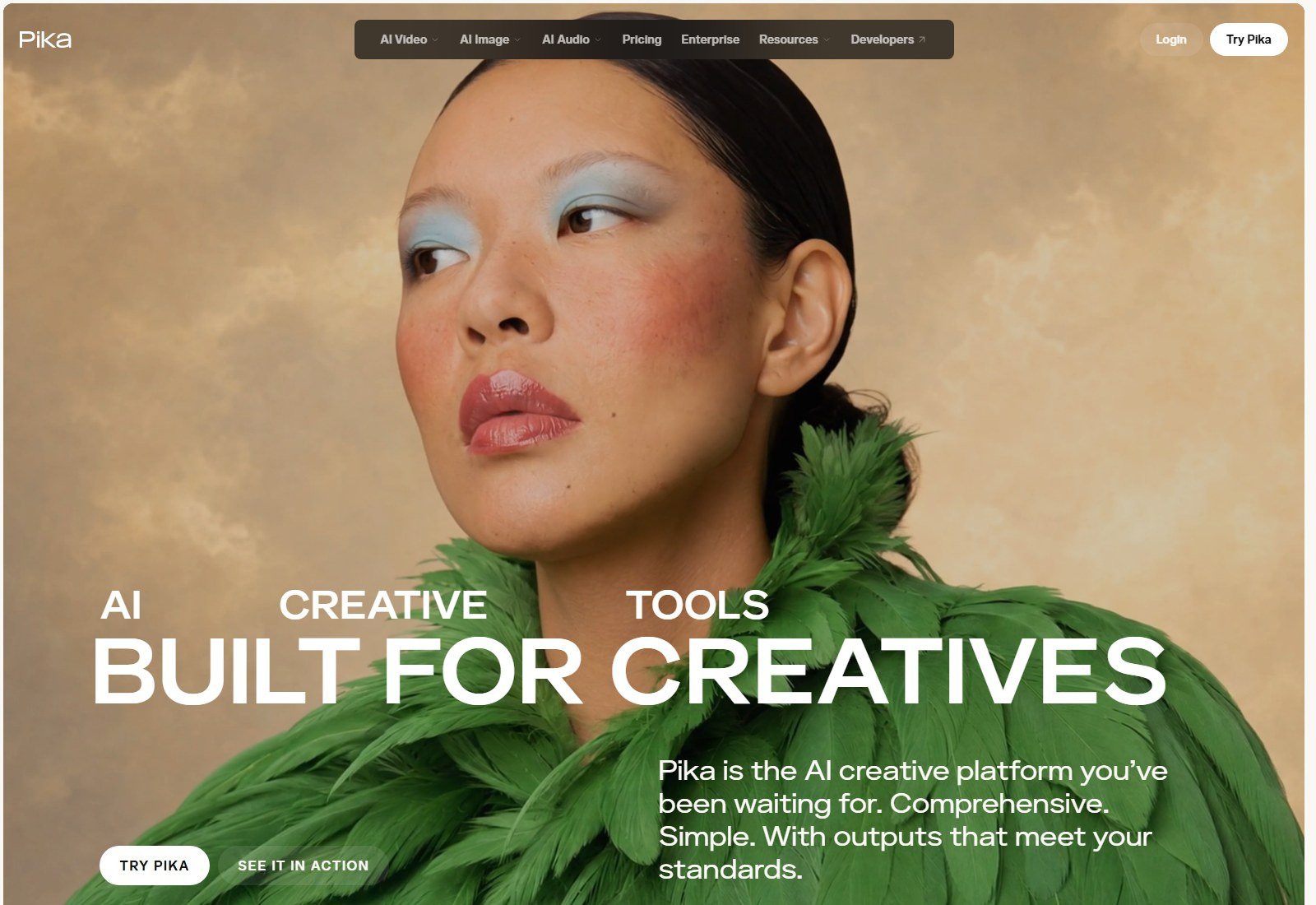
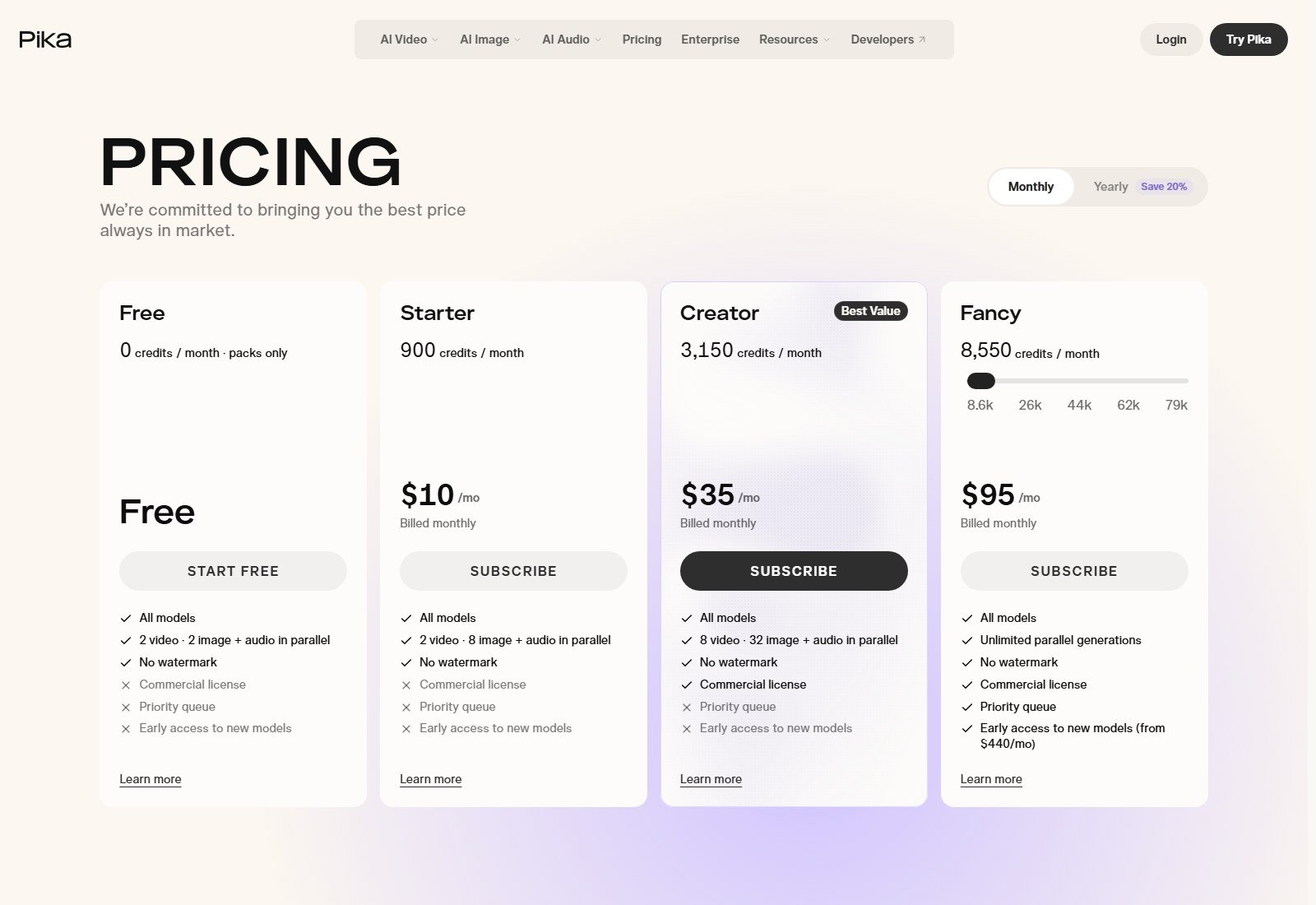
Economics: the estimate table prices Seedance 2.5 video at 720p for 5 seconds at 122 credits. Starter’s 900 credits are about seven of those clips if you spend the month on that row (Pika prints 7). That row is a hosted model, not a Pika 2.5 image-to-video rate — Pika 2.5’s image-to-video credit was not isolated. Do not compare 900 Pika credits with 900 Runway credits. US access: YES. Best for: trying more than one video model from a still-friendly studio. Skip if: you need a verified start-and-end transition on a named model.
Best for cinematic motion
Veo 3.1 when the still should move with documented native audio. Kling 4.0 when the shot needs to run longer than Veo’s native window. Neither official demo is a Moon Picke cinema score.
Best for reference control
Feature set, not a measured preservation score: Kling’s Omni Reference plus keyframes, Flow Ingredients and Frames, Hailuo’s 12 slots. “Best reference-control feature set” is the honest label. It does not mean the face or the product survived our test, because we did not run one.
Best for character images
Use multiple views if the product allows them (Kling subjects, Hailuo slots, Pika Character Studio, Veo reference images). A single portrait as a first frame (Runway Gen-4.5, Flow frames) anchors the opening. Identity can still drift after the first seconds. For performance transfer from a video of a body onto a character, that is Viggle’s lane, not this list.
Best for product images
Any of these models can start from a product still. None proved they keep logos, buttons, or label copy. For an ecommerce workflow built around product shots, use the published product image-to-video pillar and product video generators guide. This article will not pretend a cinematic model is a packshot lock.
Best motion and camera control
DeepMind’s four camera labels are the clearest dedicated camera controls captured. Kling’s blog names tracking and orbit as motion classes. Runway’s guide tells you to specify push-in, pan, or a static hold — prompt-based camera direction. Hailuo’s placeholder mentions a tilt in the prompt. We do not call prompt-only motion a motion brush.
Best start and end frame
Veo / Flow: first and last frame are documented. Kling: up to 10 keyframes in the 4.0 blog. Runway Gen-4.5: first frame only, on current changelog language. Luma’s Ray 3.2 table does not list an end frame.
Best native audio, beginners, and budget
Audio: Veo 3.1, then Kling 4.0’s blog. Ray 3.2’s image-to-video rows do not mark audio. Pika Soundtrack and Runway’s voice tools are separate.
Beginners: Flow’s free daily credits if you want Veo frames, or Pika Starter at $10/month if you want several models and can accept a thinner first-frame spec.
Budget: Flow free, Hailuo’s advertised $9.99 floor, or Pika Starter. Runway Standard at $12/month billed annually is only inexpensive until 52 seconds of Gen-4.5 is gone. Luma Plus at $30/month is the table, not the cheapest door.
Pricing and credit comparison
Pricing, model access, credits and generation limits were checked on 5 October 2026 and may change. Check each provider’s current plans before purchasing.
| Product | Free access | Entry paid | Image-to-video meter (same vendor only) |
|---|---|---|---|
| Google Flow | 50 daily credits | Plus $4.99/mo* | Per-generation Veo cost not printed |
| Kling 4.0 | Not verified | USD cards not verified | Not listed on the captured homepage |
| Runway | 125 credits once | Standard $12/mo billed annually | Gen-4.5: 12 credits/second; 5s = 60 credits |
| Luma | Not on the Plus-first capture | Plus $30/month | Ray 3.2 720p: 100 credits/5s |
| Hailuo | Not verified | From $9.99/mo | Not listed |
| Pika | Free plan, 0 monthly credits | Starter $10/month | Hosted Seedance 2.5 720p 5s = 122 credits; Pika 2.5 image rate not isolated |
Credits are not interchangeable. A theoretical 5-second price is not the price of a clip you will actually publish. Plan on variants. Upscale, where it exists, is a second spend (Flow and Runway describe 4K upscale separately from native generation).
How to choose an image-to-video generator
If the picture must open the shot and you want sound, start in Flow with Veo 3.1. If you can supply an ending frame or several beats, use Veo first/last or Kling keyframes. If you live in an editor and only need the first frame, use Runway Gen-4.5 and read the 12-credits-per-second line before you subscribe. If you want the cost of 720p versus 1080p in writing, use Luma’s Ray 3.2 rows. If you have a stack of reference stills and a small monthly number, try Hailuo’s tray or Pika’s studio and confirm the image is actually the first frame before you buy a year. If the job is a finished product ad, leave this list and use the product-video guides. If the job is “make this photo talk,” you want a lip-sync product, not this ranking.
How to get better image-to-video results
Start with a clear still: one subject, visible limbs if a person must move, clean edges if a product must move, consistent light. Describe the motion, not the whole scene again. Add camera language only where the product documents it. Keep the action physically small — a turn, a step, a push-in — before you ask for a fight or a pour. Use a second frame or extra references when the UI has them. Check the face, hands, and any text after the first take. Generate another variant before you upscale. Upscale a bad clip and you only get a sharper mistake. None of this guarantees a keeper.
What image-to-video AI still gets wrong
These are typical failure modes, not measured rates. Faces drift. Hands collapse. Cloth and hair invent new shapes. Products change proportions. Logos and packaging type scramble. Backgrounds repaint. The camera moves when you asked it to hold. Physics fails on contact, liquid, and crowds. A five- or eight-second native clip does not become a scene by itself; extension is another generation. Queue time depends on plan and load. We did not time it. Do not upload a real person’s photo to impersonate them. Do not upload a brand you do not have rights to animate.
FAQ
What is the best AI image-to-video generator?
For a US user who already has an image and wants documented frames plus native audio, Veo 3.1 in Google Flow is the overall pick in this pass. Kling 4.0 is the pick when keyframes and a longer native shot matter more. There is no universal winner.
What AI can turn an image into a video?
Veo 3.1 (Frames / image input), Kling 4.0, Runway Gen-4.5 (first frame), Luma Ray 3.2 (image-to-video rows), Hailuo H3 (reference slots), and Pika’s video studio. A zoom slideshow is not the same thing.
What is the difference between image-to-video and text-to-video?
Image-to-video conditions the clip on a still you provide. Text-to-video invents the picture from words. Several tools do both. This article ranks the image path.
Can AI keep the same face or logo?
References and first frames are designed to anchor the opening look. They are not a measured identity or logo guarantee. Expect drift, especially on small text.
Which tools support start and end frames?
Veo / Flow document first and last frame. Kling 4.0 documents up to 10 keyframes. Runway’s current Gen-4.5 note is a first frame. Gen-3 Alpha’s last frame is an older line and is not applied to Gen-4.5 here.
Can image-to-video AI generate sound?
Veo 3.1: yes, native audio is documented. Kling 4.0: the blog says yes. Luma Ray 3.2 image-to-video rows do not mark audio. Lip-sync tools and soundtrack generators are separate features.
How long can these clips be?
Veo’s documented native lengths are in the 4–8 second class. Hailuo’s bar showed 5 seconds. Luma lists 5 and 10 seconds. Runway meters Gen-4.5 per second with a 2-second minimum. Kling’s blog says up to 30 seconds native. Extension is extra.
Which image-to-video AI has a free plan?
Flow: 50 daily credits. Runway: 125 credits once. Pika: a free plan with zero monthly credits (packs only). Kling and Hailuo free allotments were not verified on the captured cards.
Can the video be used commercially?
Luma Plus prints commercial use. Pika’s commercial license starts at Creator, not Free or Starter. Google, Runway, Kling, and Hailuo terms were not fully captured — read the current terms. You also need rights to the source image. Generated video does not grant those rights.
Final verdict
Animate a still with a generative model when the picture is already the point. Use Veo 3.1 in Flow when you want frames, ingredients, and native audio on a free daily-credit on-ramp. Use Kling 4.0 when keyframes and a longer native generation are the reason to leave Google. Use Runway Gen-4.5 when a first frame plus published credits-per-second is the workflow. Use Luma Ray 3.2 when the spreadsheet of 5-second and 10-second image-to-video prices is the workflow. Use Hailuo H3 when the reference tray is what you will actually touch. Use Pika when one login should host several models and you will confirm image controls in the app.
Sora stays out: OpenAI’s help page documents the consumer shutdown and the API shutdown. Adobe Firefly and PixVerse did not load as usable first-party pages in this capture. Viggle is character motion transfer, not a general image animator. None of the six preserve a logo because a homepage said “consistency.” Check the live model picker and the live plan before you pay.