
Higgsfield vs Kling is a platform-versus-direct-access decision, not a demo-video contest. In September 2026, Higgsfield fits if you want a multi-model workspace that can include Kling-family access; Kling.com fits if you mainly want the native Kling generation platform. The same model family does not mean the same controls, credits, version timing, or terms. Moon Picke did not run a side-by-side generation test. Methods: How We Evaluate.
Higgsfield vs Kling: Quick Verdict
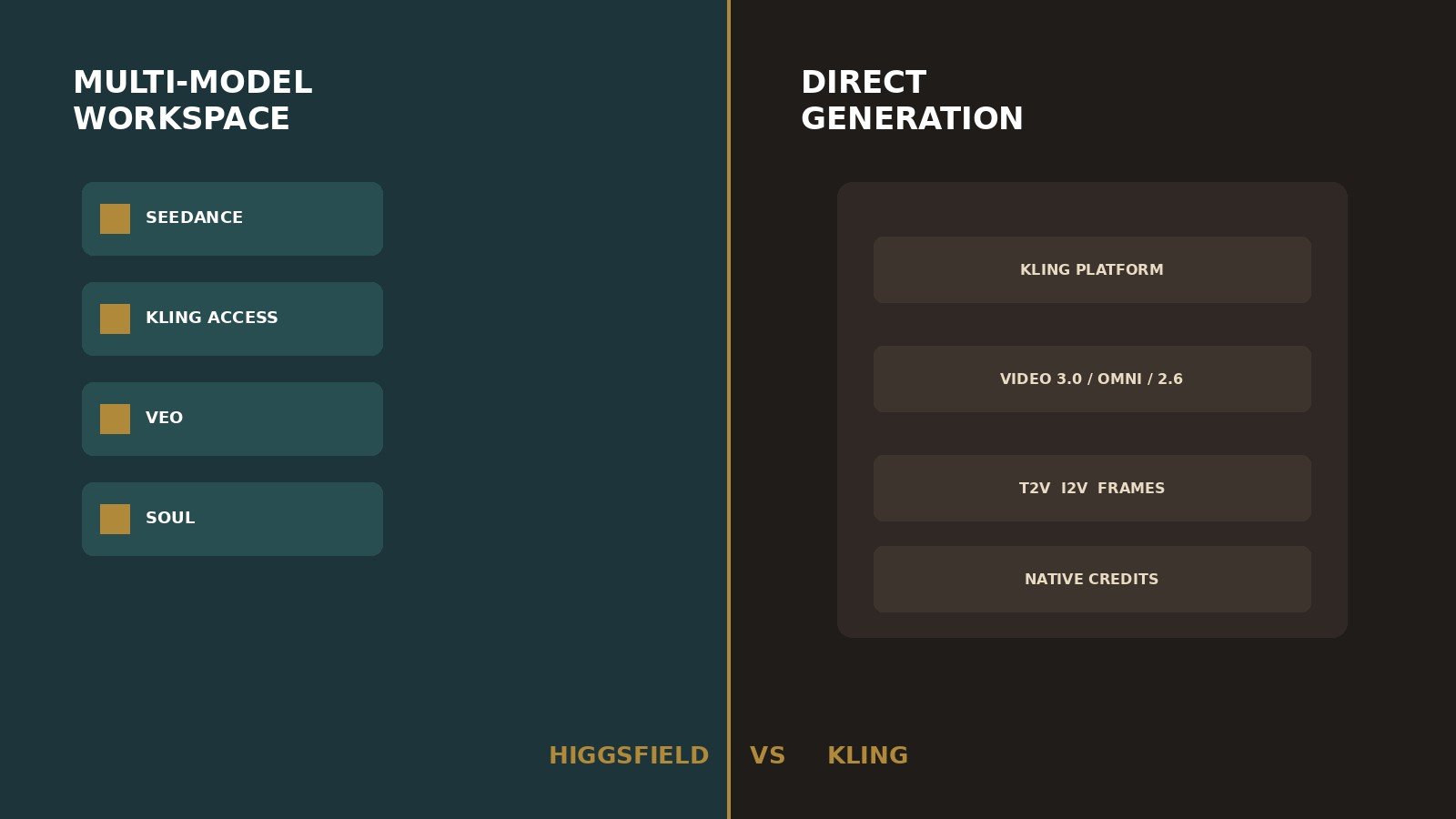
Is Higgsfield better than Kling? Only if you will use several engines and Higgsfield’s studios. Should I subscribe to Higgsfield if I only use Kling? Usually no—unused model lists have zero practical value. Choose Kling directly if native VIDEO 3.0 / Omni / 2.6 controls are the job. Choose neither for script-to-finished YouTube (see InVideo AI review) or a broader production workspace (see Runway review). Pricing, plan structure, and model access were verified in September 2026.
Moon Picke may earn a commission if you purchase through some links on this page, at no additional cost to you. Affiliate Disclosure. See current Higgsfield plans. See current Kling plans.
| Category | Higgsfield | Kling Direct | Better fit |
|---|---|---|---|
| Product type | Multi-model creative workspace | Model family + generation platform | Depends |
| Model access | Soul plus listed third-party engines | Kling VIDEO 3.0 / Omni / 2.6 | Higgsfield for breadth |
| Direct Kling access | Kling-family access in tools/promos | First-party Kling.com / app | Kling Direct |
| Model breadth | Seedance, Kling, Veo, Sora 2, others listed | Kling-focused | Higgsfield |
| Text-to-video | Via selected engines in Video / Cinema Studio | Native T2V on current Kling models | Depends |
| Image-to-video | Documented generate + studio stills | Native I2V + start/end frames | Depends |
| References | Cinema Studio up to 50 refs; Soul ID | Elements, Omni multi-image, start/end | Depends |
| Camera/motion | Higgsfield camera tags / Montage Pacing | Six documented movements + Master Shots | Depends |
| Editing | Scene tools; not a long-form NLE | Generate / extend / multi-shot—not an NLE | Tie / neither |
| Project workflow | Assets, Canvas, Supercomputer | Creative Studio generations | Higgsfield for org |
| Product ads | Marketing Studio URL/image path | I2V + references; no URL studio | Depends |
| Social/short-form | Aspect ratio setting; confirm 9:16 | 9:16 on documented T2V guide | Depends |
| Long-form fit | Shots; Montage Pacing ≠ 12-min cut | Clips up to 15s on 3.0; assemble elsewhere | Tie / neither |
| Pricing model | Credits + promo Unlimited windows | Membership credits; first-month vs renewal | Depends |
| Credit complexity | High; MCP never inherits Unlimited | High; model/mode/audio change spend | Tie |
| Free access | Limited models; no monthly credits | Basic $0; no monthly credits on the guide | Tie |
| Commercial-use clarity | Higgsfield Terms §4.4 | Kling credit guide + user policy | Check the platform you use |
| Main limitation | Access ≠ native Kling parity | Narrower model choice; generation-first | — |
This Higgsfield vs Kling page sits under the best AI video generators for creators pillar. Full reviews: Higgsfield AI review and Kling AI review. Architecture vs Runway: Higgsfield vs Runway. Alternatives roundups are not live yet.
The Biggest Difference: Workspace vs Direct Model Platform
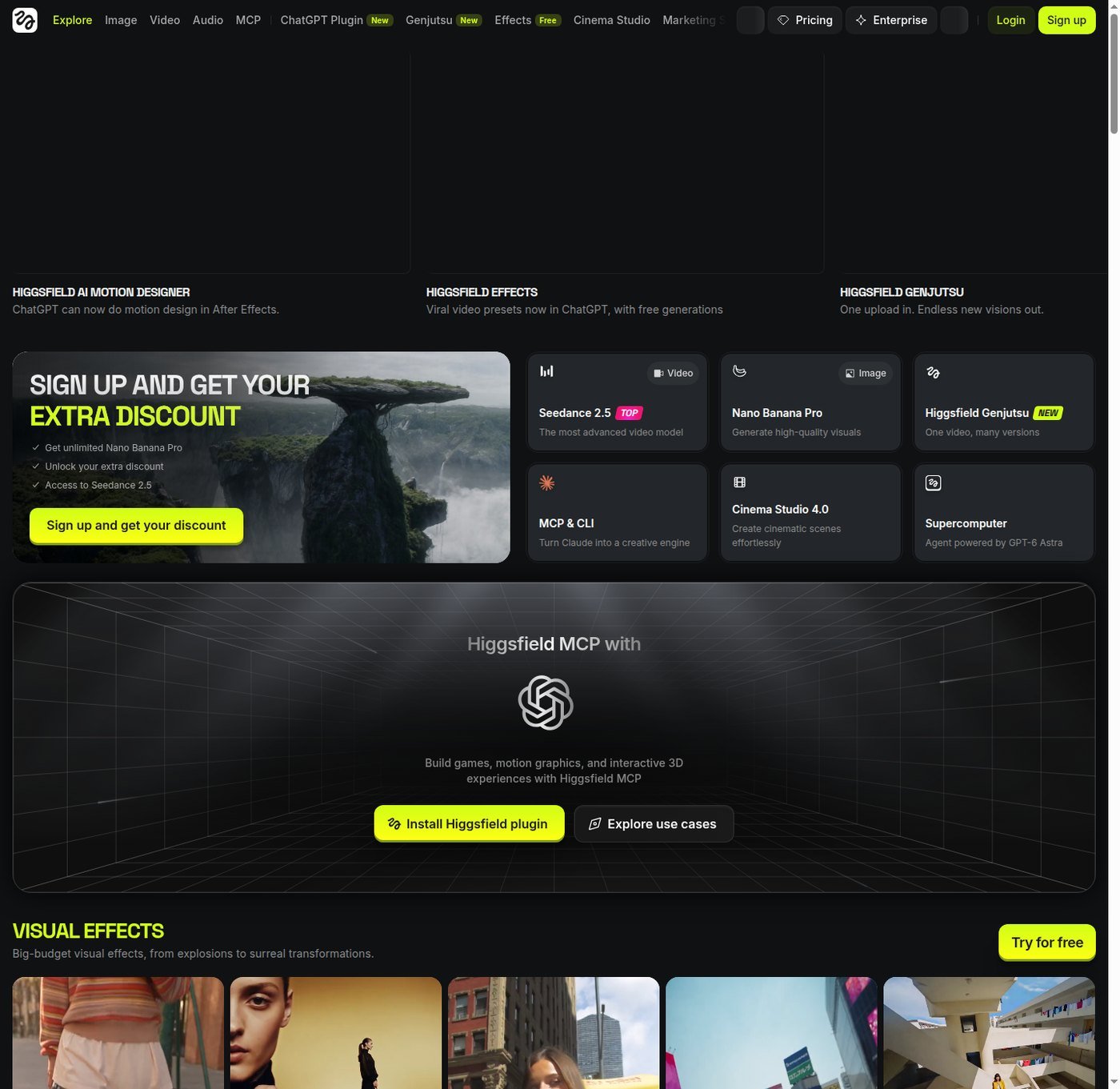
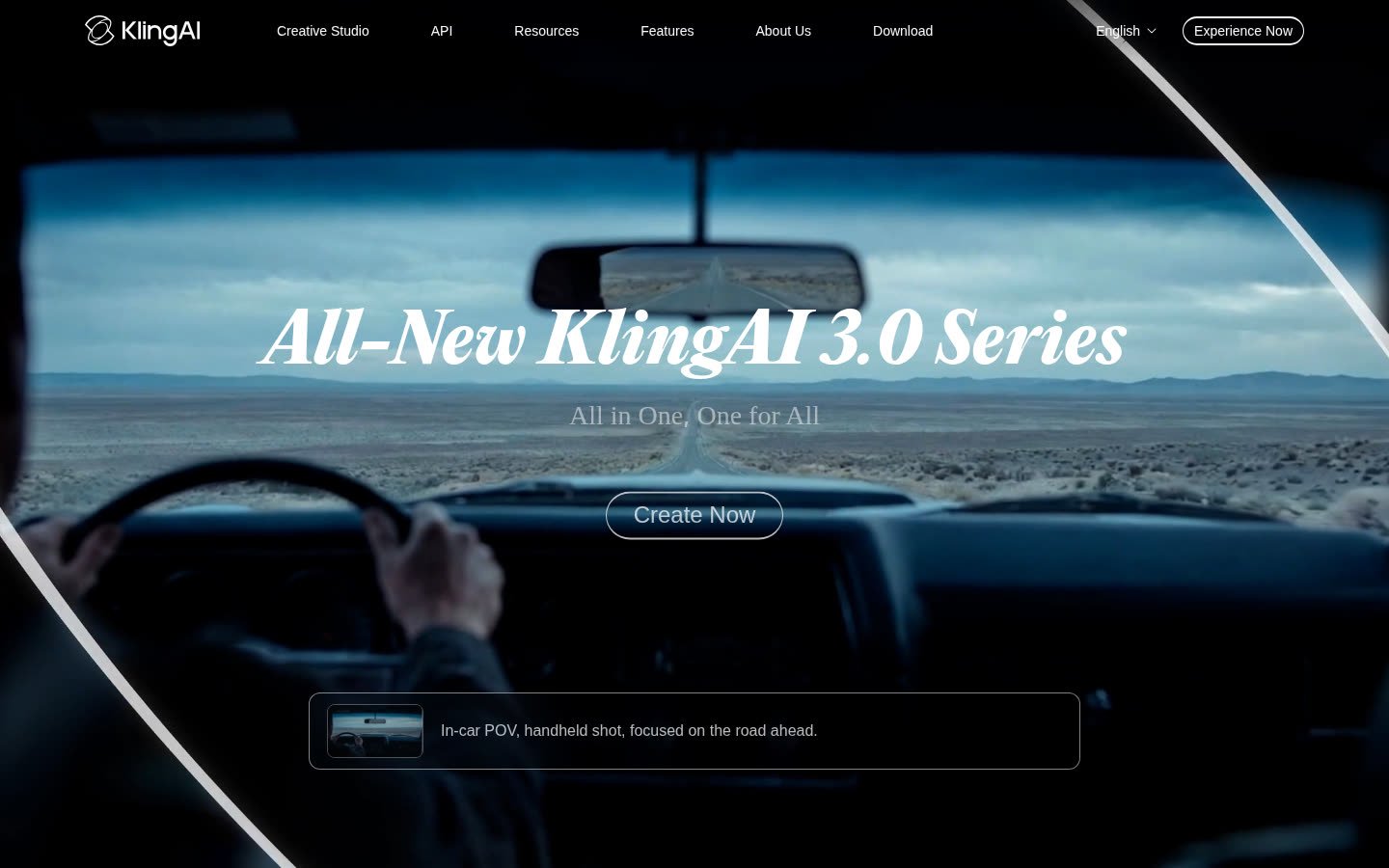
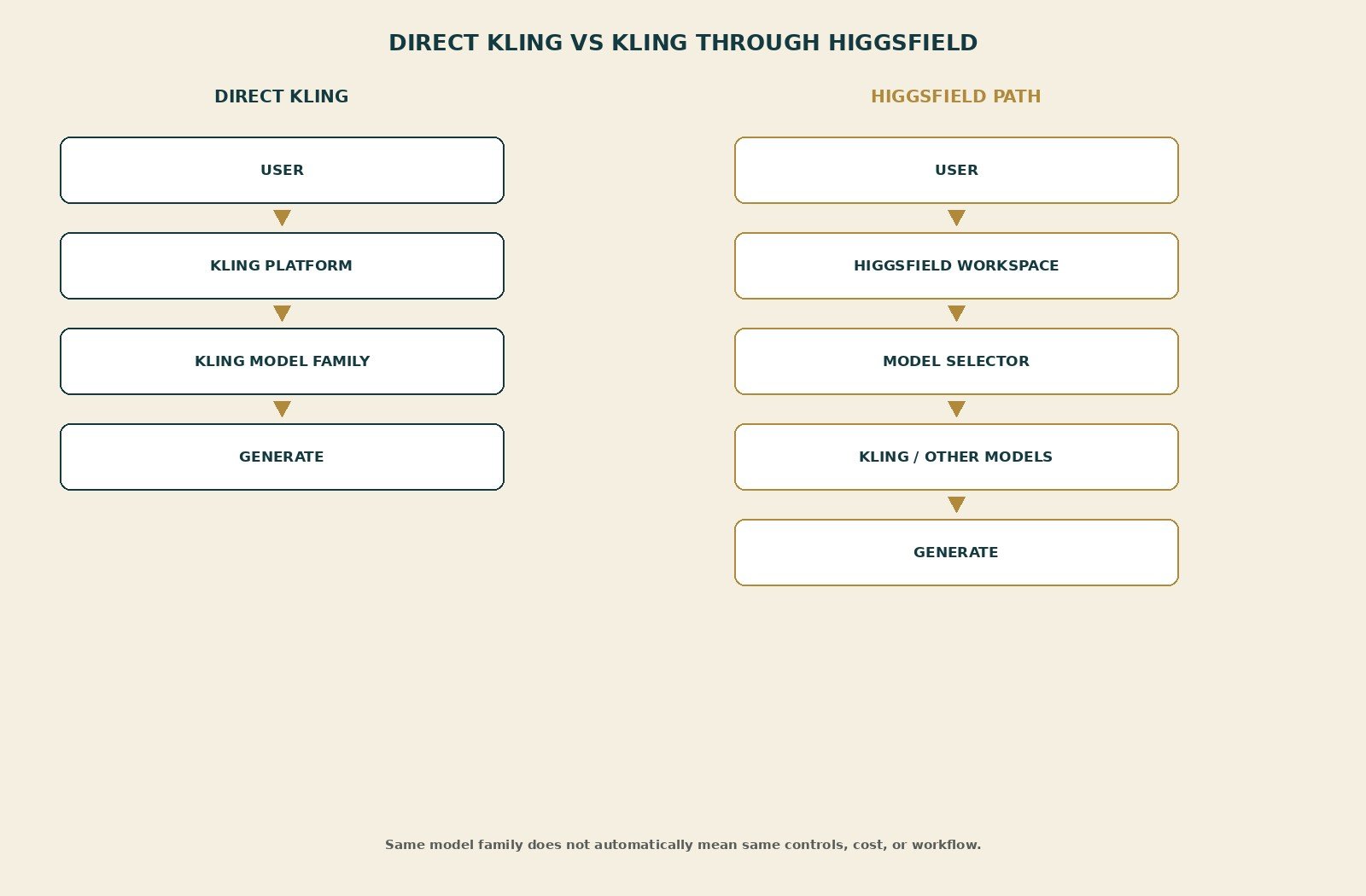
Higgsfield help (updated August 2026) calls it an AI-native creative suite: proprietary tools plus a library of external models. Kling, Veo, Seedance, or Sora 2 inside Higgsfield are not “Higgsfield’s Kling model.” Prefer “Kling access through Higgsfield.” Kling AI is both a Kuaishou model family and a consumer Creative Studio (klingai.com / app.klingai.com). Direct Kling is the native platform plus VIDEO 3.0, 3.0 Omni, and 2.6 as of September 2026.
Editorial interpretation: Higgsfield sells breadth and Higgsfield-specific UI (Cinema Studio, Marketing Studio, Canvas). Direct Kling sells depth—native selectors, camera help, start/end frames, Omni references, and Kling’s own credit table. Neither is automatically better. A third-party workspace may lag a native release, ship only some variants, or wrap presets around the engine. It may also be a convenient place to try Kling-family shots beside Seedance without a second login. Do not assume either timing story without checking the live picker.
Can You Use Kling Through Higgsfield?
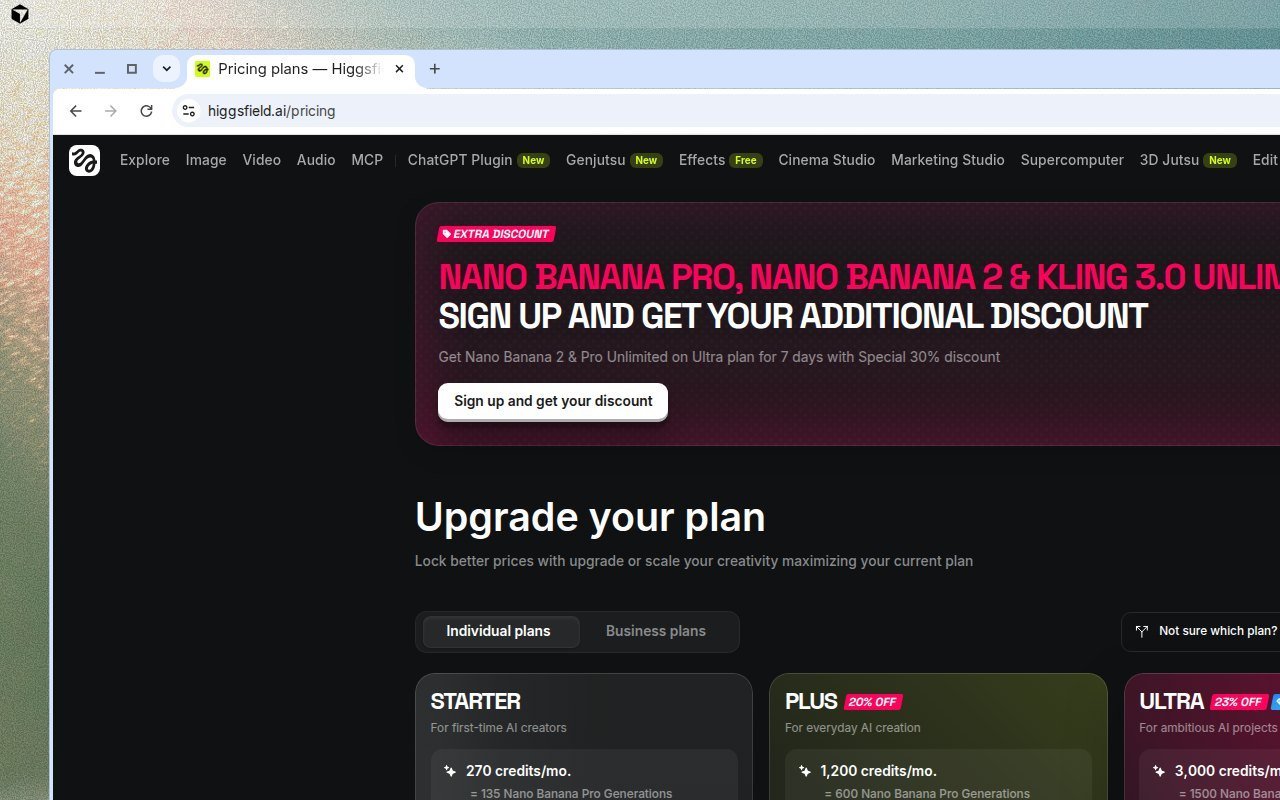
Can Higgsfield generate with Kling models? Yes, as of September 2026: official help names Kling on the external list; Cinema Studio copy says leading video models run inside the studio; a captured pricing banner advertised Kling 3.0 Unlimited as a promo (for example Ultra, seven days, with other model windows). That proves marketing access, not a logged-in feature-complete clone of Kling.com.
Is Kling on Higgsfield the same as Kling directly? Do not assume yes. Access to the same model family does not necessarily mean identical controls, duration, resolution, queue, credit cost, start/end frames, Omni element reference, Multi-Shot, native audio, or version timing. A workspace may add a variant later, expose only some modes, or wrap Higgsfield presets around the engine. Feature parity: PARTIAL / unverified for buyer-critical native controls. Pricing parity: not applicable—credits are different currencies. Confirm the live Higgsfield model picker and Kling’s live selector the day you pay.
Model Access: Breadth vs Direct Kling Depth
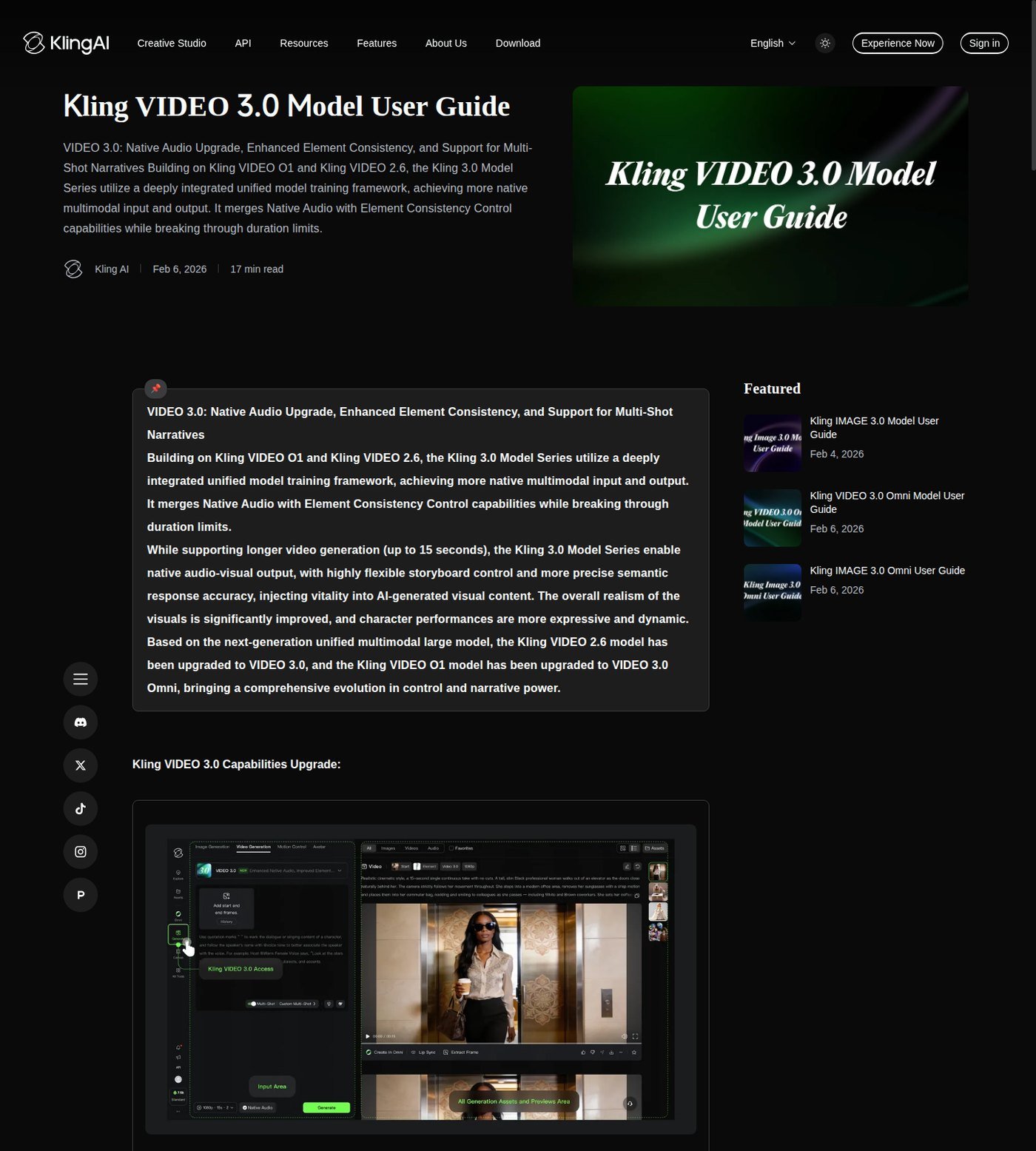
Higgsfield’s listed roster (plan-gated, can change) includes Soul-family tools plus Seedance, Kling, Veo, Sora 2, Nano Banana, and others. More names help experimentation, style fallback, and cost shopping across engines. They also add decision cost and inconsistent panels. Direct Kling’s buyer-relevant stack: VIDEO 3.0 (prompt-led T2V/I2V, Multi-Shot, 3–15s; early-access copy named Pro, Premier, Ultra), VIDEO 3.0 Omni (reference-driven, multi-image / video element / element voice), VIDEO 2.6 (native audio, 5s/10s on that guide). Depth is a strength if you primarily want Kling. A creator who only runs Kling should not pay extra for twenty unused names. Breadth has value only if you use it. Cinema Studio marketing also cites generations up to one minute on that surface—do not treat that as Kling-native duration. Kling 3.0’s documented window is 3–15 seconds.
Text-to-Video and Image-to-Video
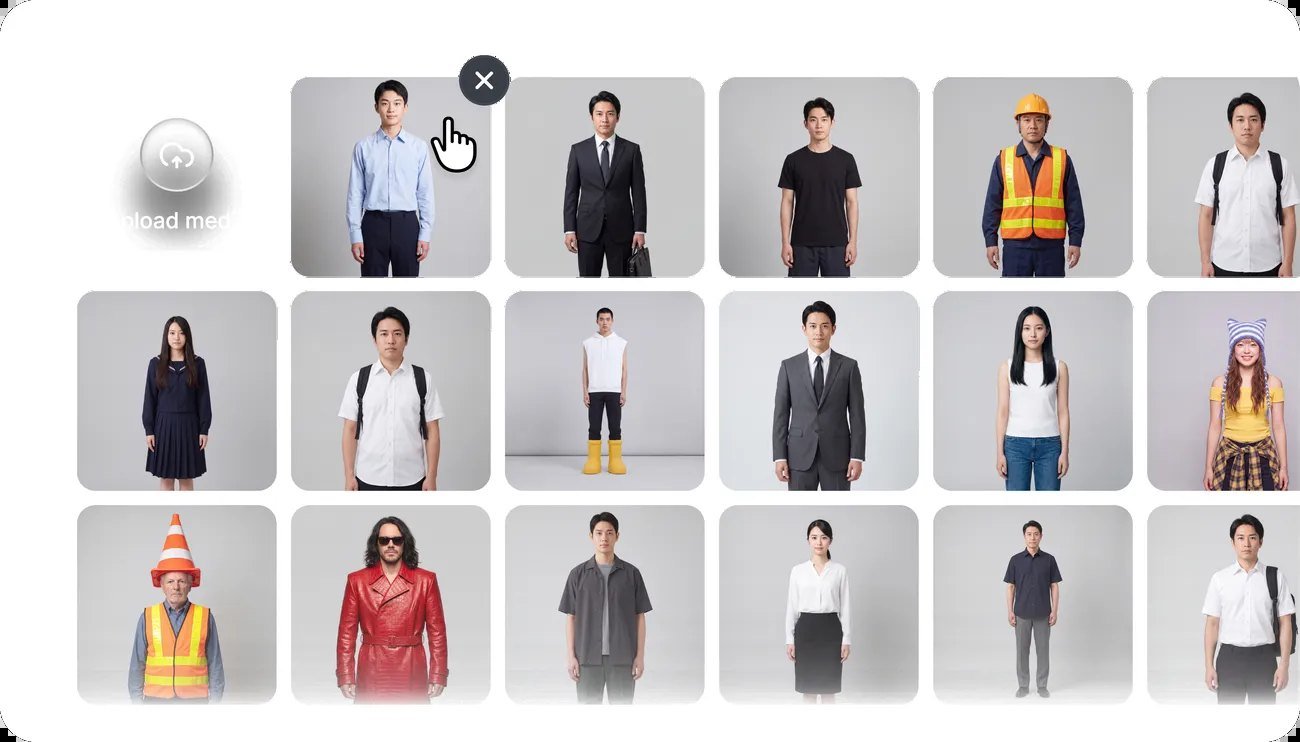
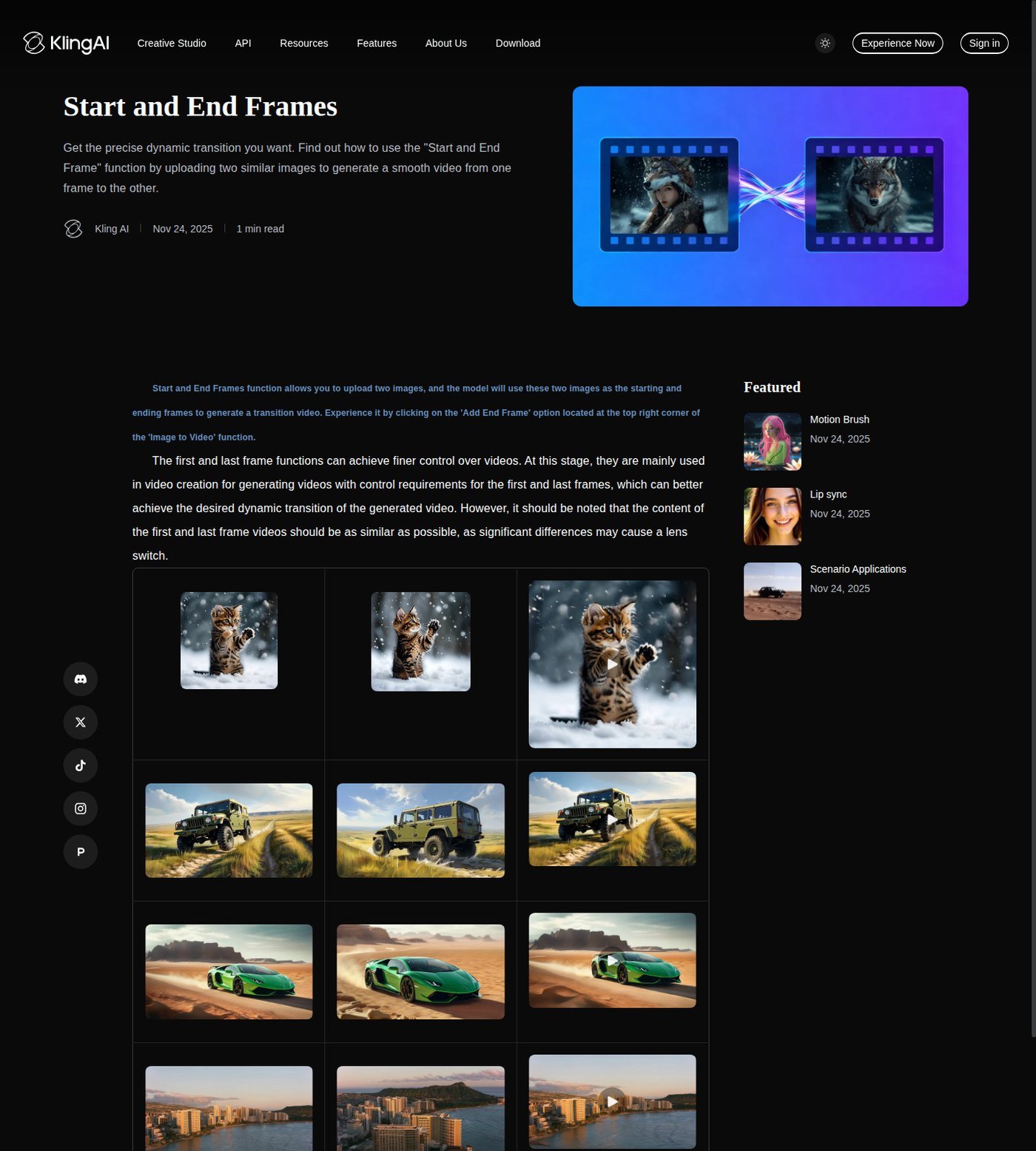
Both paths document T2V and I2V. Do not crown a quality winner from trailers. Image-to-video is often the more commercial start: a product still or character frame holds composition while the prompt describes motion. Direct Kling documents start/end frames inside Image to Video (“Add End Frame”), with a similar-image tip and a possible shot-switch if frames differ. Higgsfield documents still upload and Cinema Studio references; start/end on Higgsfield should be confirmed in the live generate UI, not inferred. Kling T2V help still documents 16:9, 9:16, 1:1 and Standard/Professional modes on an older formula page; 3.0 lists flexible 3–15 seconds. Higgsfield lists aspect ratio as a generation setting—confirm 9:16 live. Native Kling audio is a documented 2.6/3.0 toggle; Higgsfield Audio is a suite tool and does not mean every Kling-family shot on Higgsfield includes speech.
References, Camera Controls and Creative Direction
Direct Kling: elements (plan caps on the credit guide), Omni multi-image and video-element reference, 3.0 start-frame plus element reference, six camera movements (horizontal, vertical, zoom, pan, tilt, roll) plus Master Shots, Motion Brush help, Multi-Shot on 3.0. Higgsfield: Cinema Studio camera tags (static, handheld, zoom, pan), Montage Pacing, era/grade, up to fifty references, Soul ID, AI Cast. Higgsfield’s control layer can be real platform value even when the engine is third-party—but it is a Higgsfield workflow feature, not proof the underlying Kling weights expose every native knob. Controls improve direction. They do not guarantee cinematic physics, identity lock, or logo fidelity.
Which Is Better for Product Ads and Short-Form Content?
Which is better for product ads? Higgsfield if you want Marketing Studio from a URL or image (lip sync in help). Direct Kling if you already have stills and will use I2V plus references. Neither promises catalog-perfect packaging. Short-form: both can output clips; 9:16 is documented on Kling’s T2V guide. This is not the ads or Shorts roundup.
Editing and Full Video Workflow
Can either replace a full video editor? No. Higgsfield Montage Pacing is scene generation (“No timeline, no post”). Kling offers generate, extend (paid rows), regenerate, and 3.0 Multi-Shot—not Premiere. Neither natively runs script → many scenes → VO → music → captions → timeline → delivery. Extending a clip is not coherent 10-minute YouTube. Frequent creators may still care about Assets and Usage history on Higgsfield, or generation history on Kling, without calling that project management a full NLE. Plan an external editor or a builder like InVideo.
Higgsfield vs Kling Pricing and Credits
Is Higgsfield or Kling cheaper? You cannot compare 100 Higgsfield credits with 100 Kling credits. Same-job cost for an identical Kling generation (model, seconds, audio, resolution, mode) is not published here because official tables are not in matching units. Pricing, plan structure, and model access were verified in September 2026.
| Access path | Current plan (captured) | Kling model access | Usage system | Best for | Main caveat |
|---|---|---|---|---|---|
| Higgsfield | Starter 270 credits/mo; Plus 1,200; Ultra 3,000 | Kling named in help; Kling 3.0 in promo Unlimited copy | Credits; rotating Unlimited on higgsfield.ai only | Multi-engine users | Unlimited is model/site/period-specific; MCP always spends |
| Kling Direct | Standard $6.99 first month then $8.8; Pro $25.99 then $32.56 (credit guide) | 2.6; 3.0/Omni plan-gated (Pro+ in 3.0 early-access copy) | Monthly credits 660 / 3,000 / 8,000 / 26,000 | Kling-only generation | First-month ≠ renewal; no confirmed US annual card |
Higgsfield: monthly or annual (annual costs less per month)—confirm live dollars. Credits do not roll over on individual plans. Promo Unlimited skips credits only for listed models on the website, standard queue; it is not “unlimited AI video.” Kling Direct: Basic $0, no monthly credits, not listed for commercial use. Paid rows list commercial use, 1080p, watermark removal, extend. VIDEO 2.6 notes: audio on 10 credits/s Professional; off 5 or 3 credits/s; 4K on 3.0 series 30 credits/s. Iteration—retry, variation, extend, upscale, other models—hits the same wallet. Check current Higgsfield pricing. Check current Kling pricing.
Iteration—first shot, retry, variation, extend, upscale, or switching to another engine on Higgsfield—hits the same wallet. A cheaper monthly card can cost more if the Kling-family mode you need is excluded from Unlimited or is expensive per second on Kling Direct. Moon Picke will not invent a universal cost-per-clip. Budget an iteration envelope.
Commercial: according to Higgsfield Terms §4.4, outputs are not restricted and not exclusive; standard plans may train unless Enterprise. According to Kling’s credit-cost guide, paid plans list commercial use; Basic does not; user policy requires non-members to keep the watermark. Using Kling-family weights through Higgsfield is still a Higgsfield contract. Uploaded product stills and faces follow that platform’s privacy language, not the other site’s by default. Platform permission is not a copyright guarantee. APIs are separate from these consumer plans.
Where Higgsfield Makes More Sense
Several models in one login. Cinema Studio / Marketing Studio / Canvas as Higgsfield workflows. Fast comparison of Kling-family shots with Seedance or others. Fewer native-provider subscriptions—if you actually switch. Promo Unlimited windows when they cover the engine you need.
Where Kling Direct Makes More Sense
You primarily want Kling. You need documented native controls (start/end, Omni references, six-axis camera, 3.0 Multi-Shot, native audio toggle). You want Kling’s own version list and credit rates. You already edit elsewhere. You will not use Higgsfield’s extra roster.
Who Should Choose Higgsfield?
Multi-model experimenters. Product/ad teams checking Marketing Studio. Creators who dislike many logins. Teams using Canvas or Supercomputer. Explore Higgsfield if that is the job.
Who Should Use Kling Directly?
Kling-first filmmakers. Image-to-video users who need native start/end and elements. Buyers chasing current VIDEO 3.0 / Omni knobs. Anyone who already has an NLE and only needs shots. Explore Kling AI if native generation is the bottleneck.
Who Should Choose Neither?
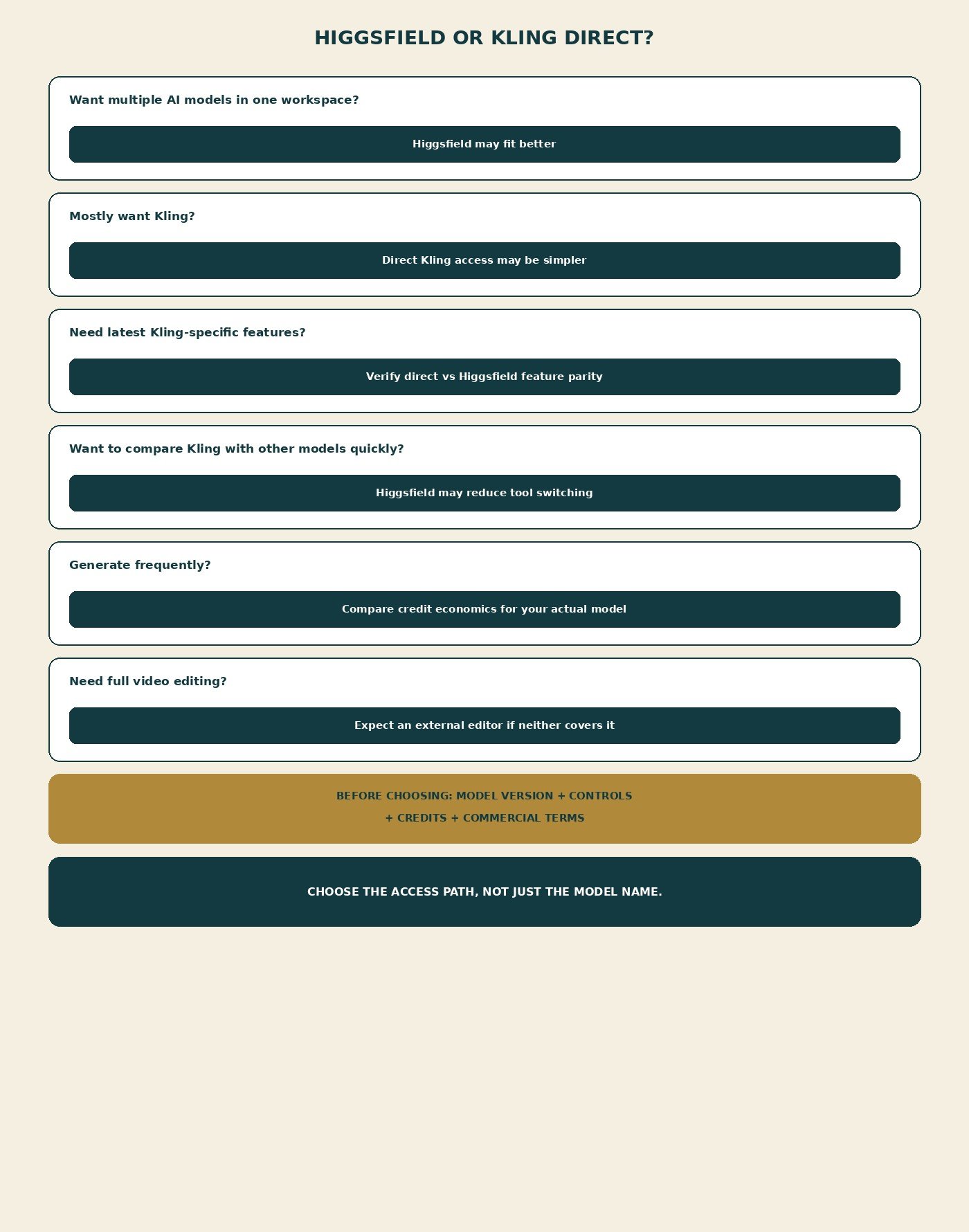
Skip both for one-click complete video (InVideo’s category). Skip avatar-first UGC. Skip a traditional NLE-only job. Skip if you generate almost no AI video. Skip stacking both subscriptions plus Premiere “just in case.” Paid watermarks and commercial rows still need a live export check on whichever site you use.
Final Verdict
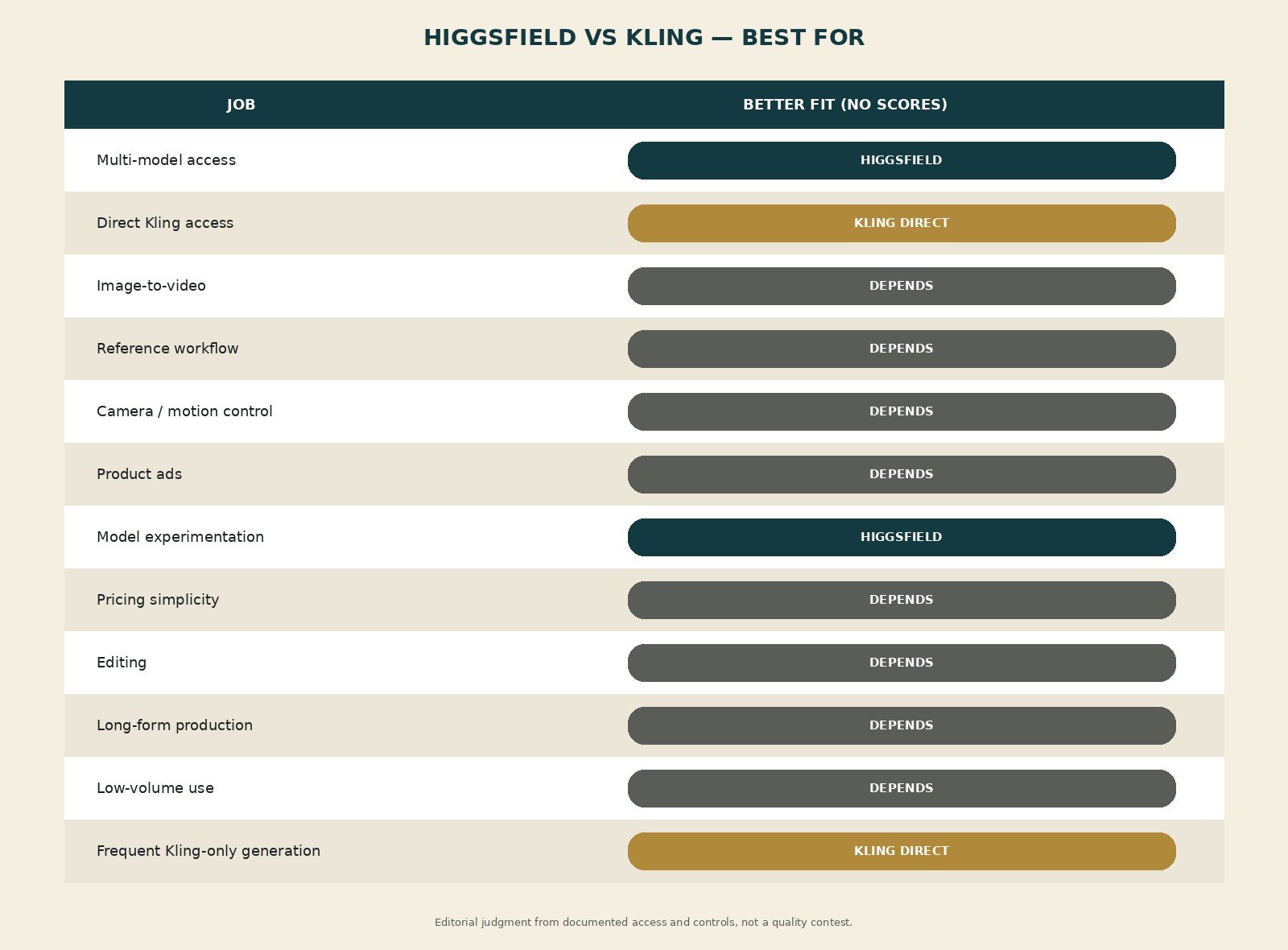
This Higgsfield vs Kling comparison does not pick a demo winner. Higgsfield is better for multi-model creators. Direct Kling is better for Kling-focused native access. Experimentation favors Higgsfield; native features favor Kling.com. Product ads depend on Marketing Studio versus stills-plus-Kling-I2V. Value is the access path that removes friction—not the model name on a tile. Recheck version, controls, credits, and terms. See current Higgsfield plans. See current Kling plans.
FAQ
Is Higgsfield better than Kling? Not universally. Workspace vs native platform.
Can Higgsfield generate with Kling models? Yes, as currently listed/promoted; confirm the live picker.
Is Kling through Higgsfield the same as Kling directly? Not verified as identical. Same family ≠ same controls, cost, or terms.
Which is better for image-to-video? Direct Kling has clearer start/end documentation; Higgsfield has studio references. Depends on the still and the engine.
Which is better for cinematic AI video? No quality score. Compare Cinema Studio tags vs Kling camera docs for your shot.
Is Higgsfield or Kling cheaper? Credits are not equivalent. Compare the job you will actually run.
Can either replace a full video editor? No.
Can both be used commercially? According to each platform’s current terms/help, with caveats. Check the platform you generate on. Not legal advice.