
Runway vs Kling is a workflow decision, not a prettiest-demo contest. In September 2026, Runway fits if you need generation plus a broader production account (projects, Aleph 2.0 Edit Studio, Agent). Kling fits if the job is direct text-to-video and image-to-video shots with native Kling controls, then an editor you already have. Moon Picke did not run a side-by-side generation test. Pricing, plan structure, and current model access were verified in September 2026.
Runway vs Kling: Quick Verdict
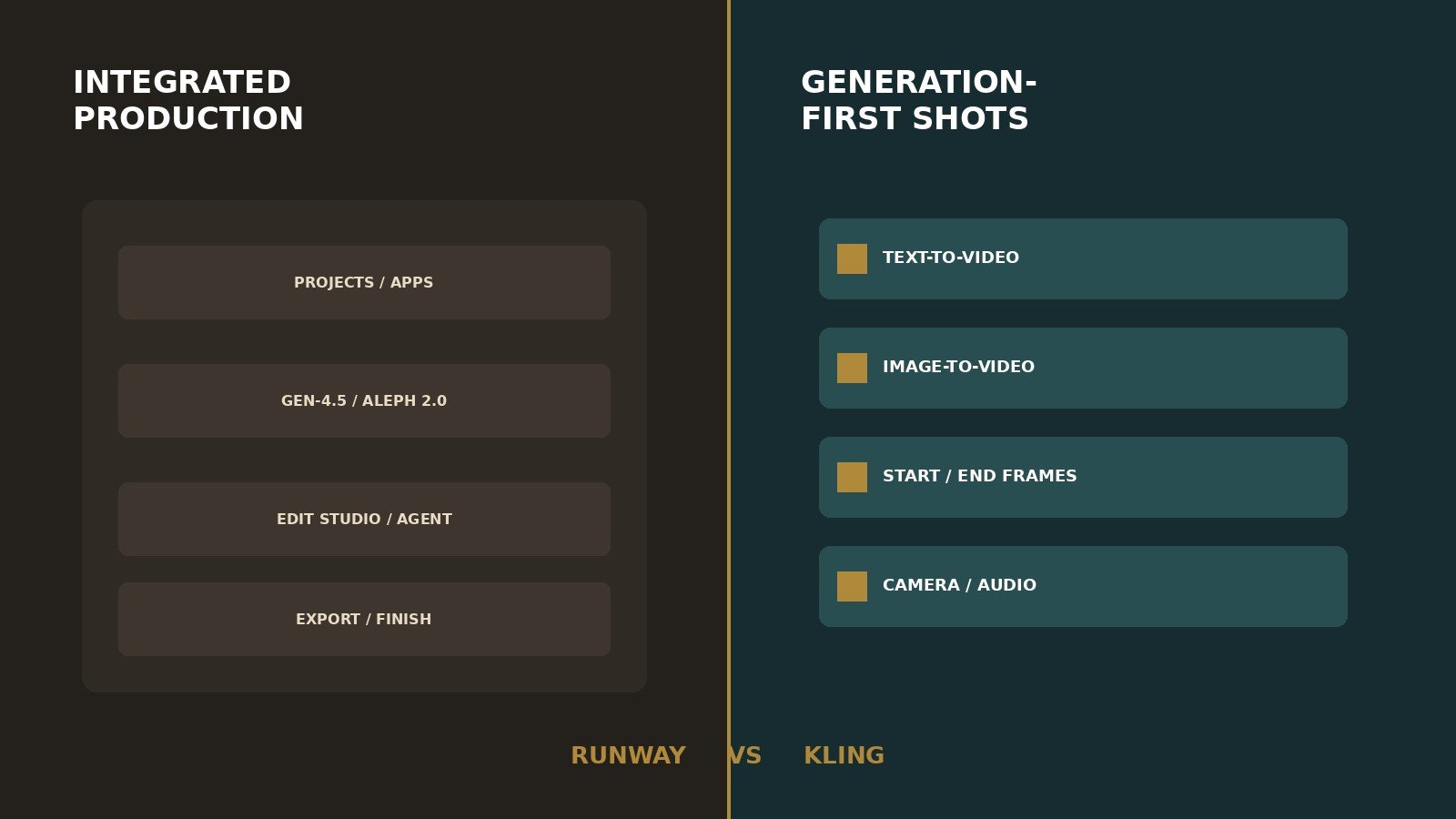
Is Runway better than Kling? Only if you will use Runway’s stack after the clip exists. Is Kling better than Runway for AI video? Only if native Kling generation is the whole job. Choose neither for prompt-to-finished long YouTube (see InVideo AI review) or a multi-model workspace (see Higgsfield AI review, Higgsfield vs Runway, and Higgsfield vs Kling).
See current Runway plans. See current Kling plans.
| Category | Runway | Kling | Better fit |
|---|---|---|---|
| Product type | Integrated generation + production | Generation-first model + platform | Depends |
| Current model approach | Gen-4.5 / Aleph plus partners | VIDEO 3.0 / Omni / 2.6 | Depends |
| Text-to-video | Gen-4.5 and listed partners | Native T2V on current Kling models | Depends |
| Image-to-video | Gen-4.5 image as first frame | Native I2V + start/end frames | Depends |
| References | Frames; Gen-4 image refs (up to 3) | Elements, Omni multi-image, start/end | Depends |
| Camera/motion | Mostly prompted on Gen-4.5 | Six documented movements + Master Shots | Depends |
| Editing | Aleph 2.0 Edit Studio; Timeline Studio | Generate / extend / multi-shot | Runway |
| Project organization | Projects, brand kits, storage | Creative Studio generations | Runway |
| Product-ad fit | Stills, refs, Aleph variants | I2V + references | Depends |
| Short-form fit | 9:16 on Gen-4.5 I2V | 9:16 on documented T2V guide | Depends |
| Long-form fit | Short sequences; local editor for long | Clips; 3.0 up to 15s; assemble elsewhere | Tie / neither |
| Pricing model | Credits; yearly $ billed annually | Membership credits; first-month vs renewal | Depends |
| Credit complexity | High; Max ≠ unlimited | High; mode/audio/resolution change spend | Tie |
| Free access | 125 one-time credits; watermark | Basic $0; no monthly credits on the guide | Depends |
| Commercial-use clarity | Help: no non-commercial restriction from Runway | Paid rows commercial; Basic not listed | Check each platform |
| Main limitation | Value depends on using the stack | Generation-first; less in-app production | — |
This Runway vs Kling page sits under the best AI video generators for creators pillar. Full breakdowns: Runway review and Kling AI review. Alternatives roundups are not live yet.
The Biggest Difference: Generation Platform vs Broader Production Workflow
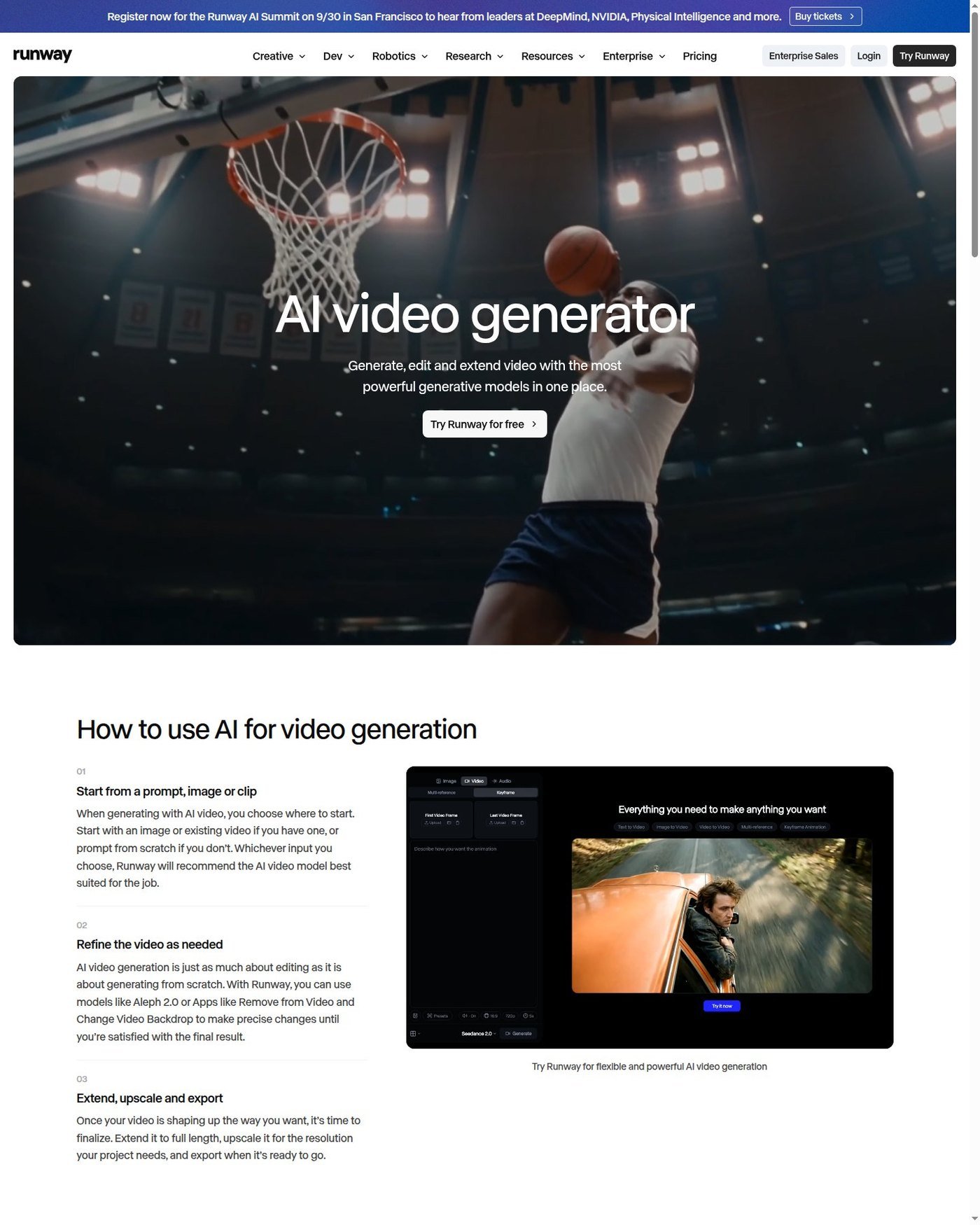
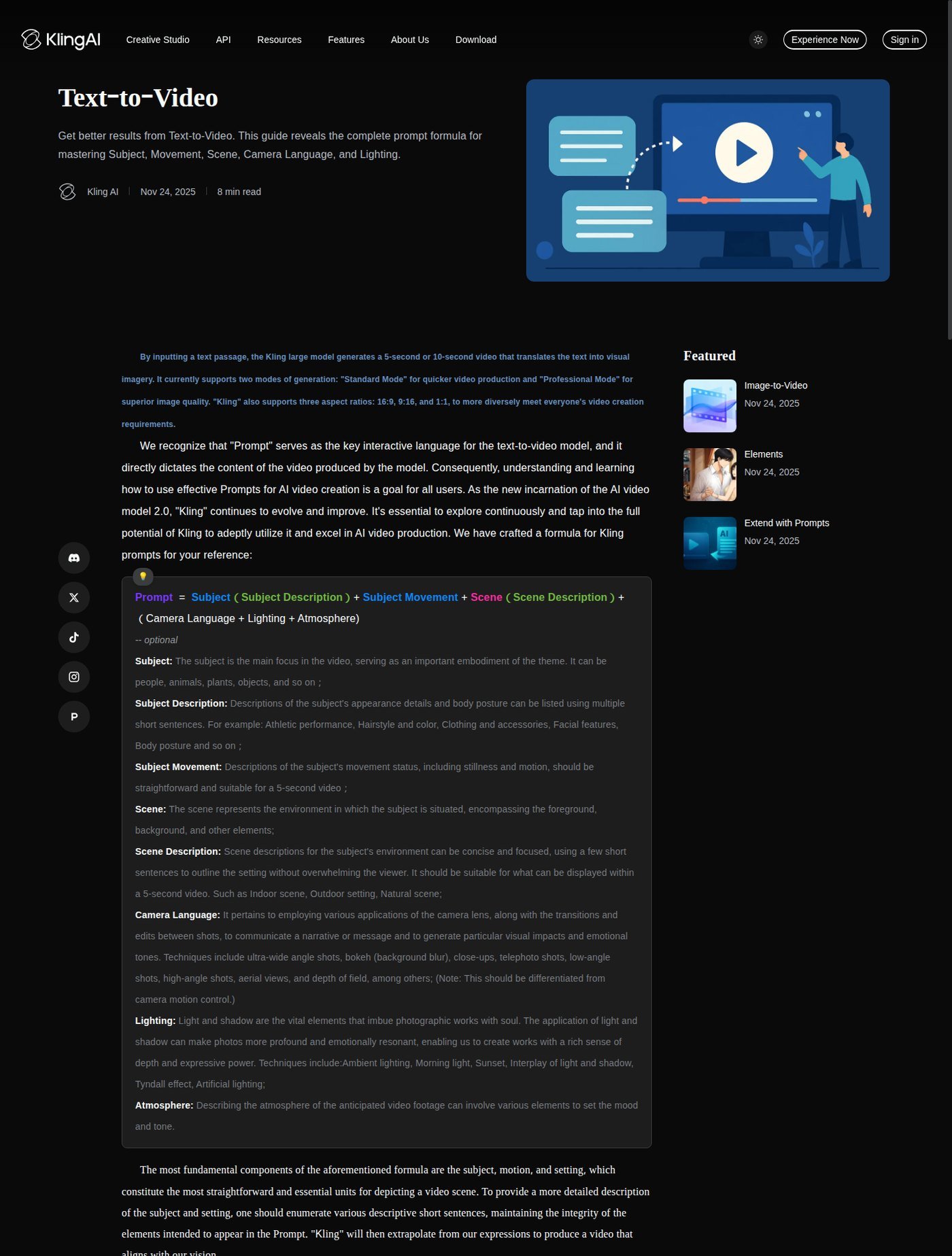
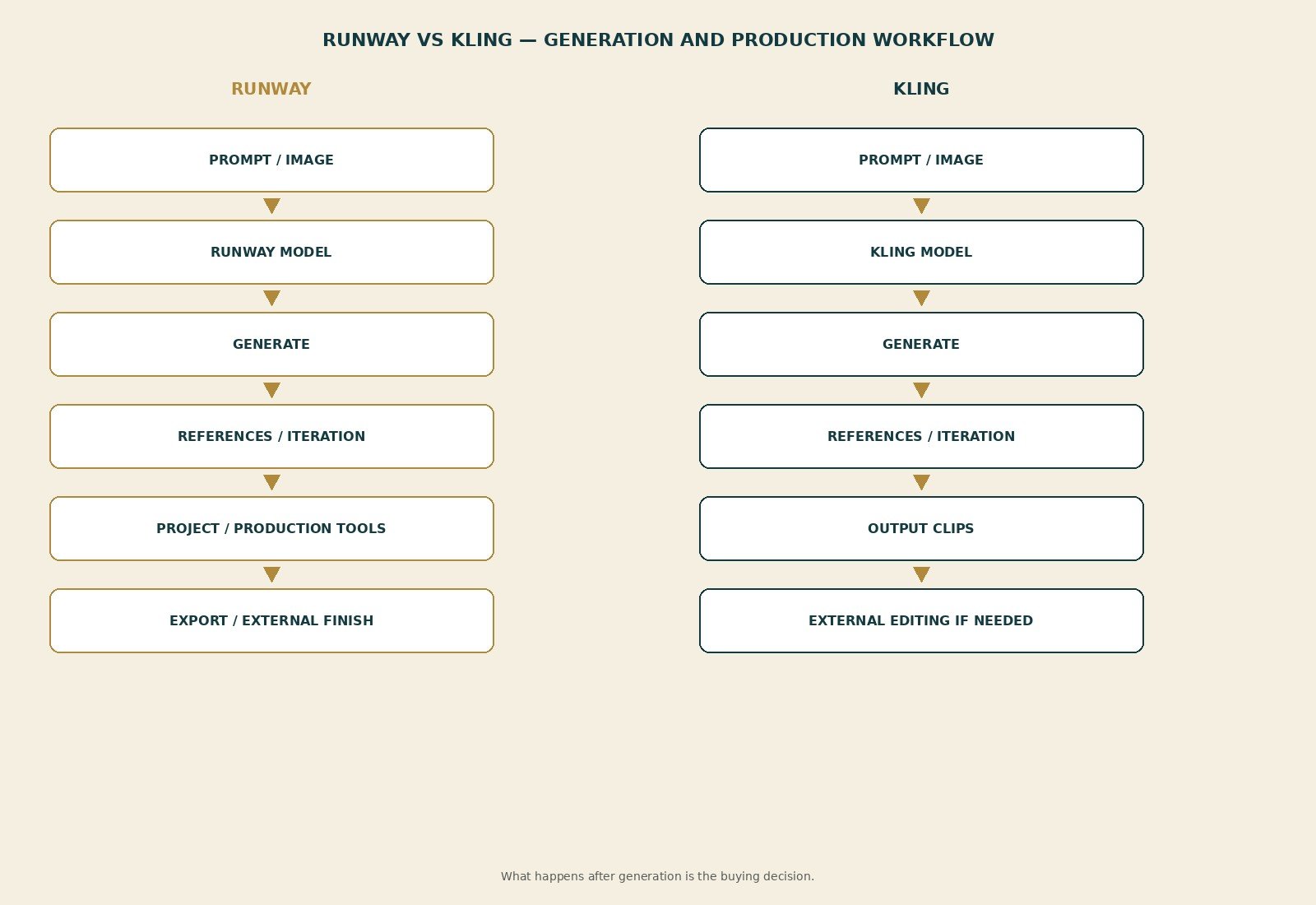
Runway’s product copy describes a creative platform: image, video, audio, editing, and language models. The platform is projects, Apps, Agent, Edit Studio, plugins, and MCP. Gen-4.5 and Aleph 2.0 are first-party video tools. Kling 3.0, Seedance, and Nano Banana on Runway cards are partner access, not proof Runway trained those weights. Kling AI is both a Kuaishou model family and a consumer Creative Studio. As of September 2026, buyer-relevant Kling versions are VIDEO 3.0, 3.0 Omni, and 2.6. Do not say “Runway does X” if only one model supports X. Same for Kling.
Editorial interpretation: Runway sells what happens after generation. Kling sells native shot creation. Neither universally replaces Premiere. A complete-video builder is a different category. Partner Kling 3.0 on a Runway card is not the Kling.com control set. Gen-4.5 is not Aleph. VIDEO 2.6 is not VIDEO 3.0 Omni. Check the live model name before you budget credits.
Current AI Video Models and Generation Options
Runway, as of September 2026: Gen-4.5 (T2V/I2V, 2–10 seconds, 12 credits/second, 720p native on Standard+); Aleph 2.0 in Edit Studio (paid; product FAQ up to 30 seconds at 1080p); partners on plan cards (Kling 3.0, Seedance 2.0/2.5, Veo 3.1). Gen-3 Alpha is retired (July 2026). Multi-Shot help on Runway has documented Kling Pro 3.0 settings in that article—partner access, not Gen-4.5. Kling: VIDEO 3.0 (T2V/I2V, Multi-Shot, 3–15s; early-access copy named Pro, Premier, Ultra); Omni (reference-driven); 2.6 (native audio; 5s/10s on that guide). 3.0 series 4K mode is listed at 30 credits/s on Kling’s credit-cost guide. Confirm live selectors. This is not a model encyclopedia.
Text-to-Video vs Image-to-Video
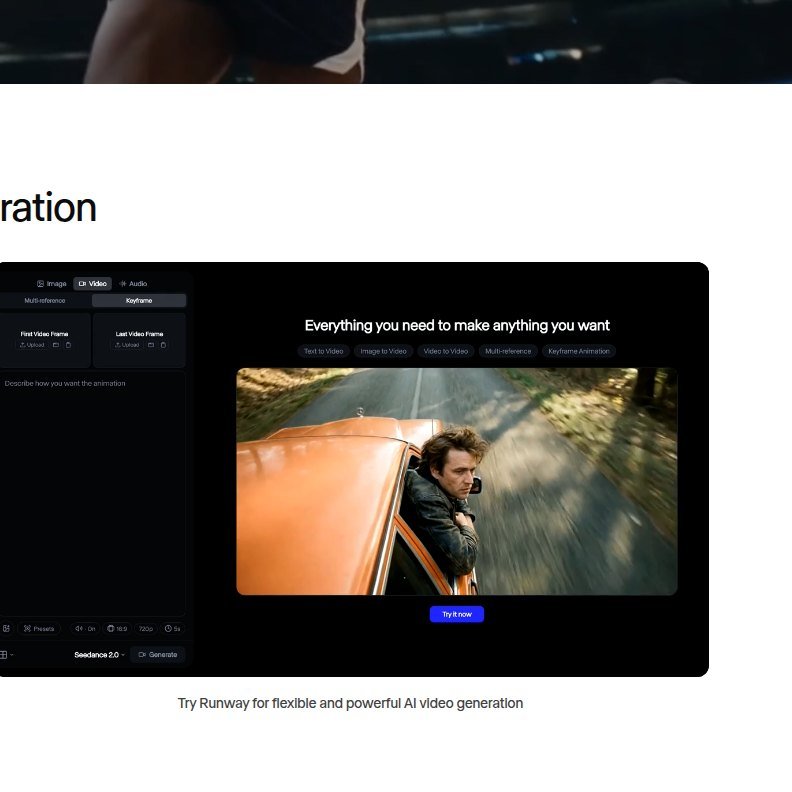
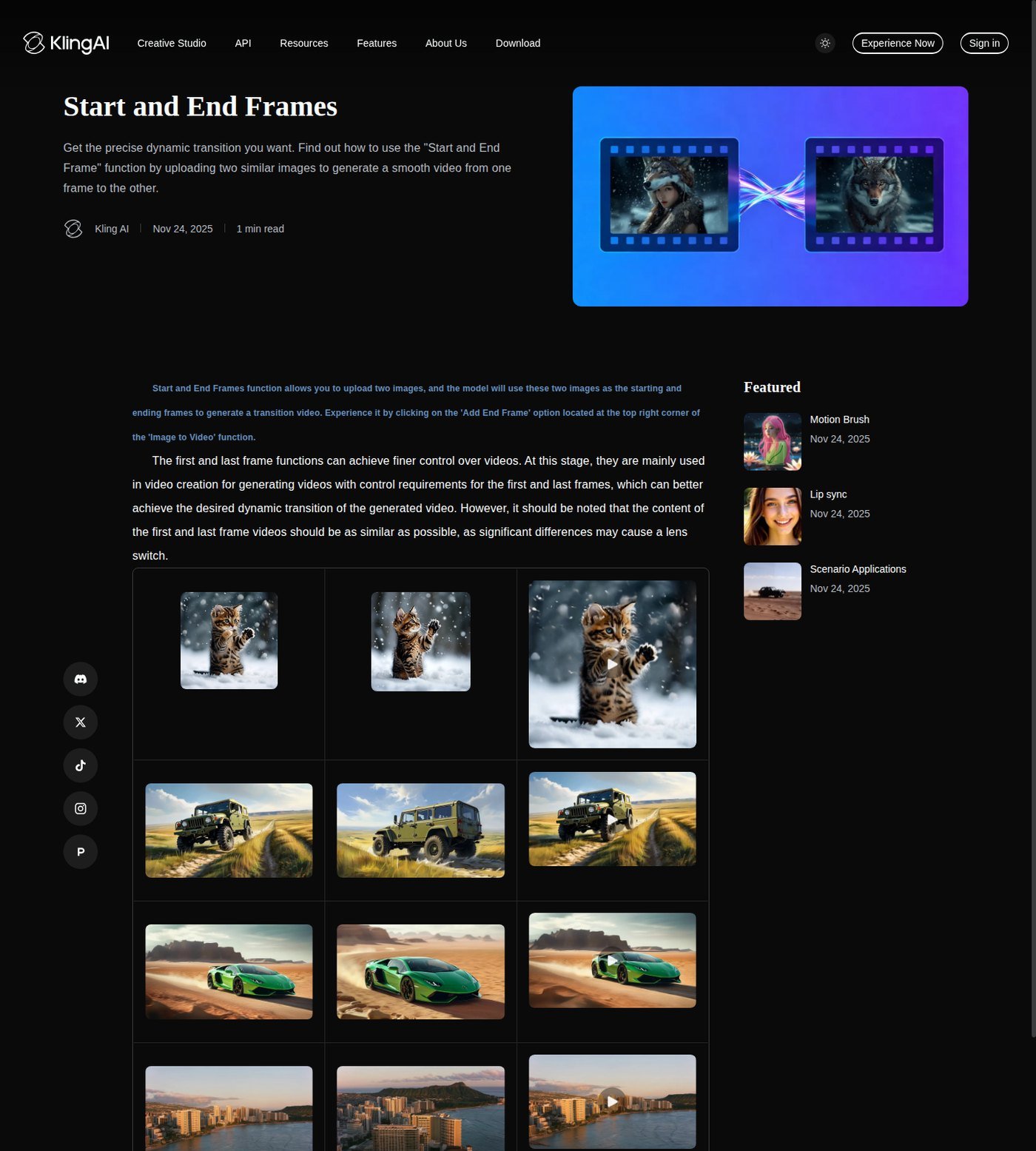
Both document T2V and I2V. No trailer quality winner. Image-to-video is often more commercially useful when you already have a still: composition stays, the prompt describes motion. Runway Gen-4.5 treats the image as a first frame; I2V aspects include 16:9, 9:16, 1:1, 4:3, 3:4, 21:9; native 720p before upscale. Start/end keyframes are documented on Animate Frames, not as native Gen-4.5; a public generator still shows first/last slots—marketing UI, not every model. Kling documents start/end inside Image to Video; similar images recommended; large differences may trigger a shot switch. Kling T2V help lists 16:9, 9:16, 1:1 and Standard/Professional modes on an older formula page. Video-to-video on Runway is not the same as Aleph’s prompt edit of existing footage. Omni video-element reference is not a full V2V suite. I2V does not guarantee identity, logos, or zero drift on either side.
References, Camera Controls and Motion
Runway: Gen-4 Image References up to three images (character, style, object, environment)—designed to improve continuity, not perfect lock. Gen-4.5 camera motion is mainly prompted (dolly, pan, handheld, locked-off). Kling: elements (plan caps on the credit guide), Omni multi-image and video-element reference, 3.0 start-frame plus element reference, six camera movements (horizontal, vertical, zoom, pan, tilt, roll) plus Master Shots, Motion Brush help. More named controls do not prove better physics or cinematography. Feature existence ≠ a Moon Picke motion score.
Which Is Better for Cinematic AI Video?
Judge workflow, not “more cinematic” slogans. Kling’s documented camera presets and 3.0 Multi-Shot suit shot-by-shot direction on the native site. Runway suits cinematic work when you will iterate in Edit Studio, reuse last frames, and keep assets in a project. Help on both sides emphasizes motion or consistency in marketing language; that is vendor claim, not a Moon Picke score. Neither claim is a quality ranking.
Which Is Better for Product Ads and Short-Form?
Which is better for product ads? Both can start from stills. Runway adds Aleph variants. Kling adds I2V and references. Neither promises catalog-perfect packaging. Short-form: 9:16 is documented on Runway Gen-4.5 I2V and Kling’s T2V guide. Clip capability is not a Reels editor. Fast iteration favors whichever credit rules you can actually afford after retries. This is not the ads or Shorts roundup.
Editing and Production Workflow

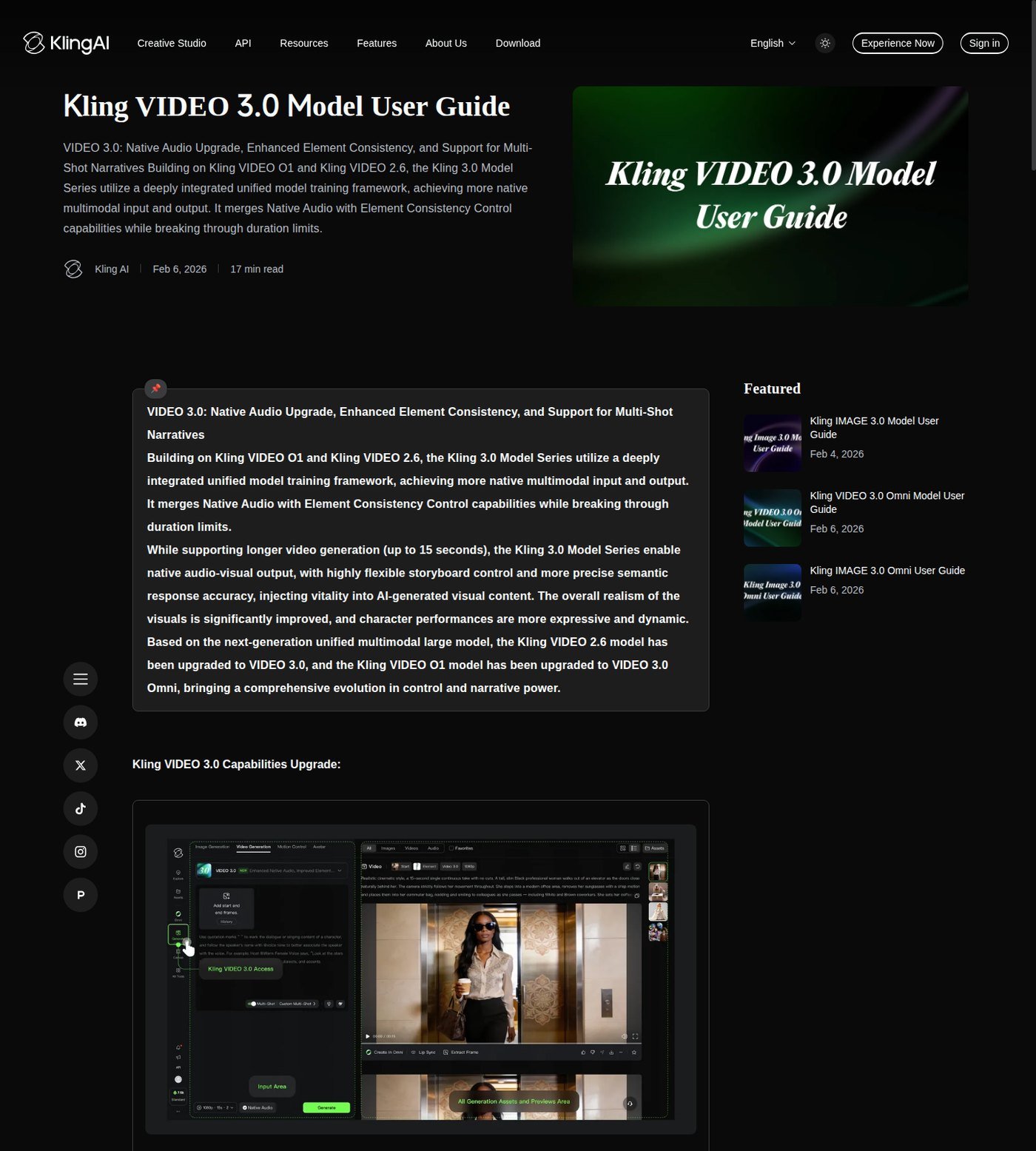
Which has better editing? Runway, if editing means in-product generative and short assembly tools. Edit Studio hosts Aleph 2.0. Timeline Studio covers shorter cuts. Agent’s Final Cut can trim, split, and arrange. Apps include Act-Two / lip sync. The Video Editor Project retired July 30, 2026. Paid plans list music, voice, and clones; generated video is not automatically mixed audio—Runway Multi-Shot help’s documented default is silent. Kling: generate, extend (paid rows), regenerate, 3.0 Multi-Shot, native audio toggle on 2.6/3.0 paths. That is not a timeline NLE. Neither natively runs script → scenes → VO → music → captions → delivery. Extending a clip is not a 10-minute episode. Upscale is not native resolution: Runway paid cards list 4K upscale; Gen-4.5 natives at 720p. Kling paid rows list 1080p and image upscaling; 4K is a documented 3.0-series mode at 30 credits/s. Plan cards also list Runway project caps, brand kits, and storage. Kling organizes generations in Creative Studio—do not call that Premiere-class collaboration.
Runway vs Kling Pricing and Credits
Which is cheaper? One Runway credit is not one Kling credit. Same-job cost is not published here as a universal number. Pricing, plan structure, and current model access were verified in September 2026.
| Platform | Entry paid plan | Usage system | Current model access | Best for | Main cost caveat |
|---|---|---|---|---|---|
| Runway | Standard $12/mo billed annually | 625 credits/mo; extras on paid plans | Gen-4.5, Kling 3.0, Nano Banana Pro listed on Standard | Gen plus light production | Not month-to-month; Standard/Pro credits expire; Max ≠ unlimited |
| Kling | Standard $6.99 first month then $8.8 | 660 credits/mo on the credit guide | 2.6; 3.0/Omni plan-gated (Pro+ in early-access copy) | Native Kling shots | First-month ≠ renewal; no confirmed US annual card |
Runway yearly Individual cards captured September 2026: Free $0 with 125 one-time credits; Standard $12 billed annually (625); Pro $28 (2,250); Max $76 (9,500, one-month rollover). Paid cards advertise no watermarks. Max is not Explore Mode. Legacy Unlimited/Explore was queued and restricted. Kling credit-cost guide: Basic $0, no monthly credits, not listed for commercial use; Pro $25.99 then $32.56 (3,000); Premier and Ultra higher. Paid rows list fast-track, 1080p, watermark removal, extend, commercial use. VIDEO 2.6 notes: native audio on 10 credits/s Professional; off 5 or 3 credits/s. Iteration—first generation, retries, prompt variants, extensions, upscales, and switching models or modes—hits the same wallet. A cheaper monthly card can cost more if the engine you need is expensive per second. Cost per generation is not cost per usable shot. Moon Picke will not invent a universal cost-per-clip. Do not call either cloud “unlimited generation.” Check current Runway pricing. Check current Kling pricing.
According to Runway usage-rights help, no non-commercial restriction from Runway as between you and Runway. According to Kling’s guide, paid plans list commercial use; Basic does not; non-members must keep the watermark per user policy. Permission is not a copyright, trademark, or likeness guarantee. Uploaded product stills, client assets, and faces follow that platform’s current terms and privacy pages—do not assume local processing or identical training rules across sites. APIs are separate from these consumer plans.
Where Runway Makes More Sense
Projects and brand kits. Aleph 2.0 in-context edits. Agent and Apps after the shot. Partner models inside one Runway bill if you will actually use them. Clearer annual dollar cards (with the billed-annually caveat). Unused partner names have zero practical value.
Where Kling Makes More Sense
Native T2V/I2V with documented start/end, elements, camera presets, 3.0 Multi-Shot, and native audio. You already finish in an NLE. You do not need Runway’s editor stack. You want Kling’s own version list and credit rates—not Kling 3.0 as a partner chip. Cloud queues vary; do not treat either site as deadline-proof without your own evidence.
Who Should Choose Runway?
Shot-based filmmakers who will also use Edit Studio or Agent. Ad teams iterating with Aleph. Social makers who confirm 9:16 on Gen-4.5. Agencies that need projects as a first pass. Explore Runway if generation plus that pass is the bottleneck.
Who Should Choose Kling?
Generation-first creators. Image-to-video users who need native frames and elements. Cinematic shot-makers using Kling camera docs. Anyone with an external editor who only needs clips. Explore Kling AI if native generation is the job.
Who Should Choose Neither?
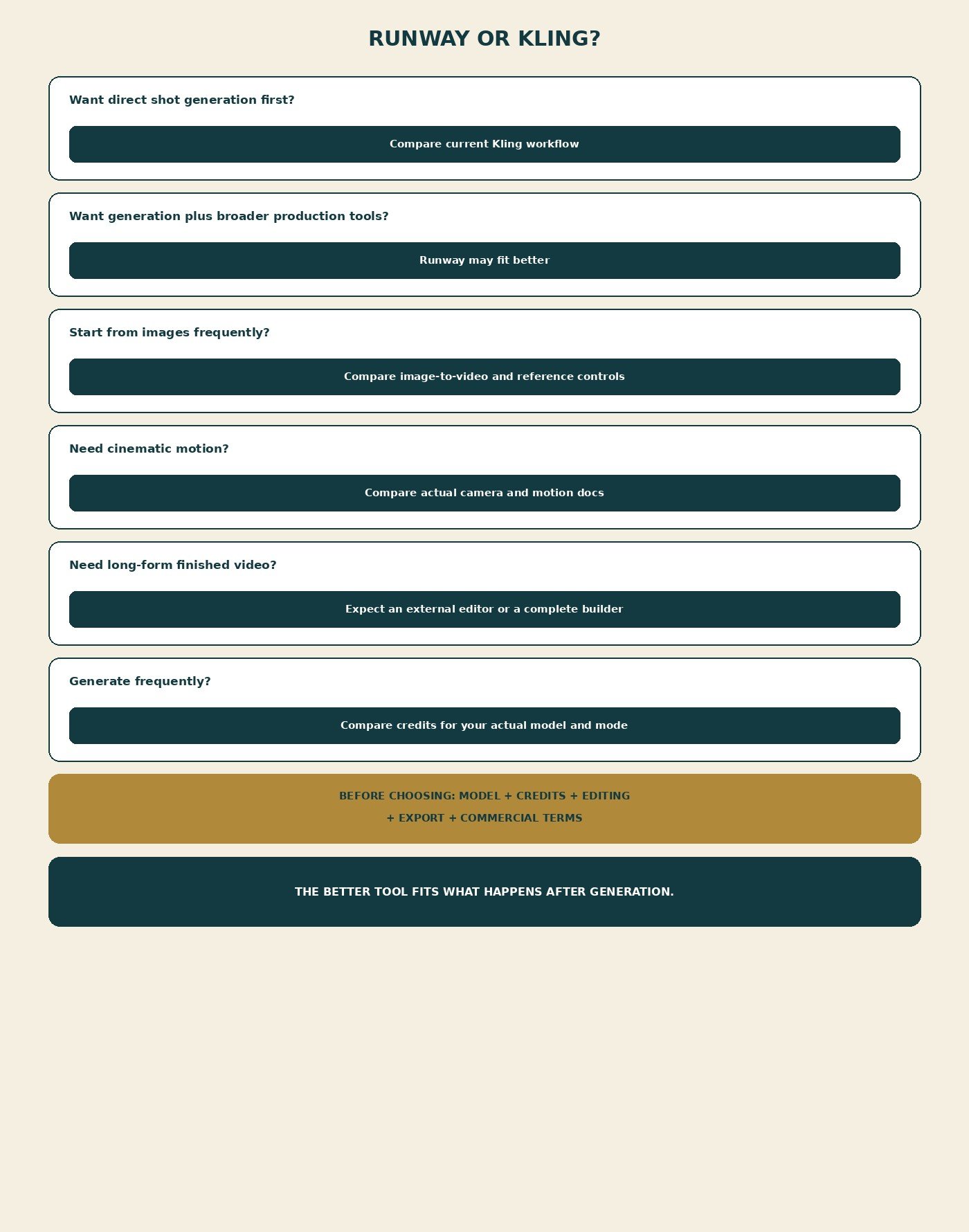
Skip both for one-click complete video (InVideo’s category). Skip avatar-first UGC. Skip a traditional NLE-only job. Skip if you generate almost no AI video. Recheck watermarks and commercial rows on the site you actually export from. Moon Picke may earn a commission if you purchase through some links on this page, at no additional cost to you. Affiliate Disclosure. If you want many engines in one workspace, explore Higgsfield—that is a different product layer, not a quality ranking versus Runway or Kling.
Final Verdict
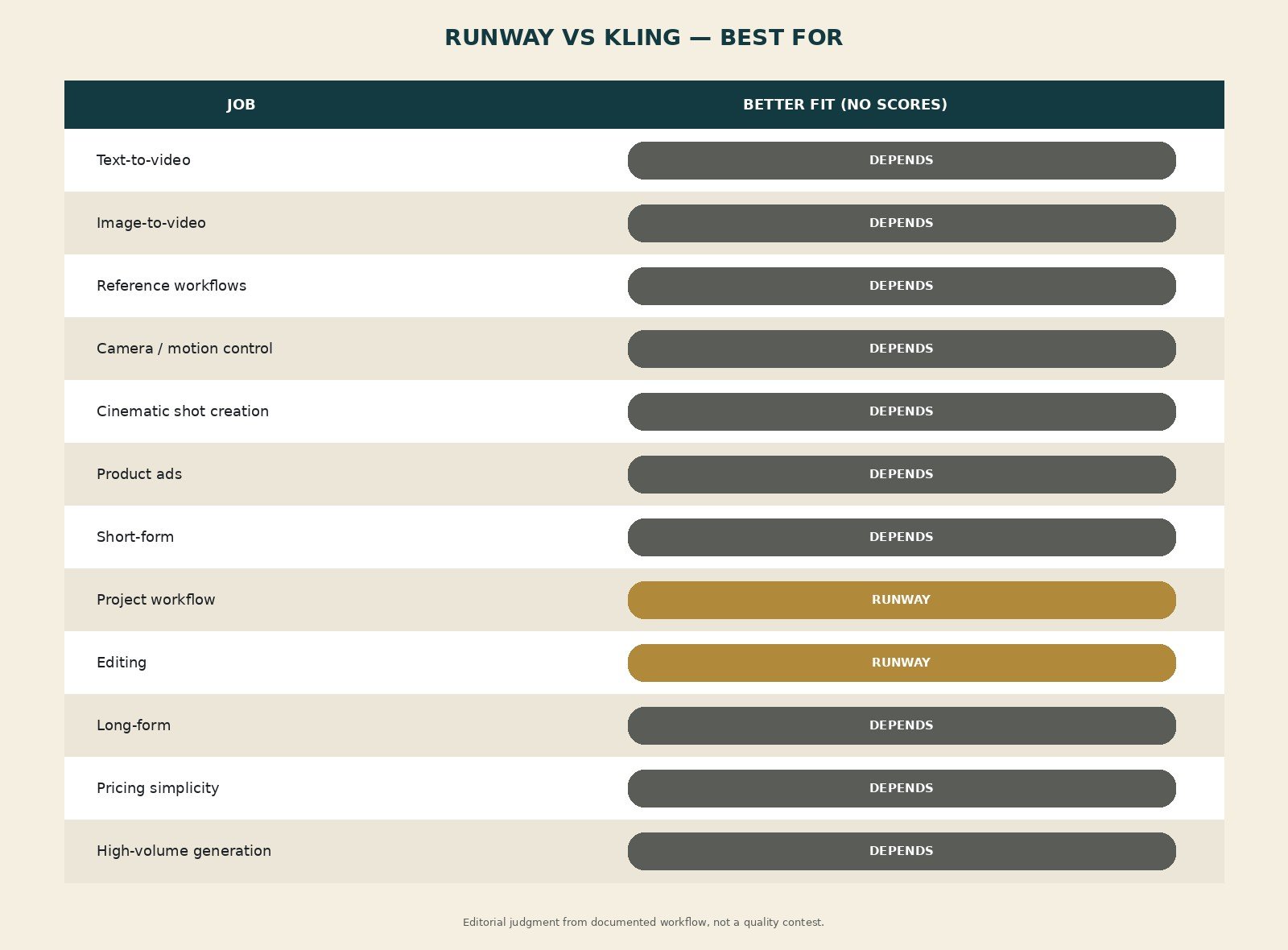
This Runway vs Kling comparison does not name a demo winner. Runway is better when broader production workflow matters. Kling is better when direct generation is the primary job. Image-to-video, cinematic shots, ads, and short-form all depend on the engine and controls you will actually use. Long-form is a tie: finish elsewhere. Value is iteration cost after the first clip. Ask which platform removes more steps after the AI generates the shot. Recheck model, credits, editing, export, and terms. See current Runway plans. See current Kling plans.
FAQ
Is Runway better than Kling? Not universally. Runway for production tools; Kling for native shot generation.
Is Kling better for image-to-video? It documents start/end frames clearly. Runway documents I2V on Gen-4.5. Depends on the still and model.
Which is better for cinematic AI video? No quality score. Compare Kling camera docs vs Runway project/edit workflow.
Which has better camera controls? Kling names six movements and Master Shots. Runway Gen-4.5 is mostly prompted. Names ≠ quality.
Which has better editing? Runway’s Edit Studio / Timeline Studio / Agent, with limits. Neither is a full NLE.
Which is cheaper? Credits are not equivalent. Compare the job you will run.
Can either make a full YouTube video? Shots yes; complete long videos no as a sole tool.
Can both be used commercially? According to each platform’s current help/terms, with caveats. Not legal advice.